LiftMaster Error Code 4-1: Causes, Fixes and When to Call a Pro
Your LiftMaster is showing error code 4-1 and the door keeps reversing before it closes. This code means the opener detected excessive closing force. A blocked or misaligned sensor can also make your LiftMaster door refuse to close without holding the button — it thinks the door hit something, even if it did not. The good news: most 4-1 errors are caused by dry rollers, a slightly misaligned door, or an incorrectly set force level. You can fix most of them yourself in 20-30 minutes. This guide walks through every cause in order, from the easiest fix to the most involved.
What LiftMaster Error Code 4-1 Actually Means
Error code 4-1 means the opener’s logic board detected too much resistance during the closing cycle. LiftMaster openers monitor motor RPM during operation. When the door meets resistance — real or perceived — the RPM drops. If it drops below the threshold, the logic board concludes the door hit an obstruction and reverses it as a safety measure.
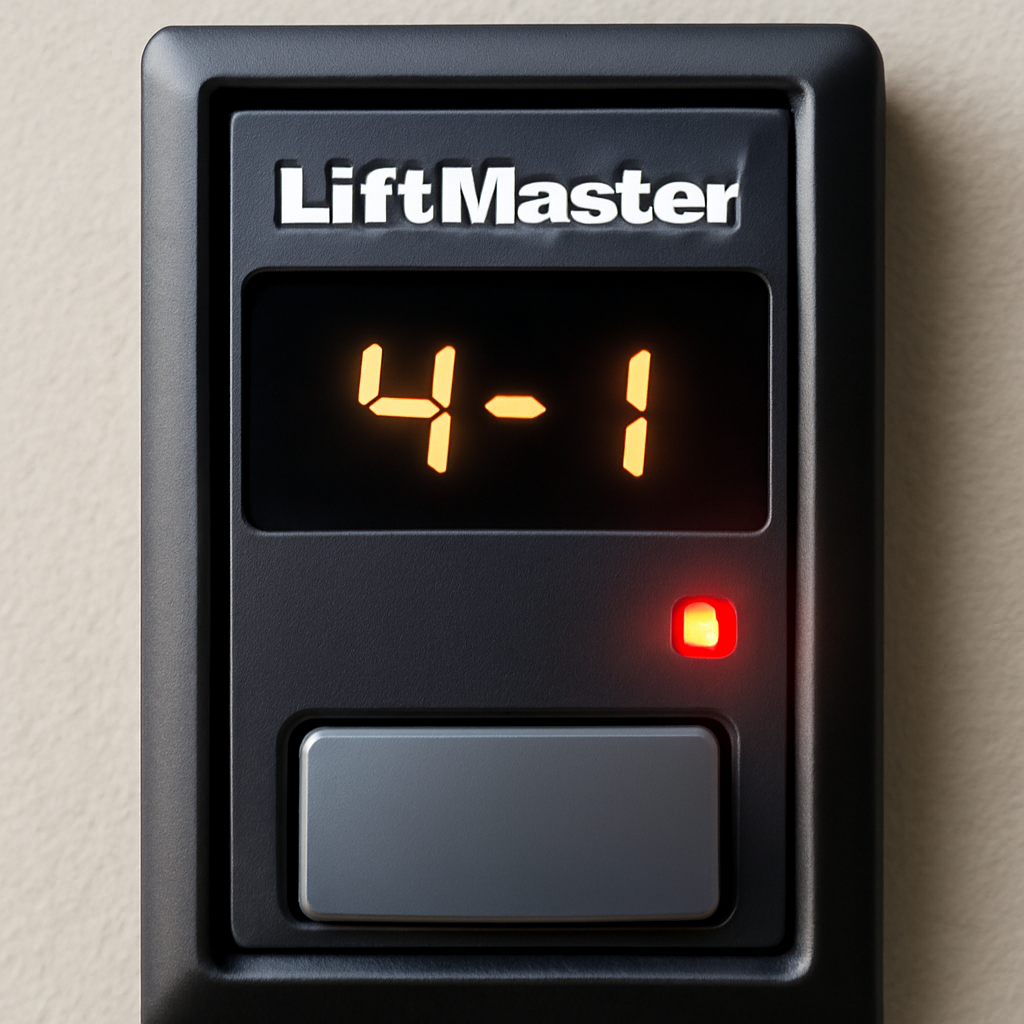
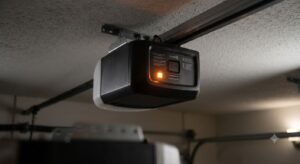
Error code 4-1 appears on the opener display when excessive closing force is detected.
The code shows as four blinks, pause, one blink on the opener’s light. On myQ-enabled models, it appears as text in the app. The symptoms are almost always the same: door starts to close, travels partway, then reverses and stops. In some cases the door will not close at all and reverses immediately.
Fix LiftMaster Error Code 4-1: Step by Step
Step 1: Check for Physical Obstructions
Start simple. Walk the full path of the door and look for anything that could cause resistance:
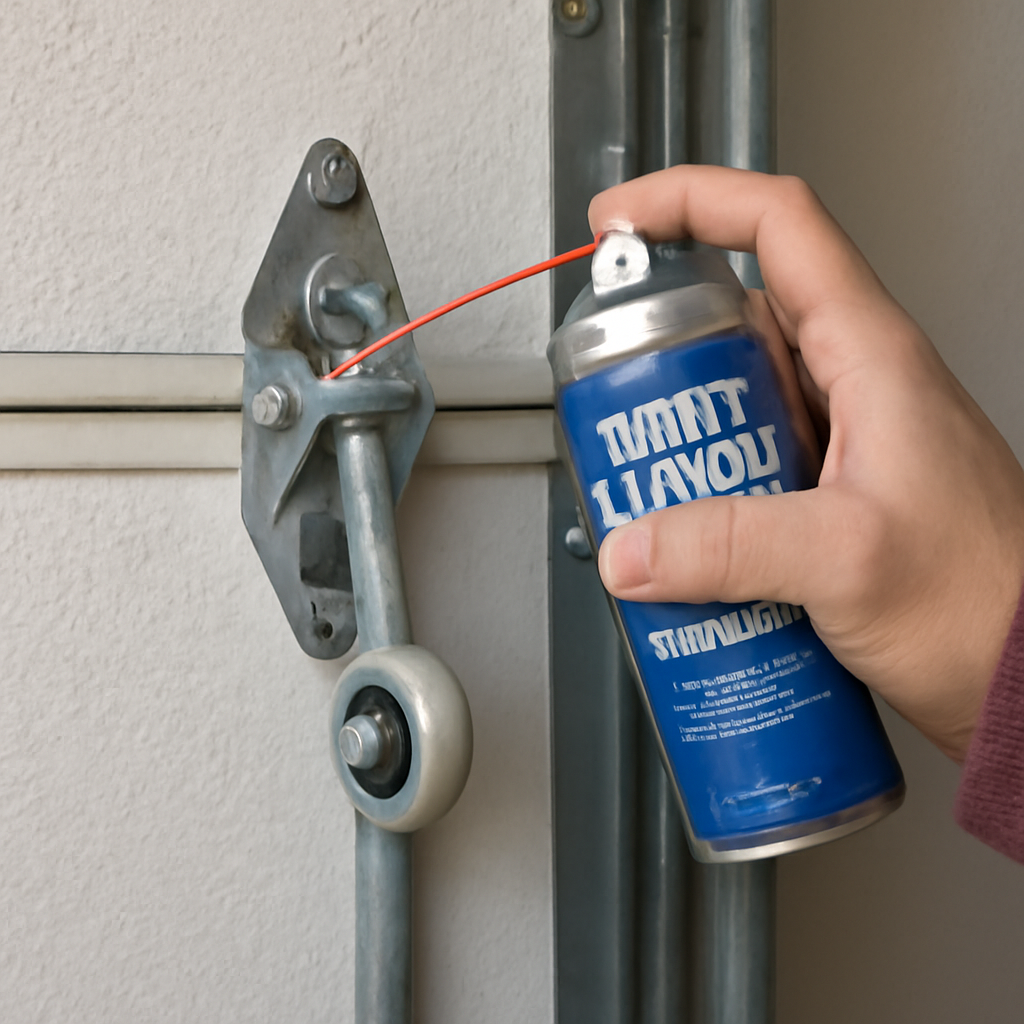
Dry rollers are the most common cause of error 4-1. Apply lubricant to all rollers and hinges.
Debris in the tracks (leaves, dirt, small stones)
A bent or dented track section causing the door to bind
Objects on the floor under the door path
A door panel that is visibly warped or damaged
Ice buildup in cold weather freezing the door to the floor seal
Also disconnect the opener by pulling the red emergency release cord and try lifting the door manually. It should feel light — like 8 to 10 pounds — and move smoothly through its full range without sticking or grinding. If it binds anywhere, that location is likely causing the 4-1 error.
Step 2: Lubricate All Moving Parts
Dry rollers and hinges are the most common cause of error 4-1 on openers that were working fine until recently. The opener’s force calibration is set based on a lubricated door. When rollers dry out, friction increases enough to trip the excessive force detection.
Apply white lithium grease or a dedicated garage door lubricant spray to:
Every roller where the wheel contacts the track
Every hinge pin along the door sections
The torsion spring (wipe it on, do not spray directly)
The opener’s drive rail — chain, belt, or screw drive
Do not lubricate the tracks themselves. Lubricant in the tracks causes rollers to slide instead of roll, which actually increases resistance rather than reducing it.
After lubricating, run the door through 3-4 full cycles manually to distribute the lubricant. Then reconnect the opener and test. Many 4-1 errors clear at this step alone.
Step 3: Check and Adjust the Close Force Setting
Every LiftMaster opener has a close force adjustment that controls how much resistance triggers a reversal. If the force is set too low, normal friction from weatherstripping and rollers triggers the 4-1 error. If it is set too high, the door could close on an obstruction without reversing — which is a safety hazard.
For older LiftMaster models with dials:
Locate the force adjustment panel on the back or side of the motor unit. It has two dials labeled Open Force and Close Force.
Turn the Close Force dial one click clockwise to increase force.
Test the door. If the 4-1 error clears, you are done.
Do not increase more than 3 clicks total without first checking door balance.
For newer LiftMaster models with buttons (8355, 8550, 87504 series):
Press and hold the down arrow button on the opener panel for 5 seconds.
The opener will enter force learning mode.
Press the wall button to close the door. The opener will learn the correct close force automatically.
This resets the force calibration to match the current door resistance.
Step 4: Realign the Safety Sensors
Misaligned safety sensors can trigger error 4-1 indirectly. When sensors are slightly out of alignment, the opener receives conflicting signals that can cause erratic behavior including false force detection.
Look at both sensors near the floor on each side of the door track.
The sending sensor (amber light) and receiving sensor (green light) should both show a steady light. A blinking light means misalignment.
Loosen the wing nut on the misaligned sensor, rotate it until the light is steady, then retighten.
An unbalanced door puts extra load on the opener during closing, which can trigger excessive force detection. To check balance:
Disconnect the opener (pull the red cord).
Manually lift the door to waist height — about 3 feet.
Release it. A balanced door should stay in place.
If it drops toward the floor, the springs are weak or broken.
If it rises toward the ceiling, the springs are over-tensioned.
Either condition causes the opener to work much harder than normal. Do not adjust torsion springs yourself — they are under extreme tension and can cause serious injury. Call a technician to rebalance the door. If you notice the door is also shifted to one side, the cable on one side may be worn or broken, which also causes excessive force detection.
Step 6: Clean the RPM Sensor
The RPM sensor is a small magnetic pickup inside the motor housing that monitors how fast the motor is spinning. If it is dirty or slightly out of position, it sends inaccurate readings to the logic board — triggering false 4-1 errors even when the door moves freely.
Unplug the opener from the outlet.
Remove the outer cover of the motor unit (usually 4 screws).
Locate the small sensor near the motor shaft — it sits close to a rotating magnet on the motor gear.
Clean the sensor and the magnet with a dry cloth. Do not use liquid cleaners.
Check that the gap between the sensor and magnet is about 1-2mm. Gently adjust if needed.
Reassemble and test.
LiftMaster Error Code 4-1 on Specific Models
Model Series
Force Adjustment
Common 4-1 Cause
8355 / 8360
Up/Down button hold
Dry rollers, force calibration
8550 / 8550W
Auto-calibration
RPM sensor, door balance
87504 / 87803
myQ app adjustment
Weatherstripping friction
1345 / 1346 (older)
Dial on back panel
Worn gears, dry rollers
3800 / 8500 (jackshaft)
Button sequence
Door balance, cable tension
When to Call a Professional
Call a garage door technician if:
The door is visibly unbalanced and does not stay in place when held at waist height
You hear a grinding noise when the motor runs — this usually means worn plastic gears inside the motor unit
The 4-1 error persists after lubricating, realigning sensors, and adjusting force
The motor runs but the trolley does not move — the drive mechanism may be broken
Cost guide: Gear replacement costs $80-150 in parts plus labor. RPM sensor replacement costs $30-60 plus labor. If the logic board has failed, a replacement board runs $60-150. At that point, comparing to a new opener ($200-400 installed) makes sense for older units.
Error code 4-1 means the opener detected excessive closing force. A blocked or misaligned sensor can also make your LiftMaster door refuse to close without holding the button — the motor sensed more resistance than expected and reversed the door as a safety measure. It does not necessarily mean something is broken. Dry rollers, a low force setting, or a slightly unbalanced door are the most common causes.
How do I clear error code 4-1 on LiftMaster?
Fix the underlying cause first — lubricate the door, adjust close force, or realign sensors. The error clears automatically once the opener completes a successful closing cycle without triggering the force detection. You do not need to manually reset the code.
Can I just increase the close force to fix error 4-1?
You can, and it often works temporarily. But it is not a substitute for finding the actual cause. If you increase force to compensate for dry rollers, the door will eventually wear down faster. Lubricate first, then adjust force only if needed.
Why does error 4-1 happen in cold weather?
Cold temperatures make weatherstripping and door seals stiffer and more resistant. The door requires more force to compress the seals at the bottom and sides. This extra friction can push resistance past the opener’s force threshold, triggering 4-1 even on a well-maintained door. Increasing close force by 1-2 clicks in winter usually solves it.
Does error 4-1 mean my LiftMaster opener is failing?
Not necessarily. Most 4-1 errors are caused by the door, not the opener — dry rollers, balance issues, and force calibration are door-related problems. The opener is doing exactly what it is designed to do: stopping when it senses too much resistance. If all the door-related fixes fail, then investigate the RPM sensor and motor internally.
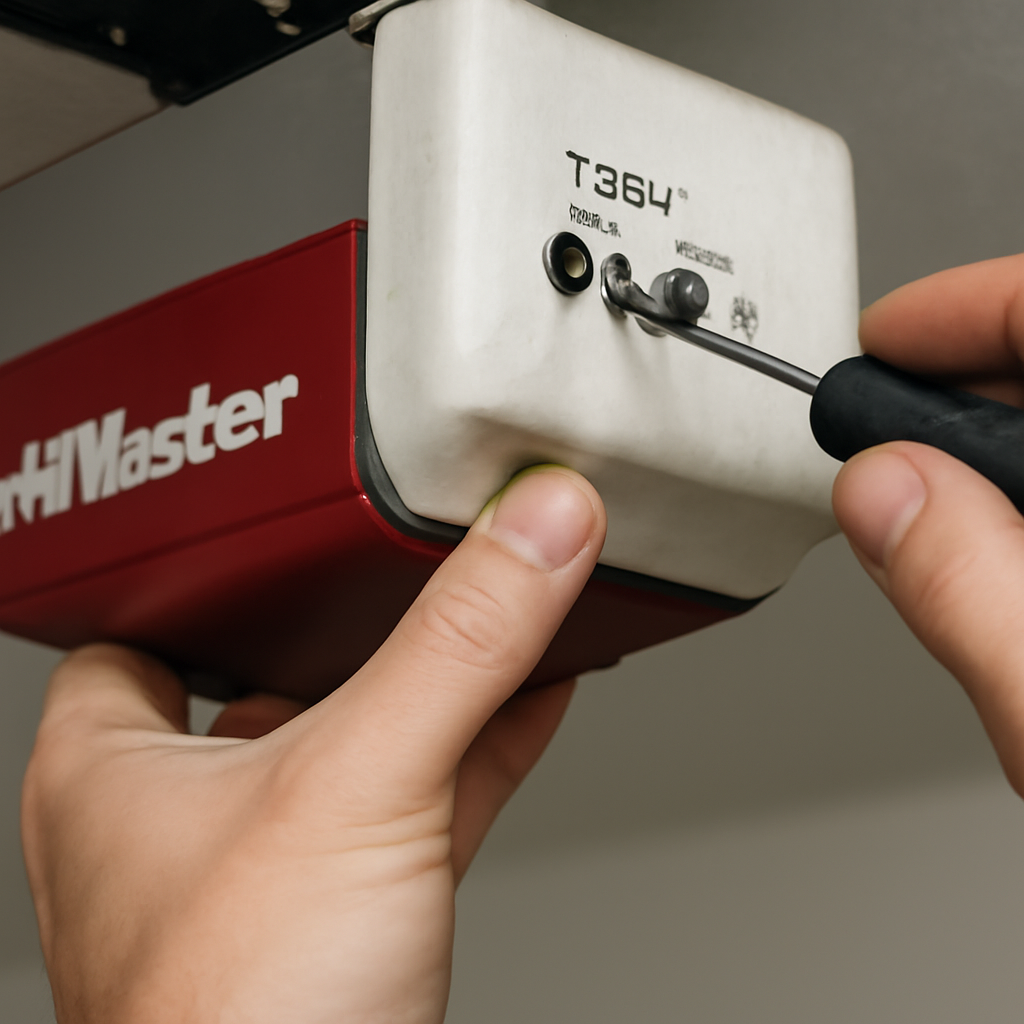
The Bottom LineThe force adjustment screw is usually labeled on the back or side of the motor unit.
LiftMaster error code 4-1 is frustrating but almost always fixable without a technician. Start by lubricating the rollers and hinges — this clears the error in most cases. If that does not work, adjust the close force setting and check door balance. Only consider the RPM sensor or internal components if everything else checks out. And if the error appears only in cold weather, a small force adjustment is usually all you need.
We're the team behind My Garage Blog — homeowners and DIY enthusiasts who've personally handled garage door repairs, installations, and upgrades firsthand. We share honest, experience-based advice on garage door openers, rollers, springs, and maintenance.