
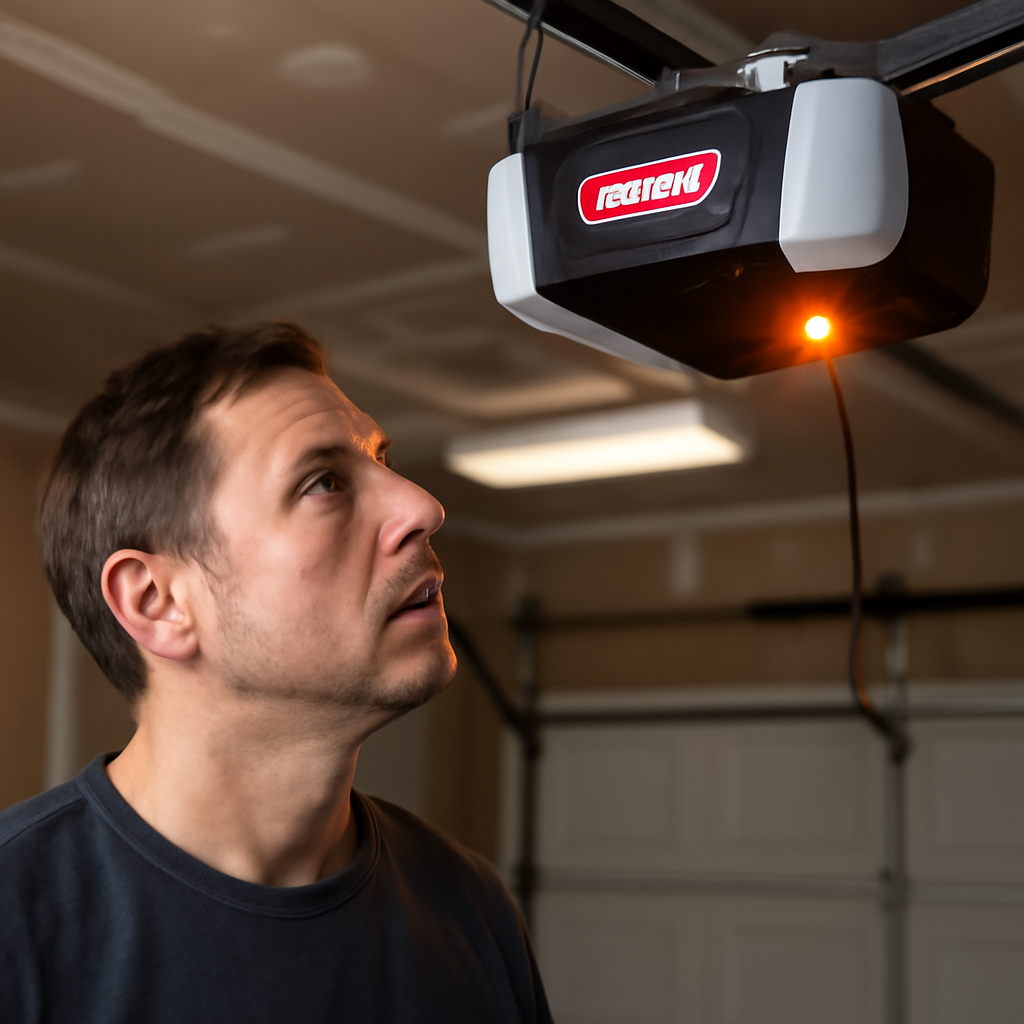
A beeping Genie garage door opener is almost never a mystery once you notice when the beeping happens. In most homes, the cause is the battery backup asking for a new battery, or the normal warning beeps a smart opener gives before it closes the door remotely.
This guide matches each beeping situation to its cause, using Genie’s own product and safety documentation, and shows how to fix the battery issue safely.
Short Answer: If your Genie opener beeps periodically while the door works normally, the backup battery is usually low or worn out. Genie’s battery packs last only a few years, so replace the battery with the correct pack for your model (for example, Genie’s 41590R kit for 140-volt models like ChainMax 1000, SilentMax and MachForce). If the opener beeps and flashes for several seconds before closing, that’s the required safety warning for remote or app-controlled closing, not a fault.
In our experience helping homeowners with Genie openers, a periodic chirp that starts in the middle of the night is almost always the backup battery, and many people mistake a garage smoke alarm chirp for the opener.
Why Genie Openers Beep
Start by noting when the beep happens. That narrows the cause quickly.
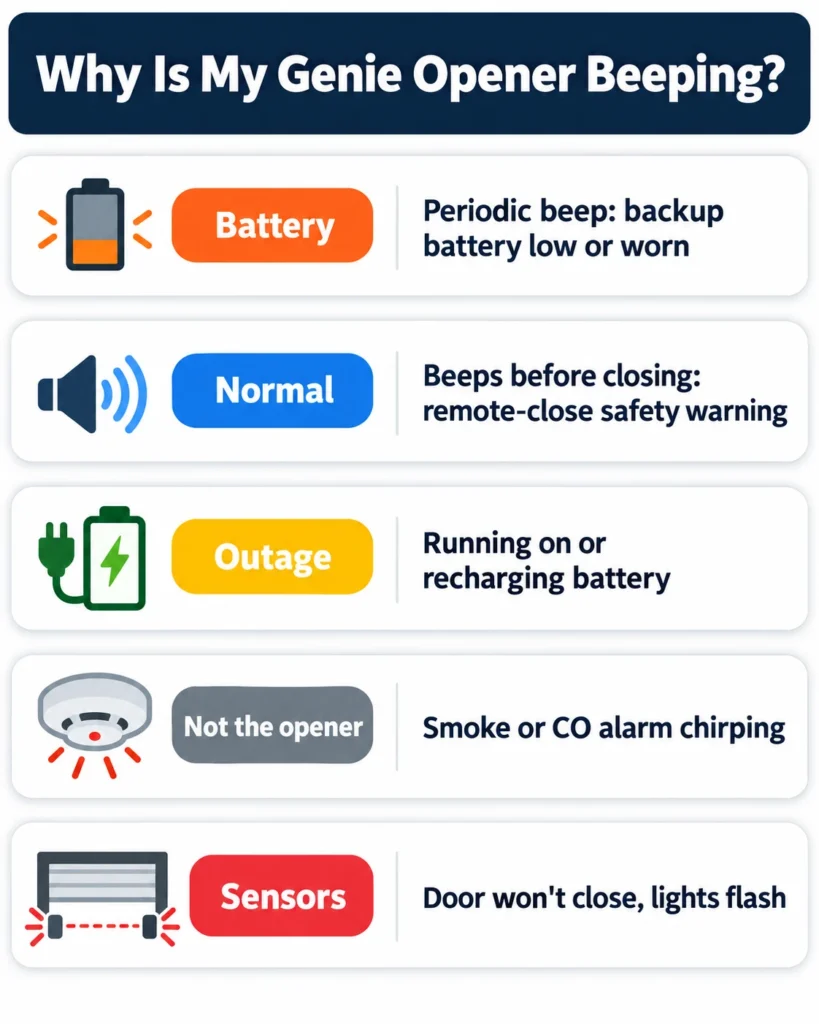
| When It Beeps | Most Likely Cause | What to Do | DIY Suitability | Safety Risk Level |
|---|---|---|---|---|
| Periodically, door works normally | Backup battery low or worn out | Check the battery light; replace the battery | Safe for DIY | Low |
| For a few seconds before the door closes | Required warning for remote or app closing | Normal; no fix needed | Not needed | Low |
| During or right after a power outage | Opener running on, or recharging, the battery | Wait for power and a full recharge | Safe for DIY | Low |
| Chirp continues with the opener unplugged | Smoke or CO alarm, not the opener | Replace the alarm’s battery | Safe for DIY | Low |
| Door won’t close, lights flash | Safety sensor problem | Clean and align the Safe-T-Beam sensors | Safe for DIY | Low |
Beeping From the Battery Backup
This is the most common reason a Genie opener beeps. On battery backup models, a periodic beep together with a battery indicator light means the backup battery is low, not charging fully, or near the end of its life. The opener still runs normally on house power; only the emergency backup is affected.
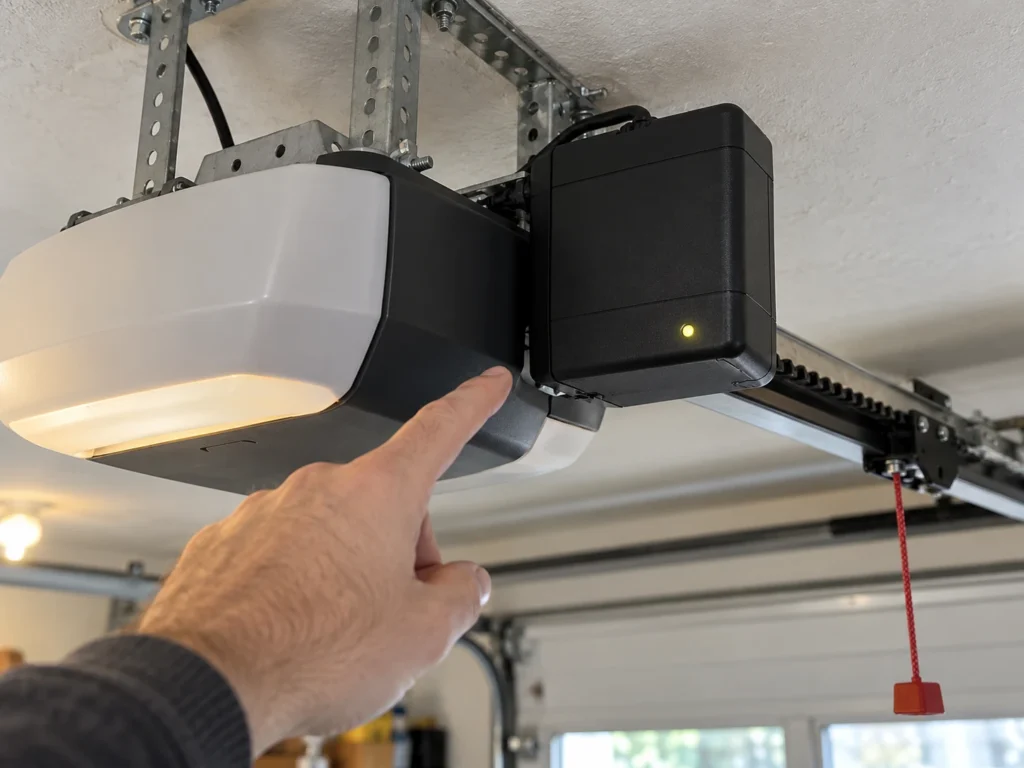
- Check the battery indicator. Genie’s 41590R battery backup uses green, yellow and red status lights on its front; a warning color points to the battery.
- Check the connection. Unplug the opener, then make sure the battery harness is firmly connected and free of corrosion.
- Consider the battery’s age. Backup batteries typically last a few years, and heat in the garage shortens that.
- Replace it if it’s old or the beeping returns after reconnecting.
Using the right pack matters. Genie lists its 41590R battery backup kit for 140-volt models including PowerMax 1500 and 1200, SilentMax 1200 and 1000, ChainMax 1000, MachForce, Excelerator II, TriloG and IntelliG, and notes that units with serial numbers beginning 12249 or lower can’t add it. Other Genie models use different packs, so check your manual or Genie’s battery backup page before ordering. For new openers with battery backup built in, see our best garage door opener with battery backup guide.
Beeping Before the Door Closes
If your Genie beeps and the lights flash for several seconds before the door starts closing, nothing is wrong. U.S. safety standards (UL 325) require an audible and visual warning of at least five seconds before a door closes from a location where nobody can see it.
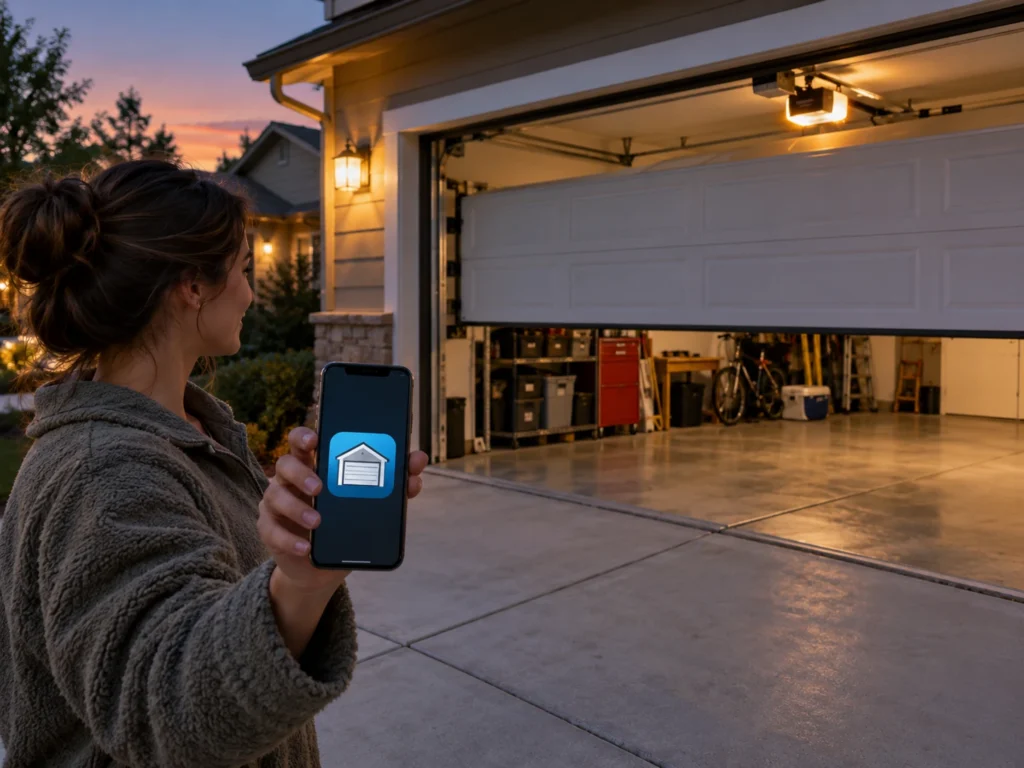
Genie confirms that its Aladdin Connect smart garage kit beeps and flashes before moving the door for exactly this reason. You’ll hear it when you close the door from the app, a voice assistant or a schedule, but not when you use the wall button or a regular remote.
If the warning sound is annoying, it can’t be turned off; it’s a required safety feature. For more on smart control, see our best Alexa-enabled garage door opener guide.
Beeping During or After a Power Outage
When the power goes out, a battery backup opener switches to battery automatically. Some battery backup openers beep while running on battery or while the battery is low after an outage. Genie says its 41590R pack provides up to 50 full door cycles within 24 hours of a power loss and recharges automatically once power returns.
- Give it time. After power returns, let the battery recharge. Genie’s replacement instructions say a new battery can take 24 to 48 hours to fully charge.
- If beeping continues long after power is restored and the battery has had time to charge, the battery is likely failing and should be replaced.
- Check the outlet. A tripped GFCI or breaker can leave the opener running on battery even when the house has power.
Opener Not Working After the Outage
If the opener beeps or flashes and won’t run once power returns, work through these quick checks: unplug the opener for 30 seconds and plug it back in, reset any tripped GFCI outlet or breaker, make sure the vacation lock on the wall console isn’t turned on, and check that both Safe-T-Beam sensor lights are steady. If the opener is completely dead after a storm, a power surge may have damaged the logic board, which is a job for a technician or a sign it’s time to replace an older unit.
Is It Really the Opener?
Before opening the motor housing, make sure the sound is actually coming from the opener.
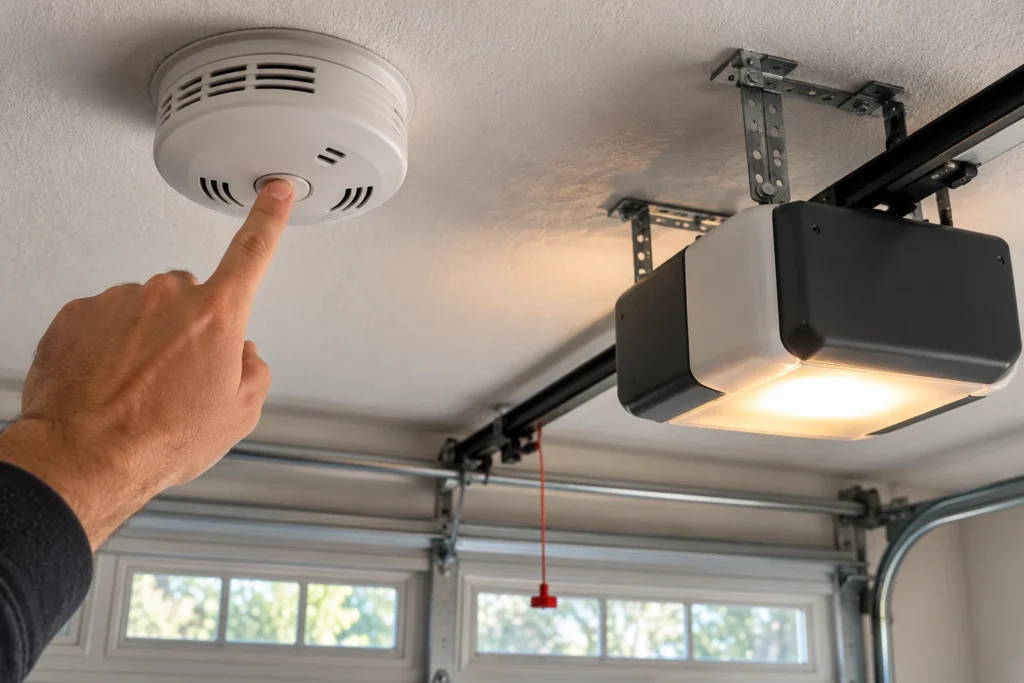
- Unplug the opener. If the chirp continues, it’s coming from something else.
- Smoke and CO alarms mounted in or near the garage chirp when their batteries are low, and the sound is easy to confuse with an opener.
- Keypads and remotes don’t usually beep on their own, but a stuck remote button in a car can trigger repeated operation.
- Other devices like a garage freezer, security system or smart hub can also chirp.
Flashing Lights and Sensor Problems
Genie openers report most faults with flashing LEDs and opener lights rather than beeps. The most common is a Safe-T-Beam sensor problem: the door won’t close, reverses, or the opener lights flash.
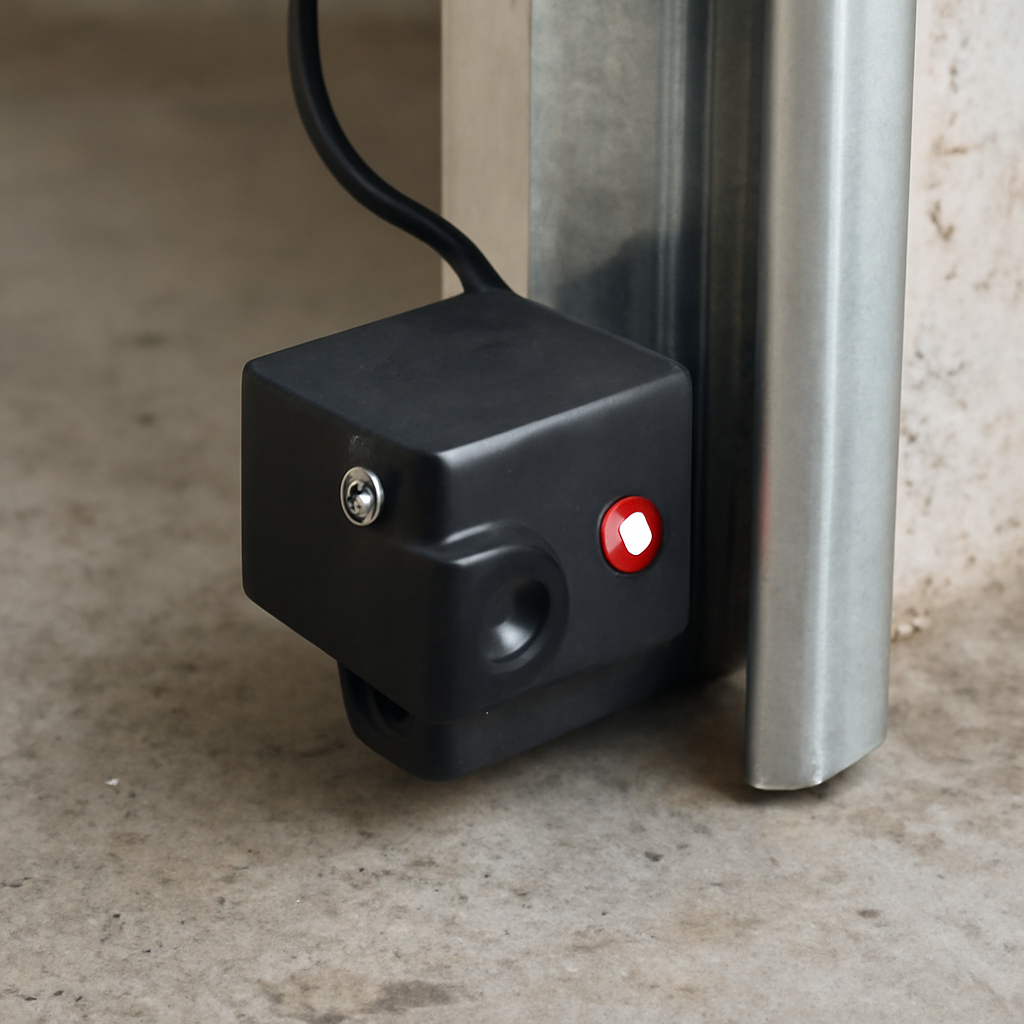
- Look at the two sensors near the bottom of the door tracks.
- Clear anything in the beam’s path and wipe both lenses.
- Adjust the sensor that’s blinking until both LEDs glow steadily.
- Check the sensor wires for staples, cuts or loose connections.
Exact flash codes vary by Genie model series, so match the pattern to your opener’s manual. Our guides to Genie sensor blinking red and blinking red 3 times cover the sensor codes in detail, and Genie won’t close unless you hold the button explains the related symptom.
Why Online Beep Codes Don’t Match
If you search for Genie beep codes, you’ll find sites that disagree: one says three beeps mean a sensor problem, another says one blink does, and others claim a beep every two minutes or five beeps means a limit switch fault. None of them cite Genie, and Genie’s flash codes vary by model series. Use the pattern only as a clue, and confirm it against the troubleshooting chart in your own opener’s manual, which you can find by the model number on the motor unit label.
How to Replace a Genie Backup Battery
These steps follow Genie’s battery replacement instructions. The job takes 15 to 30 minutes.
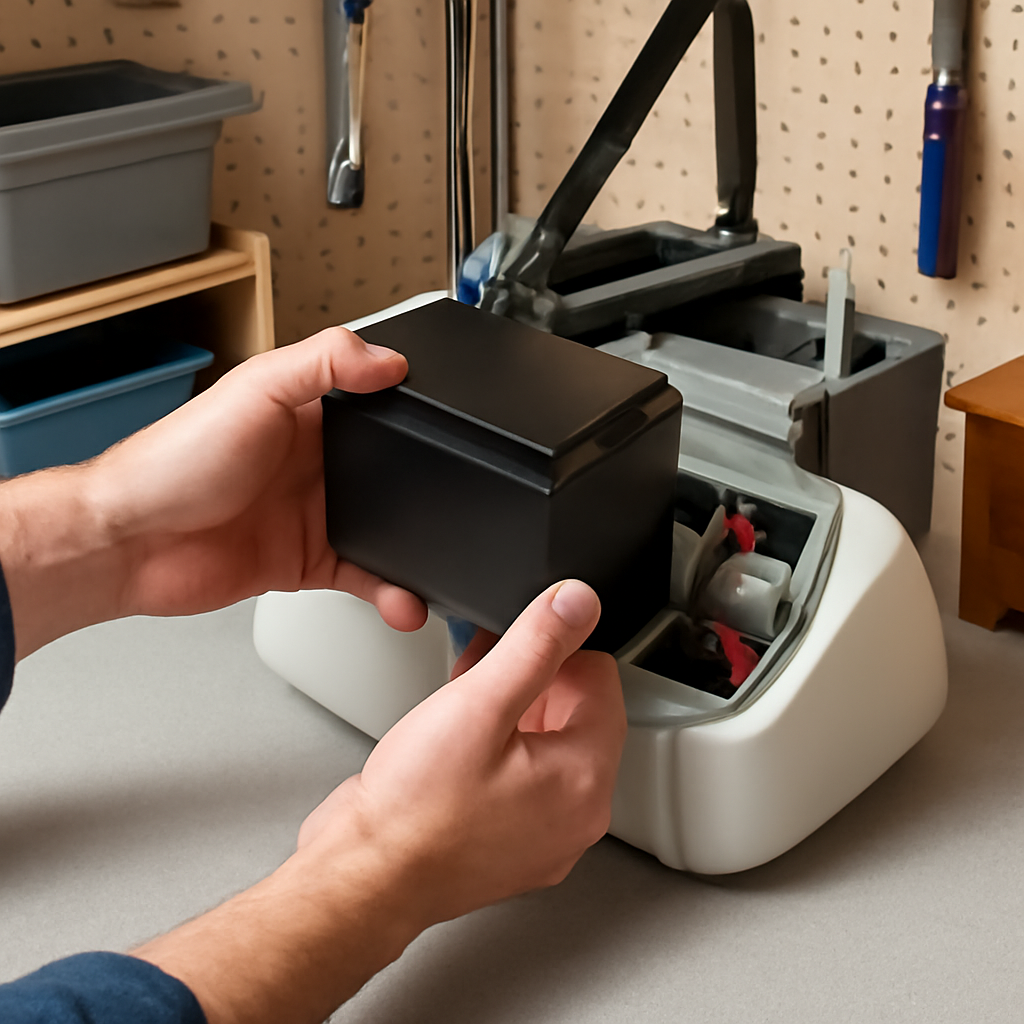
- Close the door and unplug the opener. Genie says repairs should be done with the door closed and power disconnected.
- Disconnect the battery harness from the powerhead.
- Remove the battery unit from its bracket or compartment.
- Disconnect the old battery’s wires and connect the new battery, matching red to positive and black to negative. Genie warns that reversing polarity will damage the powerhead.
- Reinstall the unit and reconnect the harness.
- Plug the opener back in and allow 24 to 48 hours for the battery to fully charge before testing it on battery power.
Wear eye protection when handling the battery, and recycle the old one at a battery drop-off point. If the opener hums or struggles after the swap, see Genie opener humming sound.
Frequently Asked Questions
Why is my Genie garage door opener beeping every few seconds?
A regular, repeating beep while the door works normally usually means the backup battery is low or failing. Check the battery light and replace the battery if it’s more than a few years old.
Can I unplug the battery to stop the beeping?
Yes, disconnecting the battery stops battery-related beeping, and the opener keeps working on house power. You’ll lose backup during outages, and in California battery backup is required on openers, so replace the battery soon.
Why does my Genie beep before closing?
That’s the required warning for closing the door remotely, such as from the Aladdin Connect app. It sounds and flashes for at least five seconds and can’t be disabled.
How long does a Genie backup battery last?
Typically a few years. Heat shortens battery life, so garages in hot climates may need replacements more often.
Which battery does my Genie opener need?
It depends on the model. Genie’s 41590R kit fits many 140-volt models like ChainMax 1000, SilentMax 1000 and MachForce; other models use different packs. Check your manual or the label on the opener.
Why is my Genie keypad beeping or blinking?
A wireless keypad usually signals a weak battery or a rejected PIN, not an opener fault. Replace the keypad battery with the type shown in the battery compartment, then reprogram the keypad to the opener if it stops working.
Is it safe to use my Genie while it’s beeping?
If it’s a battery warning, yes. If the door reverses, won’t close, or behaves unpredictably, stop using it until you’ve fixed the sensors or other cause.
Related Guides
For more Genie help, see Genie Garage Door Sensor Blinking Red, Genie Garage Door Opener Humming Sound, Genie Garage Door Limit Switch Problems, Why Is My Chamberlain Garage Door Opener Beeping, Best Genie Garage Door Opener and Genie Garage Door Opener Amp Draw.
For official parts and instructions, see Genie’s 41590R battery backup page and Genie’s guide to unattended operation warnings.