
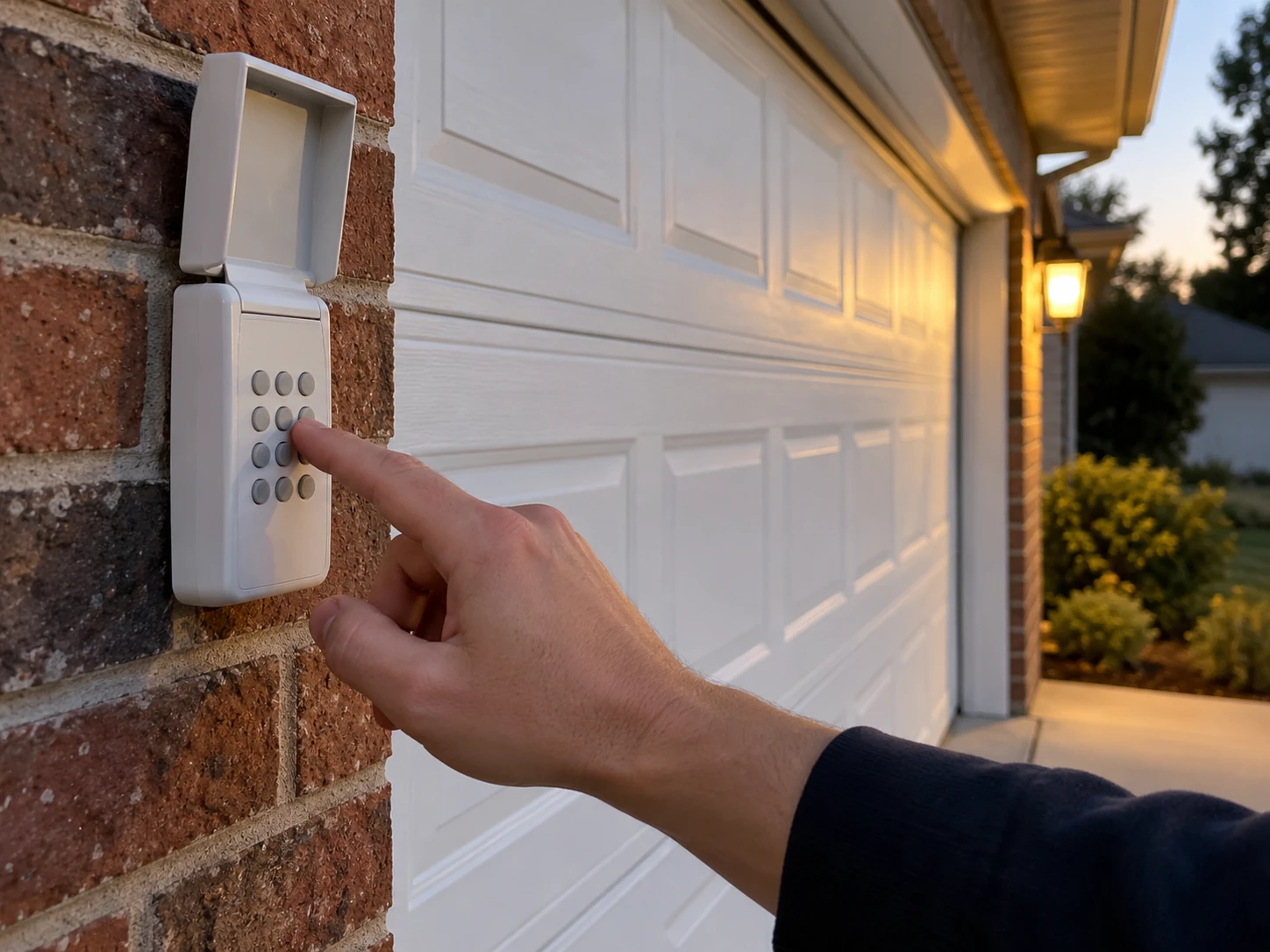
If your Craftsman garage door keypad doesn’t seem to have an Enter button, you’re probably using one of two things: a standard Craftsman keypad where the Enter key is labeled or placed differently than you expect, or a universal “Clicker” style keypad that genuinely has no Enter key and uses the # and 0 buttons instead.
This guide shows how to tell which you have, then walks through programming, changing and resetting the PIN for each type, using the manufacturer’s own instructions.
Short Answer: On a universal keypad without an Enter button (such as the Chamberlain Clicker KLIK2U), press and hold * and # until the keypad stops flashing, enter a new PIN and press #, enter your opener’s ID code and press #, press the Learn button on the opener, then enter the PIN and press 0. On a standard Craftsman keypad, press the opener’s Learn button once, enter a 4-digit PIN and hold Enter until the opener lights blink. To make sure an old PIN stops working, hold Learn for about 6 seconds to erase everything first, then reprogram your remotes too.
In our experience helping homeowners with Craftsman keypads, most “no Enter button” problems turn out to be a universal Clicker keypad, which follows completely different steps from the Craftsman manual.
Does Your Keypad Really Have No Enter Button?
Craftsman openers are made by Chamberlain, and standard Craftsman, Chamberlain and LiftMaster keypads all have an Enter key. Before following any “no Enter” method, look closely at the keypad.
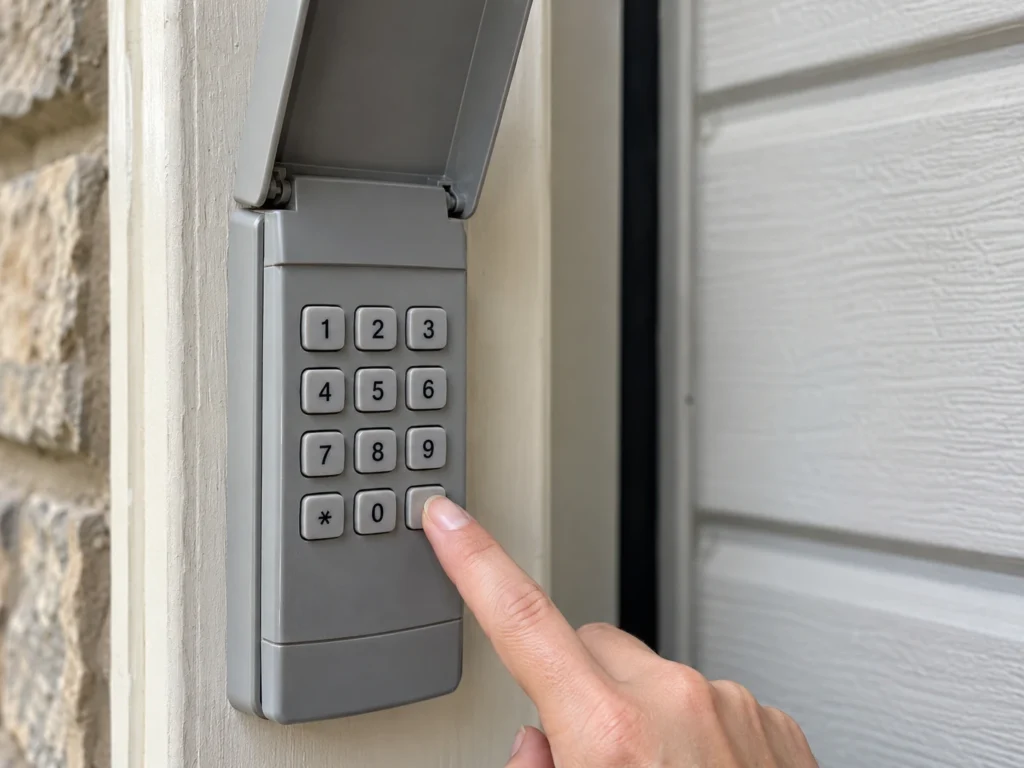
- Check the bottom row. On most keypads, Enter sits at the bottom right, sometimes labeled with a symbol rather than the word.
- Lift the cover. Many keypads have a hinged cover over the buttons; the brand name and model are often printed on the cover or inside.
- Look for “Clicker” or “KLIK”. Universal keypads sold under the Clicker name (KLIK1U, KLIK2U and similar) have only number keys plus * and #. These are the true “no Enter button” keypads.
- Check the back. Remove the battery cover; the model number is usually on a label there.
Which Keypad Do You Have?
Your steps depend on the keypad type, not the opener.
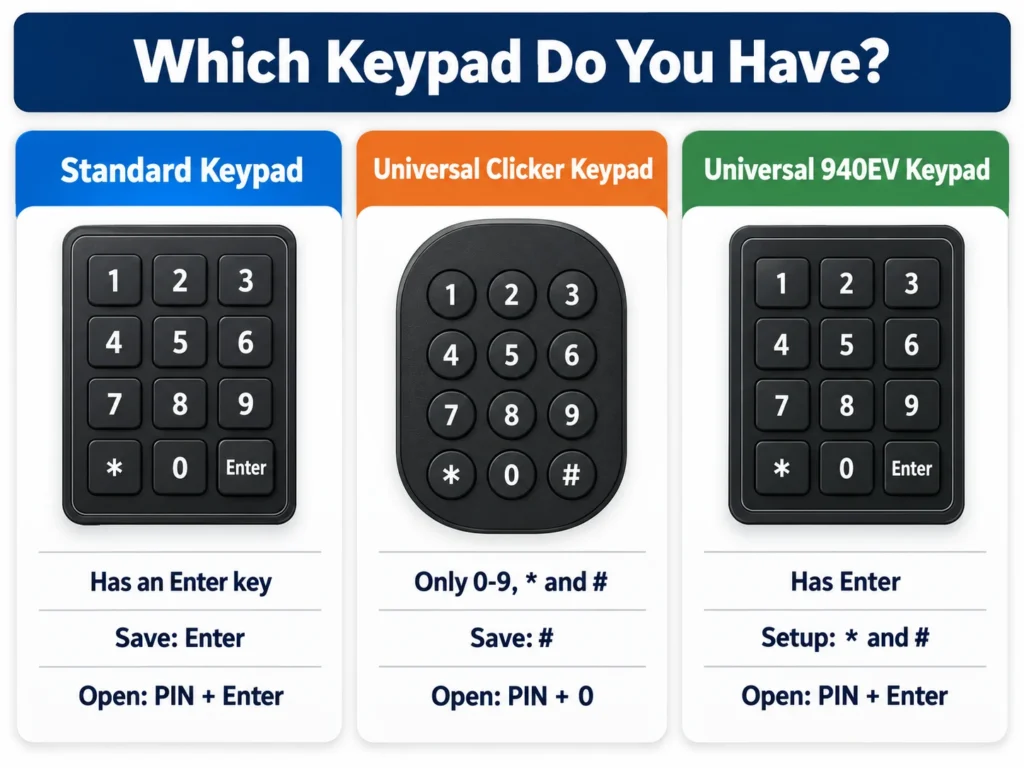
| Keypad Type | How to Recognize It | Save or Confirm Key | Open the Door |
|---|---|---|---|
| Standard Craftsman or Chamberlain keypad | Has an Enter key | Enter | PIN + Enter |
| Universal Clicker keypad (KLIK1U, KLIK2U) | Only 0-9, * and #; often labeled Clicker | # during setup | PIN + 0 |
| Universal Chamberlain keypad (940EV) | Has Enter; set up with * and # | # then Enter | PIN + Enter |
If you’re also programming remotes, see our guide on how to program a Craftsman garage door remote.
Universal Keypad Without Enter: Program Steps
These steps come from Chamberlain’s manual for the Clicker KLIK2U universal keypad, the most common keypad without an Enter key. Have a step ladder ready, since you’ll need the opener’s Learn button.
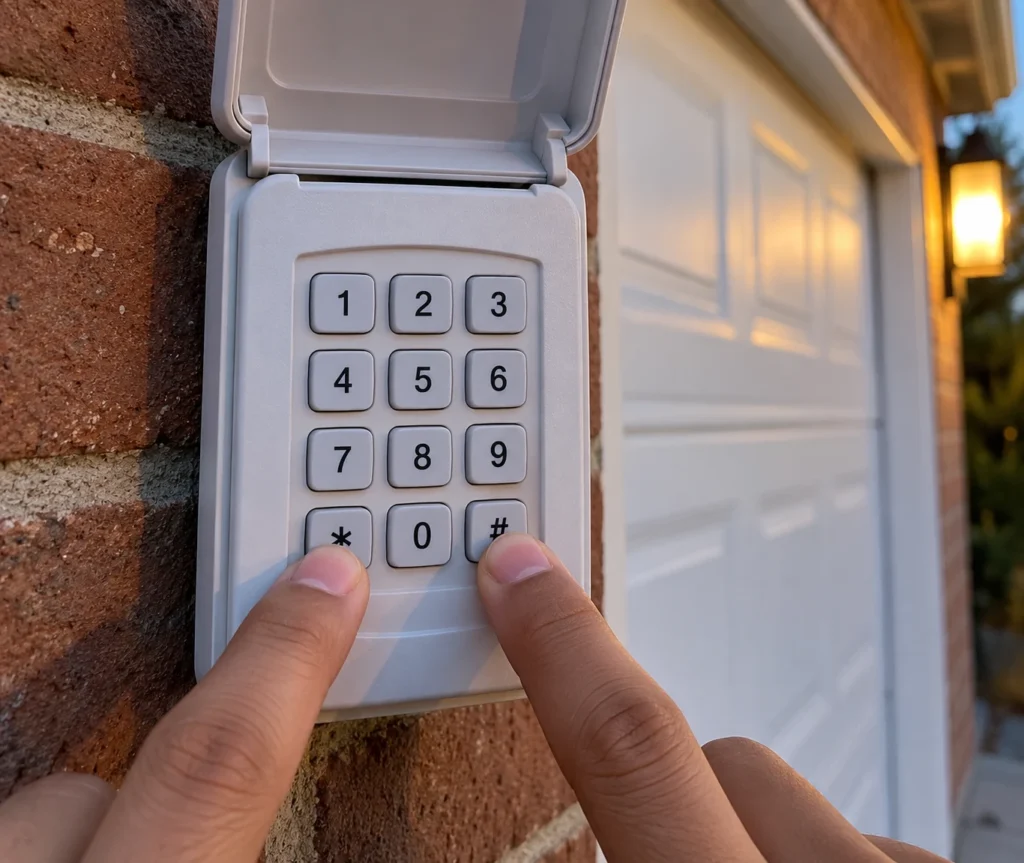
- Write down a 4-digit PIN you’ll remember.
- Find your opener’s ID code in the keypad manual. Codes 1 to 9 cover brands including Chamberlain, Craftsman, LiftMaster, Genie and Linear, and depend on your opener’s brand and age.
- Press and hold the * and # buttons together until the keypad stops flashing.
- Enter your PIN, then press #.
- Enter the ID code, then press #.
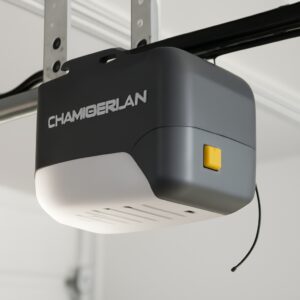
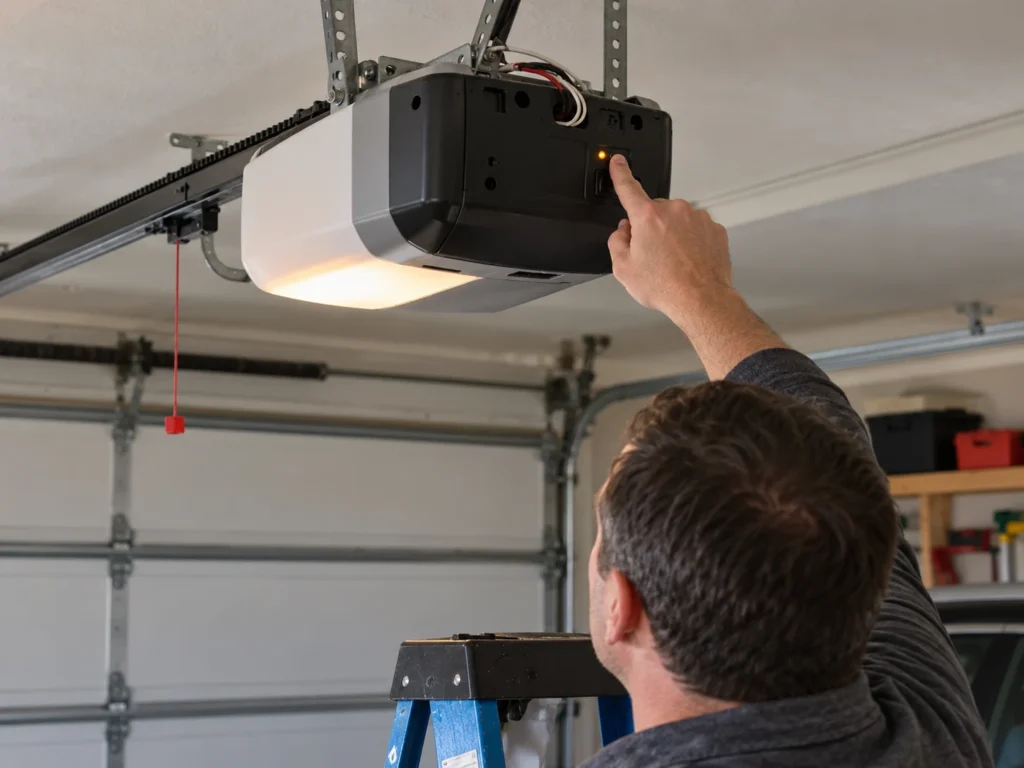
- Press and release the Learn (or Smart) button on the opener motor head.
- Return to the keypad, enter your PIN and press 0. The opener lights should blink or the door should move. (Genie and Overhead Door units need 0 pressed twice.)
- Test: enter your PIN and press 0 to open or close the door.
The Learn button on Craftsman openers is usually on the back or side of the motor unit, next to the antenna wire. Our guide to finding the learn button shows the common locations and colors.
Standard Craftsman Keypad: Program or Reset the PIN
If your keypad does have an Enter key, use the standard method from Chamberlain support, which covers Craftsman keypads built by Chamberlain.
- Make sure nothing is in the door’s path.
- Press and release the Learn button on the opener. The Learn LED lights up and you have 30 seconds.
- Enter a 4-digit PIN on the keypad, then press and hold Enter until the opener lights blink.
- Test by entering the PIN and pressing Enter.
If your wall control has its own Learn button, you can press it twice instead of using the motor head, then enter the PIN and press Enter. Newer universal keypads like the Chamberlain 940EV add a setup step: hold * and # until the lights stop blinking, enter a PIN and press #, then press Enter a set number of times for your opener type before pairing.
Change Your PIN Without Resetting Everything
If you still know the current PIN, you can change it without touching the opener or erasing your remotes.
| Keypad | How to Change the PIN |
|---|---|
| Standard Craftsman or Chamberlain keypad | Enter the current PIN, press and hold # until the opener light blinks twice, enter the new PIN, press Enter |
| Clicker KLIK2U | Enter the current PIN, press *, enter the new PIN, press * |
Standard Chamberlain-made keypads can also hold a temporary PIN for visitors: enter your PIN, hold * until the opener light blinks three times, enter a temporary PIN and press Enter, then set how many hours or uses it allows.
Forgot the PIN? Erase and Start Over
If nobody remembers the PIN, or you’ve moved into a house and want old codes gone, clear the opener’s memory and reprogram.
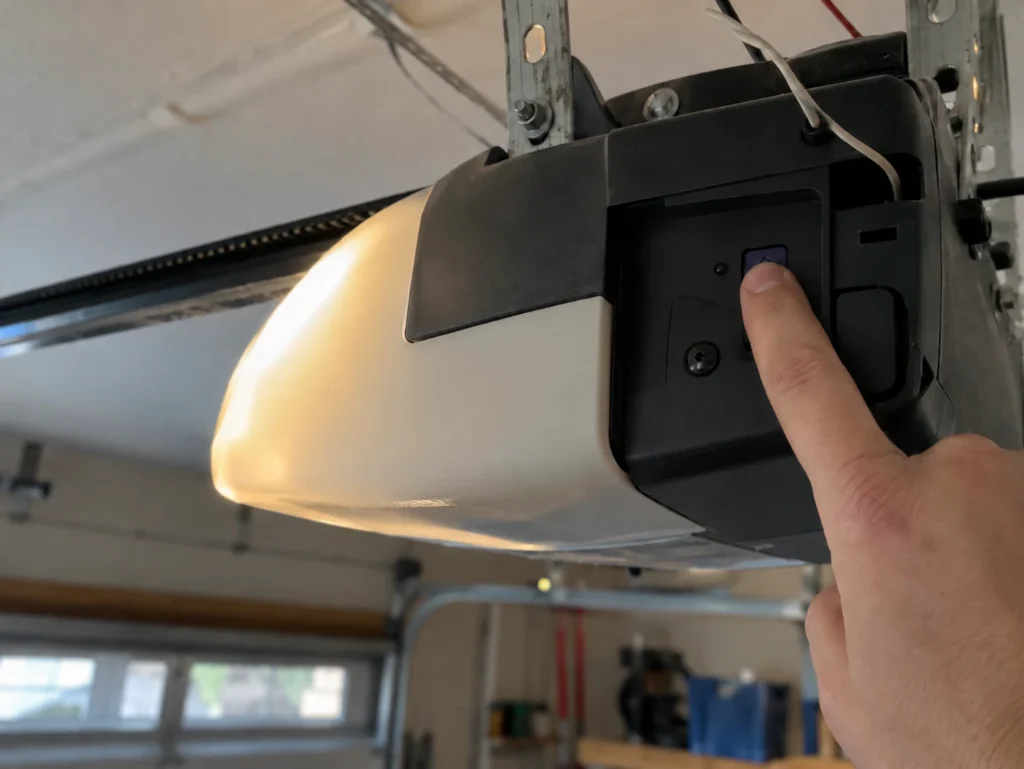
- Press and hold the Learn button on the opener for about 6 seconds, until the Learn LED goes out. This erases every remote and keypad code from the opener.
- Program the keypad again using the steps for your keypad type above.
- Reprogram every remote you still use, plus any car HomeLink buttons.
A single press of Learn only adds a new code; it doesn’t remove old ones. Holding it until the LED goes out is what wipes the memory. For other Chamberlain-made keypads, see how to reset a Chamberlain keypad without the code.
Keypad Still Not Working?
If programming doesn’t take, these are the usual causes.
| Symptom | Likely Cause | Fix | DIY Suitability | Safety Risk Level |
|---|---|---|---|---|
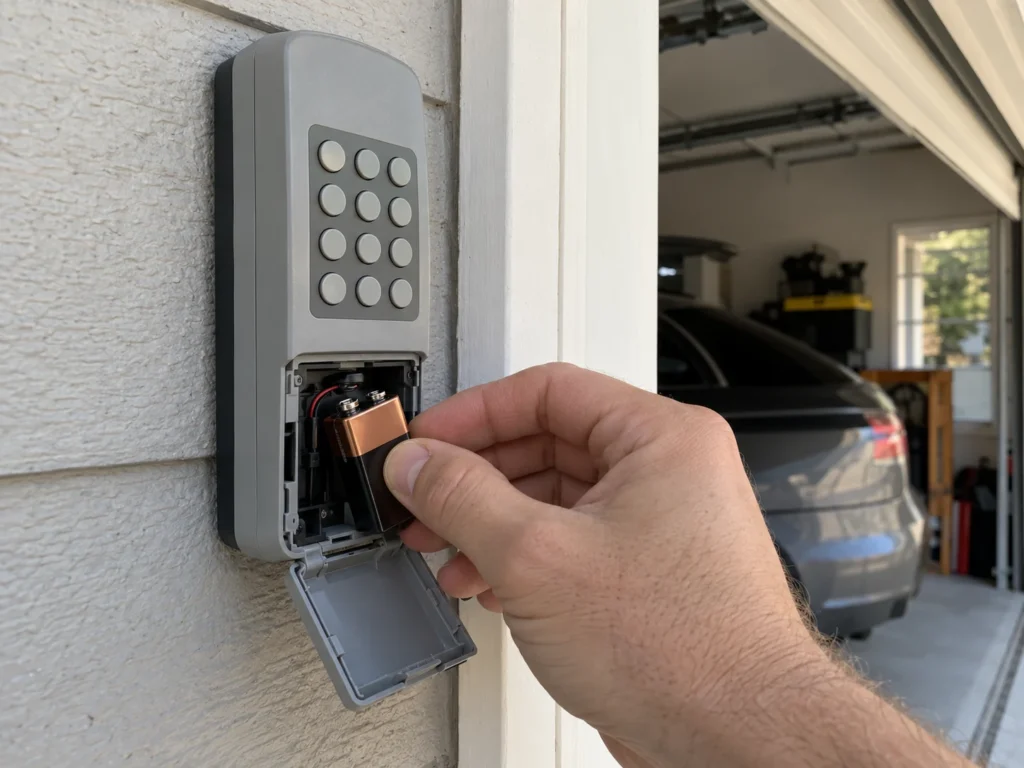
| Keypad doesn’t light up | Dead 9V battery | Replace the battery, then reprogram if needed | Safe for DIY | Low |
| Lights up but opener never responds | Wrong ID code or incompatible keypad | Check the ID code for your opener’s age and learn button color | Safe for DIY | Low |
| Worked, then stopped after a battery change | Universal keypad lost its setup | Repeat the full programming steps | Safe for DIY | Low |
| Learn LED doesn’t light | Opener unplugged or lock mode on | Check power and turn off lock on the wall control | Safe for DIY | Low |
| Door opens but won’t close from keypad | Safety sensors blocked or misaligned | Align the sensors until both lights are steady | Safe for DIY | Low |
| Old keypad, new opener | Older keypads may not work with yellow learn button (Security+ 2.0) openers | Use a current Security+ 2.0 compatible keypad | Safe for DIY | Low |
If remotes also stopped working, our universal remote guide lists programming by learn button color, and our LiftMaster keypad with no Enter button guide covers LiftMaster-branded keypads.
Frequently Asked Questions
Which button is Enter on a keypad without an Enter key?
On Clicker universal keypads, # saves settings during setup and 0 acts like Enter when opening the door. On standard Craftsman keypads, there is an Enter key, usually at the bottom right.
Can I reset a Craftsman keypad without reaching the opener?
You can change the PIN from the keypad if you know the current one. To program a new keypad or erase forgotten codes, you need the Learn button on the opener or, on some models, on the wall control.
Will resetting the keypad erase my remotes?
Only if you hold the Learn button until the LED goes out, which erases all codes. Changing the PIN from the keypad or pressing Learn once doesn’t affect remotes.
What battery does a Craftsman keypad use?
Most Chamberlain-made keypads, including Craftsman and Clicker models, use a 9V battery. Check inside the battery cover to confirm.
Why does my old Craftsman keypad not work with my new opener?
Newer openers with a yellow learn button use Security+ 2.0. Older keypads made for earlier learn button colors may not be compatible, so you’ll need a current keypad.
How many digits is a Craftsman keypad PIN?
Four digits on standard and Clicker keypads.
Related Guides
For more keypad and remote help, see How to Program a Craftsman Garage Door Remote, How to Reset a Chamberlain Keypad Without the Code, LiftMaster Keypad Programming With No Enter Button, Where Is the Learn Button on a Chamberlain Opener, How to Program a Garage Door Opener Without a Learn Button and LiftMaster 375UT Not Working.
For official instructions, see Chamberlain’s guide to programming or changing a keyless entry PIN.