
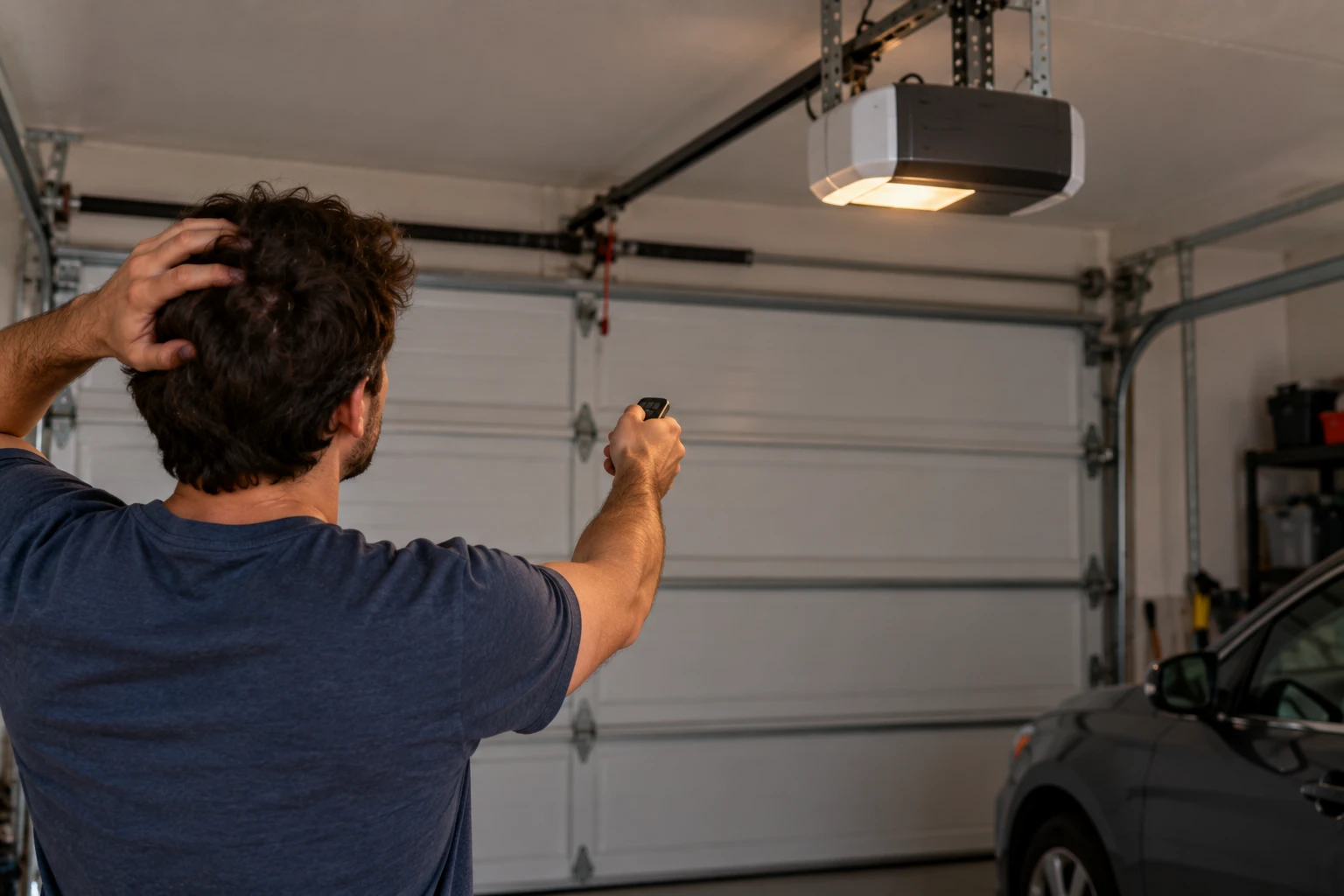
A Ryobi garage door opener that suddenly won’t open, beeps or ignores your remote usually has a simple cause. The GD200 stores its travel limits in memory, has a lock mode that shuts out remotes, and runs its own sensor diagnostics, so most problems can be traced without tools.
This guide is built on Ryobi’s GD200 operator’s manual, which covers the GD200, GD200A and GD201. Where the manual is silent and we’re going on owner reports instead, we say so.
Short Answer: If remotes, the outdoor keypad and the app all stopped at once, press LOCK on the indoor keypad, because the opener is probably in lock (vacation) mode. If the door won’t close, check the safety sensor lights. If the door stops short or won’t respond to remotes, reset the travel limits with the UP, DOWN and SET buttons behind the console door on the motor unit.
Quick Diagnosis
Match what you’re seeing to the most likely cause. Most of these come straight from Ryobi’s own troubleshooting table.
| Symptom | Likely Cause | Fix | DIY Suitability |
|---|---|---|---|
| Remotes, outdoor keypad and app don’t work, indoor keypad does | Lock (vacation) mode is on | Press LOCK on the indoor keypad or in the app | Safe for DIY |
| Door won’t open or close from remote, app or keypad | Travel limits set wrong or lost | Reset travel limits | Safe for DIY |
| Door starts closing, then reverses | Sensors misaligned or blocked | Align and clean the sensors | Safe for DIY |
| Door stuck fully open, won’t close | Safety sensors not getting power | Check sensor wires, then reset limits | Safe for DIY |
| Motor runs, door doesn’t move | Trolley disengaged or door arm disconnected | Re-engage trolley, reattach arm | Safe for DIY |
| Indoor keypad does nothing | No power or battery flat | Check outlet and backup battery | Safe for DIY |
| AC modules or outlets dead | GFCI tripped or overloaded | Reset GFCI; keep modules under 10 amps total | Safe for DIY |
Remotes, Keypad and App All Stopped? Check Lock Mode
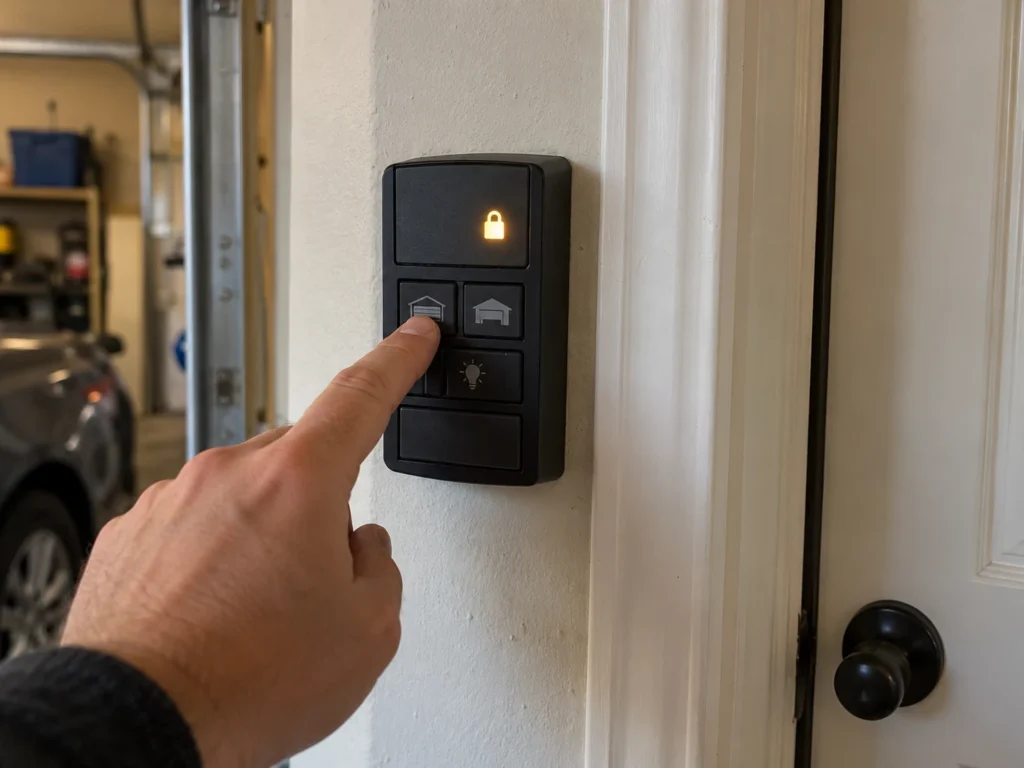
This is the fix most guides miss. The GD200’s indoor keypad has a LOCK button. When the opener is locked, the manual says it can only be controlled from the indoor keypad. Car remotes, the outdoor keypad and the smartphone app all stop working until you unlock it.
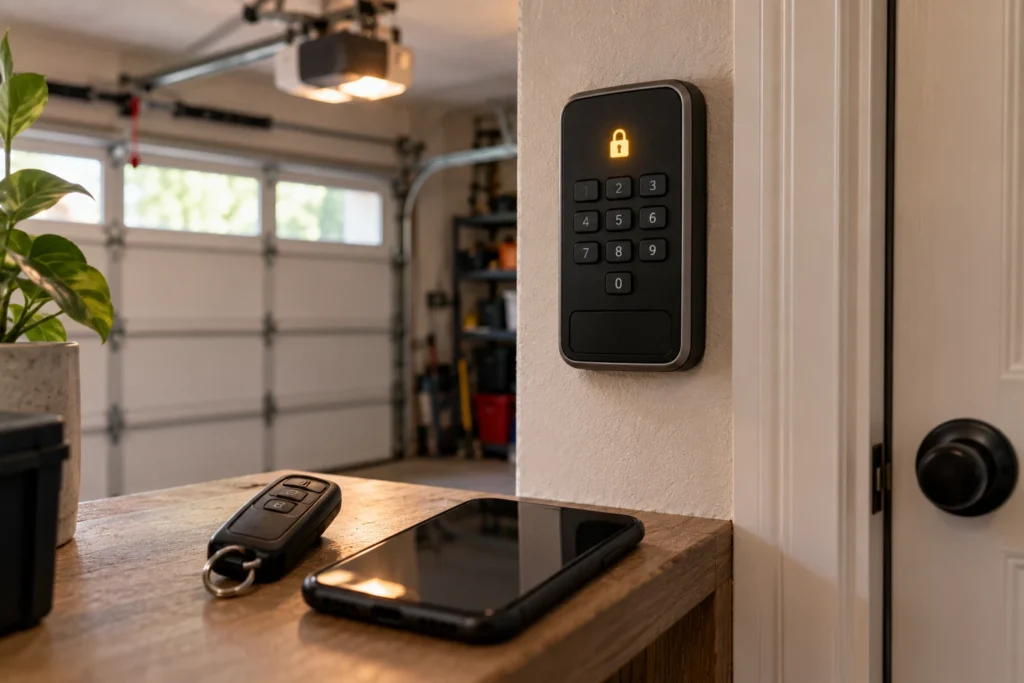
It’s easy to trigger by accident, especially if a child presses the wall keypad. Press LOCK on the indoor keypad once (or unlock it from the app if you’re away) and test a remote again.
Door Won’t Respond or Stops Short: Reset the Travel Limits
The GD200 stores the open and closed positions in memory instead of using limit switches. If those limits are wrong or lost, the manual says the door can’t be opened or closed with a remote, keypad or phone, and it may stop before fully opening or closing.
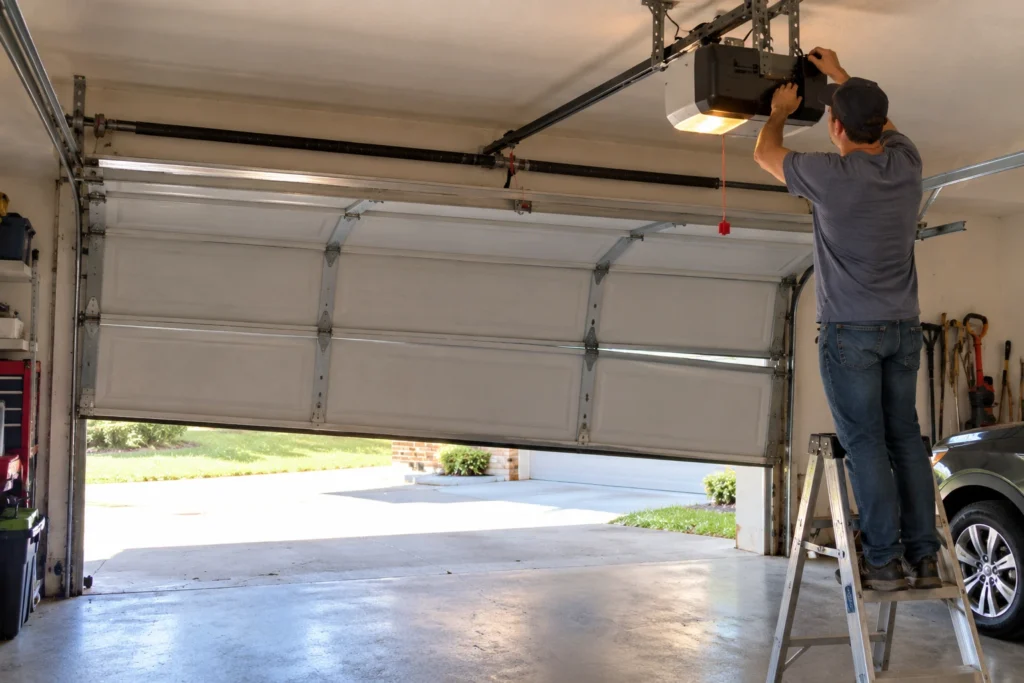
- Open the console door on the front of the motor unit to reach the PROGRAM, UP, DOWN and SET buttons.
- Press and hold UP for three seconds until it blinks, hold UP to raise the door to the fully open position, then press SET.
- Press and hold DOWN for three seconds until it blinks, hold DOWN to close the door until it touches the floor, then press SET.
- Lay a 2×4 flat under the door and close it. The door must reverse when it touches the board.
If the opener keeps losing its limits, owners commonly trace it to a failing backup battery or control board. Our Ryobi reset guide covers clearing limits and remotes together.
Door Won’t Close: Check the Safety Sensors
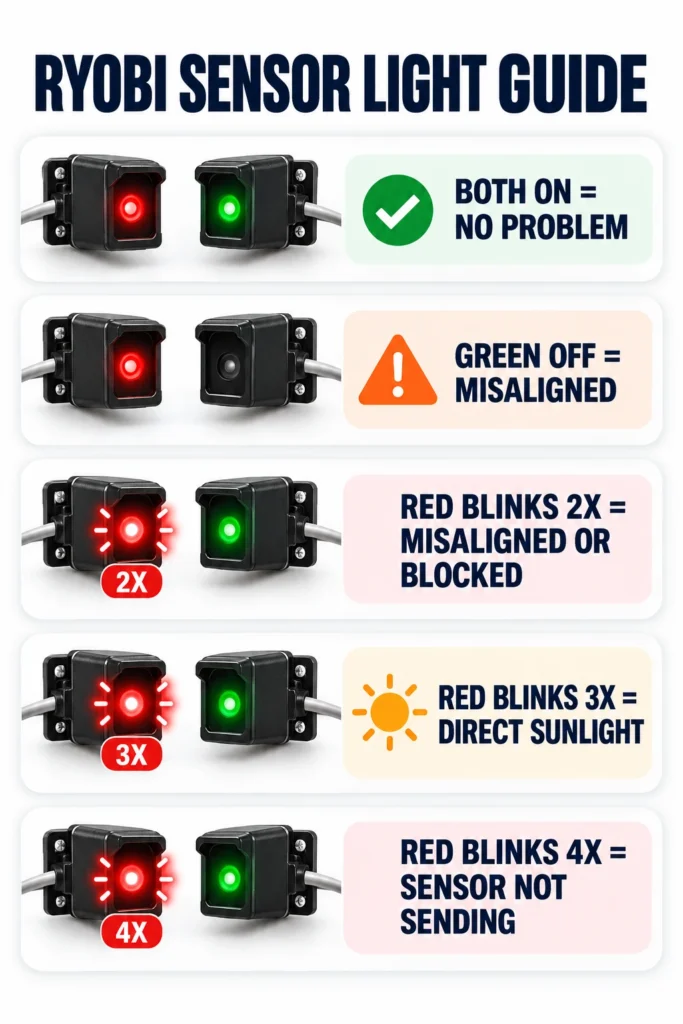
Ryobi’s sensors have a red light on the sending side and a green light on the receiving side. Their blink pattern tells you exactly what’s wrong. This table is from the GD200 manual.
| Red (Sending) | Green (Receiving) | Meaning | Fix |
|---|---|---|---|
| On | On | No problem | None needed |
| Off | Off | Opener unplugged or battery flat | Restore power or charge the battery |
| Off | On | Sensor wires may be damaged | Replace damaged wire |
| On | Off | Sensors out of alignment | Realign the sensors |
| Blinks 2 times, repeats | On | Misaligned or obstructed | Realign or clear the path |
| Blinks 2 times, repeats | Off | Sensor wires may be damaged | Replace damaged wire |
| Blinks 3 times, repeats | On | Receiving sensor in direct sunlight | Move or shade the sensor |
| Blinks 4 times, repeats | On | Sending sensor not transmitting | Replace sensor or contact support |
To realign, loosen the sensor’s mounting nut, turn it slowly until both lights go steady, then tighten it without moving it. Wipe both lenses with a dry cloth while you’re there. Our guide on why a door won’t close unless you hold the button explains how sensor faults block closing on any brand.
Reprogram a Remote or Outdoor Keypad
If one remote stopped while others still work, replace its battery first, then reprogram it. Ryobi’s manual gives this sequence.
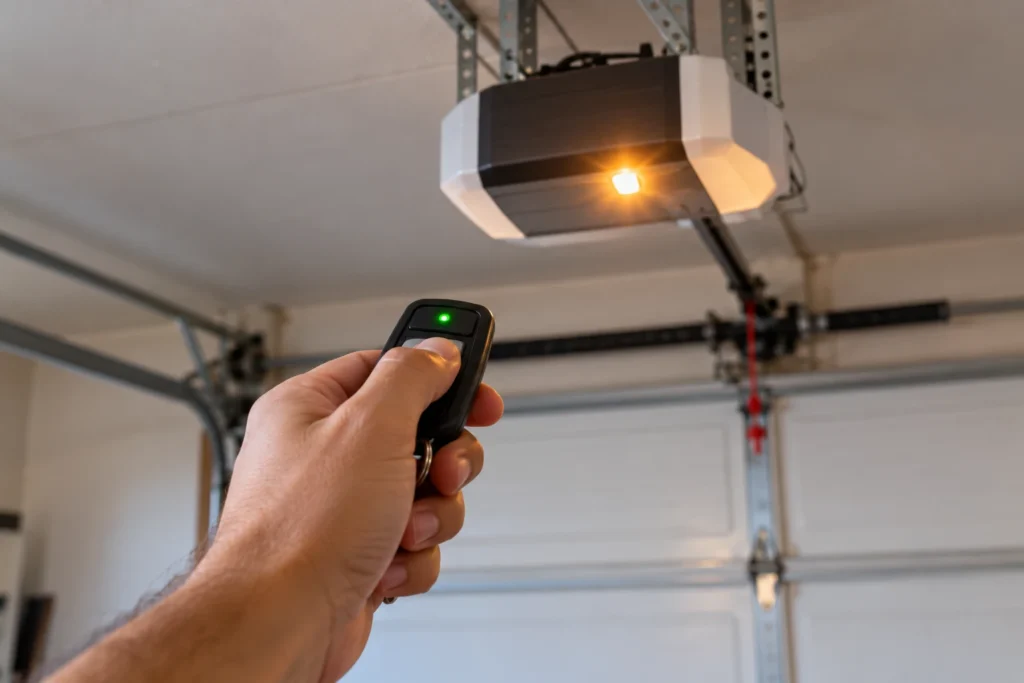
- Press PROGRAM on the motor unit’s console. The opener’s lights turn off and PROGRAM flashes three times.
- Press button 1 or 2 on the car remote once. The remote’s green light flashes.
- PROGRAM flashes three times again and the door moves to confirm.
For the outdoor keypad: hold its 1 button, press ON/PROGRAM, release both and enter a 4-digit PIN. Then hold PROGRAM on the console until the opener lights turn off and PROGRAM flashes three times, press ON/PROGRAM on the keypad, enter the PIN, and press 0 within 30 seconds to test. Each step must be done within two minutes.
Motor Runs but the Door Doesn’t Move
If you hear the opener run but the door stays put, the drive isn’t connected to the door. Ryobi’s manual lists three causes: the trolley isn’t engaged, the door arm isn’t attached to the trolley, or the door arm isn’t attached to the door. Pull the emergency release, run the opener so the trolley re-engages, and check that the clevis pin and hitch pin are in place at both ends of the door arm.
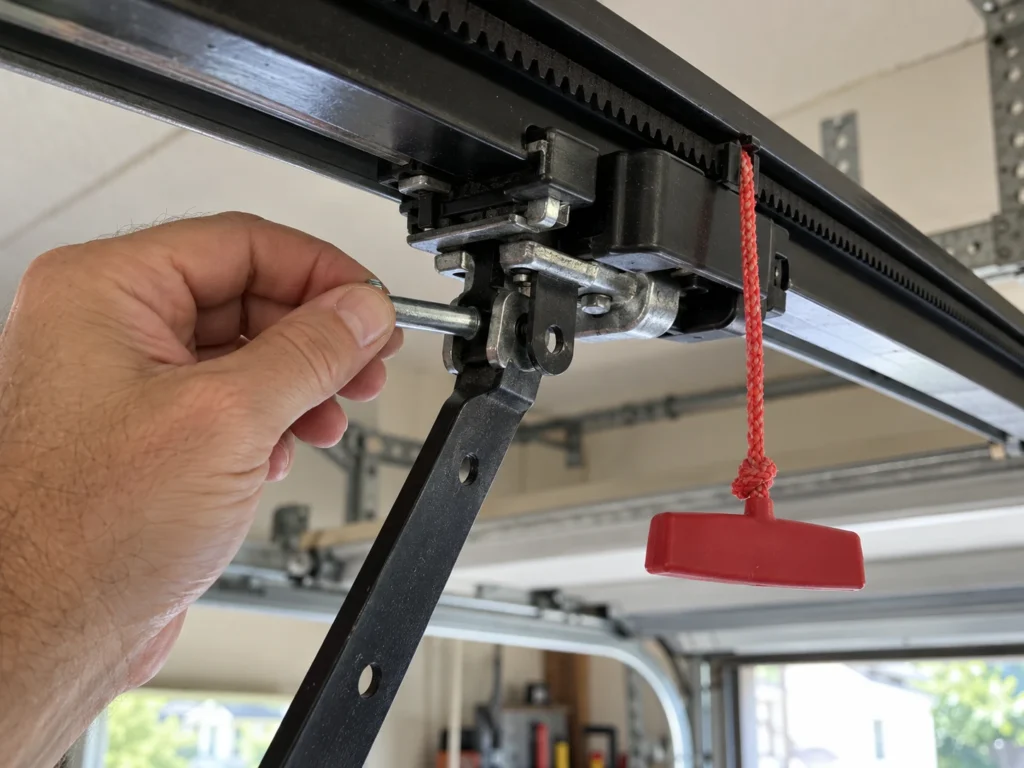
A grinding sound with no movement can also mean the belt itself has come off or broken. That needs a belt or drive repair, and with no factory support, many owners replace the opener at that point.
Wi-Fi and App Problems
Ryobi’s opener app is called GDO System, published by One World Technologies. Its last App Store update was in 2021, and it carries a low rating from owners reporting dropped connections, so app trouble is common and isn’t always something you can fix at your end.
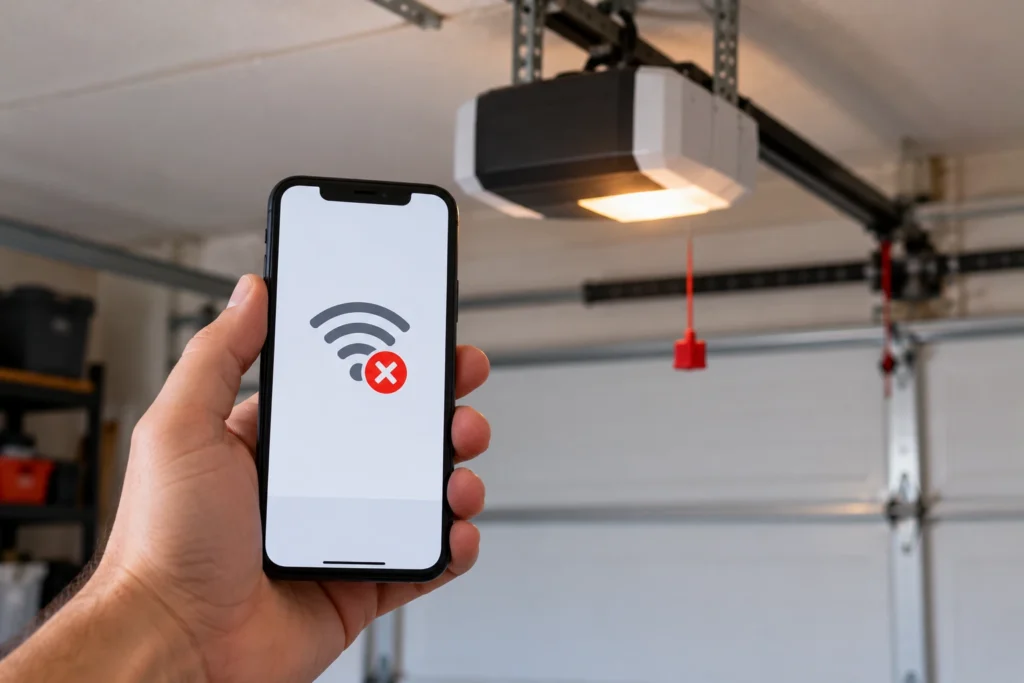
- Use a 2.4 GHz network; the opener won’t join 5 GHz.
- Check that lock mode isn’t on, since it blocks app control too.
- Restart the opener by unplugging it for 30 seconds, then reopen the app.
- Remove the opener from the app and add it again, following the app’s own prompts.
Our Ryobi Wi-Fi setup guide covers the app in detail. If it won’t stay connected, a third-party smart controller wired to the opener is often more dependable than the Ryobi app.
Power, Battery and Module Problems
The GD200 can run on a Ryobi 18V ONE+ battery as a backup during outages and charges it while plugged in. If the indoor keypad does nothing and both sensor lights are off, the opener has no power: check the ceiling outlet and breaker, and charge or replace the battery.
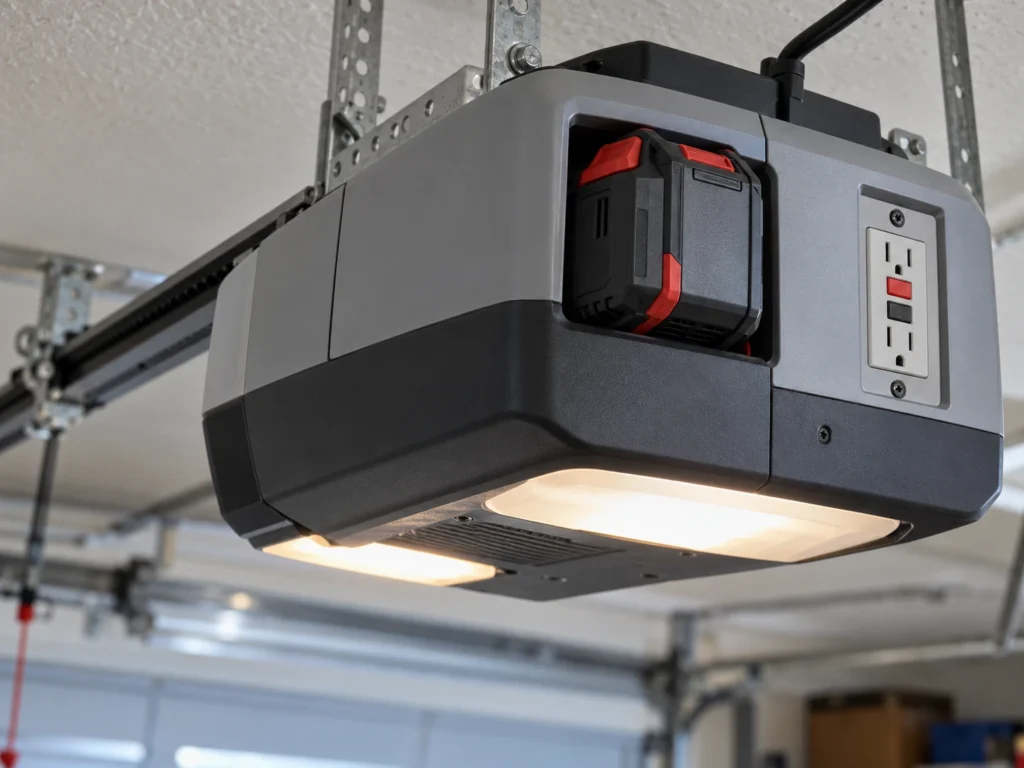
The opener also has two 120V GFCI outlets for its AC modules, rated for 10 amps combined. If those modules stop, reset the GFCI and make sure you haven’t exceeded 10 amps. DC modules plugged into the seven module ports need their port switched on from the indoor keypad. For outlet trips, see our guide on a garage door opener tripping a GFCI.
When to Replace Your Ryobi Opener
Ryobi has discontinued its garage door opener line, so factory parts and repair support are hard to find. In our experience helping Ryobi owners, sensor, lock and limit problems are worth fixing, but a failed control board, motor or belt drive usually isn’t, because the parts simply aren’t available.
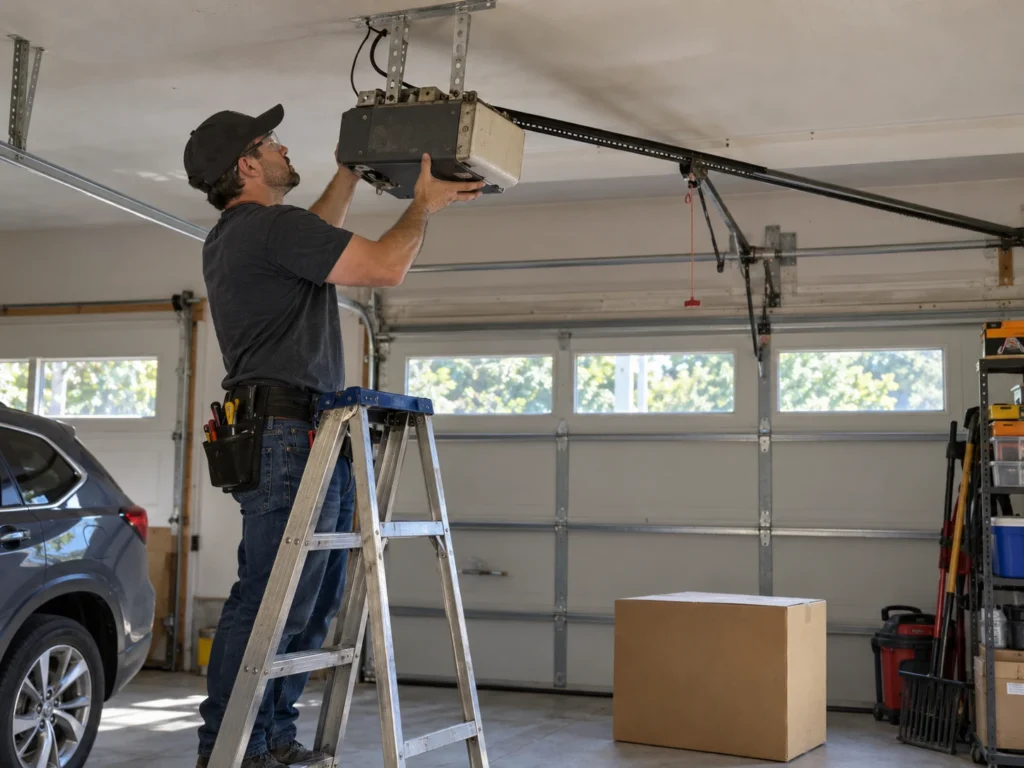
Replace the opener if the motor, board or belt drive has failed, or if it keeps losing its settings. Our best WiFi garage door openers guide covers current models with app control and battery backup.
Frequently Asked Questions
Why won’t my Ryobi garage door opener work with the remote?
First check lock mode: if it’s on, remotes, the outdoor keypad and the app are all blocked. Press LOCK on the indoor keypad to unlock it. If only one remote fails, replace its battery and reprogram it with the PROGRAM button.
Why is my Ryobi garage door opener beeping?
Ryobi’s manual doesn’t publish beep codes. In owner reports, beeping with no door movement most often comes with lost travel limits or a drive that isn’t connected to the door. Reset the travel limits, then check that the trolley is engaged and the belt is intact.
How do I reset the travel limits on a Ryobi opener?
Open the console door on the motor unit. Hold UP for three seconds, raise the door to fully open and press SET. Then hold DOWN for three seconds, close the door to the floor and press SET.
What do the blinking lights on Ryobi safety sensors mean?
Two red blinks with green on means misaligned or blocked. Three red blinks means the receiving sensor is in direct sunlight. Four red blinks means the sending sensor isn’t transmitting. Both lights off means no power.
Is the Ryobi garage door opener discontinued?
Yes. Ryobi no longer sells its garage door openers, so parts and support are limited. Existing openers keep working, and remotes, keypads and the wall control don’t depend on the app.
Why does my Ryobi app say the opener is offline?
Usually the opener lost its Wi-Fi connection after a router change, a power cut or a weak signal in the garage. Make sure it’s on a 2.4 GHz network, restart the opener, and re-add it in the GDO System app if needed.
Related Guides
For other Ryobi guides, see How to Reset a Ryobi Garage Door Opener, How to Connect Wi-Fi to a Ryobi Garage Door Opener, Ryobi Garage Door Opener Discontinued, Ryobi Garage Door Opener Recall and Is the Ryobi Garage Door Opener Compatible with Alexa?
For the official manual, see the Ryobi GD200 operator’s manual.