
To reset a Chamberlain garage door keypad without the original code, press and hold the Learn button on the motor unit for 6 seconds until the LED turns off. This erases all stored codes. Then press Learn once, walk to the keypad, enter your new 4-digit PIN, and hold Enter until the opener light blinks. Done in under 2 minutes.
Short Answer: Hold the Learn button on your Chamberlain opener for 6 seconds until the LED turns off. This wipes all codes. Press Learn once, type your new 4-digit PIN on the keypad, and hold Enter until the opener light blinks. This works on the 940EV and other Security+ 2.0, 315 MHz and 390 MHz keypads; KLIK2U and myQ keypads use slightly different steps, shown in the model table below. No locksmith needed.
What You Need Before Starting
You do not need the old PIN to reset a Chamberlain keypad. You need physical access to the opener motor unit on your garage ceiling. The Learn button is on the back or side, often under the light lens cover. Grab a step ladder if your opener is mounted high.
Have your new 4-digit PIN ready before you start. You only have 30 seconds to enter it after pressing Learn. Avoid 1234, 0000, or your house number. Also check the keypad battery: a weak 9V causes half of all reset-not-working complaints. If the backlight looks dim, swap the battery first.
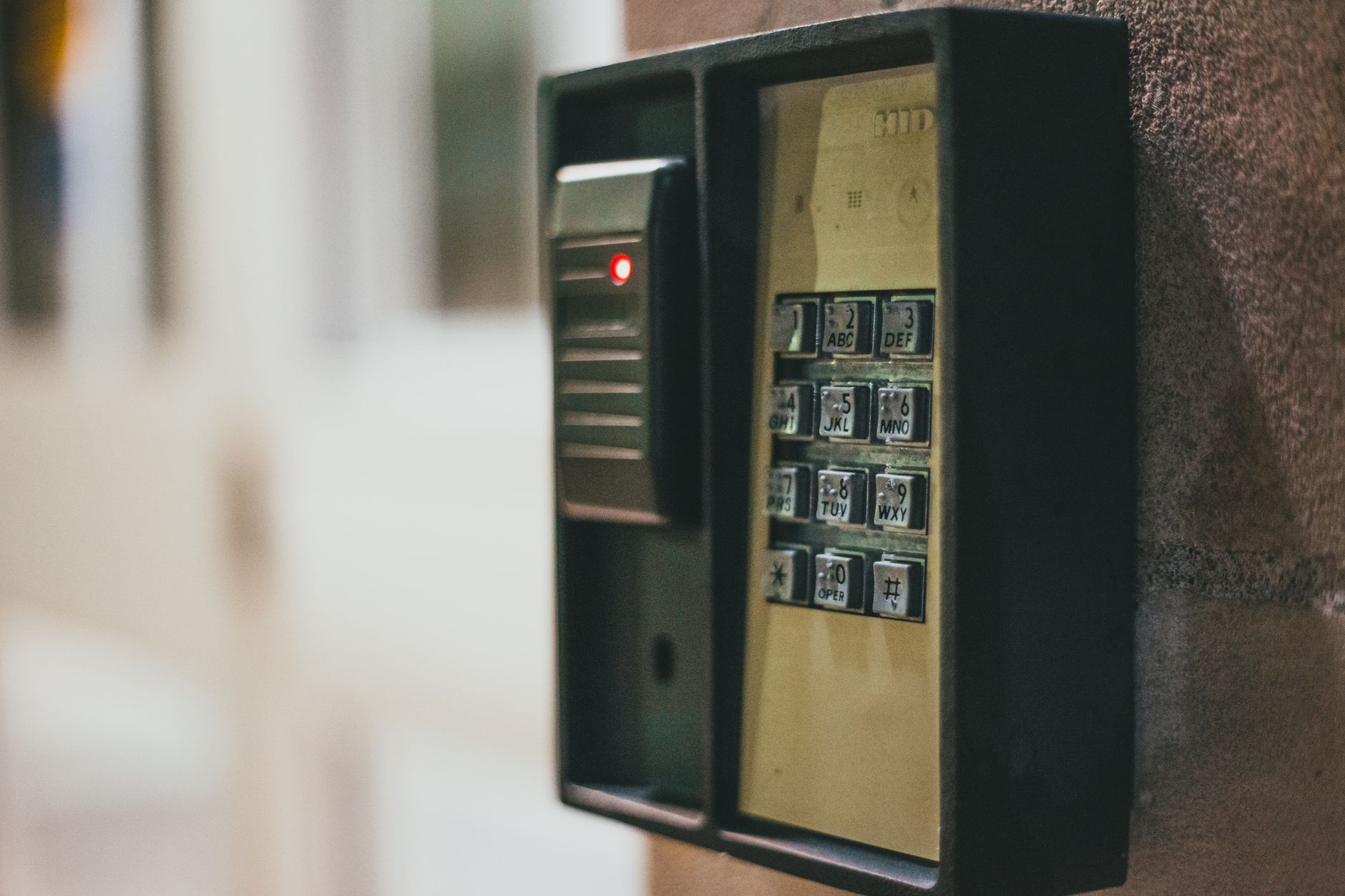
Step-by-Step: Reset Chamberlain Keypad Without Code
Step 1 – Erase the opener memory
Find the Learn button on the back or side of the Chamberlain motor unit. Press and hold it for 6 full seconds. The indicator LED turns off, confirming all stored remotes, PINs, and keypad codes are wiped. On some older models you will hear two clicks instead of seeing the light change.

Step 2 – Identify your opener model
The Learn button color tells you which security system your opener uses.
| Learn Button Color | Security System | Notes |
|---|---|---|
| Yellow | Security+ 2.0 | myQ compatible, most homes after 2011 |
| Purple | Security+ 315 MHz | Older models, no WiFi |
| Red or Orange | Security+ 390 MHz | Mid-range models |
| Green | Billion Code | 390 MHz legacy |
Step 3 – Set a new keypad PIN
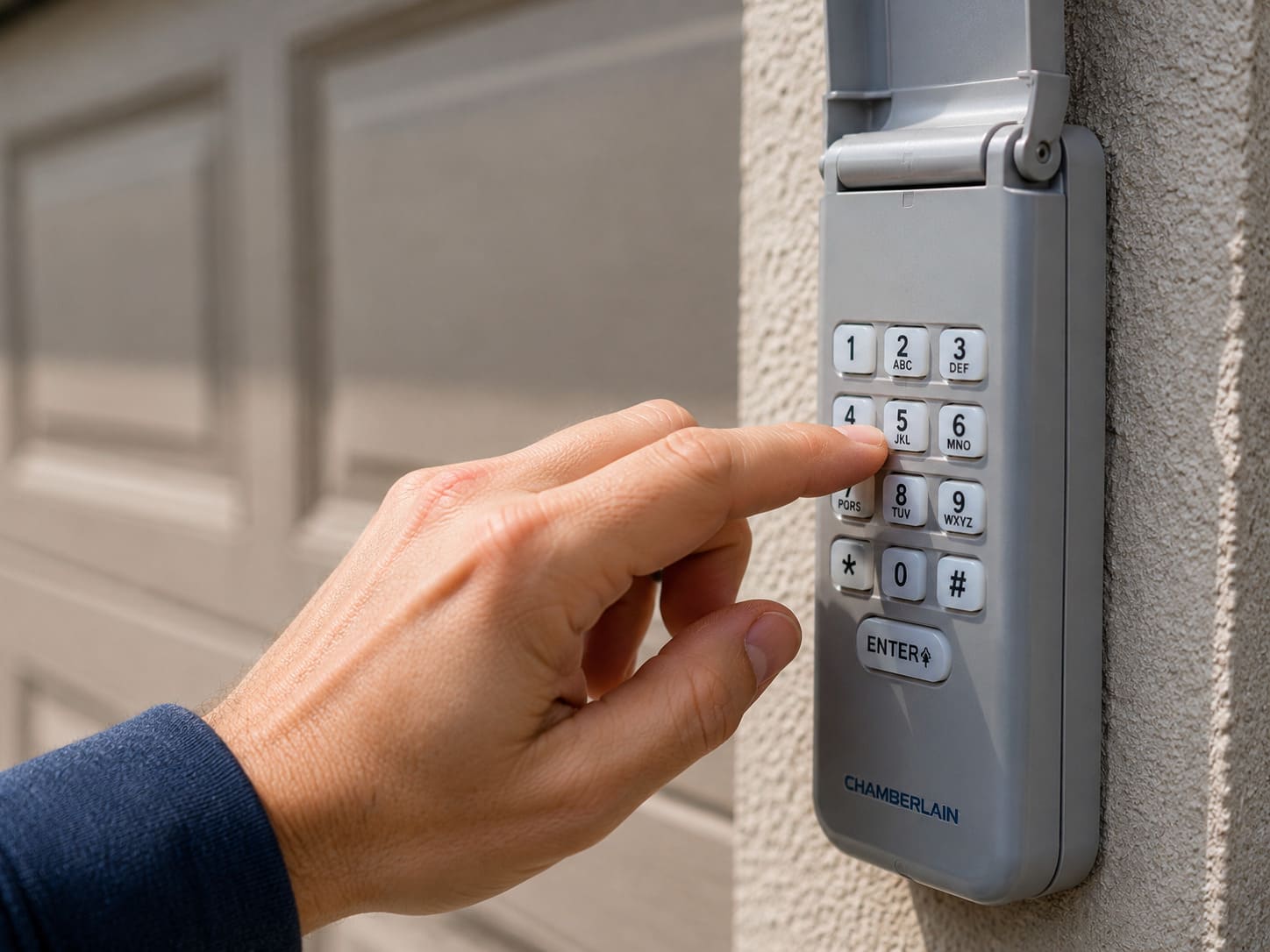
Press and release the Learn button once. The LED blinks and you now have 30 seconds. Walk to the keypad, enter your new 4-digit PIN, then press and hold Enter until you hear one click and the opener light flashes. That flash confirms the PIN is saved. Test it immediately.
Factory Reset for WiFi and myQ Openers (3-Press Method)
If your Chamberlain opener connects to WiFi or the myQ app (Security+ 2.0, yellow Learn button), the standard 6-second hold only erases codes. A full factory reset that also clears WiFi settings and myQ accessories requires three consecutive presses:
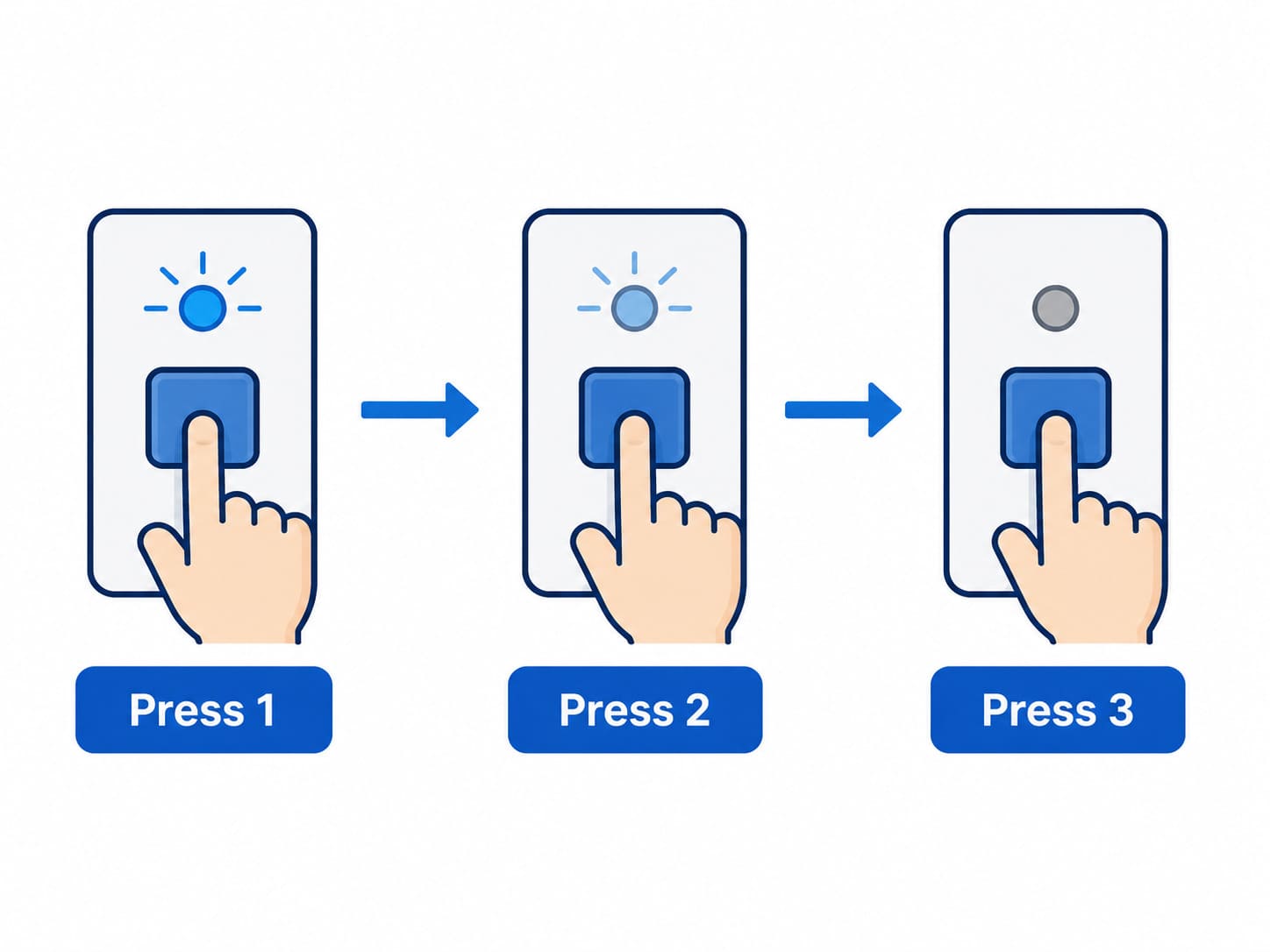
- Press and hold the Learn button until the LED goes out (6 to 8 seconds). Release.
- Immediately press and hold again until the LED goes out. Release.
- Immediately press and hold a third time until the LED goes out. Three quick beeps confirm success.
Three beeps mean all codes, myQ accessories, and the built-in gateway are wiped. Reprogram your keypad, remotes, and reconnect myQ from scratch. Use this when selling the home or switching WiFi networks.
Reset Steps by Keypad Model
| Keypad Model | Works With | Reset Sequence |
|---|---|---|
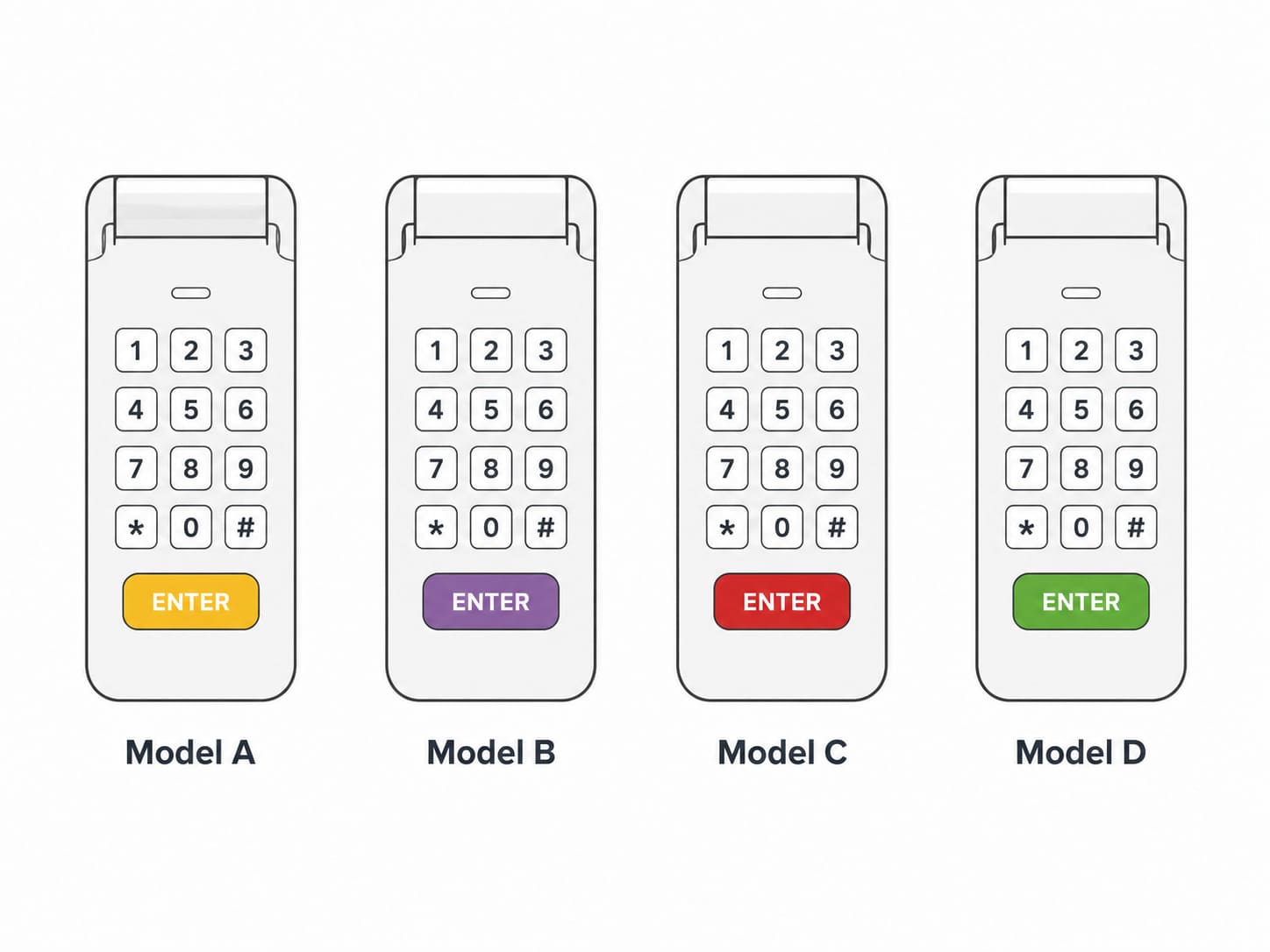
| 940EV / 940EV-P2 | Security+ 2.0 (yellow) | Learn 6 sec, Learn once, PIN, hold Enter |
| 940D | Security+ 315/390 (purple, red) | Learn 6 sec, Learn once, PIN, hold Enter |
| KLIK2U | Universal | Hold * and # until blink, PIN, Enter, Learn once |
| 877MAX | Security+ 2.0 (yellow) | Learn 6 sec, Learn once, PIN, hold # key |
| myQ Smart Keypad (CLSIKP) | Security+ 2.0 + WiFi | myQ app, Device Settings, Keypad, Reset PIN |
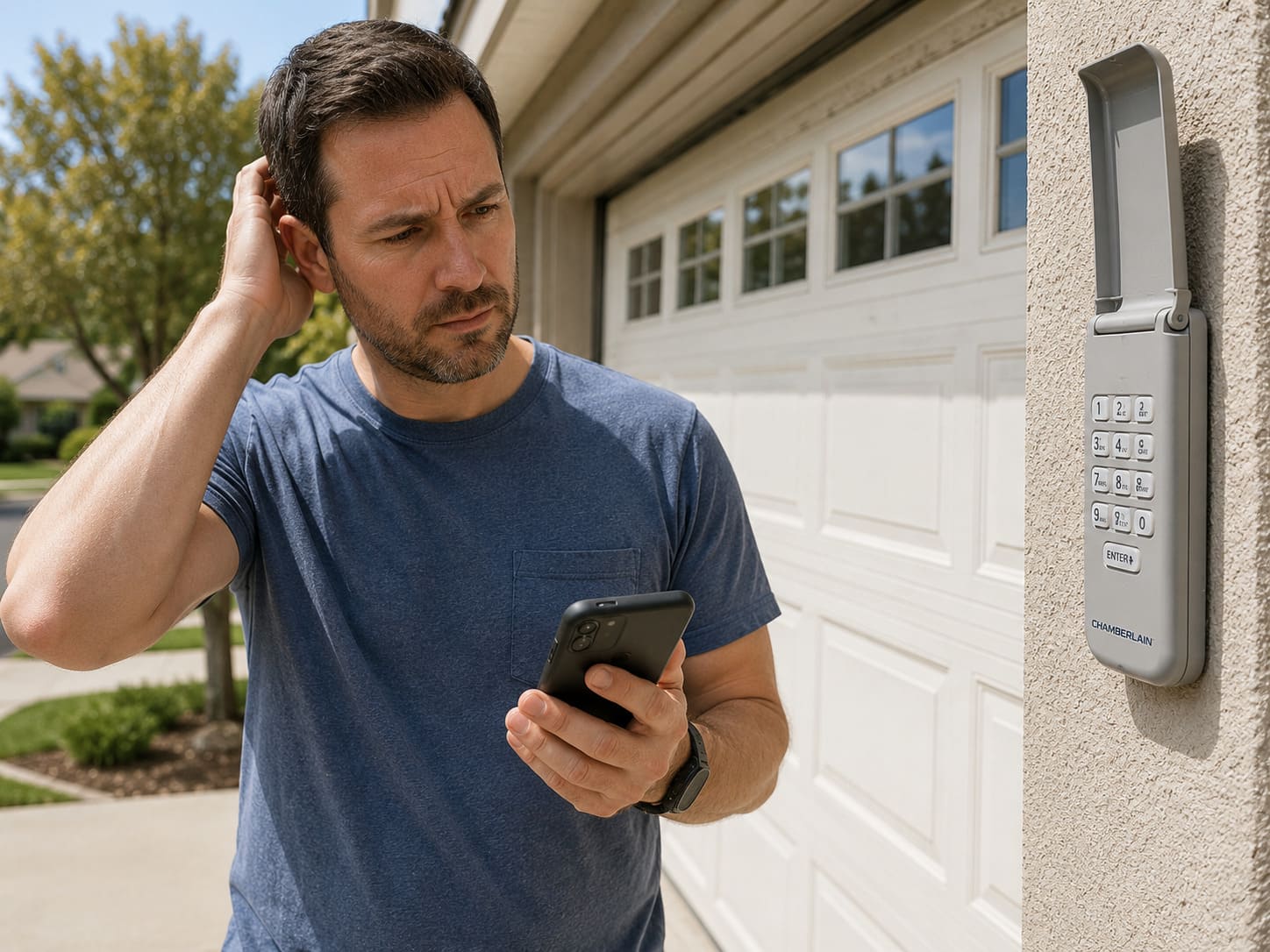
The 940EV is the most common model on homes built after 2011. If your keypad has a sliding cover and no star or pound keys, it is a 940EV or 940D and follows the standard Learn button method above.
How to Change the PIN When You Know the Old Code
If you still know the current PIN, skip the motor unit entirely. This method is faster and keeps all your remotes intact.
- Enter your current 4-digit PIN but do not press Enter.
- Press and hold the # key. The opener light blinks twice.
- Release # and enter your new 4-digit PIN.
- Press Enter. The opener light blinks once to confirm.
What If You Cannot Reach the Learn Button?
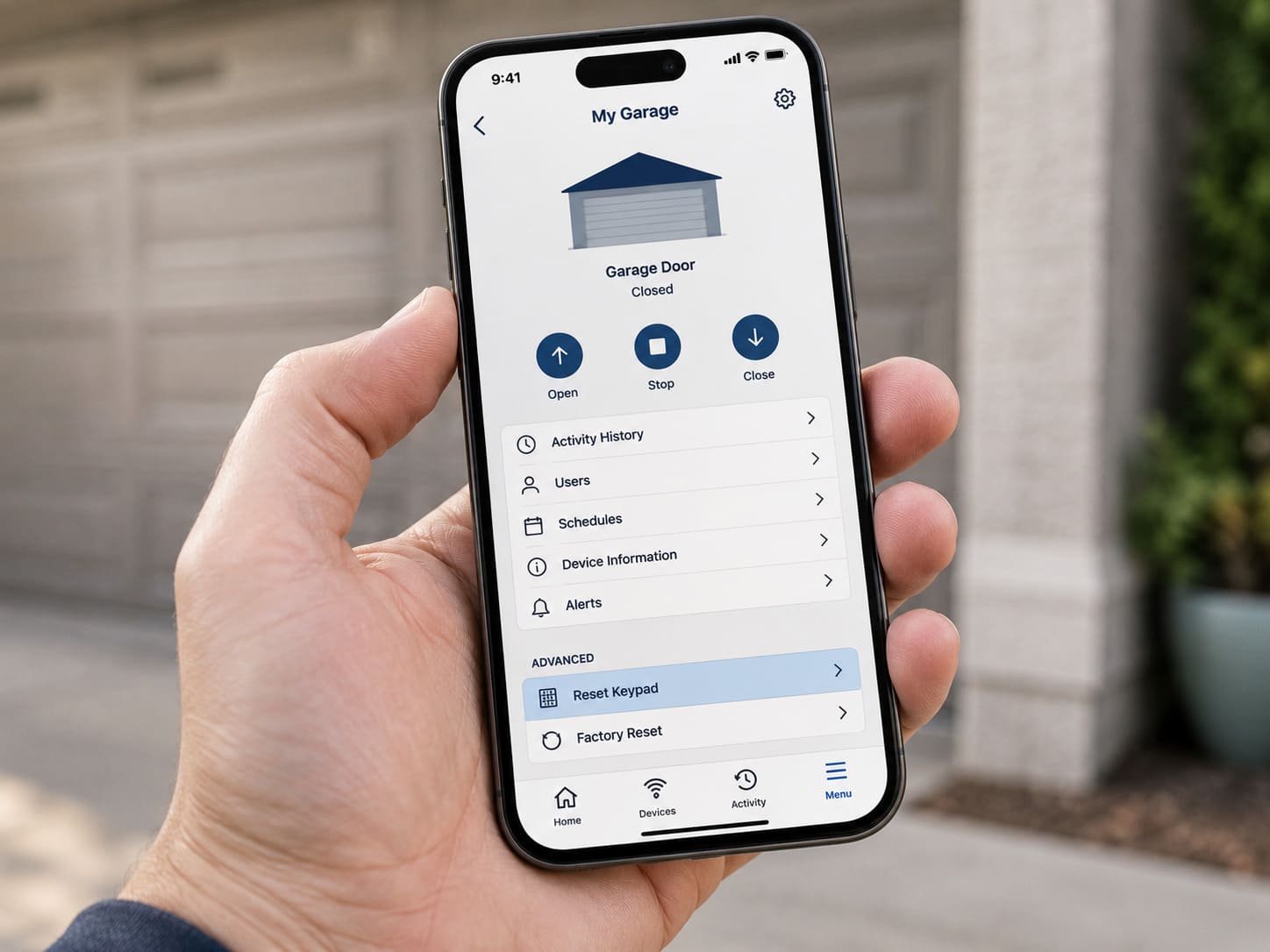
Finished ceiling or very high mount? Use the myQ app. Open the app, go to Settings, select your opener, and tap Reset Keypad. This works on any Security+ 2.0 opener made after 2011. No ladder needed. If you are setting up myQ access for the first time or adding another opener, see our guide on how to add a second garage door opener to myQ.
No myQ access and cannot reach the motor unit? A Chamberlain authorized dealer can reset it by connecting directly to the logic board. Expect $50 to $80 for a service call.
DIY vs Professional Reset
| Option | Cost | Time | DIY Suitability | Safety Risk |
|---|---|---|---|---|
| Learn button reset | $0 | 2-5 min | Safe for DIY | Low |
| 3-press factory reset | $0 | 3-5 min | Safe for DIY | Low |
| myQ app reset | $0 | 1 min | Safe for DIY | Low |
| New keypad 940EV | $25-$35 | 15 min | Safe for DIY | Low |
| Dealer service call | $50-$80 | Same day | Professional | Low |
Common Problems and Fixes
| Problem | Likely Cause | Fix |
|---|---|---|
| PIN not accepted after reset | Entered too slowly | Repeat and stay within 30-second window |
| Learn button LED stays on | Not held long enough | Hold 6 full seconds until LED turns OFF |
| Opener light does not flash | Dead battery or out of range | Replace 9V battery, move closer to opener |
| Door opens but keypad unresponsive | Keypad needs its own reset | Remove battery 30 seconds then reinstall |
| Keypad works once then stops | Corroded battery terminals | Clean with vinegar swab, dry, new battery |
| All remotes stopped working | Full memory erase expected | Reprogram each remote with Learn button |
| myQ app not reconnecting after factory reset | Gateway cleared by 3-press reset | myQ app, Add Device, follow setup wizard |
Resetting the opener itself, not just the keypad? See how to reset a Chamberlain garage door opener for the remote erase, travel and factory reset steps.
Security Tips After Any Reset
- Change the PIN whenever a contractor, tenant, or house sitter no longer needs access.
- Never share your permanent PIN. Use the temporary PIN feature for guests instead.
- Wipe and reprogram everything when you move into a new home. Previous owners remotes may still work.
- After any reset, test auto-reverse: place a 2×4 flat under the door. The door must reverse on contact per UL 325 safety standards.
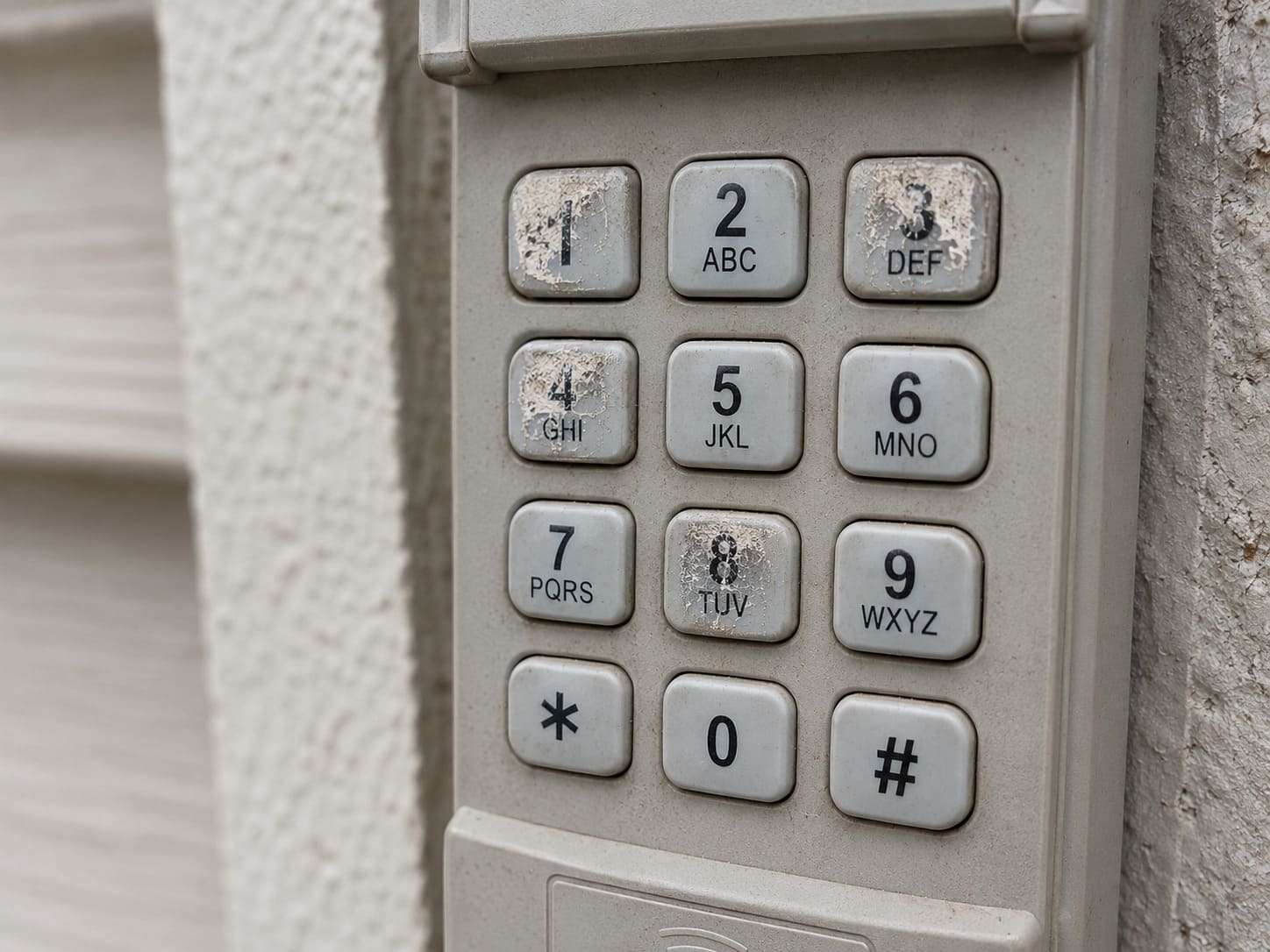
- If four specific buttons show wear, your PIN is guessable. Rotate to digits that spread across the pad.
For related issues, see our guide on why your Chamberlain opener keeps beeping. If you have a LiftMaster, the LiftMaster keypad without Enter button guide covers the alternate sequence. If your keypad stopped responding after a cold snap rather than needing a reset, see garage door keypad not working in cold weather. Craftsman owners can find the equivalent steps in our Craftsman keypad reset guide.
Related Guides
For other Chamberlain guides, see Where Is the Learn Button on a Chamberlain Garage Door Opener? Best Chamberlain Garage Door Opener, and, if the keypad stopped responding altogether, Chamberlain Keypad Not Working? 7 Fixes.
Frequently Asked Questions
Can I reset the Chamberlain keypad without going inside the garage?
No. The standard reset requires pressing the Learn button on the motor unit inside the garage. The one exception is myQ-connected openers with a yellow Learn button, which let you reset the keypad PIN through the myQ smartphone app without entering the garage.
Will resetting the keypad erase my remotes too?
Yes. Holding the Learn button for 6 seconds clears all stored codes including remotes, keypads, and HomeLink devices. Reprogram every remote after the reset using the Learn button, one device at a time.
What is the difference between a code reset and a factory reset on a Chamberlain opener?
A code reset with a 6-second hold erases remotes and PIN codes only. A factory reset with three consecutive 6-second holds also clears WiFi settings, myQ accessories, and the built-in gateway. Use factory reset only when selling the home or changing WiFi networks.
What is the default PIN for a Chamberlain keypad?
Chamberlain keypads have no factory default PIN. The installer or previous owner sets the PIN during initial setup. If you do not know the current PIN, use the Learn button reset steps above to create a new one.
Can I have more than one PIN on a Chamberlain keypad?
Standard Chamberlain keypads store one permanent PIN plus one temporary PIN at a time. The myQ Smart Keypad model CLSIKP supports multiple user PINs with individual activity logs.
Does a Chamberlain keypad work with a LiftMaster opener?
Yes. Chamberlain owns LiftMaster and the keypads share the same programming system. Match the Learn button color and the steps above apply identically to LiftMaster models.