What Is the 315 MHz Frequency and Why It Matters
Programming a Craftsman garage door remote 315 takes about two minutes once you know the exact steps. The 315 refers to the radio frequency — 315 MHz — that older Craftsman openers use to communicate with their remotes. Openers manufactured before 2011 typically use this frequency.
Knowing your frequency matters because 315 MHz remotes won’t pair with 390 MHz or Security+ 2.0 openers, even if they look identical. If you’ve been pressing buttons with no result, the wrong frequency is often why.
This guide covers every programming method for 315 MHz Craftsman openers, including models with a learn button, models with DIP switches, and compatibility with universal remotes.
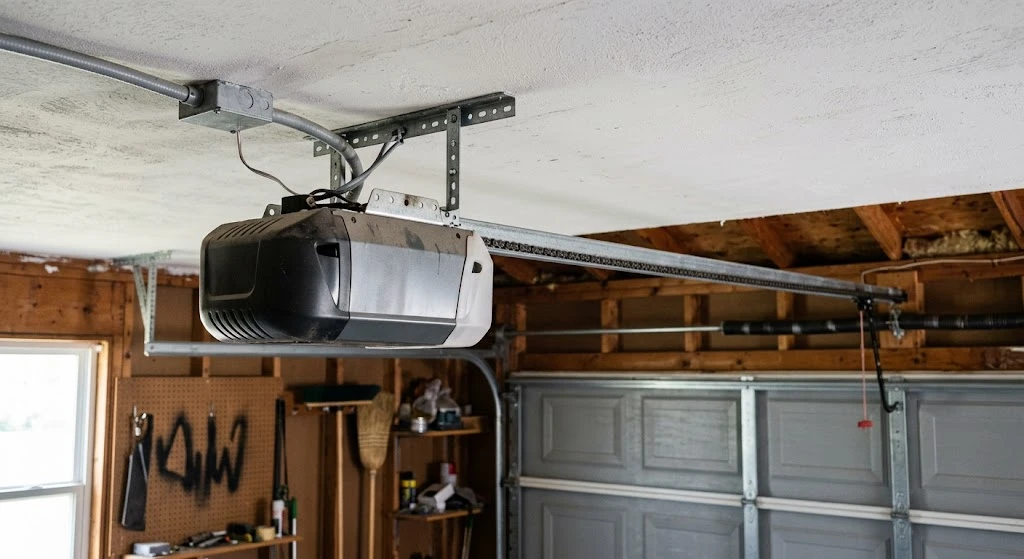
Short Answer: To program a Craftsman 315 MHz garage door remote, press and release the Learn button on your opener until the LED lights up, then press and hold your remote button for 2–3 seconds until the opener’s light flashes or you hear two clicks. The remote is now paired. The whole process takes under two minutes.
This post contains affiliate links. If you buy through one, we may earn a small commission at no extra cost to you.
How to Identify Your Craftsman Opener’s Frequency
Before you program anything, confirm your opener actually uses 315 MHz. Look at the label on the back or side of the motor unit. It will list the frequency — either 315 MHz, 390 MHz, or mention Security+ or Security+ 2.0.
| Frequency / Protocol | Typical Model Year | Remote Compatibility |
|---|---|---|
| 315 MHz | Pre-2011 | Craftsman 139.53879, 139.53681, universal 315 MHz remotes |
| 390 MHz | 1997–2005 (some) | Craftsman 139.53753, specific 390 MHz remotes |
| Security+ (315 MHz rolling code) | 2005–2011 | Rolling code 315 MHz remotes only |
| Security+ 2.0 | 2011–present | Security+ 2.0 remotes — not backward compatible |
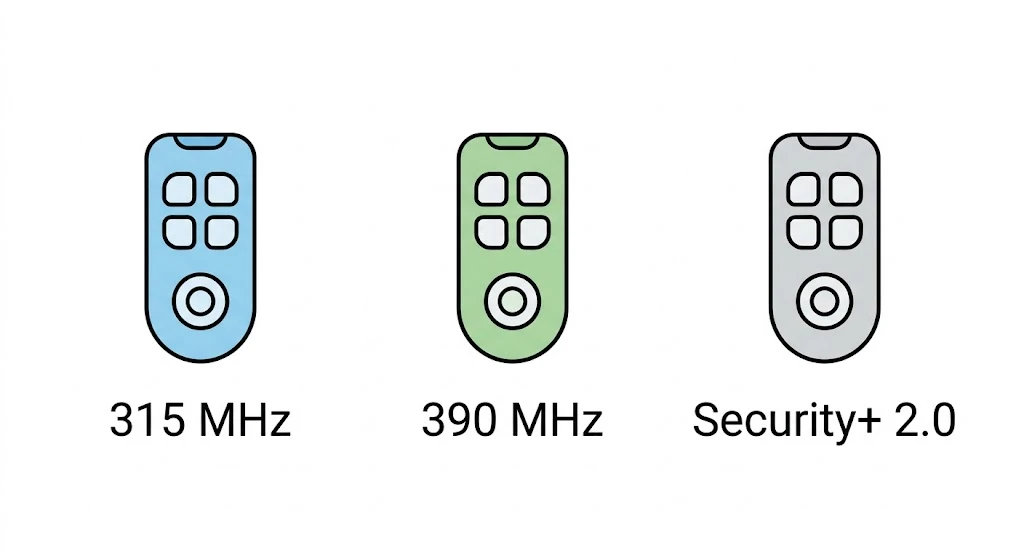
If your opener shows 315 MHz on the label, you’re in the right place. If it says Security+ 2.0 or you see a purple Learn button, this guide won’t apply — you’ll need a Security+ 2.0 remote instead. Not sure your opener even has a Learn button at all? See our guide on whether all garage doors have a Learn button first.
Method 1: Learn Button Programming (Most Common)
Most Craftsman 315 MHz openers made after 1997 have a Learn button on the motor unit. This is the fastest and most reliable programming method.
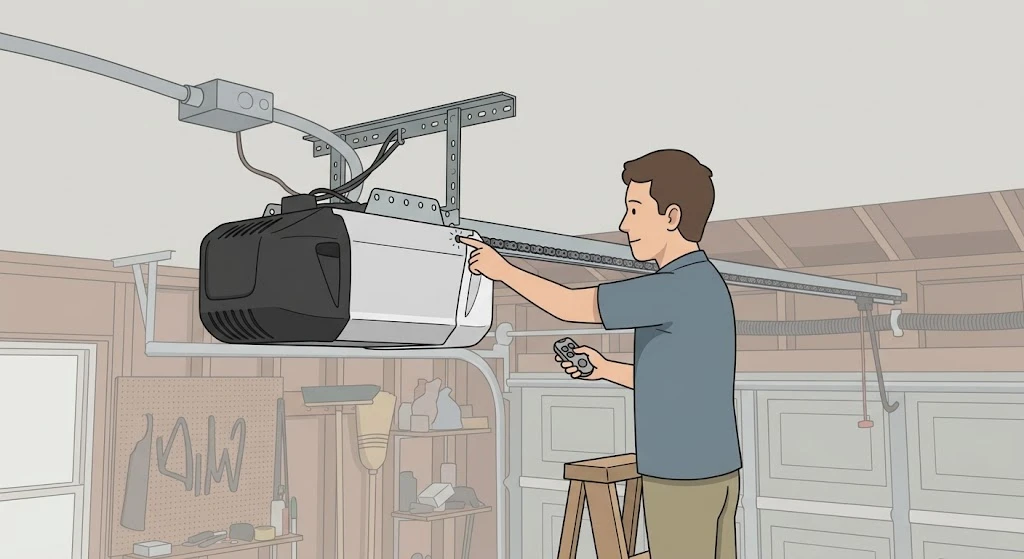
- Locate the Learn button. It’s on the back or side of the motor unit, near the antenna wire. On 315 MHz models, it’s typically yellow or orange.
- Clear old codes first (optional but recommended). Press and hold the Learn button for about 6 seconds until the LED goes out. This erases all paired remotes. Skip this step if you’re just adding a new remote, not starting fresh.
- Press and release the Learn button once. The LED will light up and stay on for about 30 seconds. You have that window to complete pairing.
- Press and hold your remote button. Hold it for 2–3 seconds, then release. The opener light should flash, or you’ll hear two clicks from the motor unit. That confirms pairing.
- Test the remote. Stand inside the garage and press the button. The door should move. If not, repeat from step 3 — sometimes the timing is slightly off on the first attempt.
| Field | Detail |
|---|---|
| Time Required | 2–5 minutes |
| Tools Needed | None |
| DIY Suitability | Safe for DIY — no wiring involved |
| Safety Risk | Low |
| Cost | $0 if you already have the remote |
Method 2: DIP Switch Programming (Older Models)
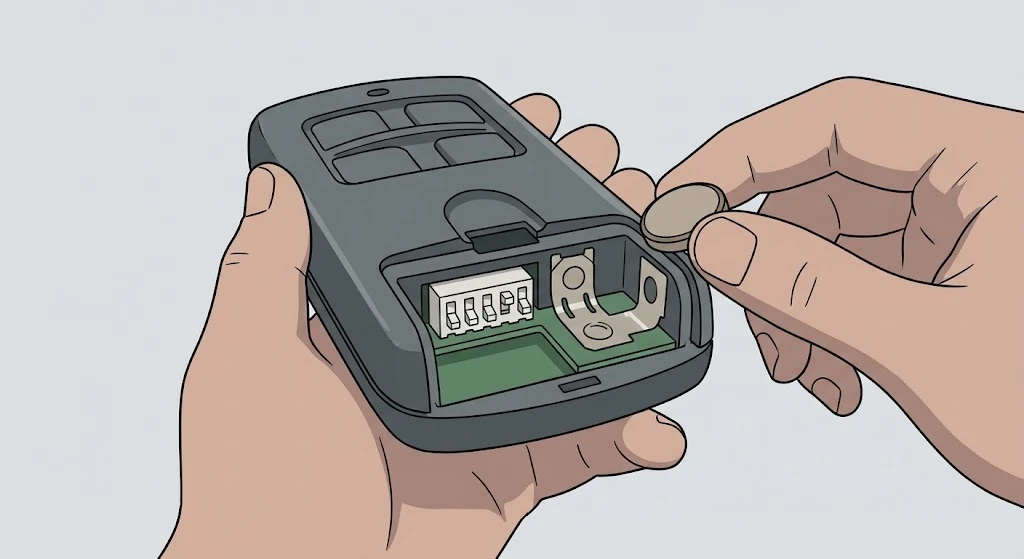
Craftsman openers made before roughly 1993 don’t have a Learn button. They use DIP switches — tiny physical toggle switches — inside both the remote and the opener. You match the switch pattern on both units to pair them.
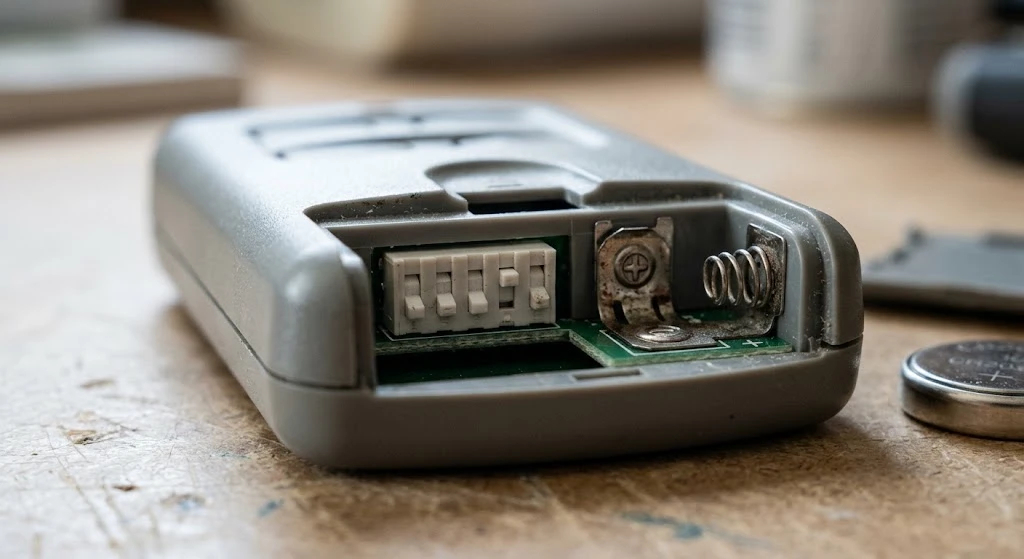
- Open the remote’s battery cover. You’ll see a row of 8 or 9 small switches, each numbered.
- Access the opener’s DIP switches. They’re inside the motor unit housing. You may need to remove a light cover or panel — usually just a push-clip or one screw.
- Match the switch positions exactly. If switch 1 on the opener is UP, set switch 1 on the remote to UP. Repeat for every switch.
- Replace covers and test. Press the remote button from inside the garage first. If the door moves, you’re done.
A common mistake: people flip one switch in the wrong direction and spend 20 minutes troubleshooting. Use a flashlight and double-check each switch before testing.
If you’d rather avoid DIP switches entirely, our guide on programming an opener without a Learn button covers additional workarounds that may apply to your model.
How to Program a Universal Remote to a Craftsman 315 MHz Opener
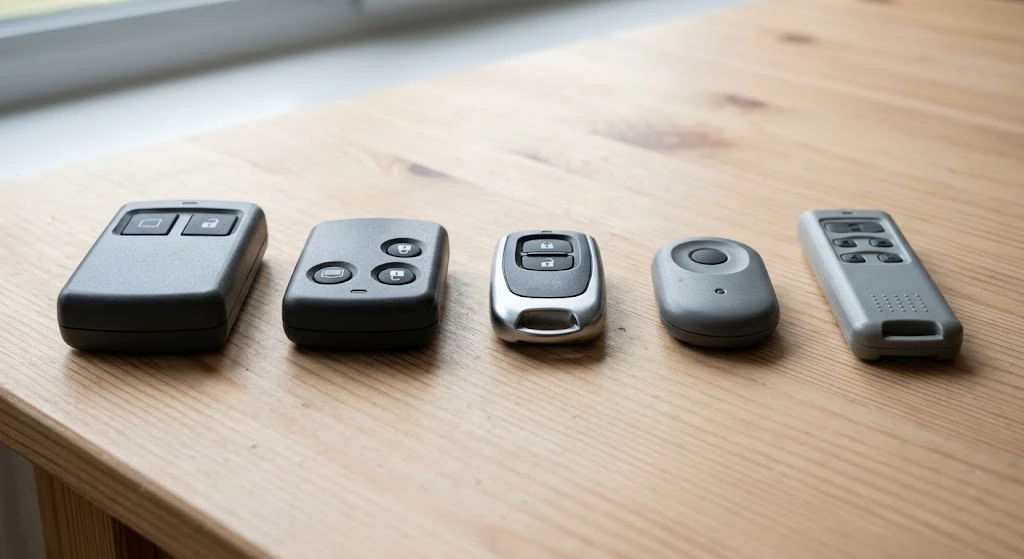
If you’ve lost the original Craftsman remote or want a multi-brand clicker, a universal 315 MHz remote will work. Popular options include the Chamberlain KLIK1U and the Linear DNT00089A. Make sure the package specifically says 315 MHz compatibility.
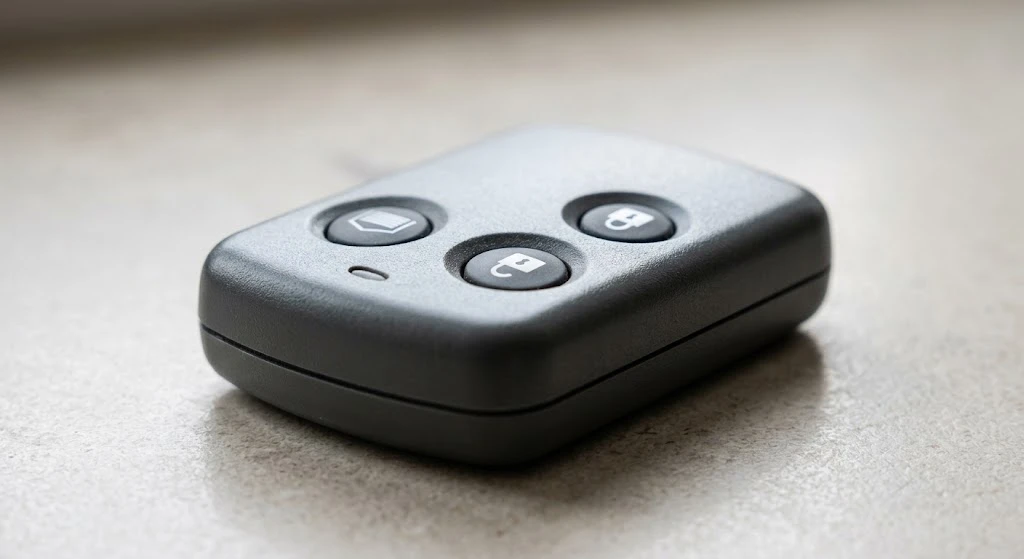
- Press the Learn button on the opener (yellow or orange LED lights up).
- On the universal remote, press and hold the button you want to assign.
- Hold until the opener flashes or clicks — usually 2–3 seconds.
- Test from inside the garage.
Avoid cheap unbranded remotes from discount sites. They often claim 315 MHz compatibility but use imprecise frequencies that pair unreliably or stop working within weeks.
Chamberlain Group, which owns both Chamberlain and LiftMaster and built most Craftsman openers, currently supports exactly two universal remotes: the Chamberlain CHU62 and the LiftMaster L992U. Its older universals — KLIK1U, KLIK5U, 375LM, 380UT, MC100, 374UT and the rest — are discontinued, and the company points owners to those two as the replacements. Either one covers Chamberlain, LiftMaster, Craftsman, Master Mechanic and Do It openers.
If you would rather buy a third-party 315 MHz remote, stick to listings that name the exact Craftsman model number printed on your opener. Compare universal 315 MHz remotes on Amazon.
How to Program a Craftsman Keyless Entry Keypad
If your opener came with (or you are adding) a wireless keypad mounted outside the garage, it programs the same way as a remote, using the same Learn button. This is a separate method from the remote and car programming above, so do not skip it if you also want keypad access.
- Choose a PIN. Pick a 4-digit code you will remember. Some keypads let you enter it directly; others require pressing “Enter” after the digits.
- Press and release the Learn button on the motor unit. The LED will glow steadily for about 30 seconds.
- Enter your chosen PIN on the keypad within that 30-second window, then press Enter (if your keypad has that button).
- Confirm pairing. The opener light should blink or you will hear two clicks, the same confirmation as remote programming.
- Test it. Enter the PIN again on the keypad. The door should respond.
To change or remove a PIN later, repeat this process with a new code. If your keypad has no visible Enter button or a different button layout, see our guide on resetting a Craftsman keypad without an Enter button.
How to Program Your Car’s Built-In Garage Door Button
Many vehicles have a built-in console button (HomeLink or a similar system) that can control a Craftsman 315 MHz opener directly, without a handheld remote. This is a separate step from Learn-button pairing above, and it involves an extra “training” stage because the car first has to learn your remote’s signal before it can talk to the opener.
- Train the car’s console first. Follow your vehicle owner’s manual to teach the built-in button your existing Craftsman remote’s frequency. This usually means holding the remote a few inches from the console buttons and following the vehicle’s own pairing sequence.
- Press the Learn button on the opener motor unit once the car’s console is in training mode, following your vehicle’s instructions for timing.
- Press and hold the trained console button in the car until the opener light flashes or clicks twice.
- Test from the driveway to confirm the door responds to the car’s button alone.
Exact steps vary by automaker, so check your vehicle’s manual for the precise button sequence — the opener side (Learn button, 30-second window) stays the same as with any remote.
What Rolling Code Technology Means for Your Remote
Most 315 MHz Craftsman openers from the Security+ era use rolling code technology: every time you press the remote, it sends a new, one-time code instead of reusing the same signal. This prevents someone from recording your remote’s signal and replaying it to open your door later. It is why you cannot simply “clone” a code-grabbing universal remote the way older fixed-code systems allowed — each press has to be learned individually as shown above. If your opener’s label mentions Security+ without a specific frequency, it is referring to this rolling code system layered on top of the 315 MHz signal.
Troubleshooting: Remote Won’t Program
If you’ve followed the steps and the remote still won’t pair, work through this checklist before assuming the remote or opener is broken.
| Problem | Most Likely Cause | Fix |
|---|---|---|
| LED doesn’t light up when pressing Learn button | Power issue or burned-out LED | Check outlet, reset breaker, test with known-working wall button |
| LED lights up but no flash or click after pressing remote | Wrong frequency or dead battery | Replace remote battery, confirm opener is 315 MHz |
| Door moves once then remote stops working | Rolling code mismatch | Clear all codes, reprogram from scratch |
| Remote works inside garage only, not from driveway | Weak antenna or battery | Check antenna wire is hanging straight down, replace battery |
| Learn button missing entirely | Pre-1993 DIP switch model | Use DIP switch method above |
In our experience answering questions about remote programming, a weak or dead battery causes more failed pairing attempts than any actual opener fault. Always try a fresh battery before assuming the remote or opener itself is broken.
How Many Remotes Can You Program to a Craftsman 315 MHz Opener?
Most Craftsman 315 MHz openers store up to 40 remote codes in memory. In practice, most households never come close to that limit. The limit applies to individual remote buttons, not physical remotes — so a 3-button remote takes up 3 slots.
If you’ve exceeded the limit (rare, but possible on openers shared across multiple families), clearing all codes and reprogramming from scratch is the only fix. There’s no way to selectively delete a single remote code on most 315 MHz models.
Frequently Asked Questions
Can I use my Craftsman 315 MHz remote with a new LiftMaster opener?
Not directly. New LiftMaster openers use Security+ 2.0 technology, which is not compatible with 315 MHz remotes. If you upgrade your opener, you’ll need to buy new Security+ 2.0 remotes. However, some newer openers accept input from older remotes via a compatibility accessory — check your new opener’s manual.
How do I know if my Craftsman remote is 315 MHz or 390 MHz?
Check the FCC ID label on the back of the remote. You can look up the FCC ID on the FCC ID search tool at fcc.gov to find the exact frequency. Alternatively, check the frequency printed directly on the label — most Craftsman remotes show MHz clearly on the sticker near the battery compartment.
My Craftsman opener has a green Learn button — is that 315 MHz?
No. A green Learn button indicates the older Billion Code system, typically operating at 390 MHz on Craftsman models made between about 1993 and 1997. It is not 315 MHz and not Security+ 2.0. If your opener has a green Learn button, this guide’s steps for locating and pressing the button still apply, but you’ll need a remote compatible with 390 MHz Billion Code, not a 315 MHz remote.
The Learn button LED stays on but nothing happens when I press the remote.
This almost always means the remote battery is weak or the remote itself is defective. Replace the battery first — even a new-looking battery can be low. If a fresh battery doesn’t fix it, try a different remote. Batteries that sit in packaging for a year lose charge and often cause exactly this symptom.
Can I program a Craftsman remote without the Learn button being accessible?
If the Learn button is physically blocked or damaged, you may need to partially open the motor unit housing to access it. On most Craftsman models, the housing is held by two screws and a snap-fit cover. Unplug the opener first, remove the cover, press the Learn button with a pen or pencil, and proceed with normal programming.
Related Guides
For other Craftsman guides, see How to Reset Craftsman Garage Door Keypad Without Enter Button.