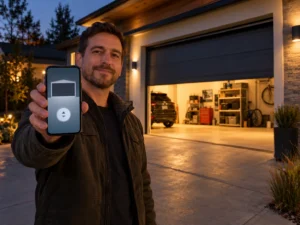
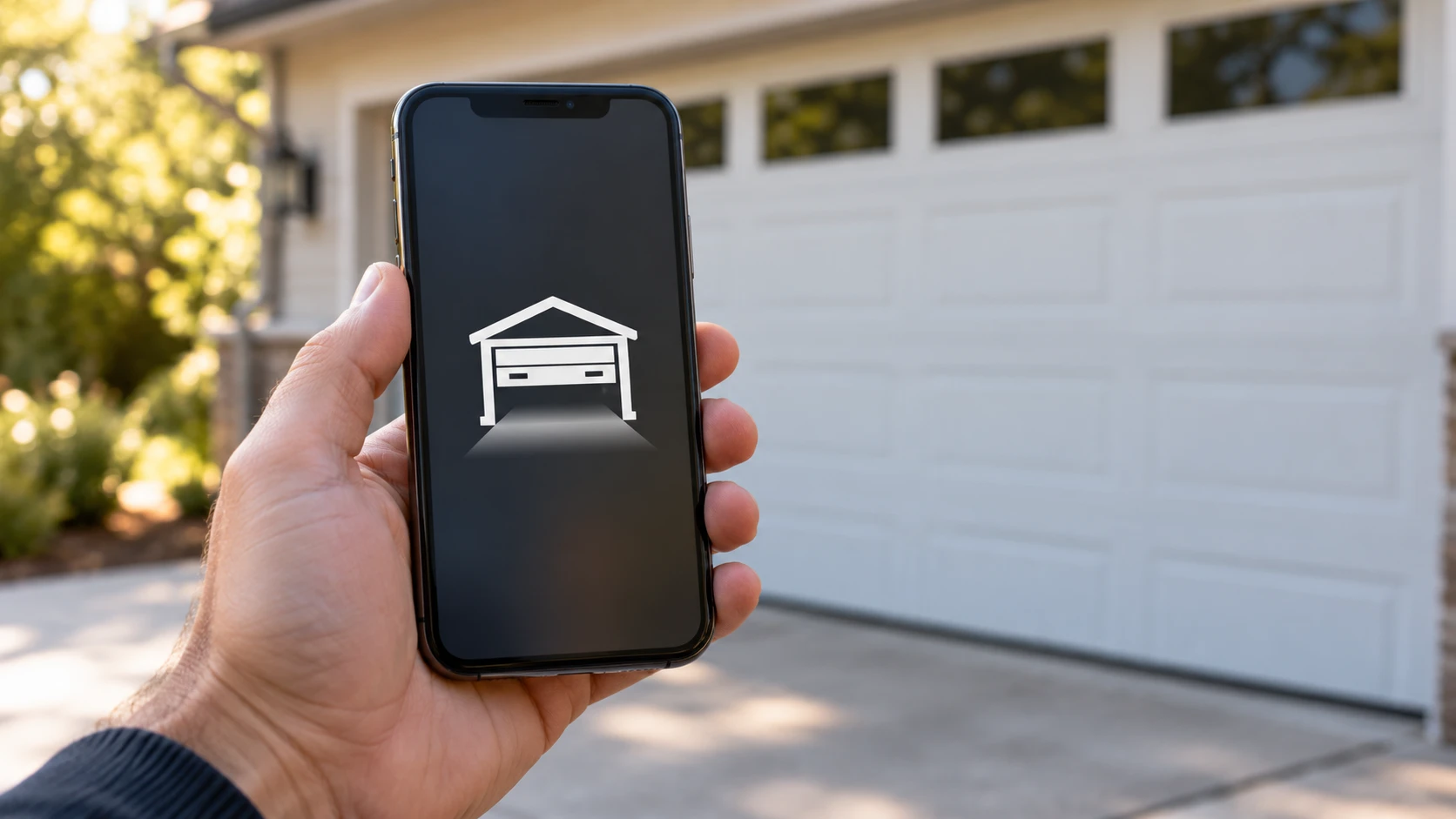
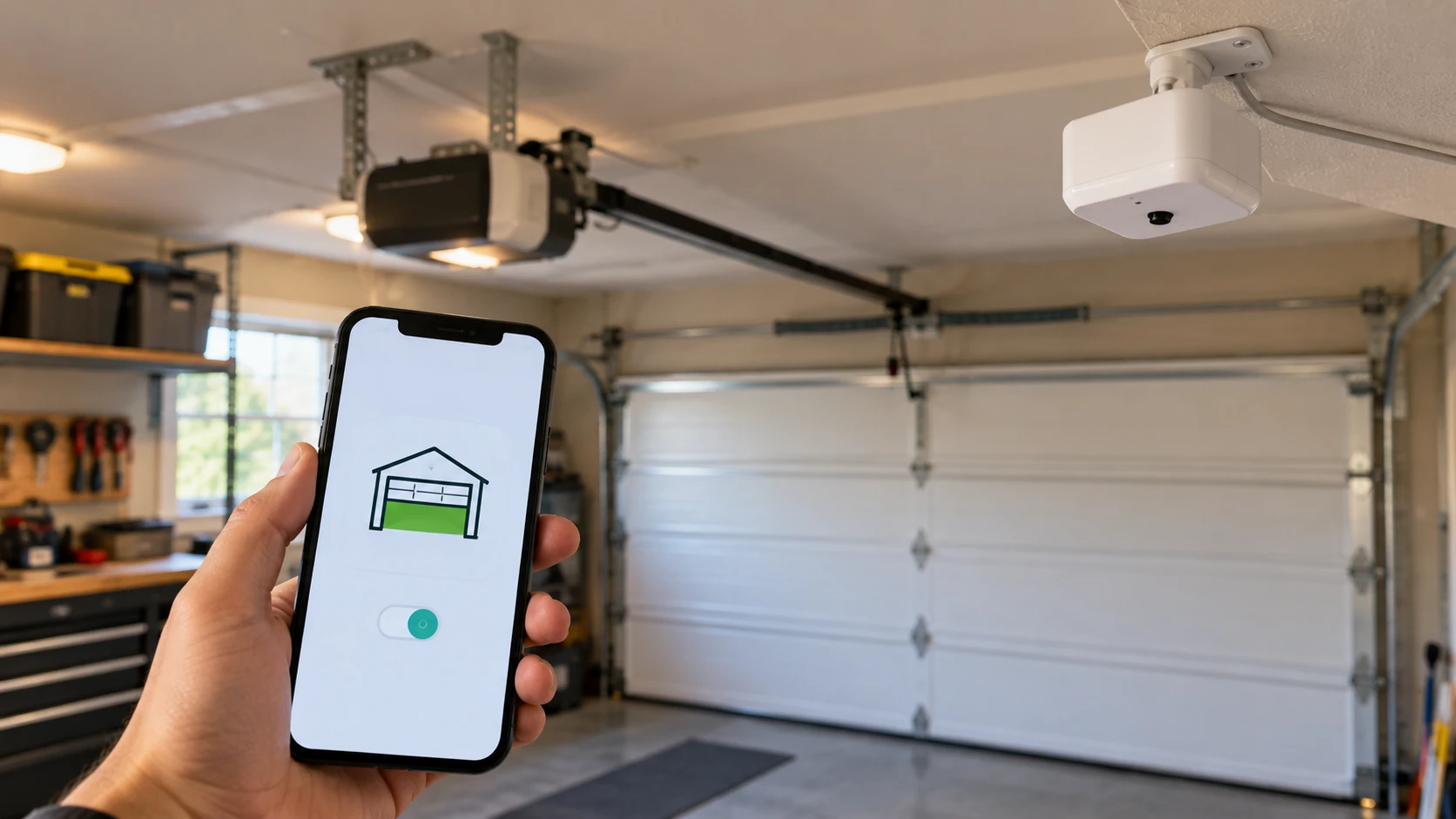
A garage door monitor lets you know whether your door is open or closed — from anywhere, at any time. If you’ve ever driven halfway to work wondering whether you remembered to close the garage, a monitor solves that problem immediately.
Garage door monitors range from simple LED indicators you mount near your bed to full smart home sensors that send push alerts to your phone. This guide covers the best options at every price point and explains which type makes sense for your setup.
A pattern we see constantly with garage accessory questions: someone spends $50 on a WiFi hub to solve a problem a $25 LED light would have fixed. If all you want is peace of mind about whether the door is closed, start simple and upgrade only if you actually need phone alerts.
This post contains affiliate links. If you buy through our links, we may earn a small commission at no extra cost to you. We only recommend products we’d use ourselves.
Short Answer: The best garage door monitor for most homeowners is the Chamberlain MyQ Smart Garage Control. It adds WiFi monitoring to nearly any existing opener, sends real-time phone alerts, and lets you close the door remotely if you forgot. For a standalone monitor without phone connectivity, the Skylink GM-318 is the most reliable wired indicator on the market.
Types of Garage Door Monitors
Garage door monitors fall into three categories. Knowing which type you need before shopping saves time and money.
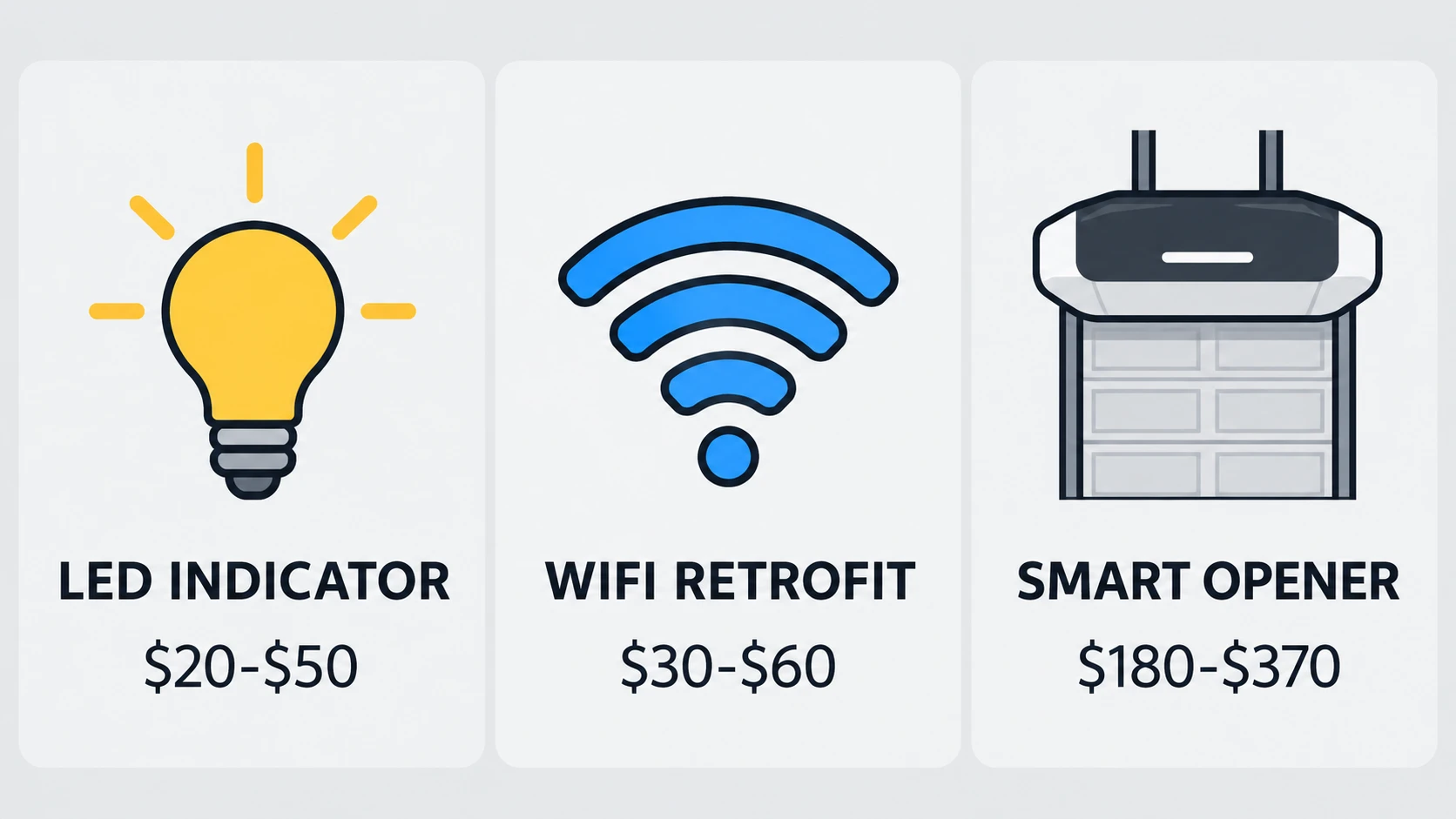
| Type | How It Works | Phone Alerts | Remote Close | Price Range |
|---|---|---|---|---|
| LED indicator | Simple light near bed or kitchen shows open/closed | No | No | $20–$50 |
| WiFi sensor retrofit | Adds smart monitoring to any existing opener | Yes | Yes (most models) | $30–$60 |
| Built-in opener monitor | Smart opener with monitoring included | Yes | Yes | $180–$370 |
Quick Comparison
| Monitor | Best For | Phone Alerts | Remote Close | Price |
|---|---|---|---|---|
| Chamberlain MyQ Smart Garage Control | Most homeowners | Yes | Yes | $30–$50 |
| Meross Smart Garage Door Opener and Monitor | Budget WiFi option | Yes | Yes | $25–$40 |
| Skylink GM-318 | Simple LED indicator, no app needed | No | No | $35–$55 |
| Aeotec Door and Window Sensor | Existing Z-Wave/Zigbee smart home | Yes | No (sensor only) | $30–$50 |
| Ring Alarm Contact Sensor | Existing Ring Alarm households | Yes | No (sensor only) | $15–$20 |
| GarageDoorBuddy Monitor | Status checks only, no remote control needed | Yes | No | $45 |
Best Garage Door Monitors (2026 Picks)
Chamberlain MyQ Smart Garage Control — Best Overall
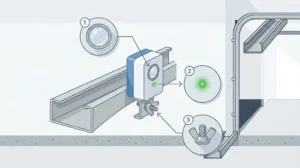
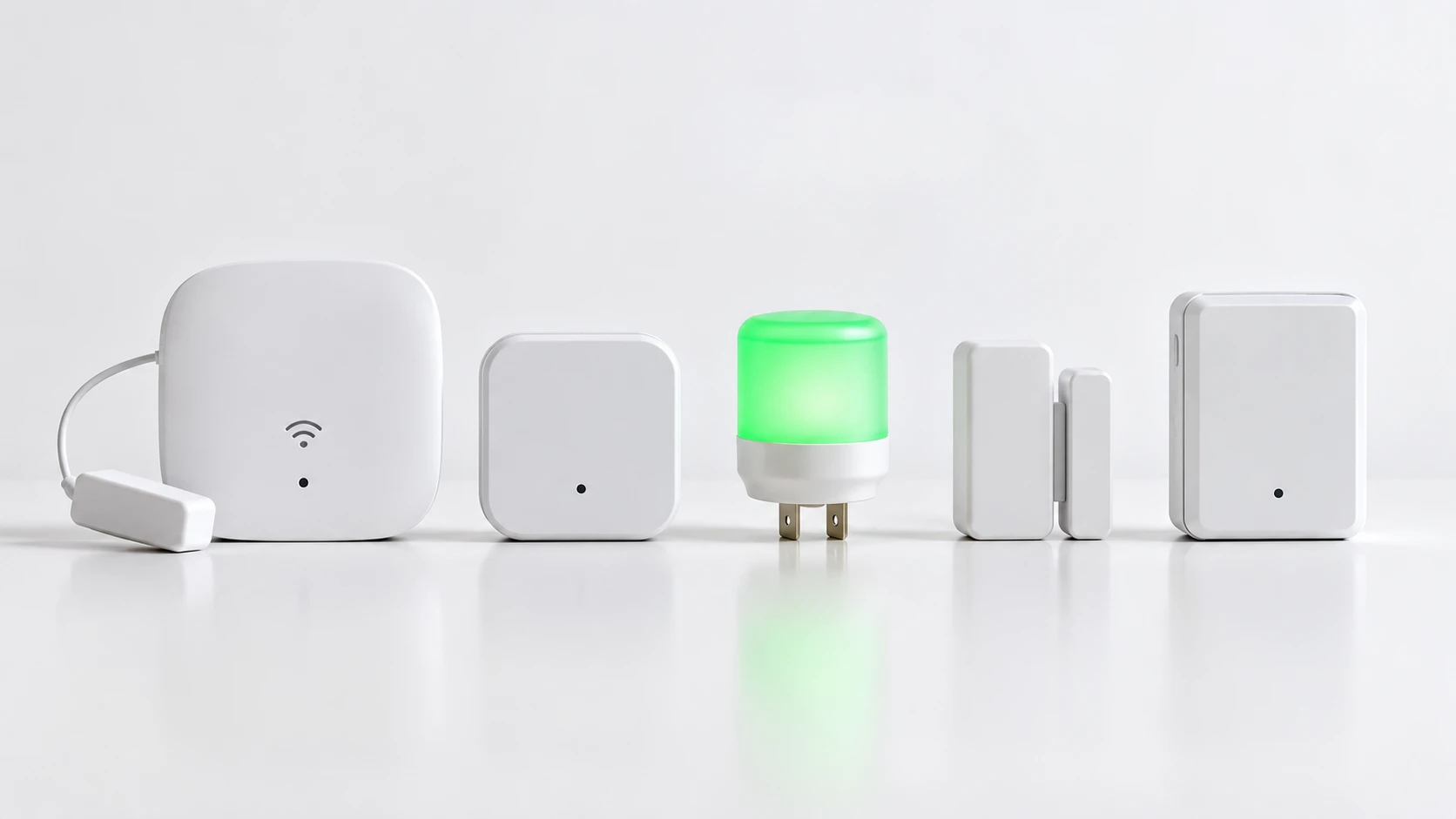
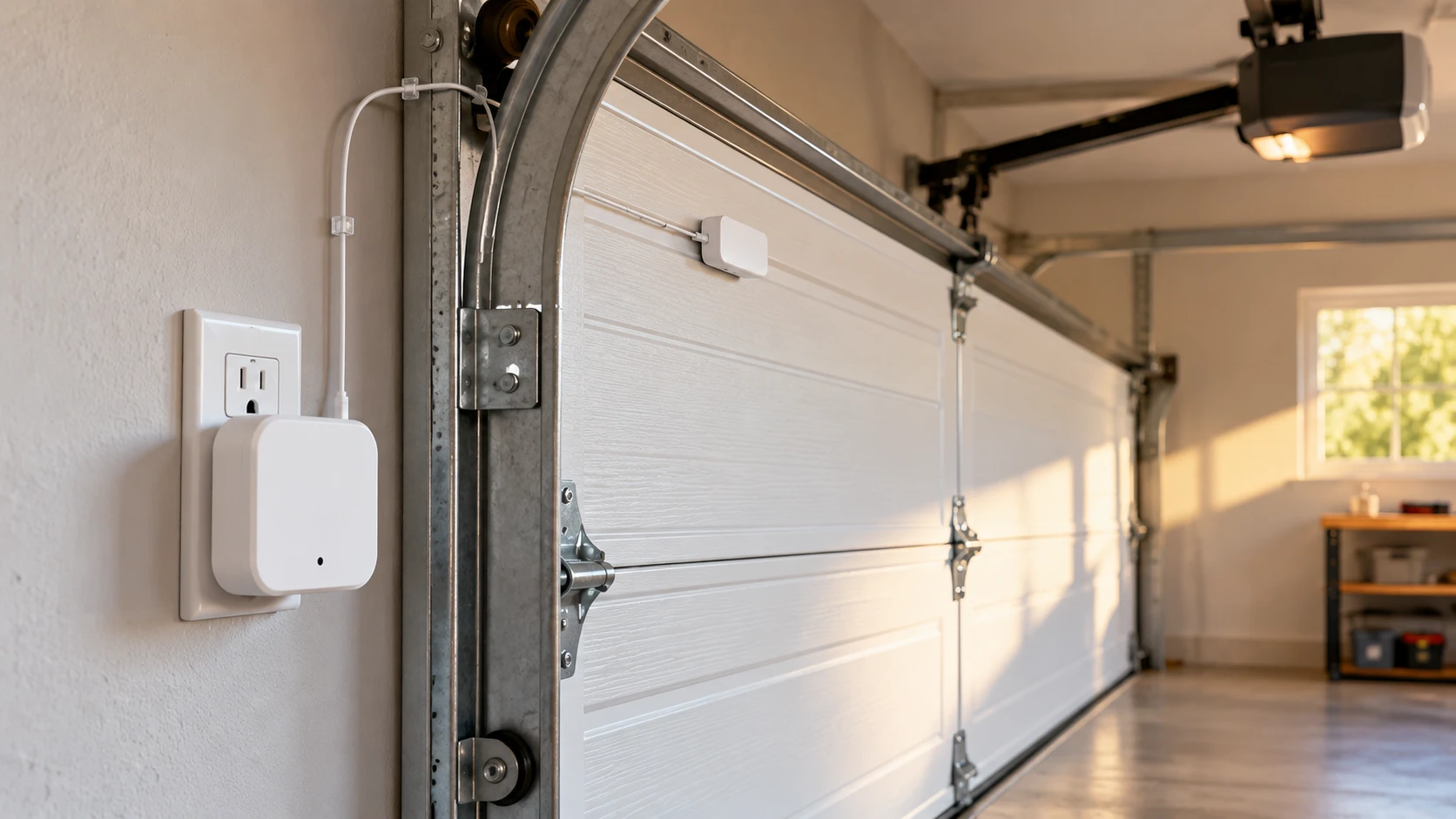
The MyQ Smart Garage Control is a retrofit sensor that adds full WiFi monitoring to almost any existing garage door opener made after 1993. You mount a small tilt sensor on the door panel, plug a hub into an outlet near the opener, and connect everything through the free MyQ app in about 15 minutes.
Once set up, you get real-time push notifications whenever the door opens or closes, remote close capability from anywhere, and optional auto-close scheduling. If you already use a LiftMaster or Chamberlain opener with a yellow, purple, or orange Learn button, the MyQ hub pairs even faster.
The MyQ app also integrates with Amazon Key for in-garage package delivery — features you won’t find on simpler monitors.
Price range: $30–$65.
Best for: Homeowners who want the most widely compatible, easiest-to-set-up WiFi monitor.
- Pros: 15-minute setup, works with most openers made after 1993, Amazon Key integration
- Cons: Some advanced features have required a subscription in the past; check current MyQ pricing
Meross Smart Garage Door Opener and Monitor — Best Budget WiFi Option
The Meross hub costs less than the MyQ Smart Garage Control and offers similar core features: real-time app alerts, remote open/close, and scheduling. It works with most openers that have standard wired wall button terminals.
The Meross app supports Alexa, Google Assistant, and Apple HomeKit — broader smart home compatibility than MyQ. Setup is slightly more involved since you connect the Meross controller to the opener’s wall button terminals directly.
Price range: $25–$40.
Our Meross troubleshooting guide covers common setup issues if you run into problems during installation.
Best for: Budget-conscious buyers who still want Alexa, Google Assistant, and HomeKit support.
- Pros: Lower price than MyQ, broader smart home platform support, no subscription
- Cons: Setup requires wiring into the opener’s wall button terminals, which is slightly more involved than MyQ
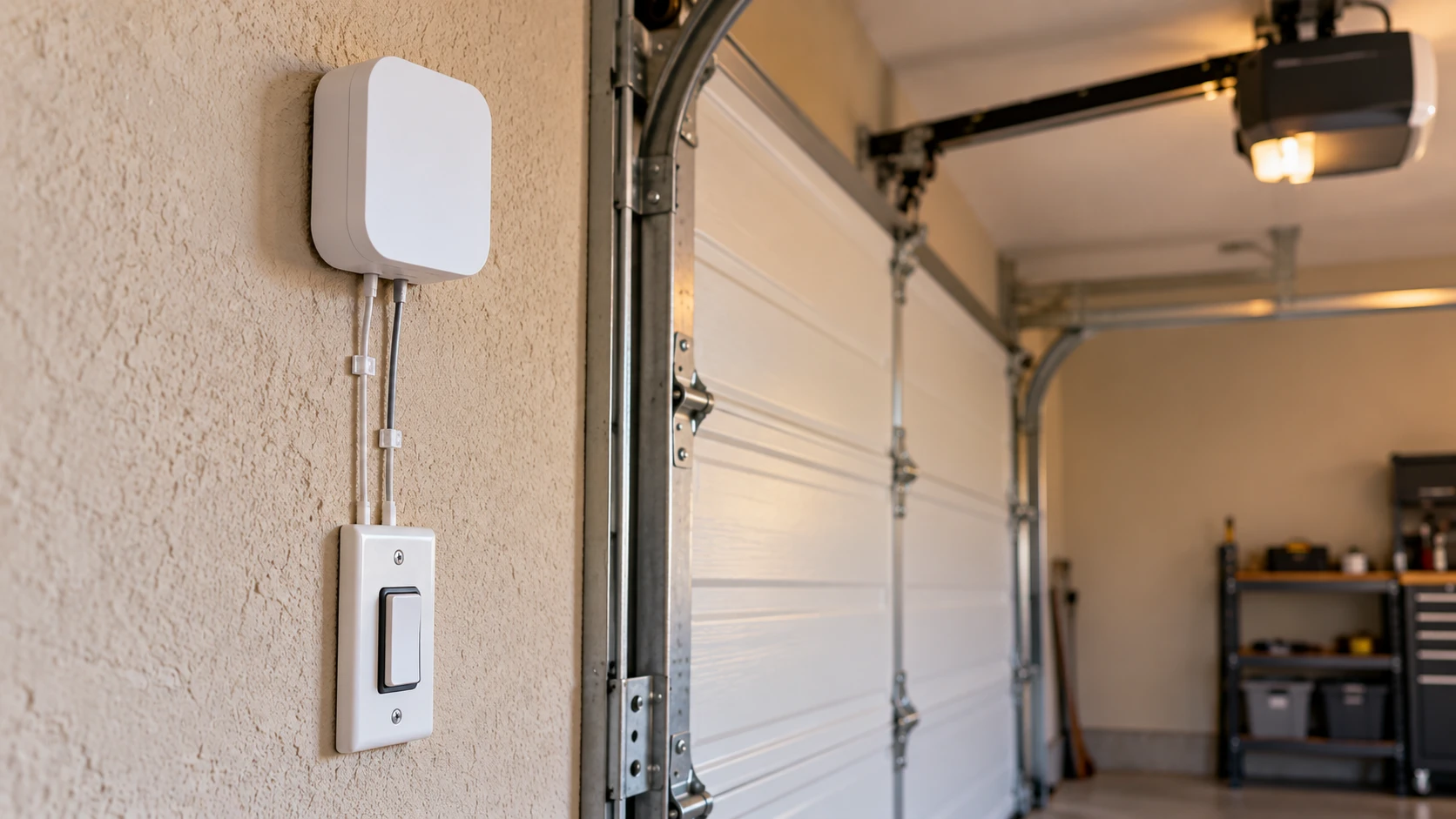
Skylink GM-318 — Best Simple LED Monitor
If you don’t need phone connectivity and just want a light near your bed or kitchen that shows whether the garage is open, this is the simplest thing that works. A wireless sensor on the door transmits to a receiver you plug in anywhere in your house.
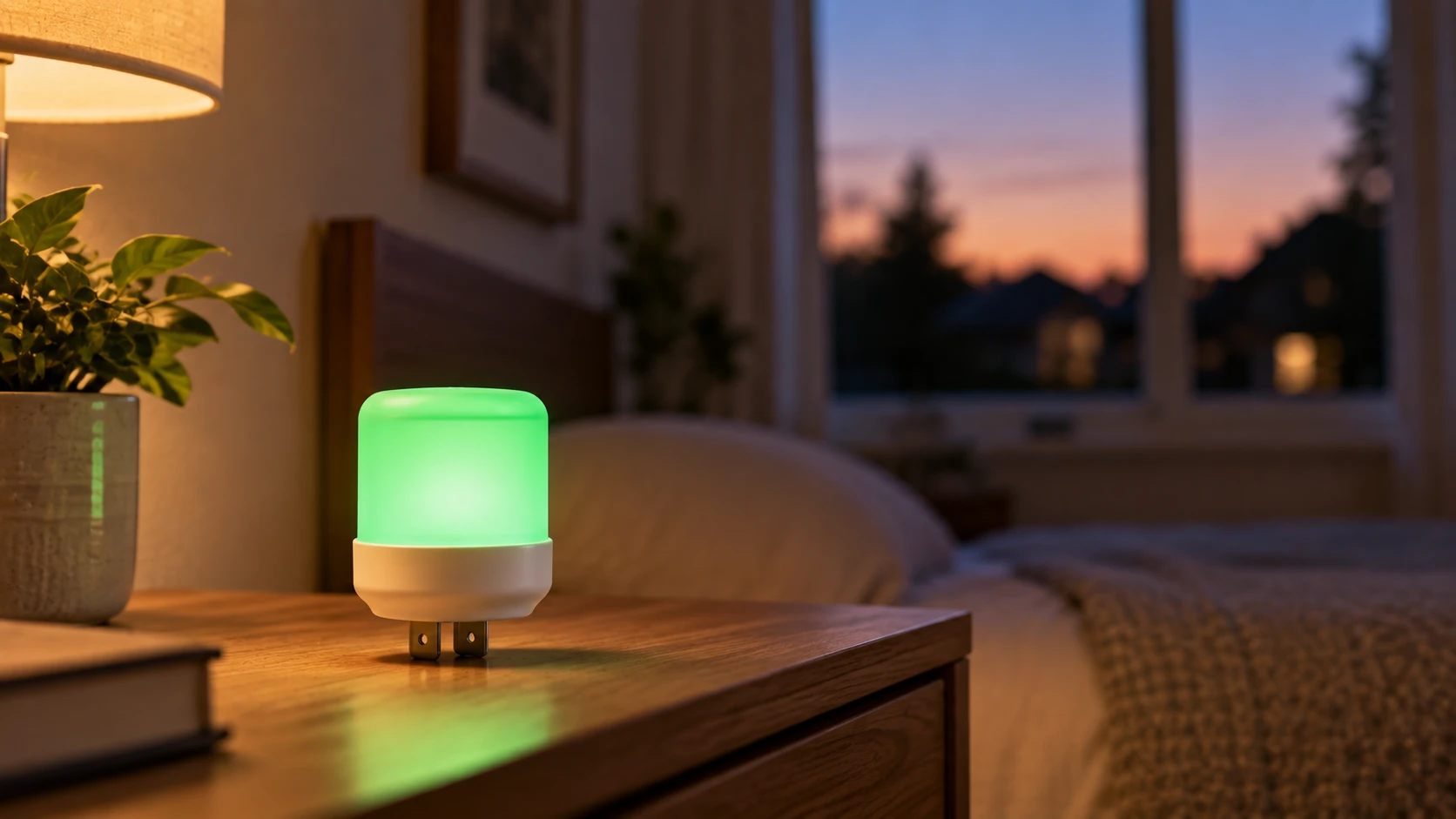
The indicator glows green when the door is closed and red when it’s open. No app, no subscription, no WiFi — just a simple, reliable status indicator that works every time. Range is about 100 feet through walls.
Price range: $35–$55.
Best for: Anyone who just wants a reliable open/closed light with zero setup complexity.
- Pros: No app, no WiFi, no subscription, about 100 feet of range through walls
- Cons: No phone alerts when you’re away from home, no remote close
Aeotec Door and Window Sensor — Best for Smart Home Users
If you run a Z-Wave or Zigbee smart home hub (like SmartThings or Home Assistant), the Aeotec door sensor pairs directly with your existing ecosystem. It reports door status in real time without needing any manufacturer-specific app or cloud service.
This is the right pick if you want your garage door state visible alongside your other smart home devices, with custom automations — like turning on a light if the door stays open after dark.
Price range: $30–$50.
Best for: Households that already run SmartThings, Home Assistant, or another Z-Wave/Zigbee hub.
- Pros: No manufacturer app or cloud account needed, works alongside your other smart home devices, supports custom automations
- Cons: Requires an existing Z-Wave or Zigbee hub — not a standalone product
Ring Alarm Contact Sensor — Best for Ring Alarm Households
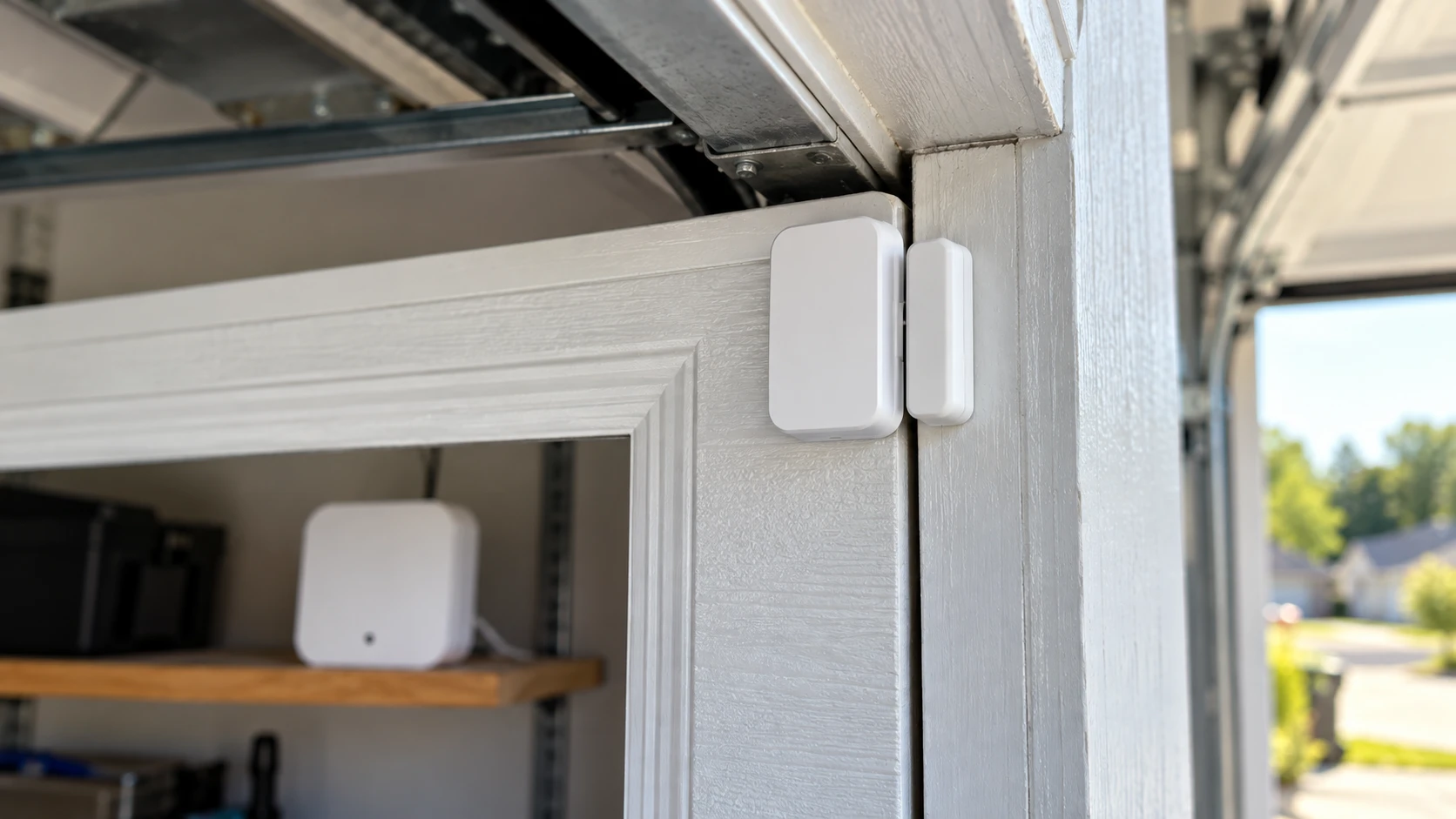
If you already run a Ring Alarm security system, the Ring Alarm Contact Sensor (2nd Gen) is the simplest way to add garage door status to it. It’s a magnetic contact sensor rather than a tilt sensor, and a dedicated garage door mounting bracket is sold separately to fit it to an overhead door track.
It reports through the Ring app alongside your other doors and windows, with about a 3-year battery life, and can trigger a professional monitoring call if you’re subscribed to that service. It requires a Ring Alarm or Ring Alarm Pro base station — it will not work as a standalone sensor.
Price range: $15–$20 per sensor.
Best for: Homes that already have a Ring Alarm base station and want the garage door on the same system.
- Pros: Cheapest option here, integrates with existing Ring Alarm and professional monitoring
- Cons: Requires a Ring Alarm base station (sold separately), needs a garage-specific mounting bracket for overhead doors, no remote close
GarageDoorBuddy Monitor — Best for Status Checks Without Remote Control
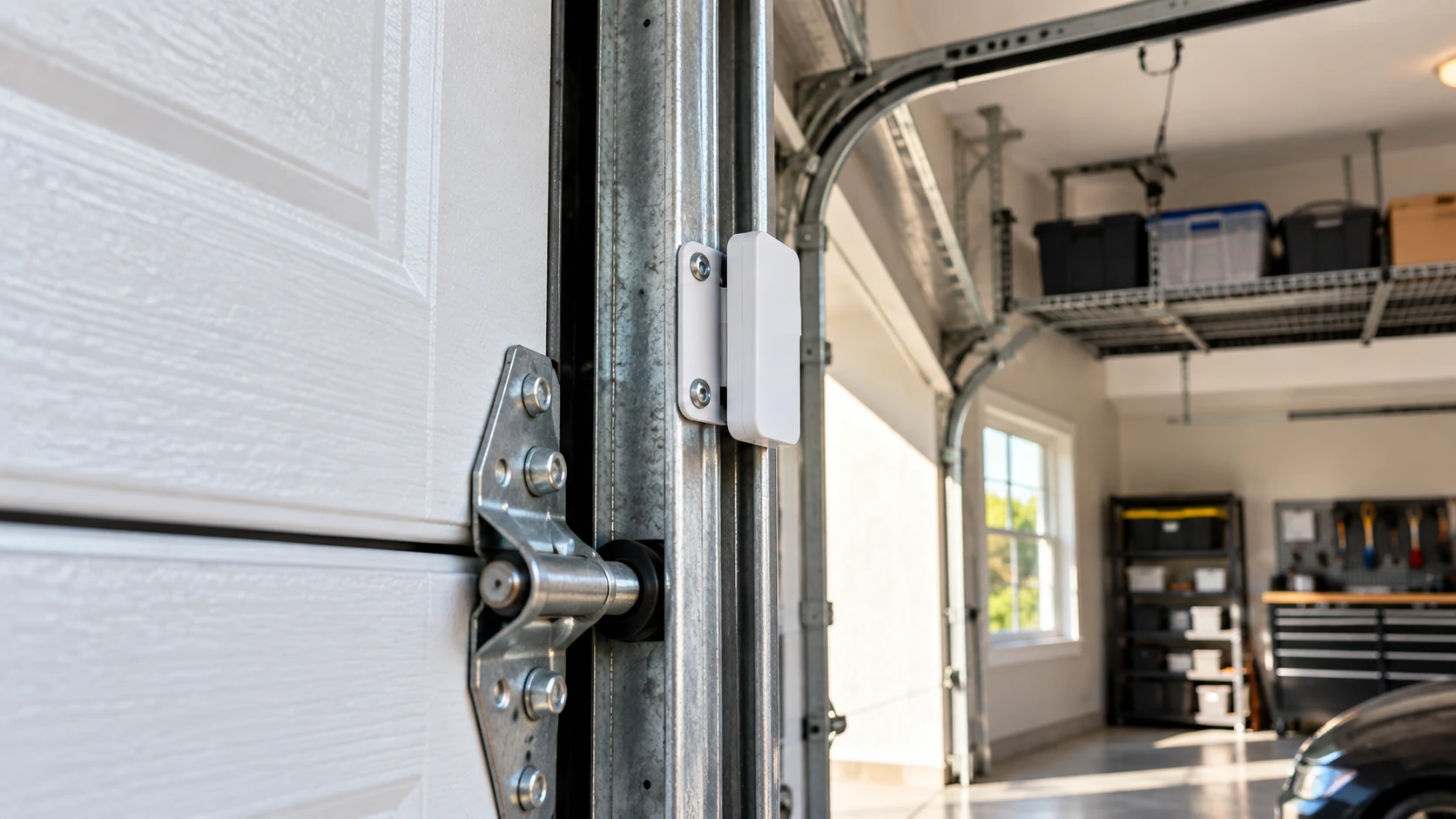
GarageDoorBuddy sells its Monitor and Remote as separate products. The Monitor-only version is built specifically for people who just want to check door status from their phone and don’t need (or don’t want) the ability to close the door remotely.
It connects over WiFi through its own app on iOS and Android, works on older openers, and includes all mounting hardware. Since it’s monitor-only, there’s no risk of accidentally triggering the door from your phone — a plus for households that want visibility without control.
Price range: $44.99 for the Monitor; the Remote and bundle options cost more.
Best for: Anyone who wants phone status checks but deliberately doesn’t want remote-close capability.
- Pros: No subscription, includes mounting hardware, monitor-only option avoids accidental remote triggers
- Cons: More expensive than MyQ or Meross for monitoring alone, no remote close on the Monitor-only version
What to Look for in a Garage Door Monitor
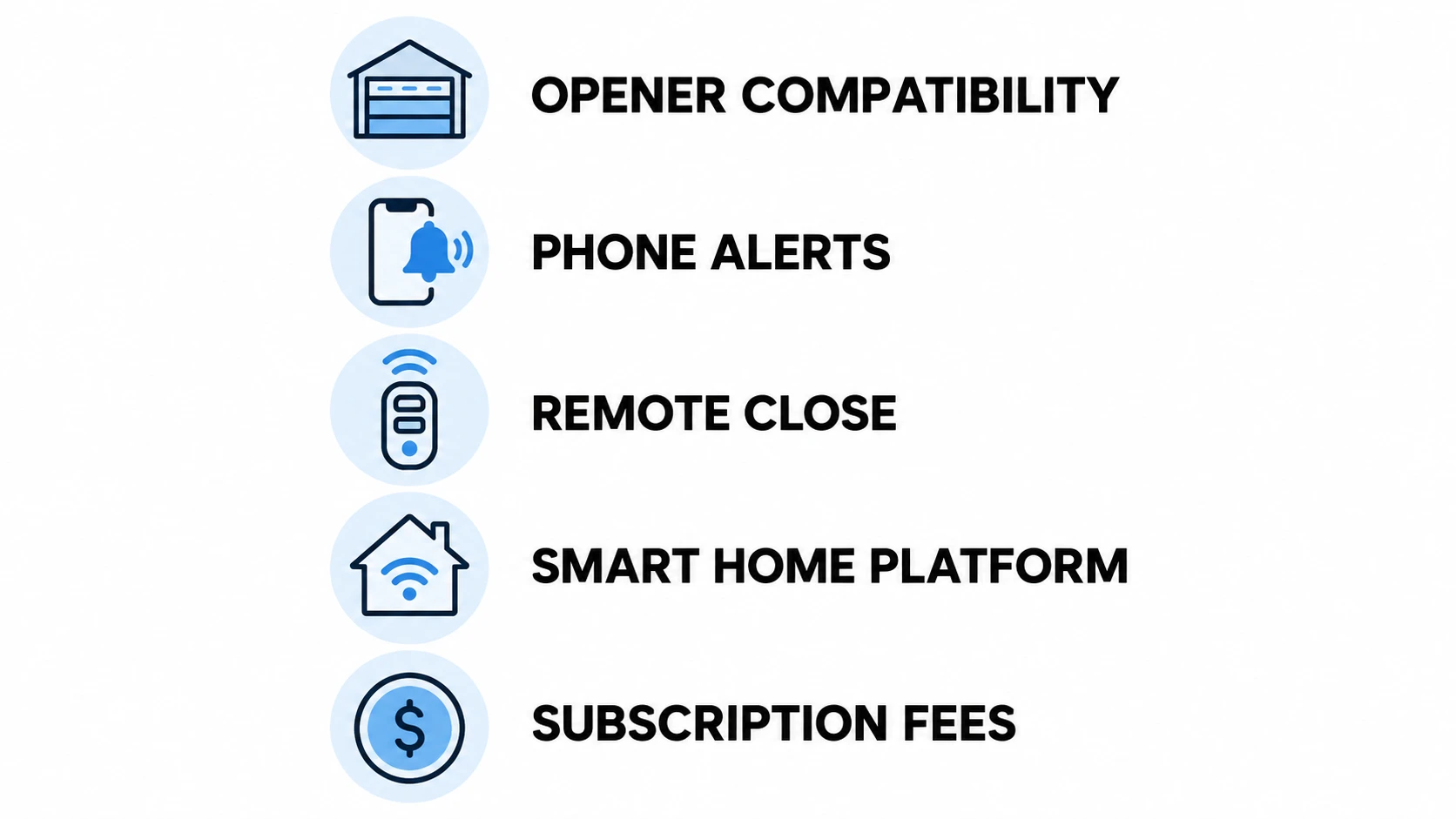
| Factor | What to Check |
|---|---|
| Opener compatibility | Most WiFi sensors work with openers made after 1993 — check Chamberlain’s official myQ compatibility list before buying |
| Phone alerts | Push notifications require WiFi connectivity; simple LED monitors don’t have this |
| Remote close | Requires a WiFi monitor with a connected actuator, not just a sensor |
| Smart home platform | Check for Alexa, Google, HomeKit, or Z-Wave support if you use these |
| Subscription fees | MyQ historically has charged for some features — check current pricing before buying |
Do You Need a Monitor or a Full Smart Opener?
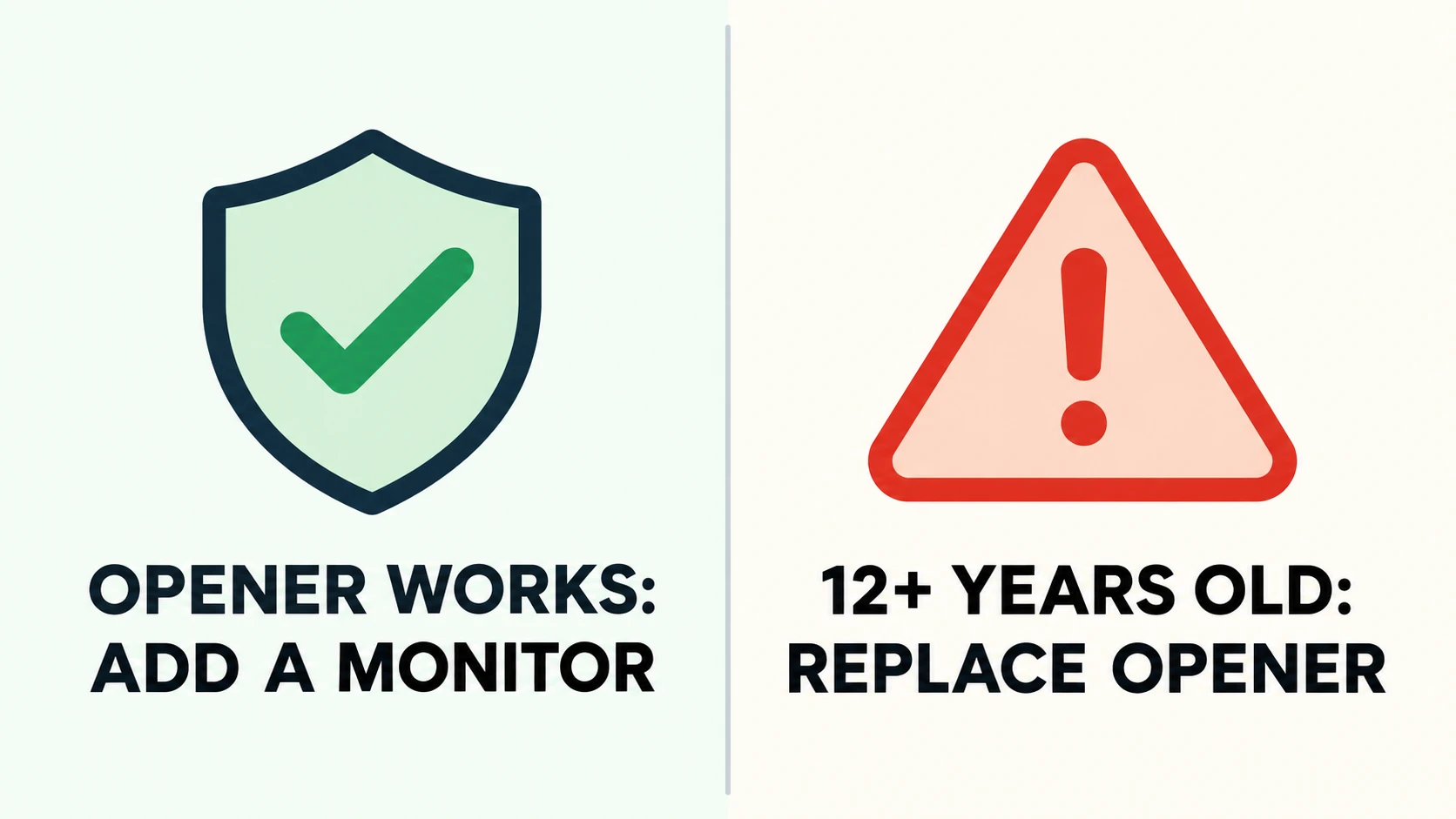
If your garage door opener still works reliably, adding a $30–$50 WiFi monitor is usually a better investment than replacing the whole opener just for smart features. A retrofit monitor adds the core functionality — phone alerts and remote close — at a fraction of the cost.
If your opener is more than 12–15 years old and showing mechanical issues, that’s when a full replacement makes sense. A new smart opener like the LiftMaster or Chamberlain WiFi model includes monitoring built in and eliminates the need for a separate sensor.
For a deeper look at adding MyQ monitoring to an existing opener step by step, our guide on adding a device to MyQ covers the full process.
How We Picked These Garage Door Monitors
Every product on this list had to clear three bars before it made the cut: its compatibility claims had to check out against the manufacturer’s own documentation (not marketing copy), its listed price had to match current listings rather than an outdated MSRP, and it had to do one job well rather than promise a dozen features half-heartedly. A monitor that’s excellent at phone alerts but mediocre at everything else beat a “smart hub” that tries to do phone alerts, remote close, and home automation all at once and does none of them particularly reliably.
Frequently Asked Questions
Can a garage door monitor work with any opener?
Most WiFi retrofit monitors like the MyQ Smart Garage Control work with any opener made after 1993 that has a standard wall button terminal. Very old openers or certain commercial models may not be compatible. Check the manufacturer’s compatibility list before purchasing.
Do garage door monitors require a monthly subscription?
Simple LED monitors require no subscription. Some WiFi monitors like MyQ have historically charged for advanced features like auto-close scheduling, though basic open/close alerts have generally remained free. Check current MyQ pricing at time of purchase, as this has changed over the years.
Can I get alerts on my phone when the garage door opens?
Yes, with a WiFi-connected monitor. Products like the Chamberlain MyQ Smart Garage Control and Meross hub send real-time push notifications to your smartphone whenever the door opens or closes. Simple LED indicator monitors do not have this capability.
How accurate are garage door monitors?
Tilt-sensor-based monitors are very accurate for standard sectional garage doors. The sensor detects whether the door panel is horizontal (open) or vertical (closed) and reports status within a few seconds. False alerts are rare but can happen if the sensor is mounted on a panel that vibrates significantly during operation.
Can I close my garage door remotely with a monitor?
Some monitors support remote close, and some only provide status alerts. The MyQ Smart Garage Control and Meross hub both support remote open/close through their apps. Simple tilt sensors and LED indicators only show status — they don’t include controls.
Related Guides
For our other buying guides, see Best Garage Door Insulation for Hot Climates, Best Retractable Garage Screen Doors, Best Garage Door Opener With Battery Backup, Best Magnetic Garage Door Screen, Best Garage Door Hinges, Best Screw Drive Garage Door Opener, Best Lubricant for Garage Door Hinges, Best 1/2 HP Chain Drive Garage Door Opener, Best 3/4 HP Belt Drive Garage Door Opener and Best Garage Door Opener for Heavy Doors.