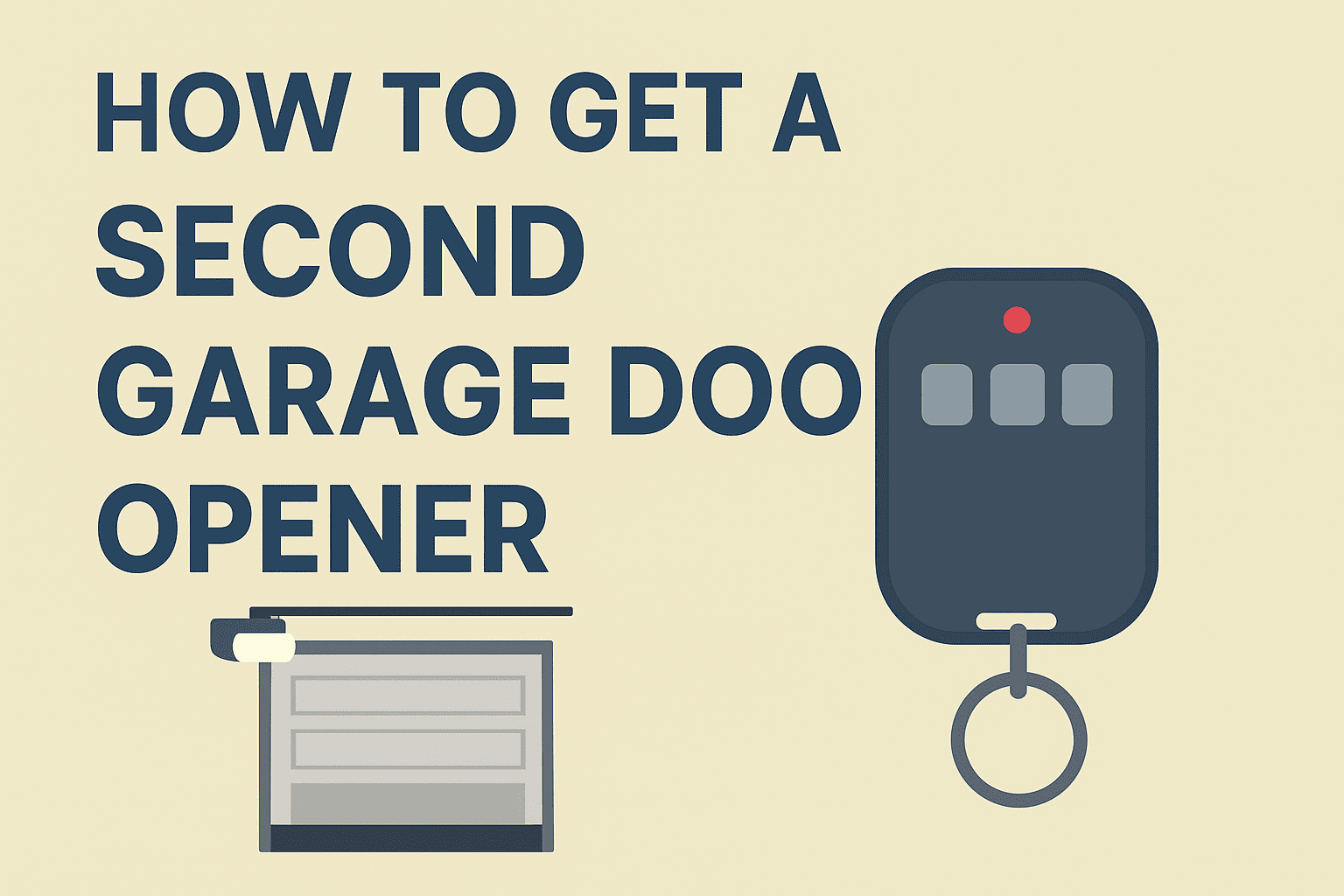
How to Get a Second Garage Door Opener (Any Brand)
Need a second garage door opener remote? Whether you are adding one for a family member, replacing a lost one, or programming your car’s HomeLink system, the process takes under 5 minutes on most openers. This guide covers brand-specific steps for LiftMaster, Chamberlain, Genie, and older DIP switch openers — plus what to do when the remote limit is full and how to use your smartphone instead.
How to Get a Second Garage Door Opener: Quick Answer
For most modern openers, the process is the same:
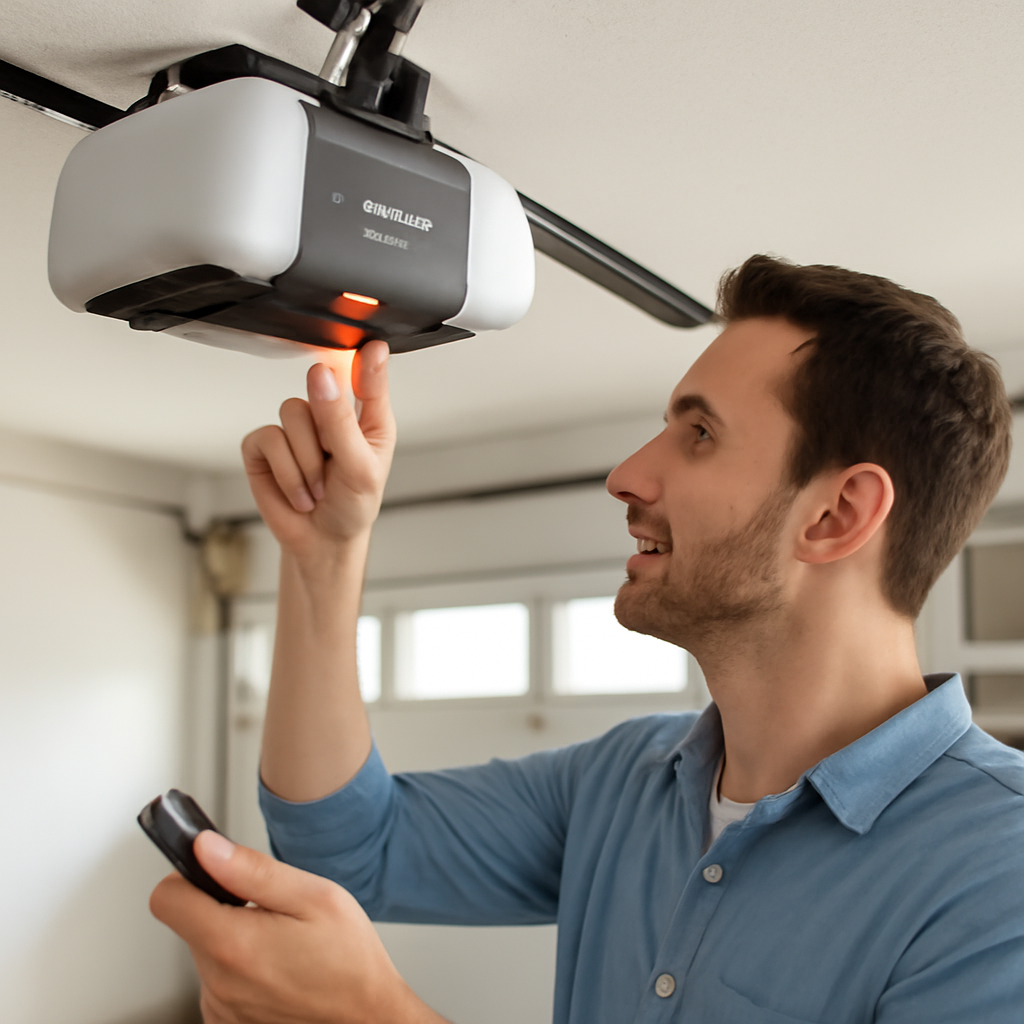
Press and release the Learn button, then press your new remote within 30 seconds.
Buy a compatible replacement remote for your opener brand
Press and release the Learn button on the opener motor unit
Within 30 seconds, press and hold the button on the new remote
Wait for the opener light to flash — programming is complete
Test from 20 feet away
That is the universal method. But each brand has slight variations in button location, timing, and confirmation signals. Keep reading for the exact steps for your opener brand.
Step 1: Buy the Right Replacement Remote
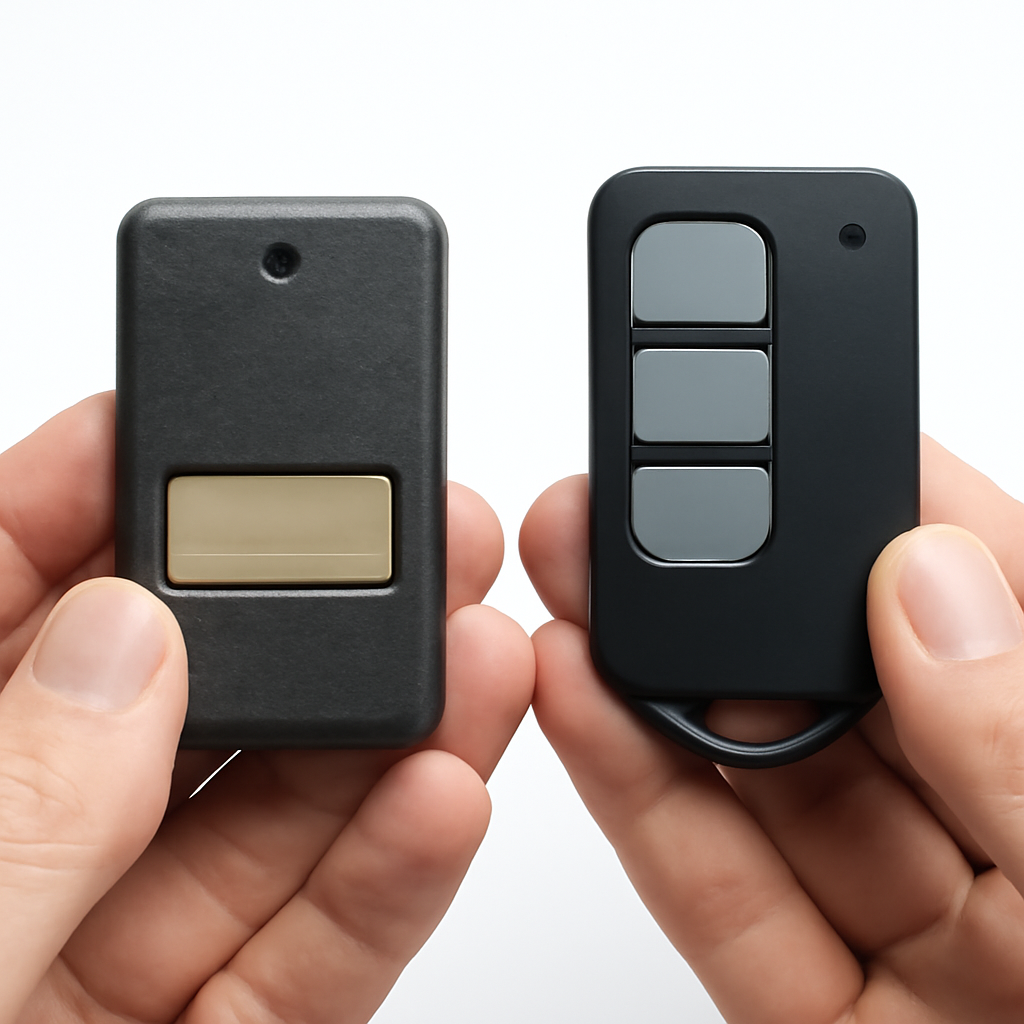
Before you do anything, make sure the remote you buy is compatible with your opener. Using the wrong remote is the most common reason programming fails.
Most openers support 20–40 remotes. Adding a second one takes under 5 minutes.
Find your opener’s brand and model number on the label on the back or side of the motor unit. Then match it to the correct remote:
LiftMaster and Chamberlain are owned by the same company (Chamberlain Group) and use the same Security+ 2.0 protocol. Their remotes are fully interchangeable. Craftsman openers sold after 2011 are also made by Chamberlain and use the same remotes.
Step 2: Locate the Learn Button on Your Opener
The Learn button is a small colored button on the back or side of the opener motor unit. You may need a stepladder to reach it. Here is where to find it by brand:
LiftMaster: Back panel, near the antenna wire. Yellow, purple, red, or orange depending on model year.
Chamberlain: Same location as LiftMaster — back panel, color-coded by model.
Genie: Back panel labeled “Program” or “Learn.” Purple or red.
Craftsman: Back panel, usually purple or yellow.
Linear: Inside the light cover or on the back panel. Small red button.
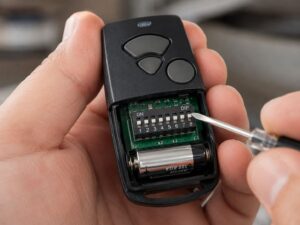
Not sure if your opener has a Learn button? Some older models use DIP switches instead. If you see a bank of small toggle switches inside the remote battery compartment, your opener uses DIP switches. Skip to the DIP switch section below. Our guide on whether all garage doors have a learn button explains the difference.
How to Program a Second Remote: By Brand
LiftMaster and Chamberlain (Security+ 2.0)
Press and release the Learn button on the opener. The LED next to it will glow for 30 seconds.
Within 30 seconds, press and hold the button on the new remote for 3 seconds.
The opener light will flash twice and you will hear two clicks. Programming is complete.
Test from 20-30 feet away.
If the opener light flashes once and you hear one click, it programmed but in an older compatibility mode. This still works but may have slightly reduced range. Newer LiftMaster openers support up to 40 remotes. For more on remote limits see our guide on how many openers you can program on LiftMaster.
Genie (Intellicode)
Press and hold the Program button on the opener motor until the LED flashes three times.
Within 30 seconds, press and hold the button on the new Genie remote until the opener light flashes.
Release both buttons. The LED should flash again to confirm.
Test the remote.
Genie Intellicode 1 (purple button) and Intellicode 2 (blue or red button) use different programming sequences. If the above does not work, press the Program button until the LED flashes once instead of three times — this puts older Genie units into learning mode.
Older DIP Switch Openers
If your opener predates rolling code technology (roughly pre-2000), it uses DIP switches instead of a Learn button. You need to match the switch positions on the new remote to the positions in the opener’s receiver.
Open the battery compartment on your existing working remote. You will see a row of 8-12 small switches.
Note the position of each switch (up or down).
Open the new remote and set its switches to the exact same positions.
Test. The new remote should work immediately — no button pressing on the opener required.
How to Program Your Car’s HomeLink as a Second Opener
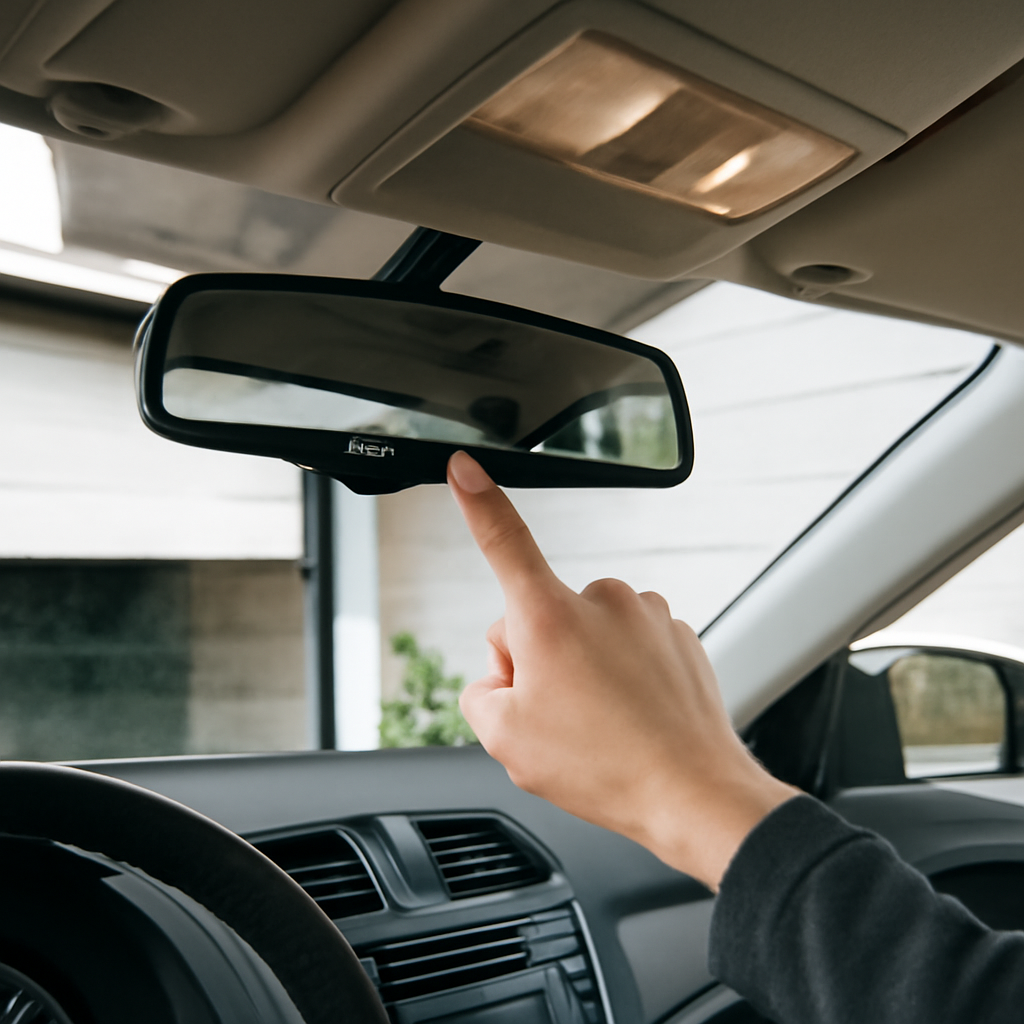
HomeLink is the built-in garage door system in most modern vehicles — the buttons in your visor or rearview mirror. Programming it as a second opener eliminates the need for a separate remote in your car.
Hold the HomeLink button you want to program and your existing remote 6-12 inches apart.
Press and hold both simultaneously until the HomeLink light flashes slowly, then rapidly (about 20-30 seconds). Release both.
Press and release the Learn button on your opener motor unit.
Return to your car and press the HomeLink button three times, holding each press for 2 seconds.
The opener light should flash, confirming programming is complete.
HomeLink counts as one remote slot in your opener’s memory. If you have three cars, that uses three slots. For LiftMaster openers with a 40-remote limit this is not an issue, but older openers with 8 slots can fill up faster than you expect.
Use Your Smartphone as a Second Opener
If your opener has Wi-Fi or you add a smart hub, your smartphone becomes an unlimited second opener that works from anywhere.
LiftMaster myQ-enabled openers: Download the myQ app (free). Add the opener. You can share access with family members through the app — each person gets their own login.
Chamberlain myQ: Same app, same process.
Genie Aladdin Connect: Download the Aladdin Connect app. Works with most Genie openers made after 2010.
Older openers without Wi-Fi: Add a myQ Smart Garage Hub ($30) to give any opener app control. See our guide on garage door opener app without extra hardware for which openers work without a hub.
Smartphone access does not count toward your opener’s remote memory limit. It is handled through the cloud, not the Learn button system.
What If the Remote Memory Is Full?
If you press the Learn button and the new remote will not program, the opener’s memory may be full. Signs of a full memory: the Learn button light goes out immediately when you press the remote, or the opener does not respond at all during programming.
To fix this:
Hold the Learn button for 6-10 seconds until the LED goes out. This erases all programmed remotes.
Reprogram only the remotes you actually use.
If you consistently run out of memory, consider upgrading to a LiftMaster Elite series opener which supports 40 remotes.
Troubleshooting: When the Second Remote Won’t Program
Remote is incompatible: Confirm the remote matches your opener’s frequency and protocol. A Genie Intellicode remote will not program to a LiftMaster Security+ 2.0 opener.
Timing is off: You have 30 seconds between pressing Learn and pressing the remote. If you exceed this, start over.
Holding too long: On LiftMaster, press and hold the remote button for 3 seconds exactly. Holding longer can cause errors.
Dead battery in new remote: New remotes sometimes ship with weak batteries. Try a fresh battery before assuming a programming problem.
Antenna obstruction: The opener’s antenna wire should hang straight down. A bent or tucked antenna reduces range and can prevent programming from a distance.
Buy a compatible remote for your opener brand, press and release the Learn button on the opener motor, then press and hold the new remote button within 30 seconds. The opener light flashes to confirm. The whole process takes under 5 minutes.
Can I add a second remote without the original remote?
Yes. You do not need the original remote to add a new one. You only need access to the Learn button on the motor unit. Buy a compatible replacement remote and follow the Learn button programming steps above.
Will adding a second remote delete my existing remotes?
No. Pressing the Learn button once and programming a new remote adds it to memory without affecting existing remotes. Only holding the Learn button for 6-10 seconds (until the light goes out) erases all remotes.
How much does a second garage door remote cost?
Brand-name replacement remotes (LiftMaster 893LM, Genie G3T-R) cost $20-35. Universal remotes cost $15-25. Avoid very cheap no-name remotes — they often have shorter range and compatibility issues.
Can I use a universal remote as a second opener?
Yes, for most openers made after 1993. Universal remotes like the Genie GIRUD-1T work with most brands. For openers using newer Security+ 2.0 protocol (LiftMaster, Chamberlain post-2011), use the manufacturer’s own remote for best reliability.
The Bottom LineHomeLink is built into most modern vehicles and works as a free second opener.
Getting a second garage door opener is a 5-minute job on any modern opener. Buy the right remote for your brand, use the Learn button to pair it, and test from 20 feet away. If you want unlimited openers without worrying about memory limits, add your smartphone through the manufacturer’s app — it costs nothing extra on Wi-Fi enabled openers and solves the problem permanently.
We're the team behind My Garage Blog — homeowners and DIY enthusiasts who've personally handled garage door repairs, installations, and upgrades firsthand. We share honest, experience-based advice on garage door openers, rollers, springs, and maintenance.