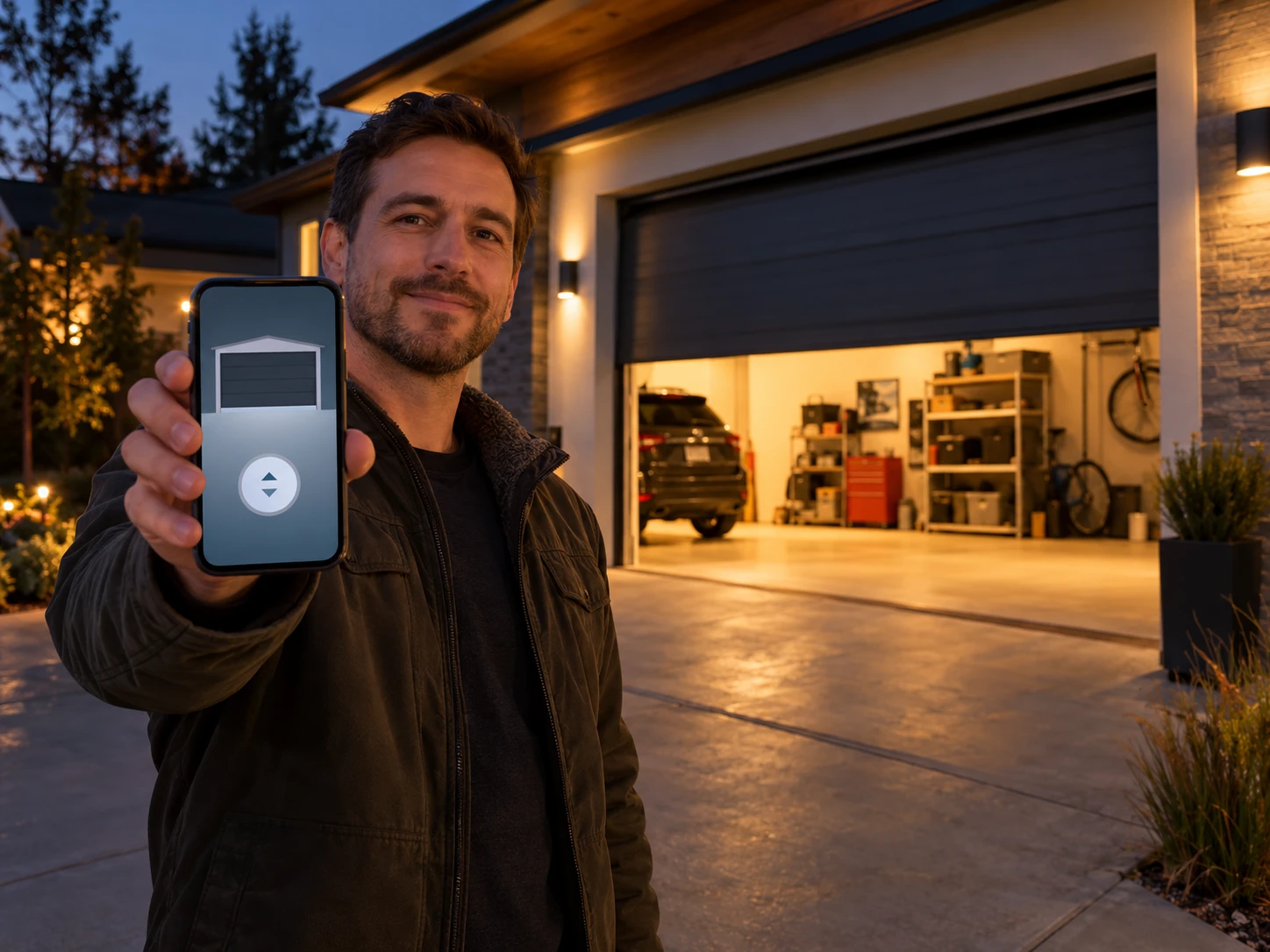
A WiFi garage door opener lets you open, close and check your door from your phone, and sends an alert the moment it moves. The bigger question most guides skip is which app ecosystem you’re buying into, because that decides whether Alexa or Google Assistant will work with it at all.
We compared the current WiFi models from LiftMaster, Chamberlain and Genie against their manufacturer spec sheets. These are research-based picks, not lab tests, and every model below was checked as currently sold.
This post contains affiliate links. If you buy through our links, we may earn a small commission at no extra cost to you.
Short Answer: The LiftMaster 87504-267 is the best WiFi opener overall, with a built-in camera and battery backup on the myQ app. The Chamberlain B4613T gives you the same myQ app and battery backup for less, without the camera. If you want Alexa or Google Assistant voice control, pick the Genie StealthDrive Connect 7155-TKV instead, because myQ openers no longer work natively with either assistant.
What Makes a Garage Door Opener “WiFi Enabled”?
A WiFi opener has a radio built into the motor unit that joins your home network directly, so you don’t need a separate hub. You set it up through the brand’s app, and from then on you can control the door from anywhere you have a phone signal.
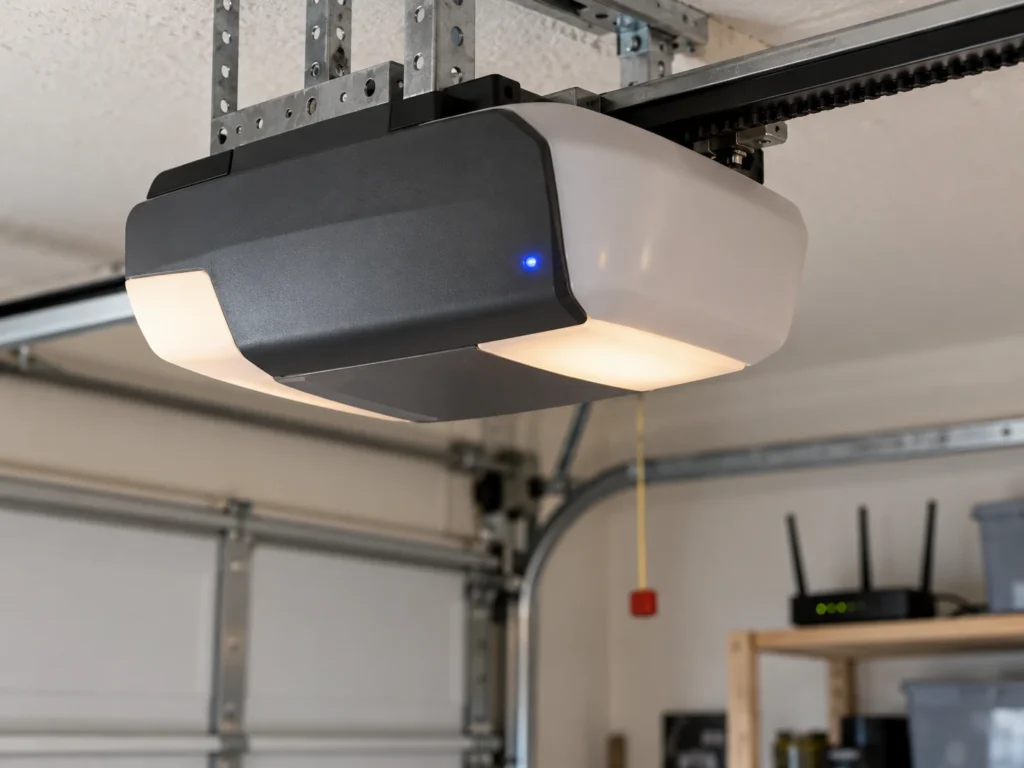
Older openers without built-in WiFi need a small add-on hub to do the same job. Both work; built-in WiFi just means one less box on the wall and one less thing to power. Most WiFi openers connect only to a 2.4 GHz network, which matters during setup (more on that below).
Quick Comparison
Here’s how the four picks compare on the features that actually separate them.
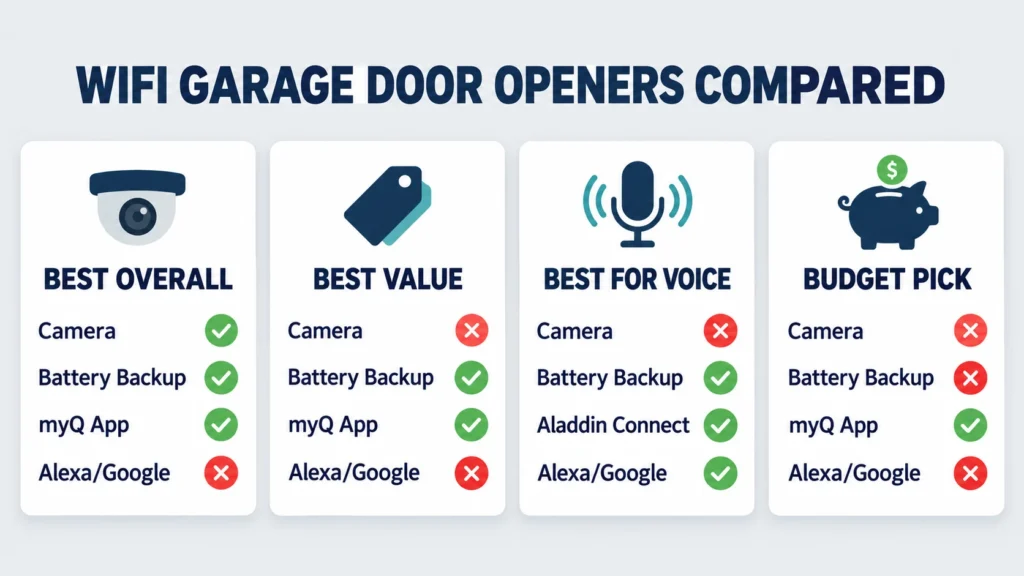
| Model | Drive | Motor | App | Native Alexa / Google | Battery Backup | Camera | Best For |
|---|---|---|---|---|---|---|---|
| LiftMaster 87504-267 | Belt | 3/4 HP-equivalent DC | myQ | No | Yes | Yes, 1080p | Best overall |
| Chamberlain B4613T | Belt | 3/4 HP-equivalent DC | myQ | No | Yes | No | Best value |
| Genie StealthDrive Connect 7155-TKV | Belt | 1-1/4 HPc DC | Aladdin Connect | Yes | Yes | No | Voice control |
| Chamberlain B2405 | Belt | 1/2 HP-equivalent DC | myQ | No | No | No | Budget |
The Best Garage Door Openers With WiFi
Each pick below is a current model with WiFi built in, so none of them needs a hub.
LiftMaster 87504-267: Best Overall
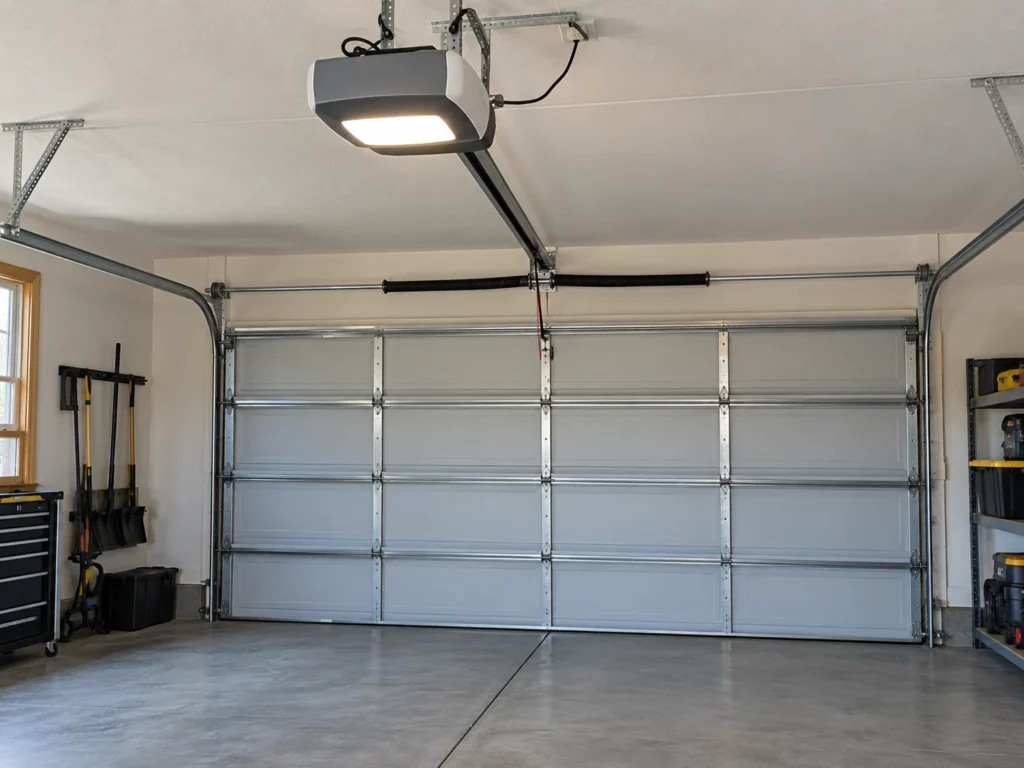
The 87504-267 is the most complete WiFi opener here. It pairs a 3/4 HP-equivalent DC belt drive, which is quiet enough for a bedroom over the garage, with a built-in 1080p camera you can watch from the myQ app. You can see who’s at the door and confirm a delivery went inside without leaving your desk.
Battery backup is built in, so the door keeps working through a power outage, and it meets California’s battery backup law. A large integrated LED light ring replaces separate bulbs. The trade-off is the price, which is higher than the other picks because of the camera.
Know the subscription detail before you buy. Live view and motion alerts are free, but myQ doesn’t record any video without a paid plan. The cheapest option, myQ’s Basic plan for one Secure View opener, is $49.99 a year for 7 days of event history. If you only want to check the driveway live, you don’t need it.
Chamberlain B4613T: Best Value
Chamberlain and LiftMaster are both made by The Chamberlain Group, so the B4613T runs the same myQ app as our top pick. It has a 3/4 HP-equivalent DC belt drive, battery backup, a wireless keypad in the box and an integrated LED light with motion detection.
What you give up is the camera. If you just want app control, alerts and outage protection, this is the better buy. It also replaced the popular Chamberlain B970, which has been discontinued, so ignore older guides that still recommend the B970.
Genie StealthDrive Connect 7155-TKV: Best for Alexa and Google
This is the pick if voice control matters to you. Genie’s Aladdin Connect app works with both Amazon Alexa and Google Assistant, which myQ no longer does. The 1-1/4 HPc DC belt drive is quiet and strong, and Genie rates it for sectional doors up to 500 pounds.
Genie includes a lot in the box: battery backup, two 3-button remotes, a wireless keypad and a wall console with a vacation lock. The rail fits a standard 7-foot door; an 8-foot door needs Genie’s extension kit, sold separately.
Chamberlain B2405: Best Budget Pick
The B2405 is the lowest-cost way into the myQ app. It’s a 1/2 HP-equivalent DC belt drive with WiFi built in and a wireless keypad included, which is plenty for a standard single-car door.
The catch is that it has no battery backup. If the power goes out, you’ll need the emergency release to open the door by hand. California requires battery backup on openers sold or installed in the state, so California buyers should choose one of the picks above instead.
myQ vs Aladdin Connect: The Voice Assistant Catch
This is the detail that decides the right opener for a lot of buyers. LiftMaster and Chamberlain use myQ. Chamberlain has made myQ a closed system: it dropped Google Assistant support in 2023 and has no native Alexa skill. Limited voice control is possible through Amazon Key or third-party services, but it isn’t the simple “Alexa, close the garage” setup most people expect.
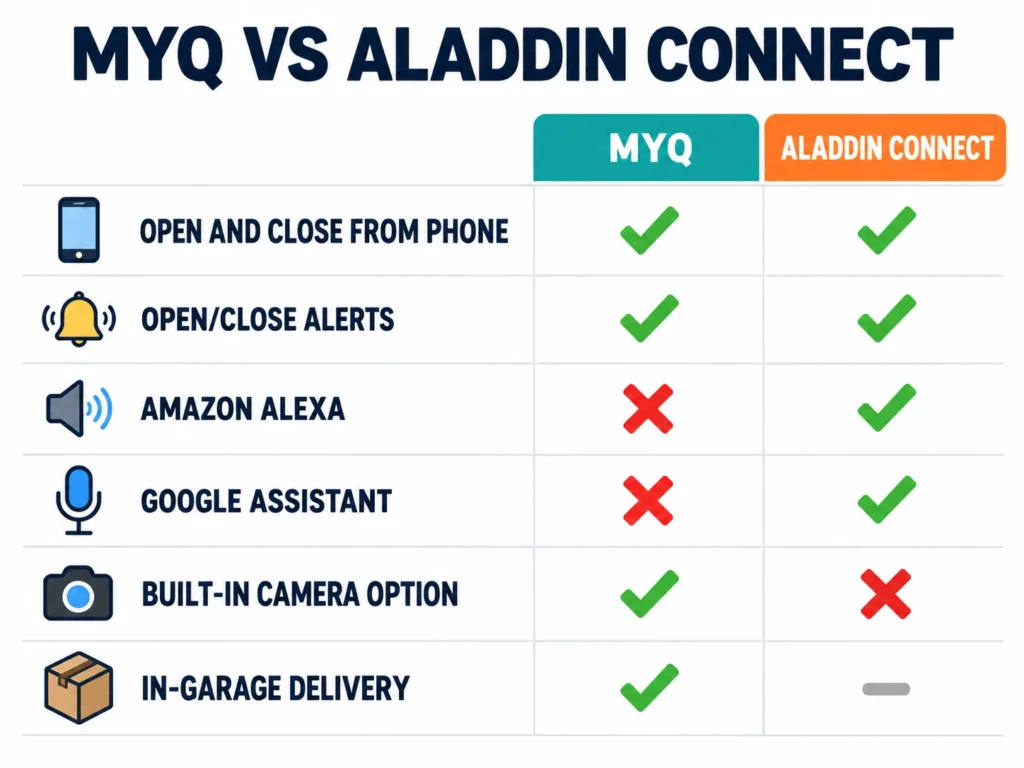
Genie’s Aladdin Connect works with both Alexa and Google Assistant directly. If you already run your home through one of those assistants, that alone makes the Genie the better choice.
| Feature | myQ (LiftMaster, Chamberlain) | Aladdin Connect (Genie) |
|---|---|---|
| Remote open and close | Yes | Yes |
| Open/close alerts | Yes | Yes |
| Native Amazon Alexa | No | Yes |
| Native Google Assistant | No (dropped in 2023) | Yes |
| Built-in camera option | Yes, on some models | No |
| In-garage delivery | Yes, with Amazon Key | Varies |
How Much Does a WiFi Garage Door Opener Cost?
Expect to pay more for WiFi plus battery backup, and more again for a camera. As a rough guide in 2026, a basic WiFi belt drive without battery backup sits at the bottom of the range, a WiFi model with battery backup sits in the middle, and camera models sit at the top. Prices on Amazon move often, so use the links above for the current figure.
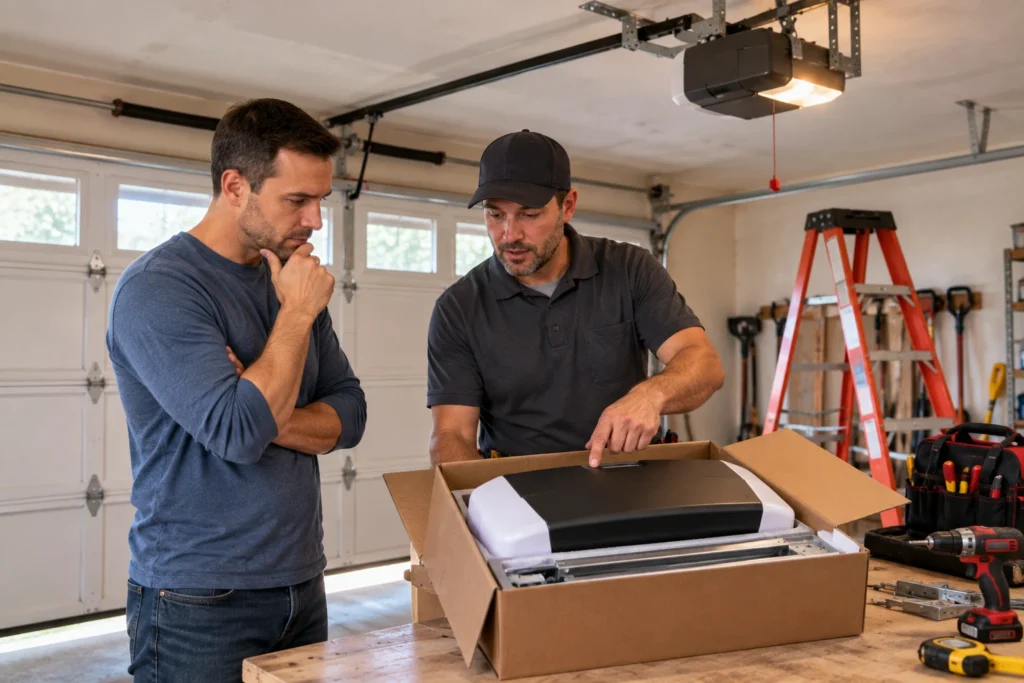
Professional installation usually adds $150 to $300. A handy homeowner can install one in 3 to 5 hours with a helper and a ladder.
| Option | Typical Cost | Time | DIY Suitability |
|---|---|---|---|
| WiFi add-on hub for an existing opener | $30 to $50 | 15 to 30 minutes | Safe for DIY |
| New WiFi opener, DIY install | Price of unit only | 3 to 5 hours | DIY with care |
| New WiFi opener, professional install | Unit plus $150 to $300 | 2 to 3 hours | Professional |
Already Have an Opener? Add WiFi Instead
If your current opener works well, you don’t need to replace it to get app control. A WiFi add-on hub mounts near the opener, connects to your network and adds phone control and alerts for $30 to $50. Chamberlain sells a myQ hub, and Genie sells an Aladdin Connect kit.
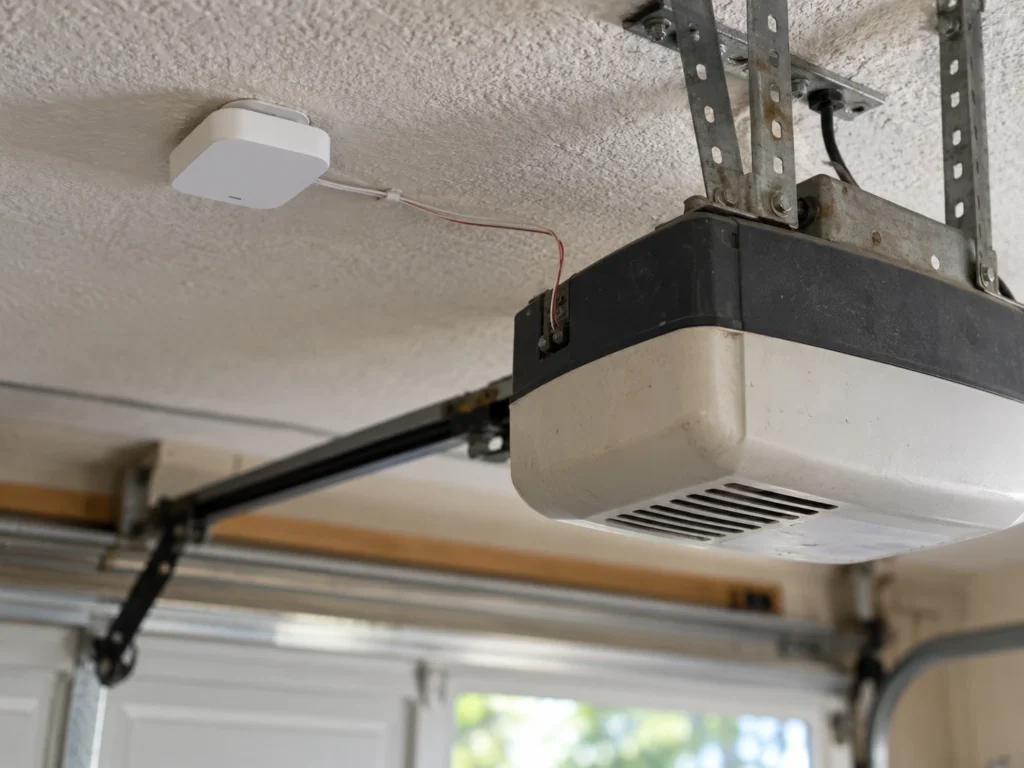
Third-party controllers are another route. Some, like Matter-certified models, work with Alexa, Google and Apple Home at the same time, even on a LiftMaster or Chamberlain opener. Our guide to the best WiFi and Bluetooth smart garage door openers compares those, and our best garage door monitor guide covers status-only sensors. If you already use myQ, here’s how to add a second opener to myQ.
Setting Up Your WiFi Garage Door Opener
Setup takes about 10 minutes once the opener is installed.
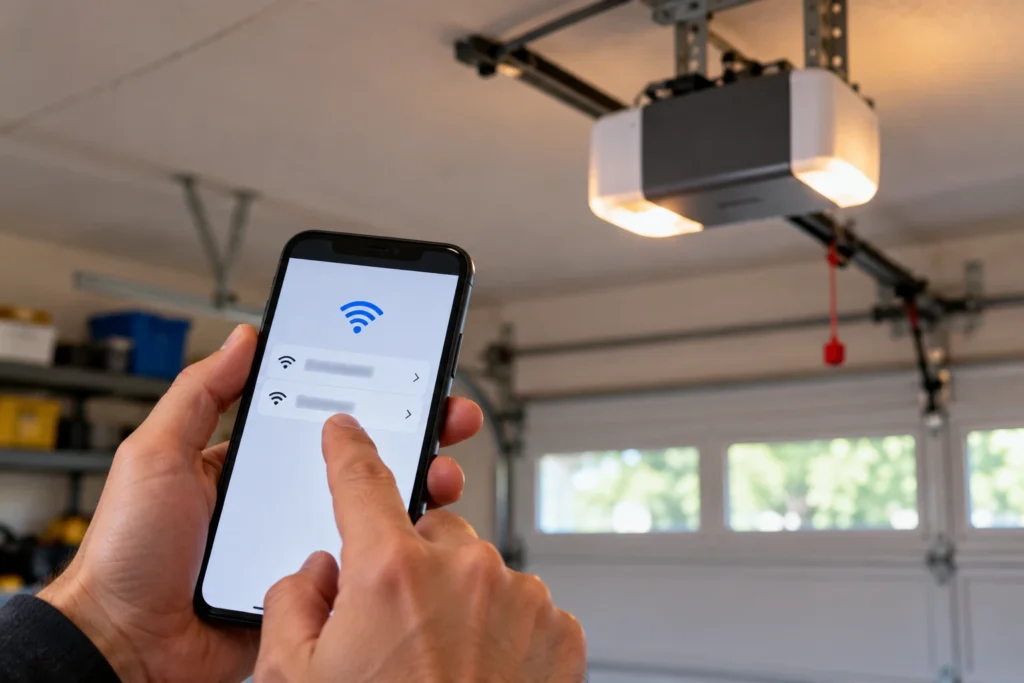
- Download the myQ app (LiftMaster and Chamberlain) or Aladdin Connect (Genie).
- Create an account and choose to add a new device.
- Put the opener into WiFi setup mode as the app directs, usually by pressing the learn or WiFi button on the motor unit.
- Connect it to your 2.4 GHz home network.
- Test opening and closing from the app while standing where you can see the door.
Common mistake: most openers can’t join a 5 GHz network. If your router combines both bands under one name, setup can fail. Use your router app to turn on a separate 2.4 GHz network for a few minutes, or connect your phone to it during setup.
| Symptom | Probable Cause | Fix | DIY Suitability |
|---|---|---|---|
| Opener won’t join WiFi | Phone or router on 5 GHz | Set up on a 2.4 GHz network | Safe for DIY |
| App shows offline | Router restarted or password changed | Reconnect the opener in the app | Safe for DIY |
| Weak or dropping signal | Router too far from garage | Add a mesh node or extender near the garage | Safe for DIY |
| Alexa or Google can’t find a myQ opener | No native myQ support | Use Amazon Key, a third-party bridge, or a Genie opener | Safe for DIY |
Battery Backup: Don’t Skip It
A WiFi opener is only useful when it has power. Battery backup keeps the door running through an outage, so you’re not stuck pulling the emergency release in the dark or leaving the car outside.
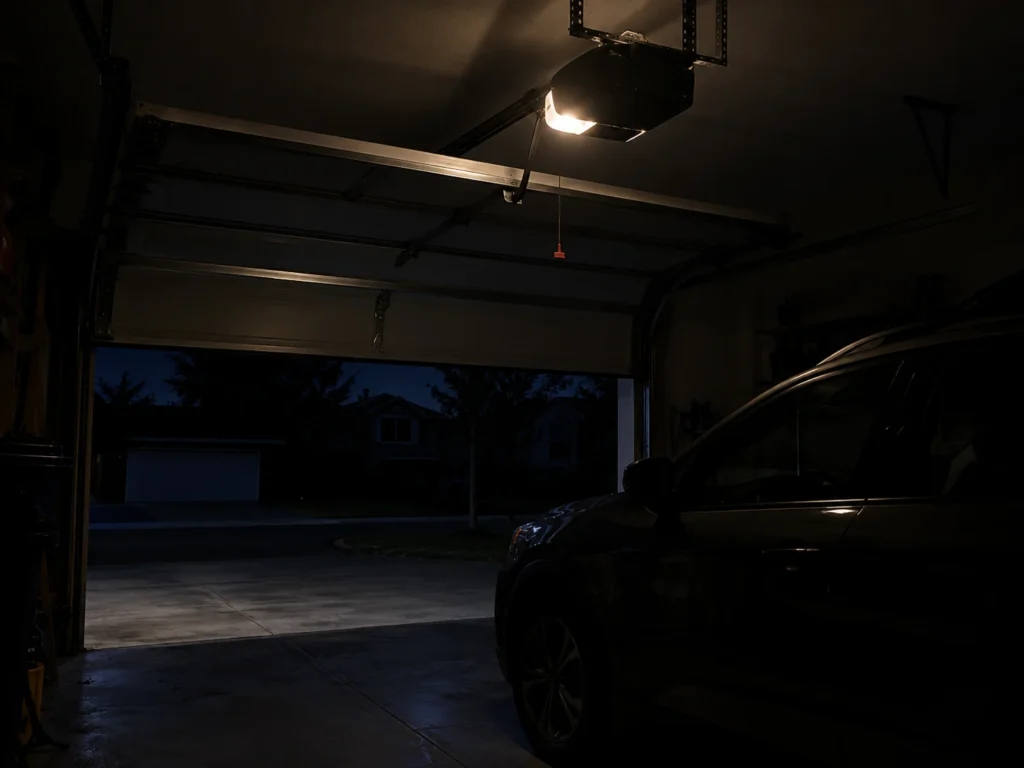
Since 2019, California has required battery backup on residential openers sold or installed in the state under Senate Bill 969. Elsewhere it’s optional, but three of our four picks include it. In our experience helping homeowners choose openers, battery backup is the feature people most often wish they’d paid for after their first long outage.
For more on this, see our best garage door opener with battery backup guide.
Frequently Asked Questions
Do WiFi garage door openers need a hub?
Not if WiFi is built in. All four picks here join your home network directly. Older openers without built-in WiFi need a small add-on hub, which costs about $30 to $50.
Does myQ work with Alexa or Google Assistant?
Not natively. Chamberlain dropped Google Assistant support in 2023 and doesn’t offer an Alexa skill. Limited control is possible through Amazon Key or third-party services. If voice control is important, choose a Genie opener with Aladdin Connect, which supports both.
What horsepower is the LiftMaster 87504-267?
LiftMaster doesn’t publish a horsepower figure because it uses a DC motor, but dealers list it as a 3/4 HP-equivalent belt drive. That’s enough for most single and double residential doors, including insulated steel doors.
Do camera garage door openers need a subscription?
Not for live view. You can watch the camera and get motion and open/close alerts free in the myQ app. Recording and video history need a myQ video plan, starting at $49.99 a year for one Secure View opener.
Can I control my opener if my internet goes down?
Not from the app. Remote app control needs an internet connection. Your wall button, keypad and handheld remotes keep working because they talk to the opener by radio, not WiFi.
Do WiFi openers work on 5 GHz WiFi?
Most don’t. They need a 2.4 GHz network, which also reaches farther through garage walls. If setup fails, make sure your phone is on the 2.4 GHz band while you add the opener.
Is it safe to connect my garage door to WiFi?
Yes, with sensible precautions. Use a strong, unique WiFi password, turn on two-factor login in the app if it’s offered, and keep the app updated. The major brands encrypt app traffic, and the door’s own remotes use rolling codes.
Related Guides
For other opener guides, see Best Chamberlain Garage Door Opener, Best Genie Garage Door Opener, Best Garage Door Opener With Camera, Best Alexa-Enabled Garage Door Opener, Best 3/4 HP Belt Drive Garage Door Opener, Best Garage Door Opener for Heavy Doors and Does a Garage Door Opener Need a Dedicated Circuit?