“Alexa, close the garage door” is one of the most useful voice commands in a smart home, but most guides recommend the wrong openers for it. LiftMaster and Chamberlain, the two biggest brands, no longer work with Alexa natively. If Alexa control is the reason you’re buying, the brand matters more than the motor.
We checked each pick against the manufacturer’s own pages and Amazon’s rules for garage doors. These are research-based picks, not lab tests.
This post contains affiliate links. If you buy through our links, we may earn a small commission at no extra cost to you.
Short Answer: The best Alexa-enabled garage door opener is the Genie StealthDrive Connect 7155-TKV, because Genie’s Aladdin Connect works with Alexa and Google Assistant directly. If you want to keep your current opener, add a meross or SwitchBot smart controller for $30 to $50. Avoid buying a LiftMaster or Chamberlain myQ opener for Alexa: myQ has no native Alexa skill. With any setup, Alexa needs a voice PIN to open the door, but can close it without one.
What “Alexa-Enabled” Really Means for a Garage Door
An Alexa-enabled opener connects to Amazon’s assistant through an official Alexa skill. Once linked, you can ask Alexa to close the door, open it, or tell you whether it’s open, and you can add it to routines.
Wi-Fi alone isn’t enough. Plenty of openers have an app but no Alexa skill, and the biggest example is myQ. Check for an official skill from the manufacturer before you buy, not just the words “smart” or “app-controlled” on the box.
How Alexa Handles Opening and Closing
Amazon treats opening a garage door as a security action. To open the door by voice, you first set a voice PIN in the Alexa app, and Alexa asks for it every time: “What’s your voice code?” Closing works straight away with no code, because a closed door is the safe state.
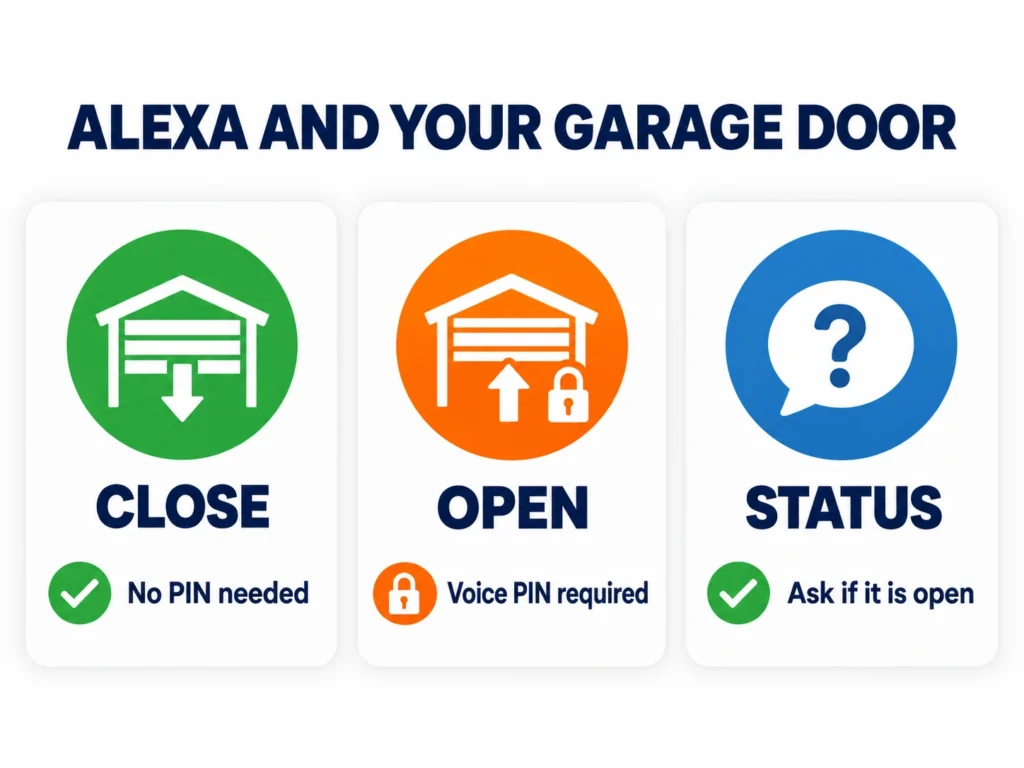
This catches a lot of people out. If Alexa won’t open the door, it usually means the voice PIN hasn’t been set up in the device’s settings in the Alexa app, not that the opener is broken.
| Command | What Alexa Does | PIN Needed? |
|---|---|---|
| “Alexa, close the garage door” | Closes it right away | No |
| “Alexa, open the garage door” | Asks for your voice code, then opens | Yes |
| “Alexa, is the garage door open?” | Tells you its status (if supported) | No |
Quick Comparison
Here’s how the picks compare. Prices change often, so use the links for the current figure.
| Option | Type | Alexa | Google Assistant | Apple Home | Best For |
|---|---|---|---|---|---|
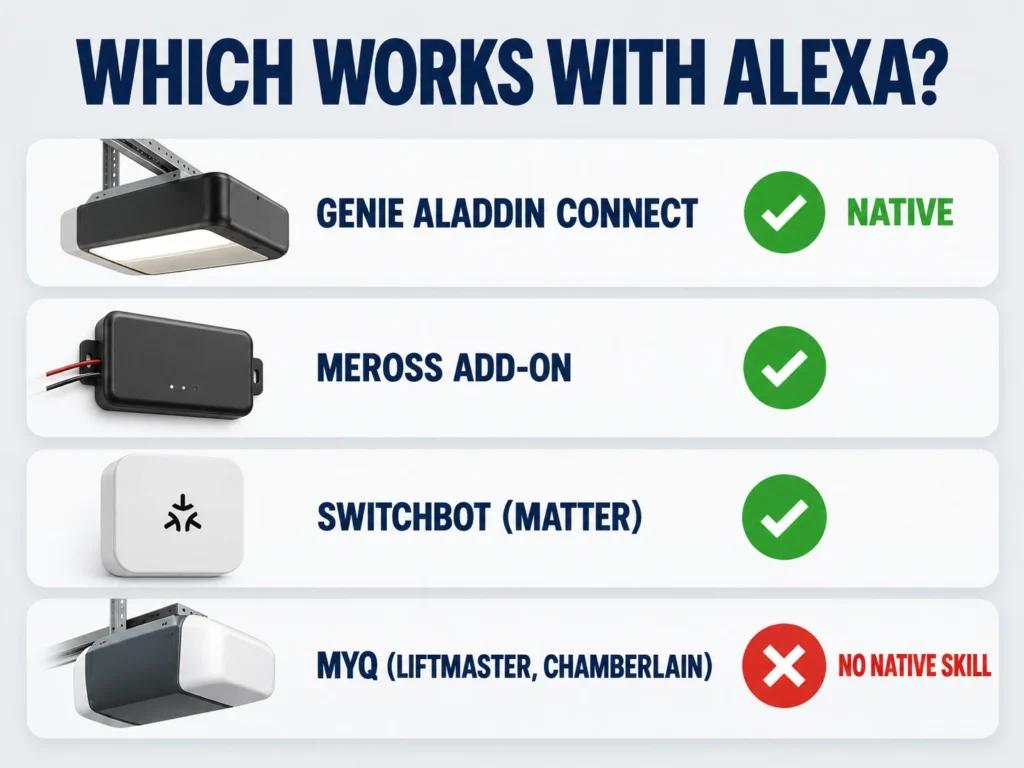
| Genie StealthDrive Connect 7155-TKV | Full opener | Yes, native | Yes, native | No | New opener with voice control |
| meross MSG100 | Add-on controller | Yes | Yes | Separate HomeKit version | Cheapest upgrade |
| SwitchBot Garage Door Opener | Add-on controller | Yes, via Matter | Yes, via Matter | Yes, via Matter | Mixed smart homes |
| LiftMaster / Chamberlain myQ | Full opener | No native skill | No (dropped 2023) | No | Not for voice control |
The Best Alexa-Enabled Garage Door Openers
One full opener and two add-on controllers cover almost every situation.
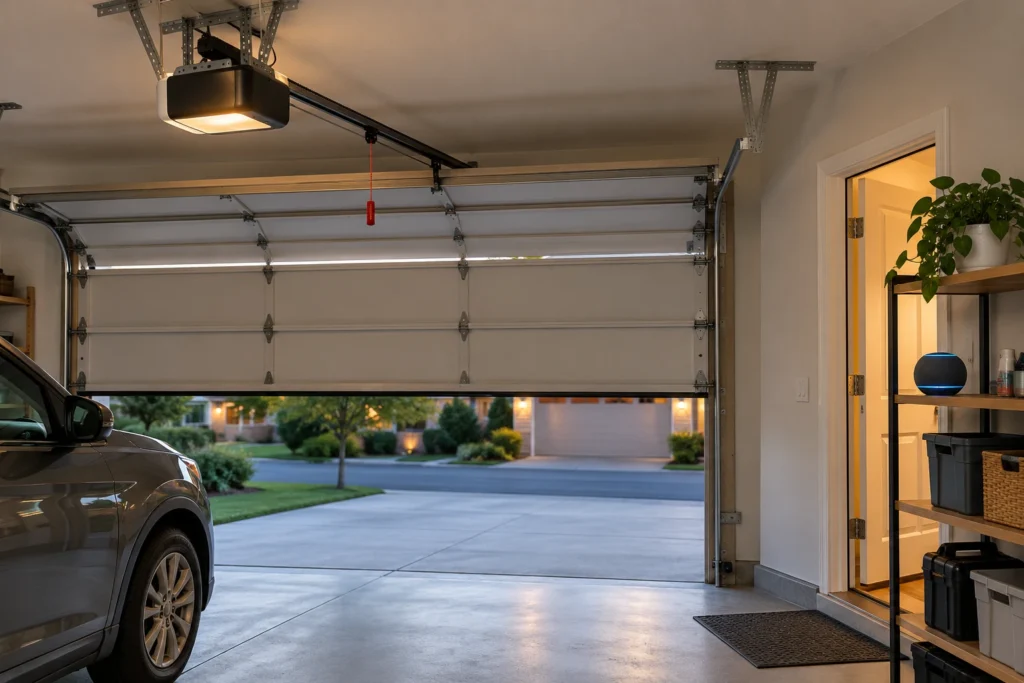
Genie StealthDrive Connect 7155-TKV: Best Overall
Genie’s Aladdin Connect is built into this opener, and Genie states it works with Amazon Alexa and Google Assistant with no extra devices. Link the skill, set your voice PIN, and you can close, open and check the door by voice.
It’s a 1-1/4 HPc DC belt drive, quiet enough for a room over the garage, and Genie rates it for sectional doors up to 500 pounds. Battery backup, two remotes, a wireless keypad and a wall console with a vacation lock are all in the box. One limit: Aladdin Connect doesn’t support Apple HomeKit.
meross MSG100: Best Budget Upgrade
If your opener works fine, you don’t need a new one. The meross MSG100 wires to your opener’s wall-button terminals, uses a small sensor to tell whether the door is open or closed, and adds Alexa and Google Assistant control for a fraction of the cost of an opener. A separate HomeKit version is sold if you use Apple Home.
It works with most openers that have standard wall-button wiring. Newer LiftMaster and Chamberlain models with smart wall controls can need an extra adapter, so check meross’s compatibility list for your model before ordering.
SwitchBot Garage Door Opener: Best for Mixed Smart Homes
The SwitchBot is Matter certified, which means one device can work with Alexa, Google Home and Apple Home at the same time. That’s useful in a home where people use different assistants. It supports more than 1,600 door opener models and needs no separate hub.
Like the meross, it’s an add-on, so your existing opener, remotes and keypad keep working exactly as before. Our guide to the best WiFi and Bluetooth smart garage door openers covers it in more detail.
What About LiftMaster and Chamberlain (myQ)?
LiftMaster and Chamberlain openers use the myQ app, and Chamberlain has made myQ a closed system. It dropped Google Assistant support in 2023 and doesn’t offer an Alexa skill. The only official link to Amazon is Amazon Key for in-garage deliveries, which isn’t the same as everyday voice control.
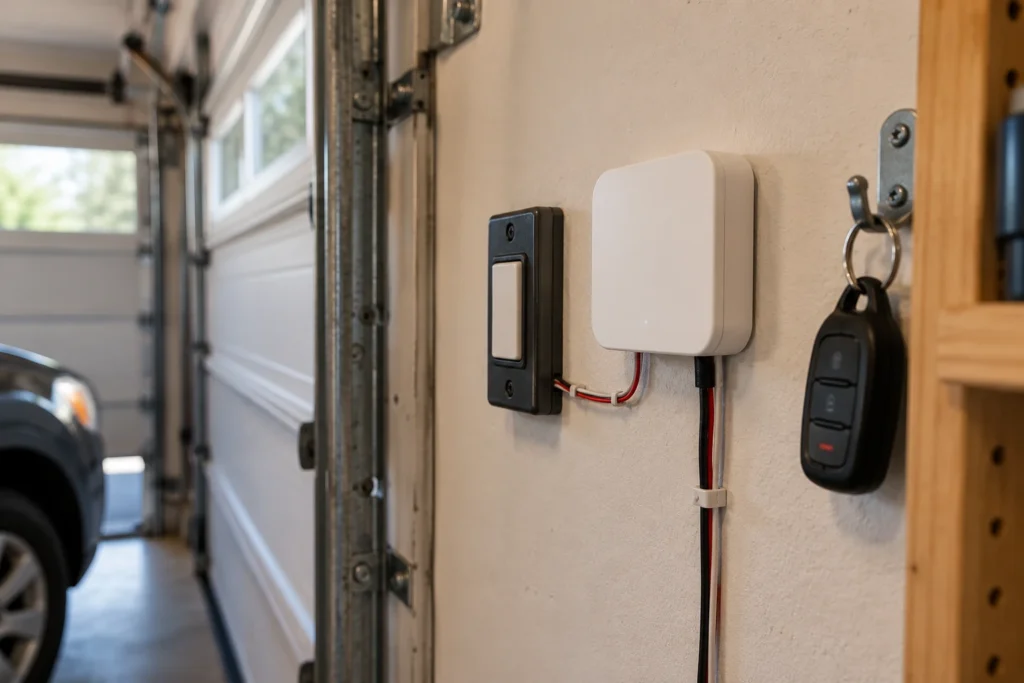
That doesn’t make them bad openers. They’re excellent for app control, cameras and battery backup, as our best WiFi garage door openers guide explains. But if you already own one and want Alexa, add a meross or SwitchBot controller rather than replacing it, and check the adapter requirement first.
How to Set Up Alexa Voice Control
Setup takes about 15 minutes once your opener or controller is installed and on Wi-Fi.
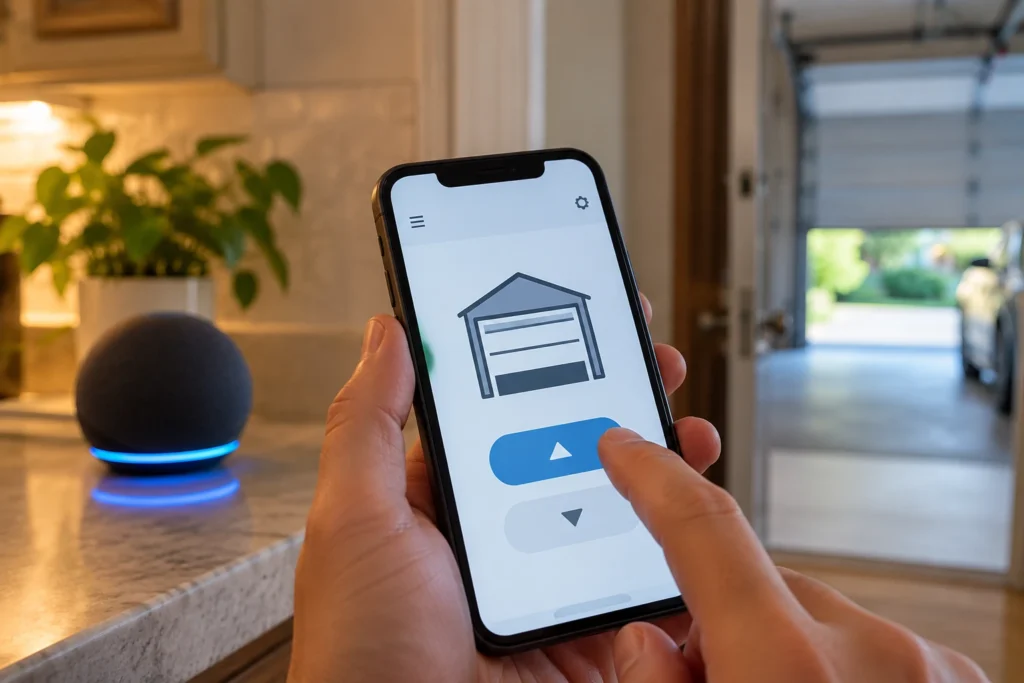
- Set up the opener or controller in its own app (Aladdin Connect, meross or SwitchBot) and confirm you can open and close the door there.
- In the Alexa app, go to Skills & Games, find the matching skill, enable it and sign in with that app’s account. For a Matter device, add it from the Alexa app’s device setup instead.
- Ask Alexa to discover devices. Your garage door appears as a device.
- Open the garage door’s settings in the Alexa app and turn on voice open with a 4-digit PIN.
- Test both commands while you can see the door.
| Problem | Likely Cause | Fix | DIY Suitability |
|---|---|---|---|
| Alexa won’t open the door | No voice PIN set | Set the PIN in the device’s Alexa settings | Safe for DIY |
| Alexa can’t find the device | Skill not linked | Re-link the skill, then discover devices | Safe for DIY |
| Can’t find a myQ skill | myQ has no native Alexa skill | Add a meross or SwitchBot controller | Safe for DIY |
| Commands stop after a power cut | Opener or controller offline | Check its app; add battery backup | Safe for DIY |
Routines and Features Worth Setting Up
Voice commands are handy, but routines are where Alexa really earns its place. A bedtime routine can close the garage door along with turning off lights, so a door left open overnight gets caught automatically. In our experience helping homeowners set these up, that one routine is the feature people end up valuing most.
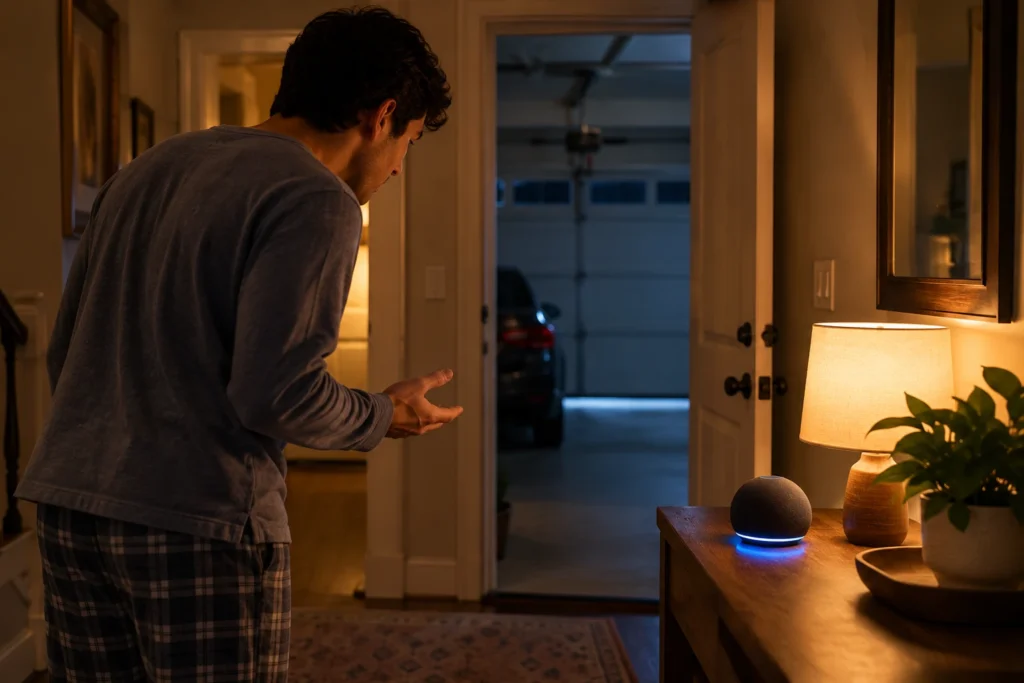
Asking “Alexa, is the garage door open?” before bed is another quick win, if your device reports its status. And because a dead opener means no Wi-Fi and no voice control, battery backup is worth having on any smart setup.
Frequently Asked Questions
Can Alexa open my garage door?
Yes, if your opener or controller has an Alexa skill or Matter support. Amazon requires a voice PIN to open a garage door, so set one up in the Alexa app. Closing works without a PIN.
Does LiftMaster or Chamberlain myQ work with Alexa?
Not natively. myQ has no Alexa skill, and Chamberlain dropped Google Assistant in 2023. The official Amazon link is Amazon Key for deliveries. For voice control, add a third-party controller like meross or SwitchBot.
Which garage door openers work with Alexa without a hub?
Genie openers with built-in Aladdin Connect, such as the StealthDrive Connect 7155-TKV, work with Alexa and Google Assistant without extra devices. Add-on controllers like meross and SwitchBot also need no hub.
Why does Alexa ask for a code to open the garage?
It’s Amazon’s security rule. Opening a garage door gives access to your home, so Alexa asks for the voice PIN you set. Closing is treated as safe and doesn’t ask.
Can I control the garage door with Alexa if the Wi-Fi is down?
No. Voice control needs both your Wi-Fi and the internet. Your wall button, keypad and remotes still work without either.
Is it safe to let Alexa control my garage door?
Yes, with the voice PIN on. Choose a PIN that’s not easy to guess, and don’t say it near open windows or in front of visitors. Your opener’s safety sensors still stop and reverse the door if anything is in the way.
Related Guides
For more, see Best Garage Door Openers With WiFi, Best WiFi and Bluetooth Smart Garage Door Openers, Best Genie Garage Door Opener, Best Garage Door Monitor, Is the Ryobi Garage Door Opener Compatible with Alexa? and Best Garage Door Opener With Battery Backup.