
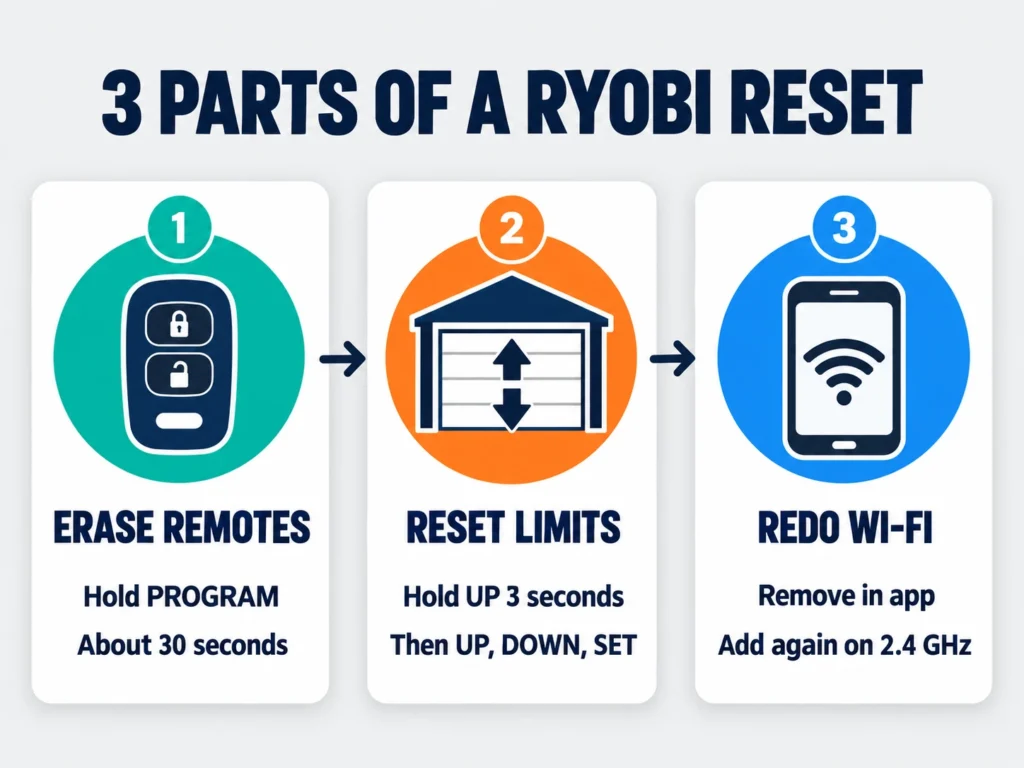
Most guides tell you to hold a “reset button” on your Ryobi garage door opener. The problem is that the Ryobi GD200 doesn’t have one. Its controls sit behind the console door on the front of the motor unit, and a full reset is really three separate jobs: erasing the remotes, clearing the travel limits and redoing the Wi-Fi.
This guide follows the GD200 operator’s manual, and we say clearly where a step comes from owner experience instead, because Ryobi’s manual doesn’t cover everything.
Short Answer: There’s no single factory reset button on a Ryobi garage door opener. Open the console door on the front of the motor unit. Hold the PROGRAM button for about 30 seconds to erase all remotes and keypads, hold UP for 3 seconds to clear the travel limits and set them again with UP, DOWN and SET, then re-add the opener in the Ryobi app. Finish by reprogramming each remote with the PROGRAM button.
What a Factory Reset Means on a Ryobi Opener
Ryobi stores three kinds of settings, and each one resets differently. Decide which ones you actually need to clear before you start. If you’re only fixing a lost remote, you don’t need to touch the travel limits.
| What You Want to Clear | How | Source | Time |
|---|---|---|---|
| All remotes and keypads | Hold PROGRAM about 30 seconds | Owner-reported | 1 minute |
| Open and close travel limits | Hold UP 3 seconds, then reprogram with UP, DOWN, SET | Ryobi manual | 5 minutes |
| Wi-Fi and app connection | Remove and re-add the opener in the app | Ryobi app setup | 10 to 15 minutes |
Where the Ryobi Buttons Are
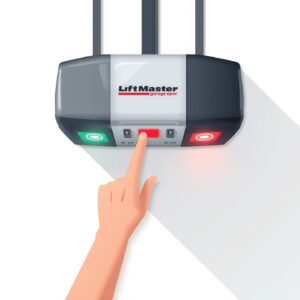
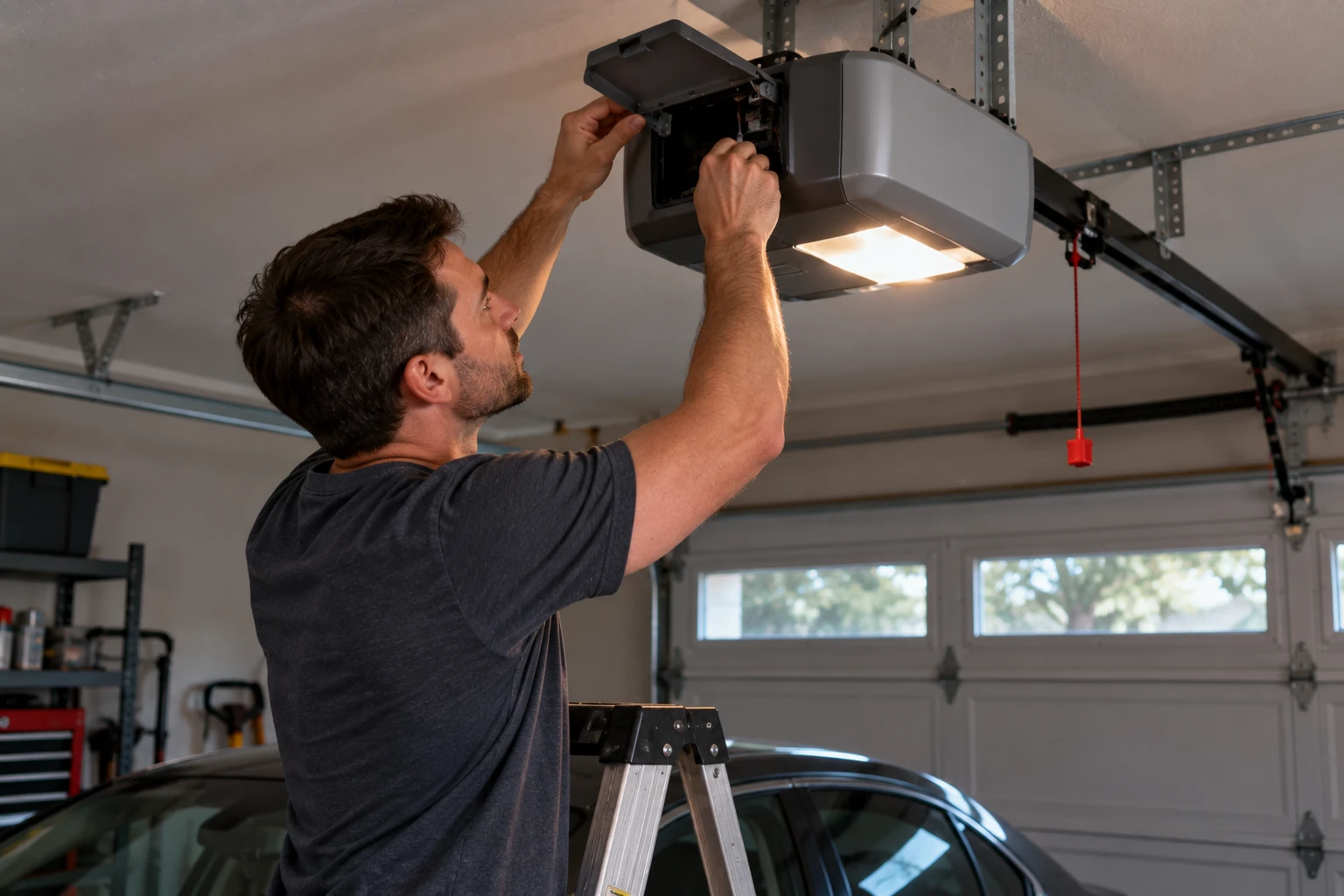
Look at the front of the motor unit on the ceiling, the end facing into the garage. There’s a small console door. Open it and you’ll find four buttons: PROGRAM, UP, DOWN and SET. The PROGRAM button has a small light behind it that flashes to confirm each step.
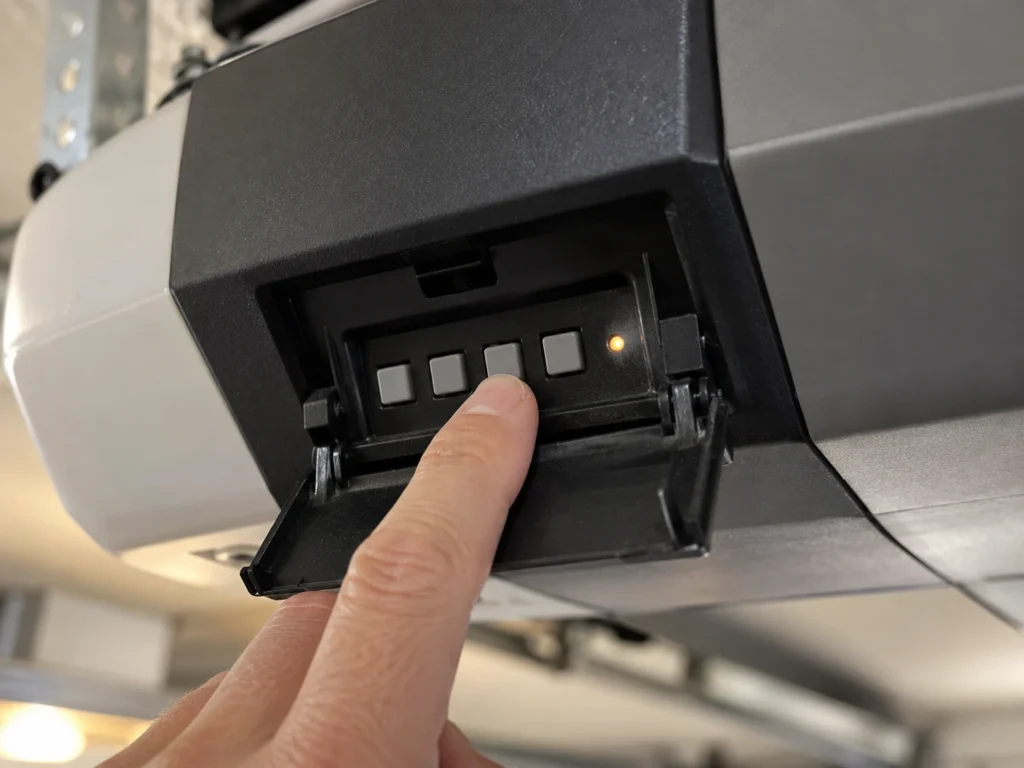
You’ll need a stable step ladder, and it helps to have someone below to watch the door. Note your model number from the label on the motor unit before you start. This guide covers the GD200 family, including the GD200A and GD201.
Step 1: Erase All Remotes and Keypads
Do this if you’ve lost a remote, you’re selling the house, or a remote is behaving strangely. Ryobi’s manual doesn’t describe an “erase all” step, but owners report that holding the PROGRAM button for about 30 seconds clears every stored remote and keypad.
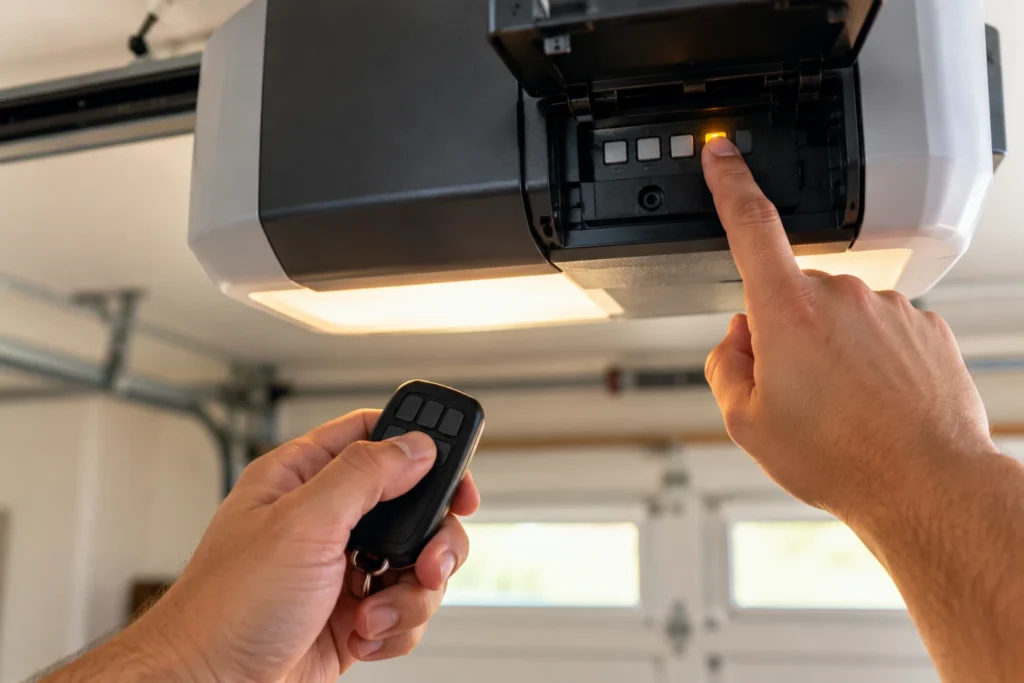
- Close the garage door.
- Open the console door on the motor unit.
- Press and hold PROGRAM for about 30 seconds. Keep holding even after the opener’s lights change.
- Release, then press each of your old remotes. None of them should move the door.
If a remote still works afterward, hold PROGRAM again for the full time. A short press only starts normal remote programming, which times out on its own after two minutes.
Step 2: Clear and Reset the Travel Limits
The GD200 doesn’t use physical limit switches. It stores the open and closed positions in memory, so a door that stops short, reverses at the floor or won’t open fully is usually fixed by resetting them. According to the manual, holding the UP button for three seconds clears the stored limits.
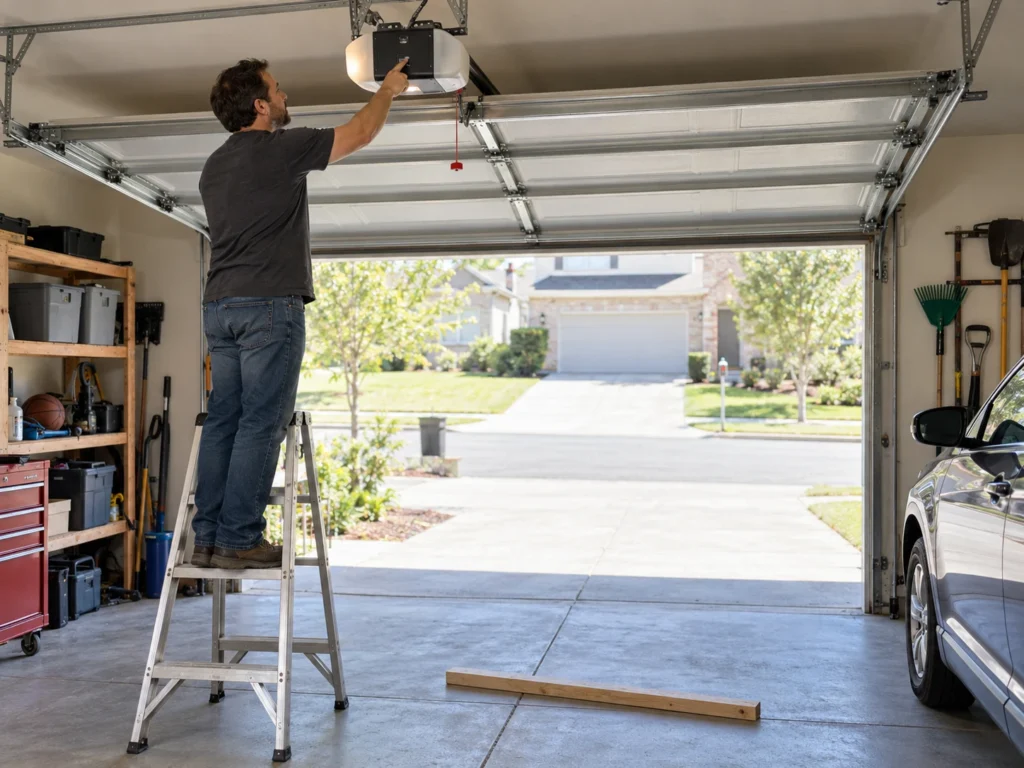
- Press and hold UP for three seconds until the light starts blinking.
- Hold UP to drive the door to the fully open position you want.
- Press SET to save the open limit.
- Press and hold DOWN for three seconds until the light blinks.
- Hold DOWN to bring the door to the fully closed position, touching the floor.
- Press SET to save the close limit.
Safety check: after any limit change, lay a 2×4 flat on the floor under the door and close it. The door must reverse when it touches the board. If it doesn’t, don’t use the opener until it does.
Step 3: Reset the Wi-Fi and App Connection
Ryobi’s manual doesn’t document a Wi-Fi reset button. The connection is managed through the Ryobi Garage Door Opener app, and the app allows only one login per installation. To clear it, remove the opener from the app, then add it again as a new device and join your 2.4 GHz home network.
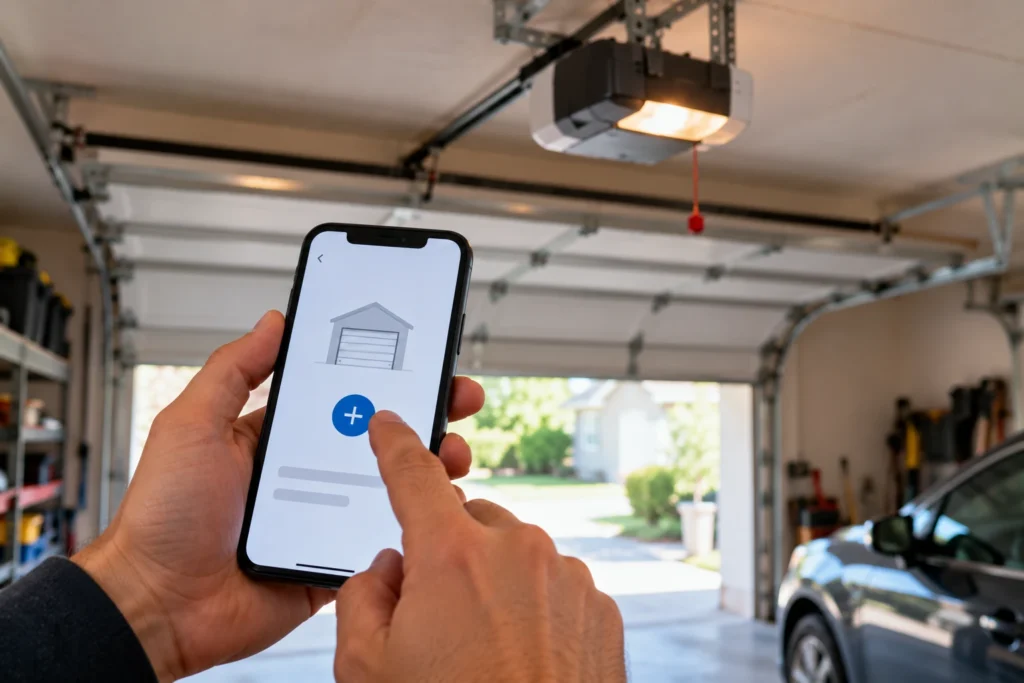
If the app can’t find the opener, unplug the motor unit for 30 seconds and plug it back in to restart its Wi-Fi module, then try again. Our Ryobi Wi-Fi setup guide walks through the full app setup.
Be realistic about the app. Ryobi has discontinued its garage door opener line, and its online support pages for the opener app now redirect to its general tools app. If the app won’t connect after a reset, a third-party smart controller is a more dependable way to get phone control.
Reprogram Your Remotes and Keypad
After erasing, add back each remote you want to keep. Ryobi’s manual gives this sequence for car remotes.
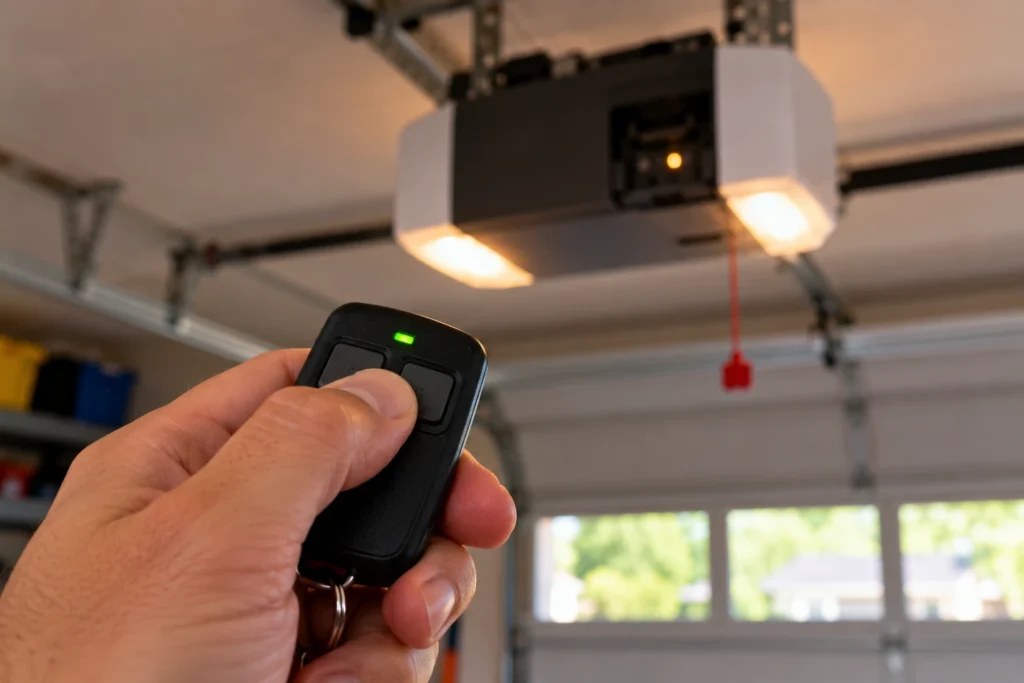
- Press PROGRAM on the console. The opener’s lights turn off and the PROGRAM button flashes three times.
- Press button 1 or 2 on the remote once. The remote’s green light flashes.
- The PROGRAM button flashes three times again and the door moves to confirm.
For the outdoor keypad, set your PIN on the keypad first: hold the 1 button, press ON/PROGRAM, release both and enter a 4-digit PIN. Then hold PROGRAM on the console until the opener’s lights turn off and PROGRAM flashes three times, press ON/PROGRAM on the keypad, enter the PIN, and press 0 within 30 seconds to test. You have two minutes for each step.
When a Reset Won’t Help
A reset clears settings. It can’t fix worn or failed parts. In our experience helping Ryobi owners, people often reset an opener that actually has a sensor, power or lock problem. Before you erase anything, check that the opener isn’t simply locked from the indoor keypad, because lock mode blocks remotes, the outdoor keypad and the app.
| Symptom | Likely Cause | What to Do | DIY Suitability |
|---|---|---|---|
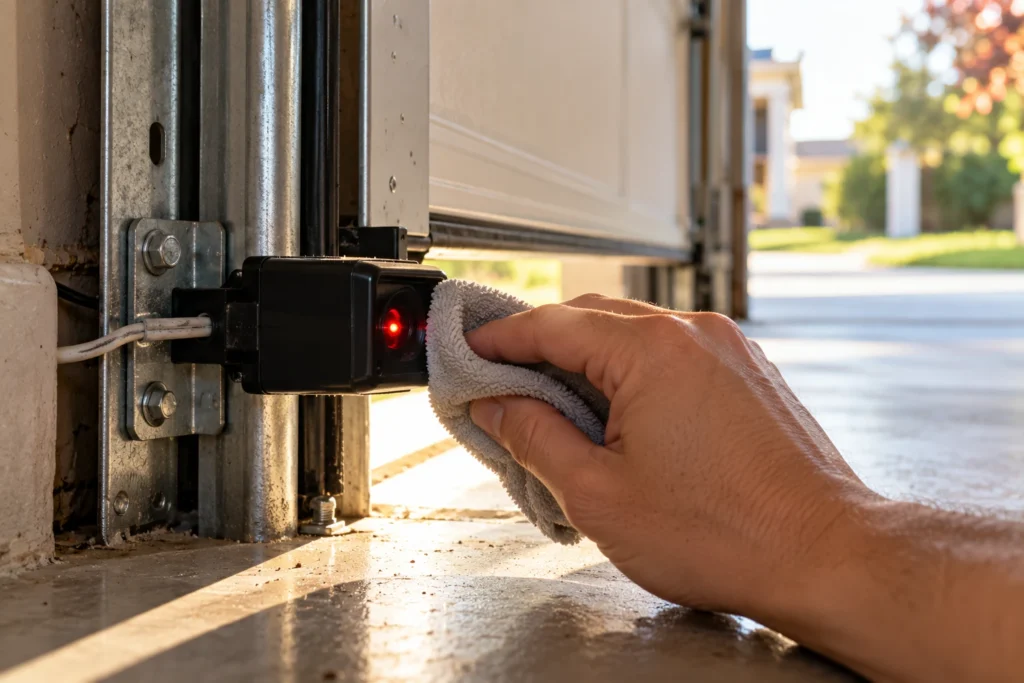
| Door won’t close, lights flash | Safety sensors blocked or misaligned | Clean and realign the sensors | Safe for DIY |
| Red sensor light blinks 3 times, repeating | Receiving sensor in direct sunlight | Move or shade the sensor | Safe for DIY |
| Both sensor lights off | Opener unplugged or backup battery flat | Restore power or charge the battery | Safe for DIY |
| Remotes, outdoor keypad and app all stopped at once | Lock (vacation) mode is on | Press LOCK on the indoor keypad to unlock | Safe for DIY |
| Motor hums, door doesn’t move | Belt, gear or motor problem | Professional repair or replacement | Professional |
| Nothing responds at all | No power or failed logic board | Check outlet and breaker first | Partly DIY |
Because Ryobi no longer supports the line, a failed logic board or motor usually means replacing the opener. Our Ryobi troubleshooting guide covers the other common faults, and our best WiFi garage door openers guide covers replacements.
Frequently Asked Questions
Where is the reset button on a Ryobi garage door opener?
There isn’t a dedicated one. The controls are behind the console door on the front of the motor unit: PROGRAM, UP, DOWN and SET. Erasing remotes uses PROGRAM, and clearing travel limits uses UP.
How do I erase all remotes from my Ryobi opener?
Owners report that holding the PROGRAM button for about 30 seconds clears all stored remotes and keypads. Test each old remote afterward to confirm none of them still opens the door, then reprogram the ones you want to keep.
Do I need to reset my Ryobi opener before selling my house?
Yes, it’s a good idea. Erase all remotes and keypads and remove the opener from your Ryobi app account. That way your old remotes and phone no longer have access, and the new owner can set it up fresh.
Will resetting erase my travel limits?
Erasing remotes doesn’t touch the travel limits. They’re cleared separately by holding UP for three seconds, and you then set new open and close positions with UP, DOWN and SET.
How do I program a Ryobi garage door opener remote?
Press PROGRAM on the console. When the opener lights go off and PROGRAM flashes three times, press button 1 or 2 on the remote once. PROGRAM flashes three times again and the door moves to confirm.
Does the Ryobi garage door opener app still work?
Many owners can still use it, but Ryobi has discontinued the opener line and its app support pages now redirect elsewhere, so there’s no guarantee it will keep working. Your remotes, keypad and wall button work without the app.
Related Guides
For other Ryobi guides, see Ryobi Garage Door Opener Troubleshooting, How to Connect Wi-Fi to a Ryobi Garage Door Opener, Ryobi Garage Door Opener Discontinued, Ryobi Garage Door Opener Recall and Is the Ryobi Garage Door Opener Compatible with Alexa?
For the official manual, see the Ryobi GD200 operator’s manual.