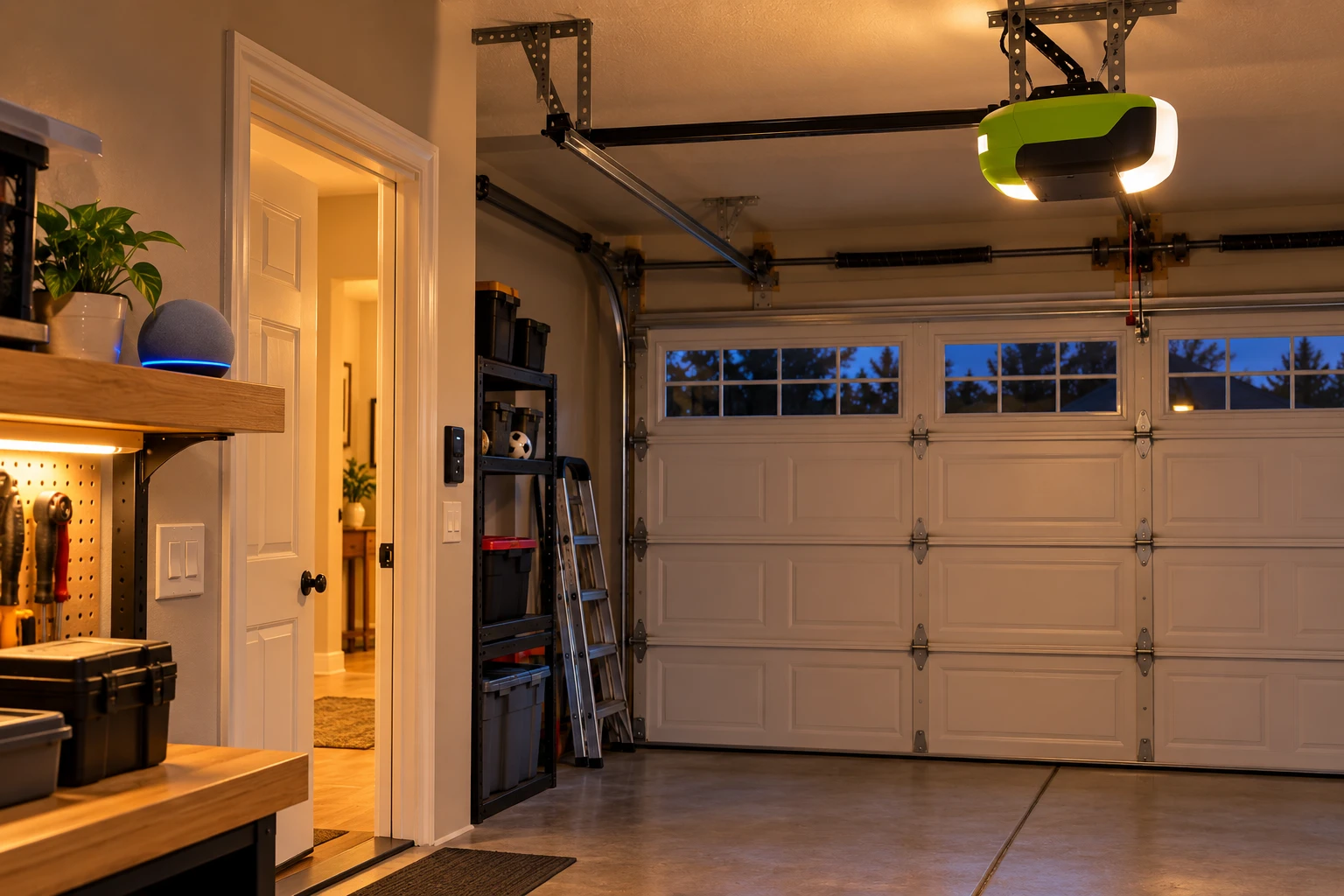
No, the Ryobi garage door opener does not work with Alexa on its own. Ryobi never released an Alexa skill or an open API for the GD200, and the line was discontinued in 2020. The good news: you can add reliable Alexa control to a Ryobi opener for around $40 without replacing anything.
This guide explains why Ryobi and Alexa don’t connect, which add-on devices actually list the Ryobi GD200 as compatible, which popular options to skip, and how Alexa’s garage door voice rules work once you’re set up.
Short Answer: The Ryobi GD200 has no native Alexa support. The easiest fix is a smart garage controller that lists Ryobi GD200 as compatible, such as the Meross MSG100, which wires to the opener’s terminals and adds Alexa, Google Assistant and SmartThings control. Don’t buy a myQ hub for this: myQ itself has no Alexa skill. If your Ryobi is failing anyway, a replacement opener with native Alexa support, like the Genie 7155-TKV, is the cleaner fix.
In our experience helping homeowners add voice control to older openers, the most common wasted purchase is a myQ hub bought for Alexa, which ends up working only in its own app.
Why the Ryobi GD200 Doesn’t Work With Alexa
The Ryobi GD200 connects to Wi-Fi and runs through Ryobi’s own app, listed in the app stores as “GDO System” by One World Technologies. That app was never linked to Amazon Alexa, Google Assistant or Apple Home, and Ryobi never published an open API that a skill could use.
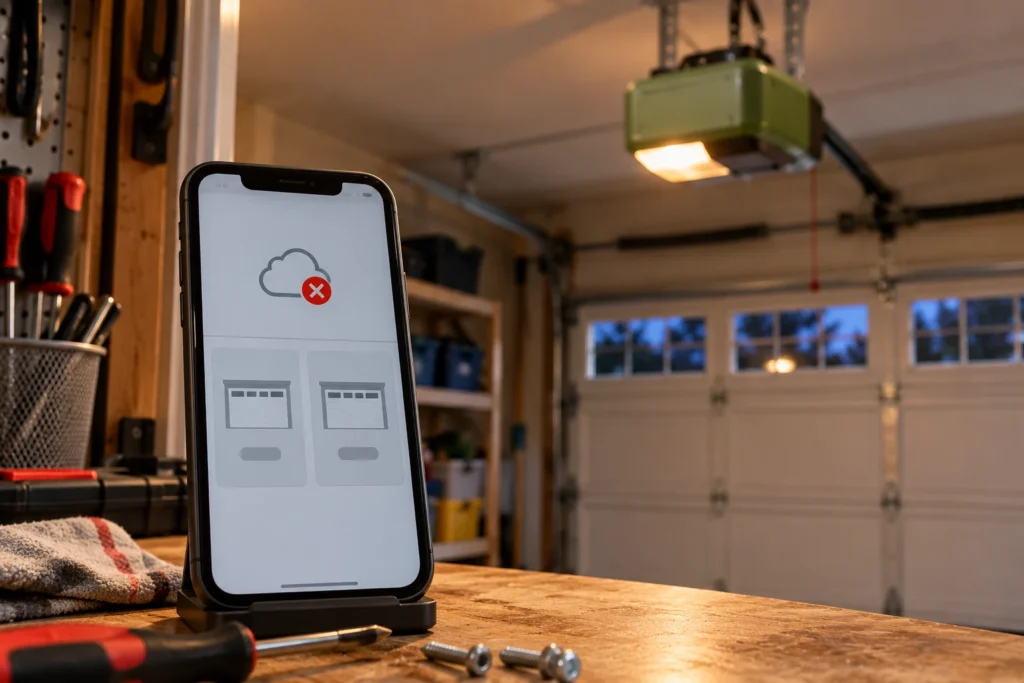
- No Alexa skill: there is no official Ryobi skill in the Alexa app, so “Alexa, open the garage” has nothing to talk to.
- Discontinued hardware: Ryobi stopped selling the GD200 in 2020 when it was pulled from Home Depot stores. Our Ryobi garage door opener discontinued guide covers what that means for parts and support.
- Aging app: the Ryobi app hasn’t been updated since 2021 and carries poor store ratings, so a fix from Ryobi isn’t coming.
- Unofficial workarounds broke: some smart home hobbyists built community drivers around Ryobi’s cloud service, but users reported frequent errors, and the original developer stopped maintaining them.
So the practical path is to add Alexa through a separate device that talks to the opener directly, without relying on Ryobi’s cloud at all. If the Ryobi app has stopped connecting, see how to connect Wi-Fi to a Ryobi garage door opener first.
Your Options at a Glance
Here’s how the realistic choices compare. The add-on controllers work alongside your Ryobi, so the opener’s own features like the 18V battery backup keep working.
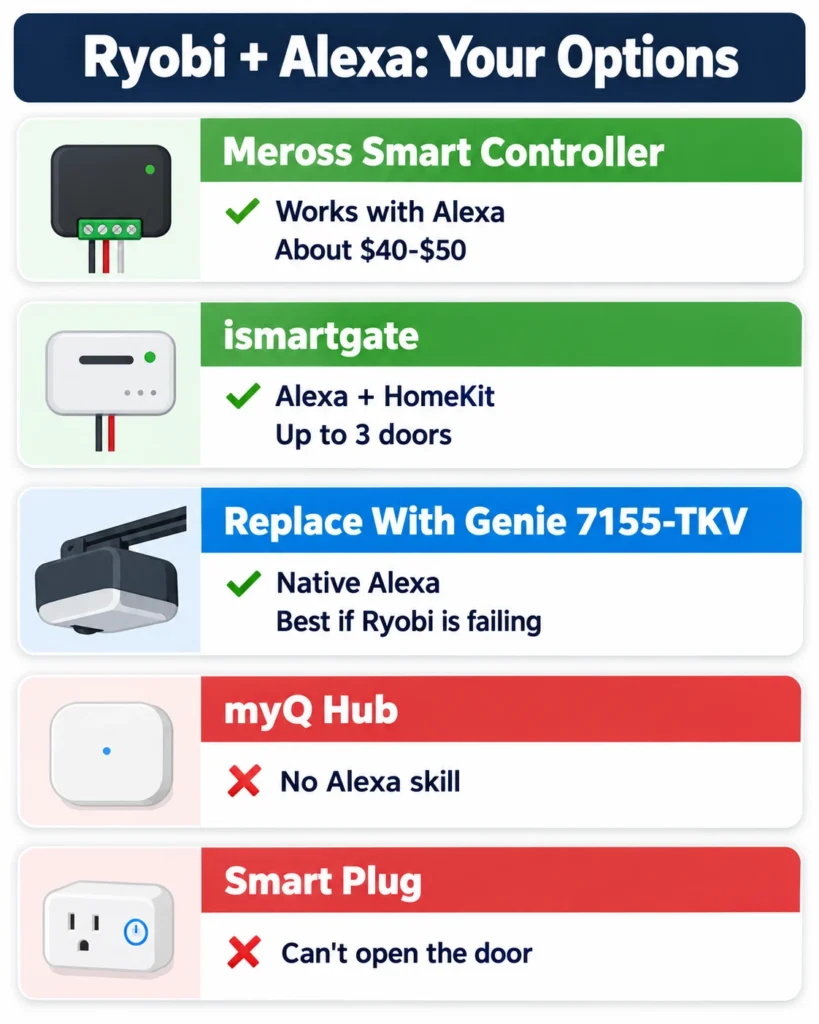
| Option | Works With Alexa | Approx. Cost | Setup Time | Best For |
|---|---|---|---|---|
| Meross MSG100 smart controller | Yes, plus Google Assistant and SmartThings | About $40 to $50 | 20 to 30 minutes | Most Ryobi owners whose opener still works |
| ismartgate controller | Yes, plus Google Assistant and Apple HomeKit | Higher than Meross | 30 to 45 minutes | Apple Home users or up to three doors |
| Replace with Genie 7155-TKV | Yes, through Aladdin Connect | About $300 to $350 plus install | 2 to 4 hours | Ryobi that is failing or missing parts |
| myQ Smart Garage Control | No native Alexa skill | About $65 | 20 minutes | Not recommended for Alexa |
| Smart plug | Not for door control | $10 to $20 | None | Doesn’t work for this |
Option 1: Add a Meross Smart Garage Controller
The Meross MSG100 smart garage door opener is the simplest way to give a Ryobi opener Alexa control. Meross’s own compatibility table lists the Ryobi GD200, with no extra accessory required.
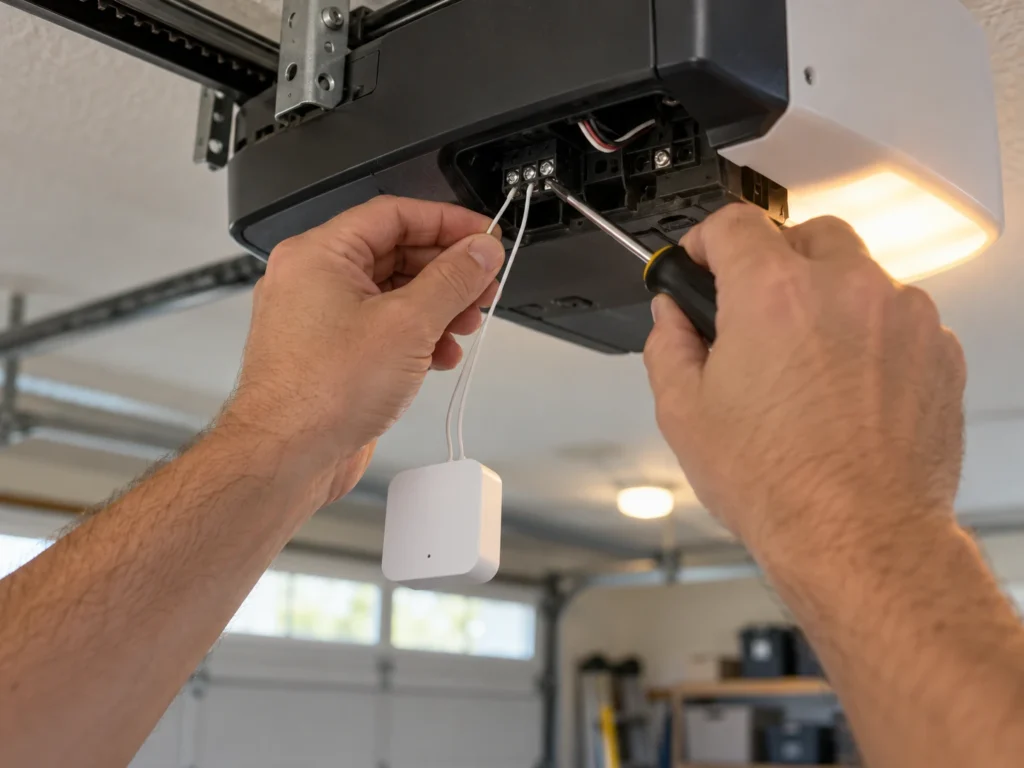
- How it works: the controller connects with two thin wires to the same low-voltage terminals as your wall console and simply “presses the button” for you. A magnetic sensor on the door tells it whether the door is open or closed.
- Voice assistants: works with Amazon Alexa, Google Assistant and SmartThings through the Meross app. A HomeKit version is sold separately.
- No Ryobi cloud needed: it keeps working even if the Ryobi app or servers stop responding.
- Requirements: a 2.4 GHz Wi-Fi signal in the garage and an outlet near the opener for the controller’s power adapter.
Because it only shorts the console terminals for a moment, it doesn’t change how your remotes, keypad or battery backup work. For help with the Meross side, see our Meross garage door opener troubleshooting guide.
Option 2: ismartgate for HomeKit or Multiple Doors
ismartgate publishes a Ryobi GD200 install guide and connects the same way, through the opener’s dry-contact terminals. It supports Alexa, Google Assistant, Apple HomeKit and SmartThings, and its models cover one to three doors.
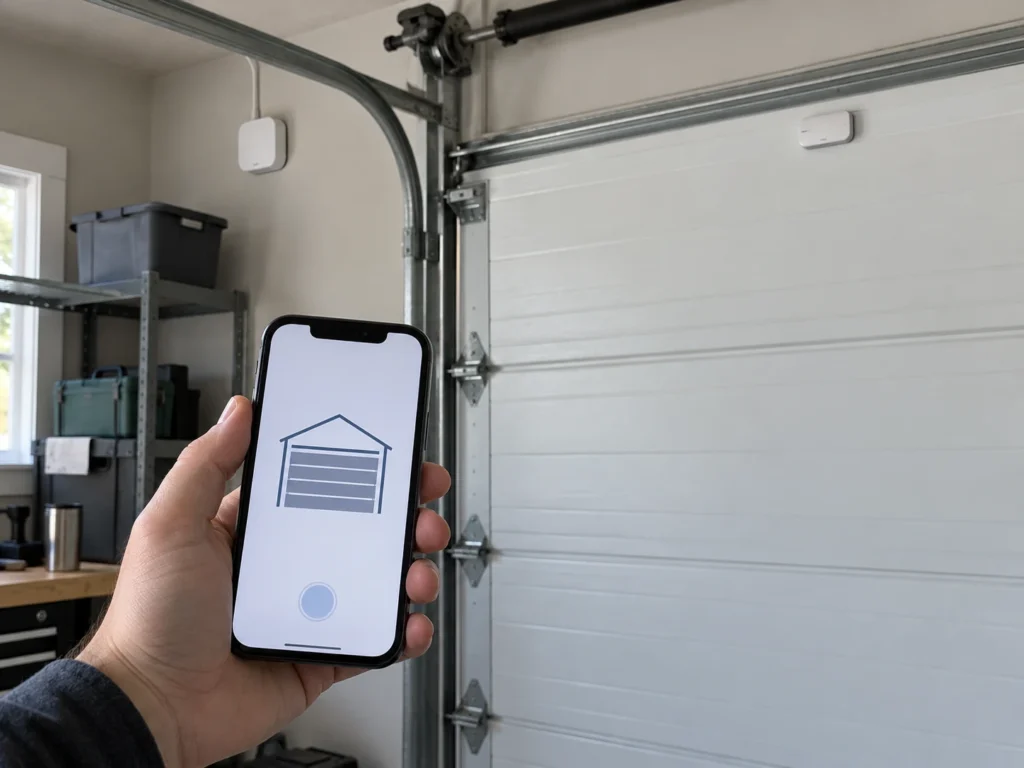
It costs more than Meross, so it mainly makes sense if you want Apple Home control without a separate HomeKit bridge, or you’re adding smart control to two or three doors at once. Note that ismartgate ended its IFTTT support in October 2025, so don’t plan an IFTTT-based setup around it.
Option 3: Replace the Opener With an Alexa-Ready Model
If your Ryobi is already giving trouble, spending $40 on an add-on may only delay a replacement. Since Ryobi parts are getting harder to find, a new opener with native voice support can be the better long-term choice.
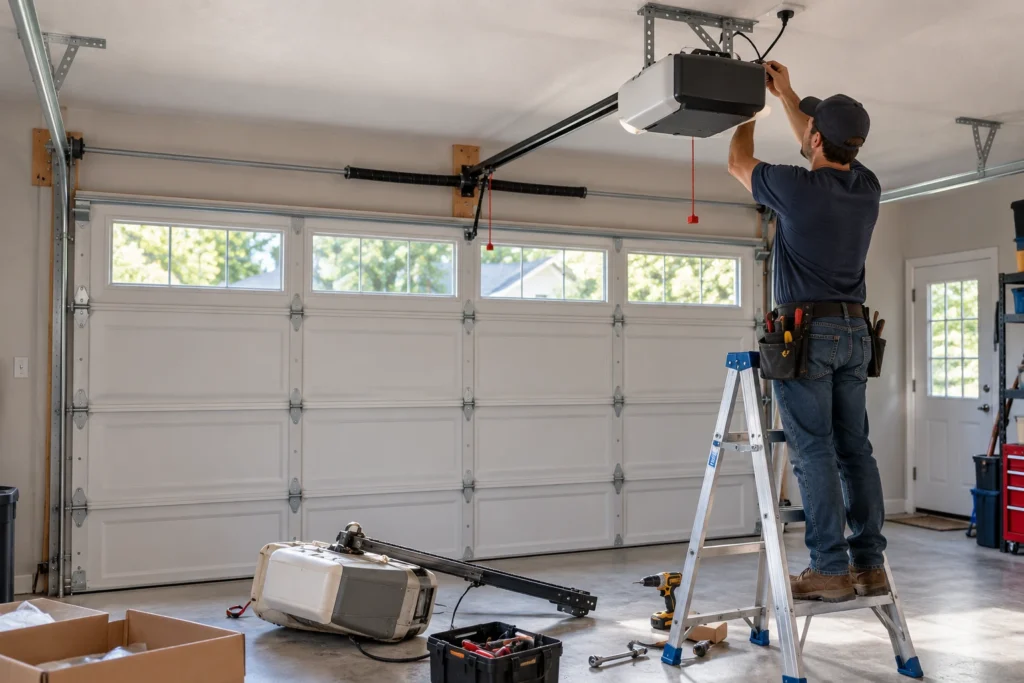
The Genie 7155-TKV is a strong pick: its Aladdin Connect app works with both Alexa and Google Assistant natively, and it includes battery backup and a keypad. It comes with a 7-foot rail, so an 8-foot door needs Genie’s extension kit. For more choices, see our guide to the best Alexa-enabled garage door openers and the best garage door openers with battery backup.
How to Set Up Alexa With a Smart Controller
Once your controller is installed and working in its own app, linking Alexa takes about five minutes.
- Unplug the Ryobi opener (and remove its 18V battery if one is installed) before connecting any wires.
- Connect the controller’s two wires to the opener’s wall console terminals, following the wiring guide in the controller’s app, then mount the door sensor.
- Plug everything back in, set up the controller in its app on 2.4 GHz Wi-Fi, and test opening and closing from the app.
- Open the Alexa app, go to Skills and Games, find the controller’s skill (for example, Meross) and enable it. Sign in with the same account.
- Let Alexa discover devices. Your garage door appears as a smart device.
- In the Alexa app’s device settings, turn on voice control for opening and set a voice PIN.
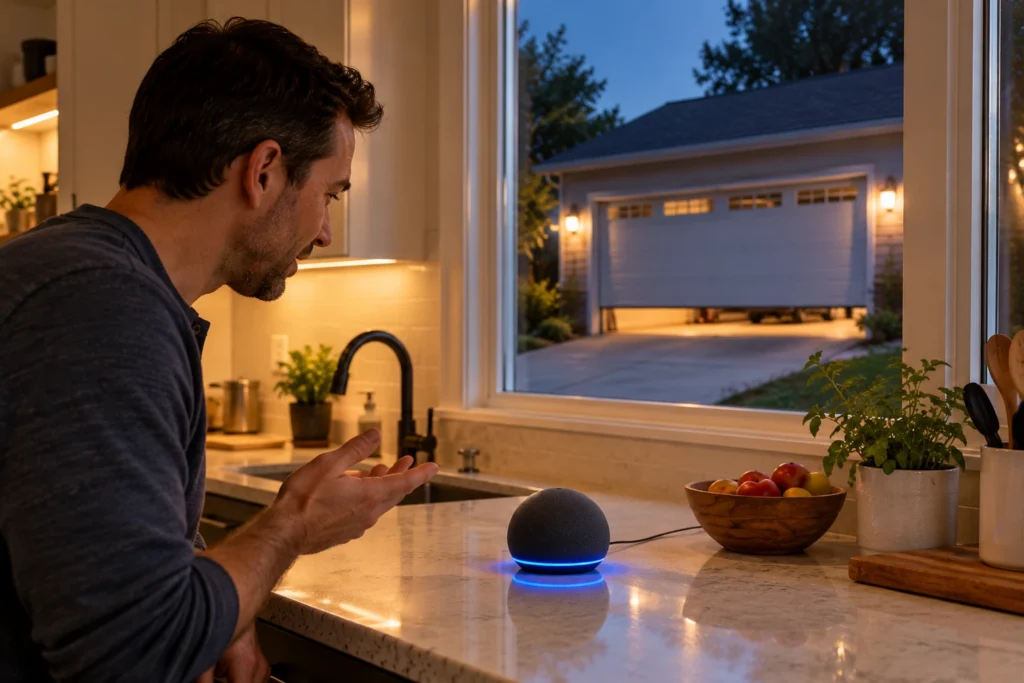
Alexa treats garage doors as a security device: closing works with a simple command, but opening by voice requires you to say your PIN. That stops someone outside a window from opening your garage. Never read your PIN out in front of guests, and change it if you think someone has heard it.
What Not to Buy for Ryobi and Alexa
A few products come up often in search results but are poor choices here.
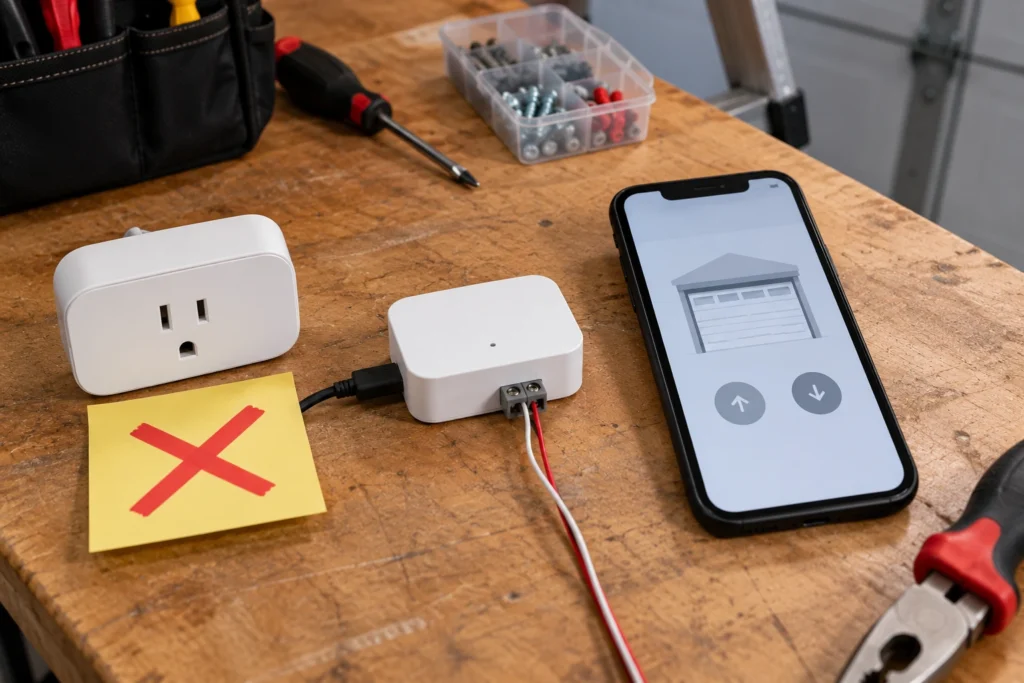
- myQ Smart Garage Control: it works with Ryobi-era openers, but myQ has no native Alexa skill and dropped Google Assistant in 2023. You’d get app control, not voice control.
- Nexx garage controllers: in 2023 the U.S. Cybersecurity and Infrastructure Security Agency (CISA) published an advisory about serious security flaws in Nexx devices that the company did not fix. Skip them, even if they’re cheap secondhand.
- Smart plugs: an opener needs a momentary button press, not power switched on and off. A smart plug can’t open or close the door.
- Ryobi accessory modules: the fan, speaker and other modules that plug into the GD200’s ports don’t add any voice assistant support.
Should You Keep Your Ryobi Opener?
If your Ryobi opens and closes reliably, keep it and add a $40 controller. The GD200 still has features many newer openers lack, such as its 18V ONE+ battery backup and built-in accessory ports. The Ryobi troubleshooting guide and factory reset guide cover most problems you’re likely to hit.
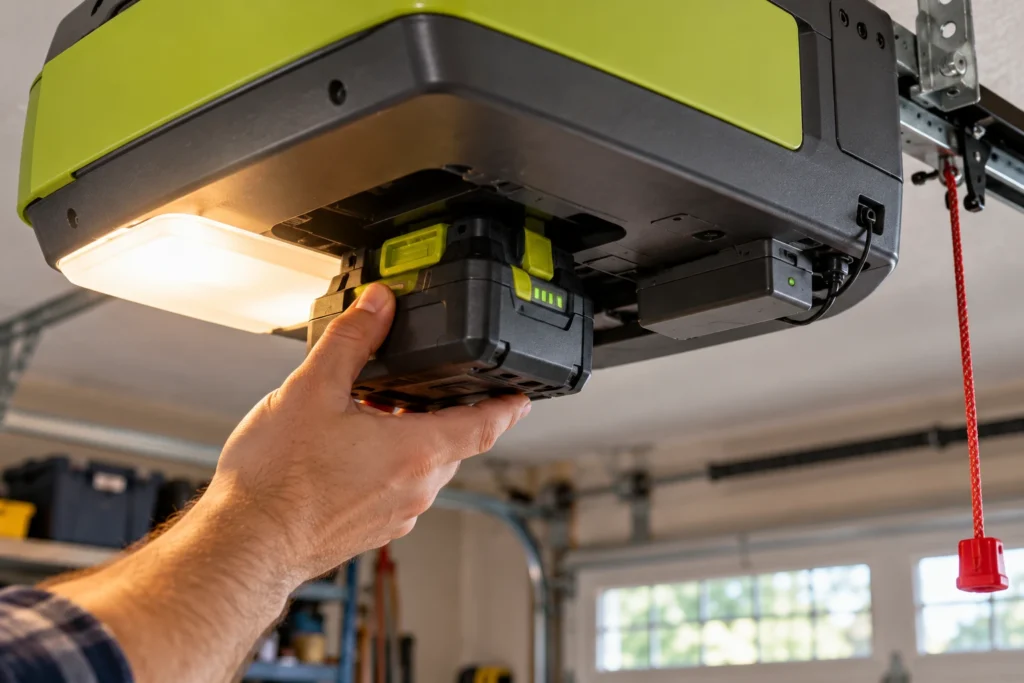
Replace it instead if the motor or logic board is failing, the door reverses or stalls often, or you need parts Ryobi no longer supplies. In that case, choosing an opener with native Alexa support solves both problems at once. Check the Ryobi garage door opener recall page too, so you know whether your unit was affected.
Affiliate disclosure: As an Amazon Associate, we earn from qualifying purchases. This doesn’t change our recommendations or your price.
Frequently Asked Questions
Does Ryobi make a garage door opener with Alexa built in?
No. The Ryobi GD200 was the company’s garage door opener line, it never gained Alexa support, and it was discontinued in 2020.
Does myQ add Alexa to a Ryobi opener?
No. A myQ hub can control many openers through its own app, but myQ has no native Alexa skill. Choose a controller like Meross or ismartgate if voice control is your goal.
Can Google Assistant control a Ryobi opener?
Not directly. The same add-on controllers that add Alexa, such as Meross and ismartgate, also support Google Assistant.
Can I use Apple HomeKit or Siri with a Ryobi opener?
Yes, through an add-on. ismartgate supports HomeKit directly, and Meross sells a HomeKit version of its garage controller.
Will a smart controller stop my Ryobi remotes or keypad from working?
No. The controller only adds another way to press the button. Your remotes, keypad, wall console and battery backup keep working as before.
Is it safe to open my garage with Alexa?
Reasonably, as long as you use the voice PIN Alexa requires for opening. Keep your Alexa account secure with a strong password and two-step verification, and use the controller’s app notifications so you know whenever the door moves.
What if the Ryobi app stopped working completely?
An add-on controller solves that too. It gives you a working app and voice control without depending on Ryobi’s servers.
Related Guides
For more Ryobi and smart garage guides, see Ryobi Garage Door Opener Recall, How to Connect Wi-Fi to a Ryobi Garage Door Opener, How to Factory Reset a Ryobi Garage Door Opener, Best Garage Door Openers With Wi-Fi, Best Wi-Fi and Bluetooth Smart Garage Door Openers and Using a Garage Door Opener App Without Hardware.
For official product support, see RYOBI’s support page and Meross’s garage door opener compatibility FAQ.