
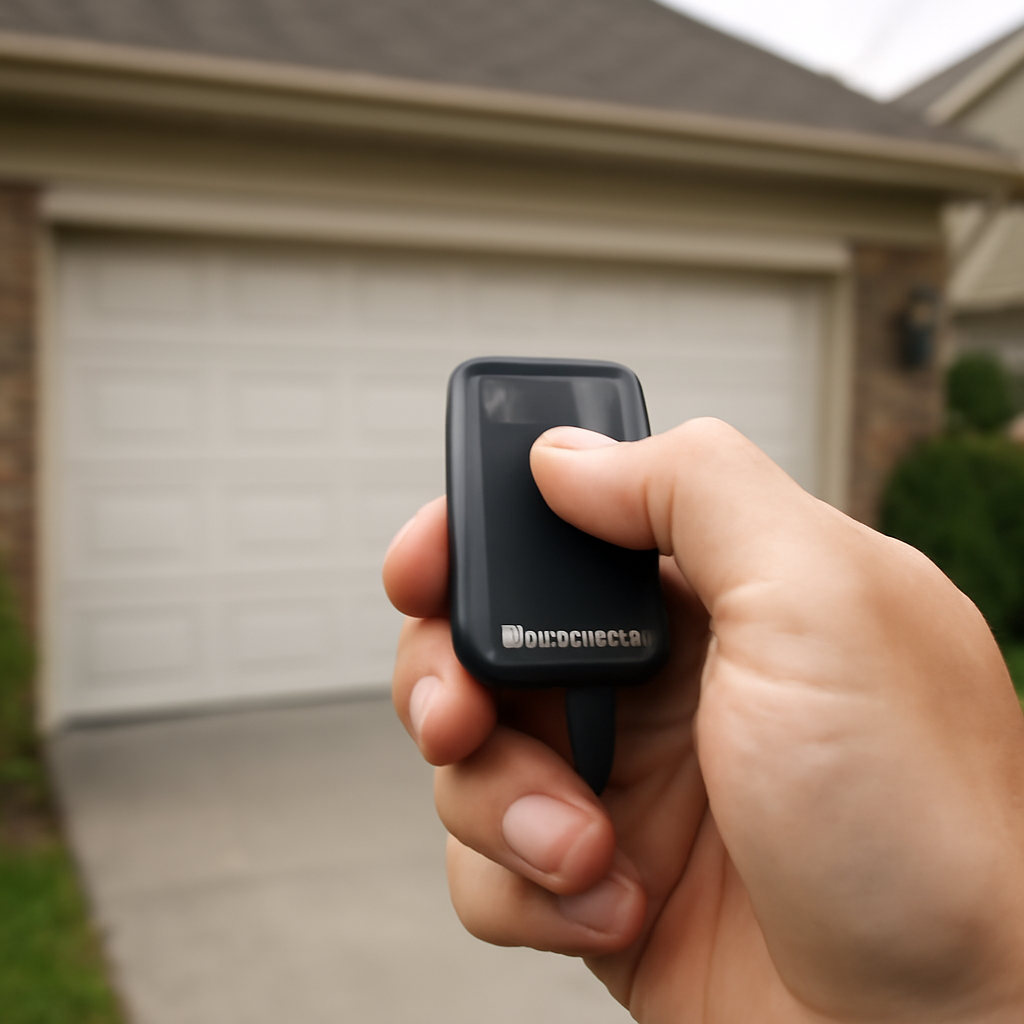
Your LiftMaster garage door remote not working is almost always caused by one of five things — dead batteries, lost programming, RF interference, a locked wall control, or a faulty receiver. Most of these you can fix in under five minutes without any tools.
The fixes below are ordered from the ones that take thirty seconds to the ones that mean the remote itself is finished — work down the list and stop as soon as the door responds.
When a LiftMaster garage door remote stops working, the fix is almost always one of four things: a dead battery, the wall control Lock mode being on, lost programming after a power outage, or an LED bulb causing radio frequency interference. Replace the battery first. If that does not work, check the Lock button on your wall control, then reprogram using the Learn button on the motor unit.
Quick Answer
Short Answer: Start with the batteries — replace them even if they seem new. If the remote still doesn’t work, check that the wall control Lock button is off, then reprogram the remote using the Learn button on the motor unit. If it only works up close, you likely have LED bulb interference. These four steps fix 90% of LiftMaster remote problems.
Quick Diagnosis: What’s Wrong With Your Remote
| Field | Detail |
|---|---|
| Symptoms | Remote unresponsive, works intermittently, only works up close, or door opens but won’t close |
| Probable Causes | Dead battery, lost programming, Lock mode on, LED interference, damaged antenna, failed receiver board |
| DIY Suitability | Safe for DIY — all steps in this guide require no tools and take under 10 minutes |
| Safety Risk Level | Low — no electrical or mechanical risk involved in remote troubleshooting |
| Repair Cost Range | $0–$15 (battery + bulb) DIY / $75–$125 labor if receiver board replacement needed |
| Repair Time Estimate | 5–10 minutes for most fixes / 15 minutes for receiver board diagnosis |
The most common mistake homeowners make: replacing the remote entirely when the problem is just a dead battery or the Lock button being on. A new remote costs $25–60 and won’t fix either of those issues. Always run through the steps below before buying anything new.
Step 1: Replace the Batteries First
Dead or weak batteries cause more LiftMaster remote failures than anything else. The problem is that weak batteries cause inconsistent behavior — the remote works sometimes, fails other times — so homeowners assume it’s something more serious.
Most LiftMaster remotes use a 3V CR2032 coin cell battery. Models like the 373LM, 374LM, and 375LM all use this type. Check the back of your remote — the battery type is usually printed inside the cover.
One thing to avoid: rechargeable batteries. They output about 2.4V instead of 3V, which isn’t enough to reliably trigger the receiver. Always use fresh alkaline or lithium batteries.
| Remote Model | Battery Type | Battery Life |
|---|---|---|
| 373LM, 374LM, 375LM | CR2032 (3V) | 1–2 years |
| 890MAX, 893MAX | CR2032 (3V) | 1–2 years |
| KLIK1U, KLIK2U | CR2032 (3V) | 1–2 years |
| 811LM (mini remote) | CR2032 (3V) | 1–2 years |
Step 2: Check the Wall Control Lock Button
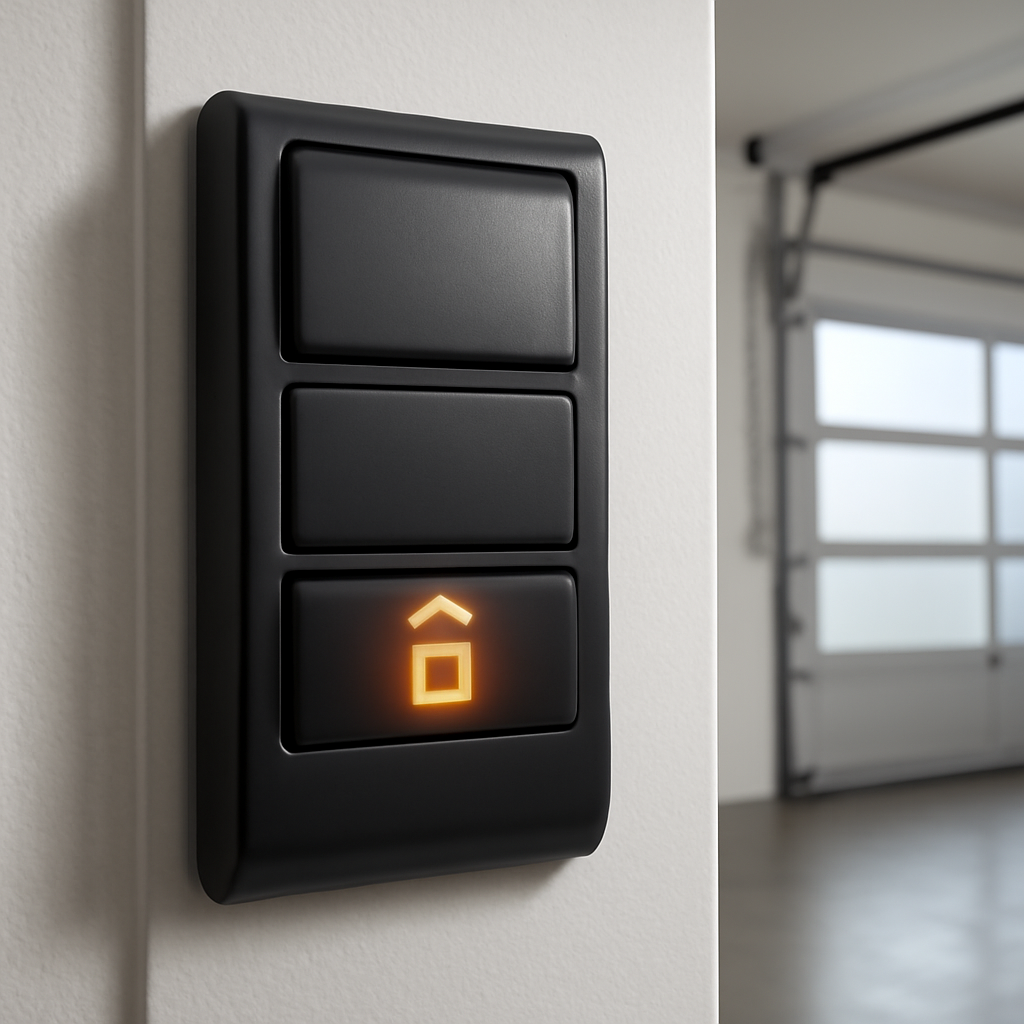
This is the most overlooked fix. LiftMaster wall controls have a Lock button — sometimes labeled with a padlock icon — that disables all remotes when activated. It’s designed to prevent the door from being opened while you’re away on vacation.
If someone in your household accidentally pressed it, every remote in the house stops working instantly. The wall button still works, but nothing else does.
To check: look at your wall control for a padlock icon or a button labeled “Lock.” If the light next to it is on or blinking, press and hold it for 2 seconds to deactivate. Test your remote immediately after.
Step 3: Reprogram the Remote Using the Learn Button
Power outages, nearby interference, or accidental button presses can wipe your remote’s programming. Reprogramming takes about 30 seconds and fixes this completely.
Here’s how to reprogram any LiftMaster remote:
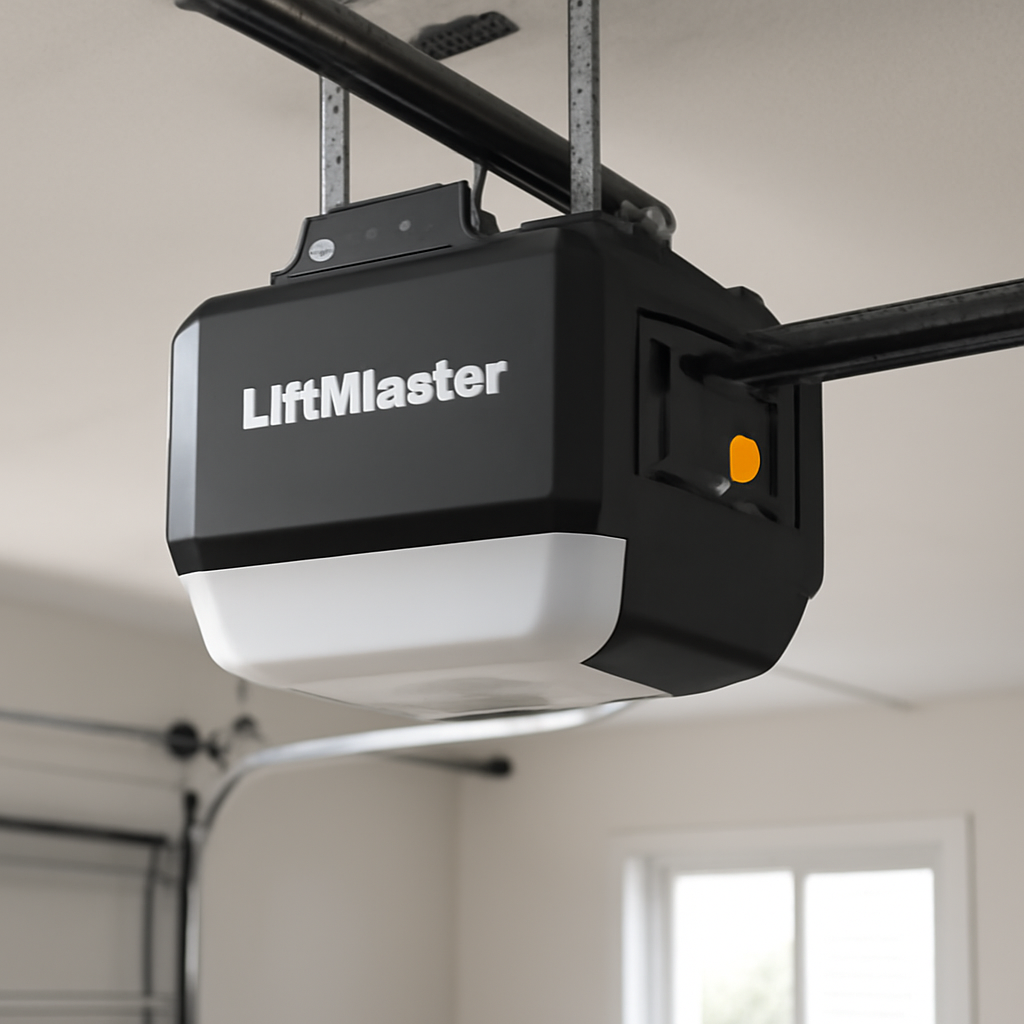
- Locate the Learn button on your motor unit. It’s on the back or side panel, usually yellow, purple, red, or orange depending on your model.
- Press and release the Learn button. The LED next to it will turn on solid for 30 seconds.
- Within those 30 seconds, press and hold the button on your remote that you want to program.
- Hold until the opener light blinks twice or you hear two clicks. That confirms the programming was successful.
- Test the remote from inside your car at normal distance.
If the light never blinks or you hear nothing, try again — timing is everything. You must press the remote button while the Learn LED is still lit. If your opener has no Learn button at all, see our guide on how to program a garage door opener without a Learn button.
| Learn Button Color | Frequency | Compatible Remotes |
|---|---|---|
| Yellow | 315 MHz | 893MAX, 895MAX, 890MAX |
| Purple | 390 MHz | 371LM, 373LM, 374LM |
| Red / Orange | 390 MHz | Older LiftMaster models (pre-2011) |
| Green | 390 MHz | Security+ models |
Step 4: Fix LED Bulb Interference
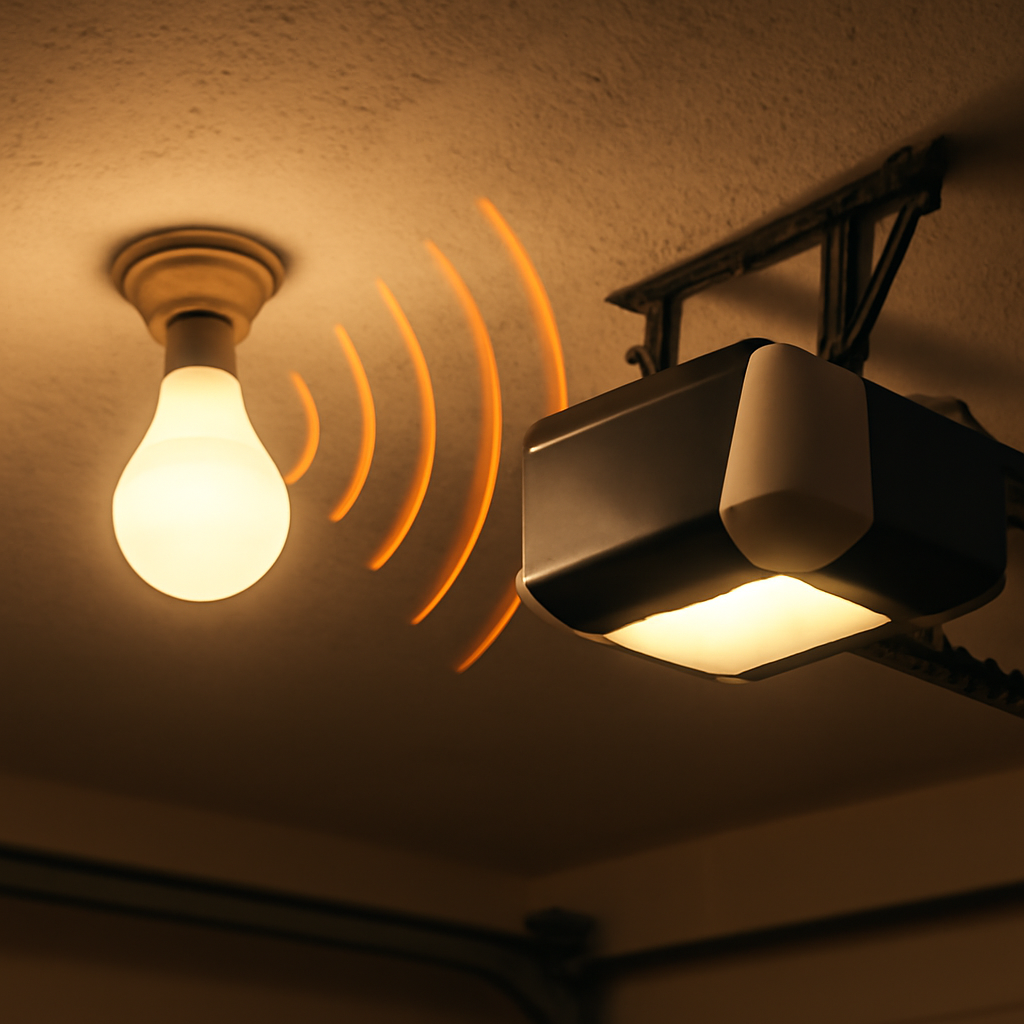
This one surprises a lot of homeowners. Certain LED bulbs installed in the garage door opener’s light socket emit radio frequency (RF) noise that directly interferes with the 315–390 MHz signal your remote uses. The result: the remote works fine from 20 feet away but fails completely when you’re parked right under the opener.
Here’s the telltale sign: your remote works when the opener light is off, but stops working when the bulb is on. That’s LED interference, plain and simple.
The fix is to replace the LED bulb with a LiftMaster-approved LED bulb (part number 41AC150-1) or switch back to an incandescent or CFL bulb. LiftMaster specifically engineered their own LED bulbs to avoid this interference problem. Generic LED bulbs from the hardware store are the most common culprit.
Step 5: Check the Antenna on the Motor Unit
Your opener has a small wire antenna hanging down from the motor unit — usually a thin wire about 6 inches long. If this wire is coiled up, tucked against the motor, or broken, the receiver range drops dramatically.
Make sure the antenna wire is hanging straight down and is not touching any metal parts. If the wire is damaged or missing, a replacement antenna is available from LiftMaster for under $15 and installs in minutes.
When the Remote Still Doesn’t Work: Full Troubleshooting Table
| Symptom | Most Likely Cause | Fix |
|---|---|---|
| No response at all | Dead battery or lost programming | Replace battery, then reprogram |
| Works from close range only | LED interference or weak antenna | Replace LED bulb, check antenna wire |
| Wall button works, remote doesn’t | Lock mode on, or remote lost programming | Disable Lock button, reprogram remote |
| Worked fine, then suddenly stopped | Power outage wiped programming | Reprogram using Learn button |
| Remote opens door but won’t close it | Safety sensor misalignment | Realign sensors at bottom of door frame |
| Intermittent — works sometimes | Weak battery or RF interference | Replace battery, check for nearby RF sources |
| New remote won’t program | Wrong frequency or wrong remote model | Match remote to Learn button color |
When to Call a Professional
If you’ve replaced the battery, reprogrammed the remote, checked the Lock button, swapped the LED bulb, and verified the antenna — and the remote still doesn’t work — the receiver board inside the motor unit may have failed. Receiver boards can be replaced for $20–$50 on older models, but if your opener is more than 10–12 years old, a full replacement often makes more sense financially.
A garage door technician can diagnose a failed receiver in about 15 minutes. Labor typically runs $75–$125 for a diagnostic visit. If the opener itself needs replacing, expect $300–$600 installed for a standard LiftMaster belt or chain drive unit. For more on related issues, see our guide on LiftMaster error codes which can also cause remote malfunctions. If your remote opens one door but accidentally triggers your neighbor’s door too, read our fix for when a garage door remote opens both doors.
For official documentation on LiftMaster remote compatibility and programming, LiftMaster’s support page has model-specific guides for every remote they’ve made.
Frequently Asked Questions
Why does my LiftMaster remote only work when I’m right next to the opener?
This is almost always caused by an LED bulb in the opener socket that emits RF interference on the same frequency as your remote. Replace the bulb with a LiftMaster-approved LED (part 41AC150-1) or an incandescent bulb. Also check that the antenna wire hanging from the motor unit is straight and undamaged.
How do I reprogram my LiftMaster remote after a power outage?
Press and release the Learn button on your motor unit — it’s yellow, purple, or red depending on your model. The LED will glow for 30 seconds. Within that window, press and hold your remote button until the opener light blinks twice. That confirms the remote is reprogrammed. The whole process takes about 30 seconds.
My wall button works but my remote doesn’t. What’s wrong?
Check the Lock button on your wall control first. If Lock mode is on, all remotes are disabled while the wall button still works. Press and hold the Lock button for 2 seconds to turn it off. If that’s not the issue, the remote has lost its programming — reprogram it using the Learn button on the motor unit.
Can I use any CR2032 battery in my LiftMaster remote?
Yes, any brand of CR2032 3V lithium coin cell works. Avoid rechargeable CR2032 batteries — they output only 2.4V, which is often not enough to reliably trigger the opener receiver. Brands like Energizer, Duracell, and Panasonic all work well. Replace the battery annually even if the remote seems to be working fine.
How many remotes can I program to one LiftMaster opener?
Most LiftMaster openers support up to 40 remotes, keypads, and MyQ devices combined — learn more in our guide on how many openers you can program to a LiftMaster. If you’ve hit the memory limit, you’ll need to clear all programmed devices by holding the Learn button for 6 seconds until the LED blinks, then reprogram only the remotes you actually use.
Related Guides
For other LiftMaster opener guides, see LiftMaster Garage Door Won’t Close Without Holding Button, LiftMaster Keypad Programming With No Enter Button, LiftMaster Garage Light Won’t Turn On, LiftMaster 1/2 HP Troubleshooting, LiftMaster 1/3 HP Troubleshooting, How to Fix LiftMaster Error Code 1-5, LiftMaster 375UT Not Working, LiftMaster Garage Door 10 Blinks, LiftMaster Garage Door Chain Not Moving and LiftMaster Error Code 42.