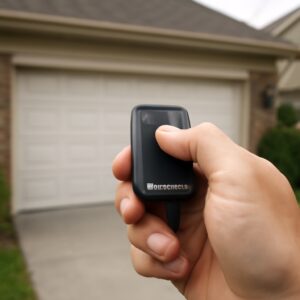

If your Genie garage door opener has no Learn button, it uses DIP switches instead — a fixed-code system Genie used from the 1970s through the late 1990s. The fix is simple: match the tiny toggle switches inside your remote to the switches inside the motor unit. This guide covers DIP switch programming, how to find a hidden Learn button on newer models, and what to do if the opener is too old to bother fixing.
Short Answer: Genie openers made before 1997–2000 have no Learn button. They use 9 or 12 DIP switches inside both the remote and motor unit. Set both to the same switch pattern and the remote works immediately. For Genie openers made after 2000, the Learn button exists but is hidden — check behind the light lens cover near the antenna wire.
Why Your Genie Has No Learn Button
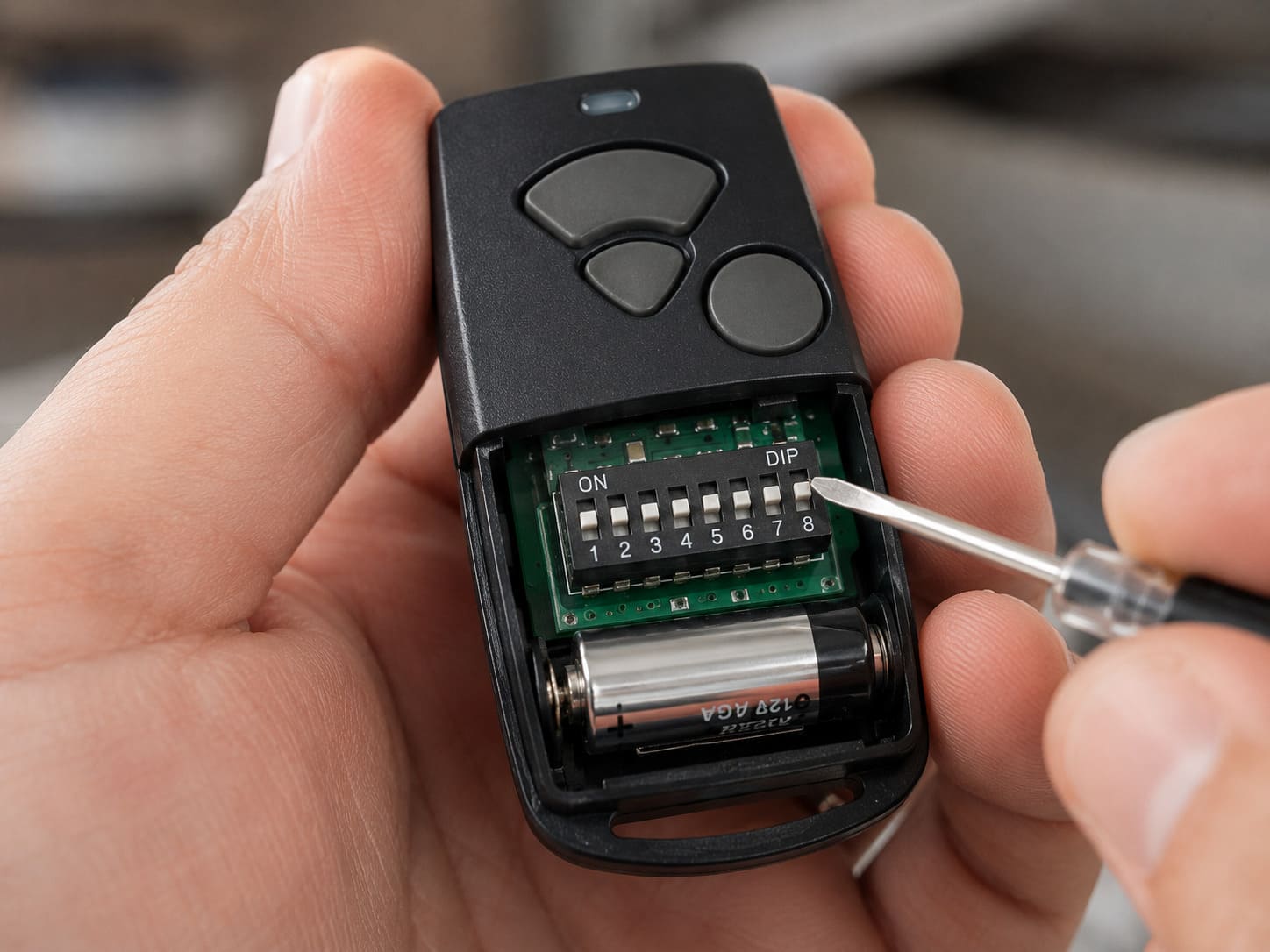
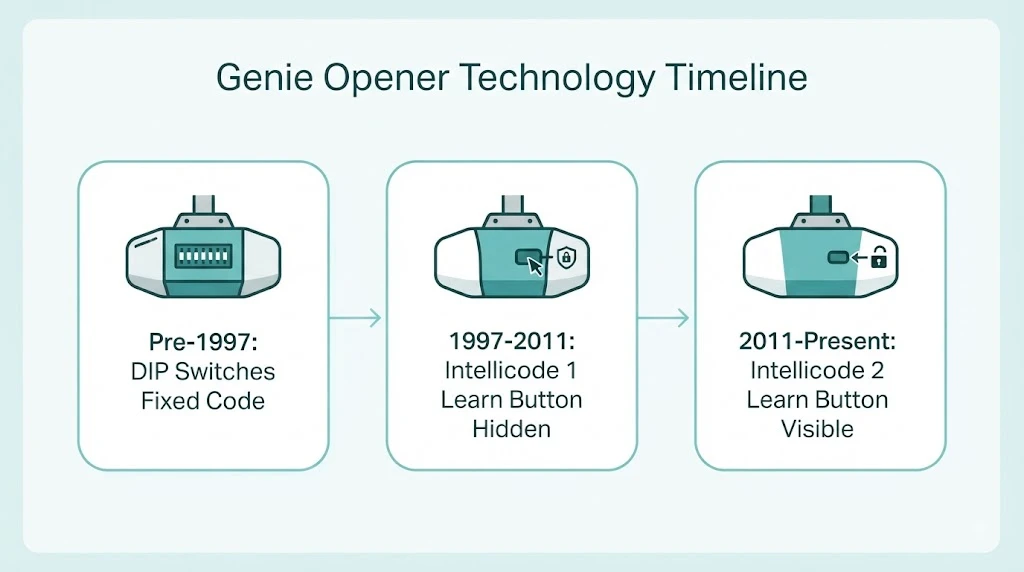
Genie used fixed-code DIP switch technology from the 1970s through the late 1990s. Every opener and matching remote came with a row of 9 or 12 tiny toggle switches. You set both to the same on/off pattern, and that pattern became your permanent access code. No button press, no LED, no 30-second window — just matching switches.
Genie introduced Intellicode rolling-code technology around 1997, which generates a new encrypted code every time you press the remote. That system uses the Learn button. If your opener predates Intellicode, there is no Learn button to find — you are working with DIP switches. Openers from the early 1990s and earlier are almost certainly DIP switch models.
| Era | Technology | Programming Method | Security Level |
|---|---|---|---|
| Pre-1997 | Fixed-code DIP switches | Match switch patterns | Low (fixed code) |
| 1997–2011 | Intellicode 1 (rolling code) | Learn button — hidden under light lens | Good |
| 2011–present | Intellicode 2 | Learn button — visible under motor chassis | Excellent |
How to Program a DIP Switch Genie Opener
This process takes about 5 minutes. You need access to the motor unit on the ceiling and your remote control. A small flathead screwdriver helps flip the switches.
Step 1 — Find the DIP switches on the motor unit
On the Genie motor unit, look for a small panel on the back or side of the housing. On some models it is behind a removable cover near where the antenna wire exits. On others it is accessed by removing a single screw. The switch bank will be a row of 9 or 12 tiny switches, each numbered and able to flip up (on) or down (off).
Step 2 — Find the DIP switches on the remote
Remove the back cover of the remote. Inside you will find the same numbered row of switches. Write down the current positions before changing anything — this is your existing code. If the remote is new and has never been programmed, the switches will be in a random factory pattern.
Step 3 — Match the switch patterns
Set the switches on the remote to match the motor unit exactly. Every switch — all 9 or all 12 — must be in the same up or down position. One switch off means the remote will not work. Use a pen tip or small screwdriver to flip individual switches. The switches are small but easy to move once you have the right tool.
Step 4 — Test the remote
Press the remote button. The door should activate immediately — no pairing sequence required. If it does not work, double-check each switch position against the motor unit. Even one mismatched switch prevents operation. The most common mistake is confusing switch 6 and 7, which look identical when you are working on a ladder.
How to Program a DIP Switch Keypad
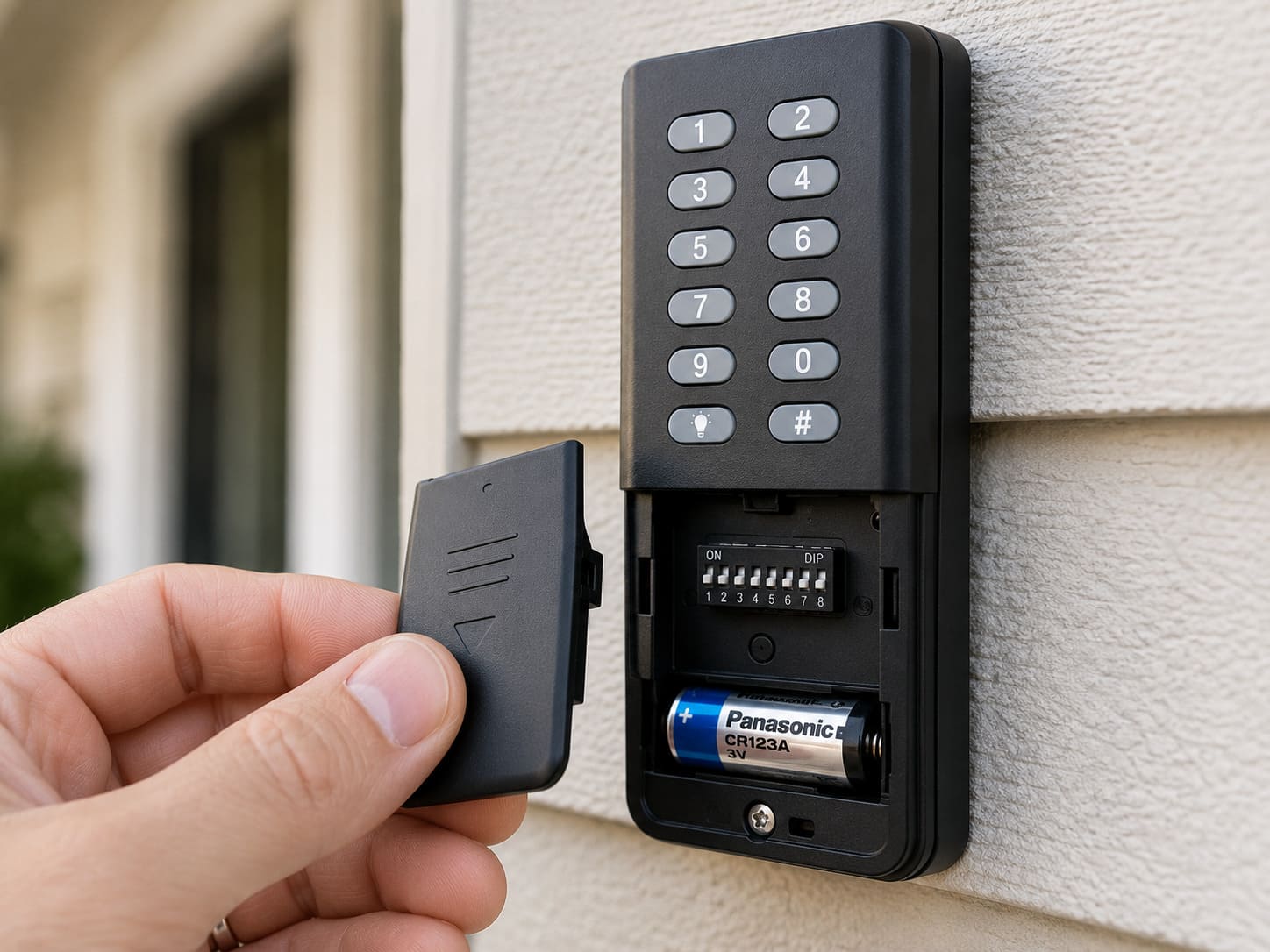
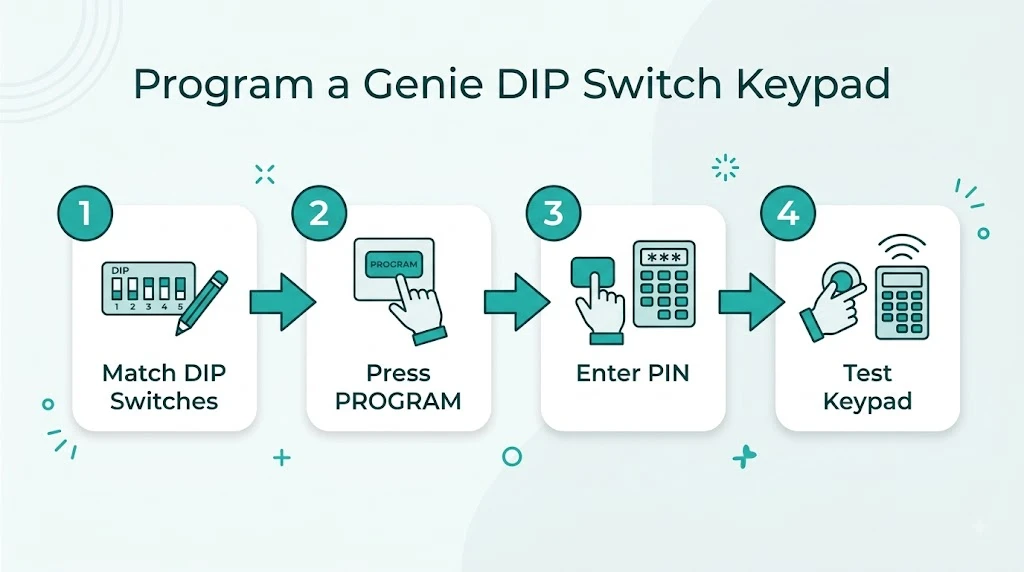
A Genie wireless keypad for a DIP switch opener also has its own set of DIP switches inside the battery compartment. The process is the same: match the keypad switches to the motor unit switches exactly.
- Remove the battery cover on the Genie keypad to locate its DIP switches.
- Set all switches to match the motor unit pattern exactly.
- Reinstall the battery cover and mount the keypad near the door.
- Press the PROGRAM button on the keypad, then enter your desired PIN.
- Press PROGRAM again. The keypad LED will blink to confirm.
- Test by entering your PIN and pressing the Up/Down key.
Note: Older Genie DIP switch keypads do not support HomeLink. If you want to program your car’s built-in garage door button, you need to upgrade to a modern Intellicode opener — DIP switch systems are not compatible with HomeLink or any smartphone app.
Hidden Learn Button: Genie Openers Made After 2000
If your Genie opener is newer than 2000 but you cannot find the Learn button, it is hidden — not absent. Genie changed the button’s location and label several times across different model generations.
| Genie Model Series | Era | Learn Button Location | Button Color / Label |
|---|---|---|---|
| Classic / ProMax (older) | 1997–2005 | Behind the light lens cover, near antenna wire | Small black or red circle, unlabeled |
| SilentMax / StealthDrive (mid-gen) | 2005–2011 | Side of motor chassis, under a small removable panel | Small circle, labeled PRGM or SET |
| SilentMax 750 / StealthDrive Connect | 2011–present | Underside of motor chassis, clearly visible | Square button labeled PRG, with blue/violet LED |
| Modern smart openers (Aladdin Connect) | 2014–present | Bottom or side of motor, fully labeled | Square button, clearly marked LEARN |
For the ProMax and older SilentMax models, gently squeeze the sides of the light lens or remove one screw to take the cover off. Behind it you will find a small unmarked button near where the antenna wire enters the housing. Press it once and the LED blinks — that is the Learn button. You now have 30 seconds to press your remote button to complete programming.
Best Replacement Remote for Older DIP Switch Genie Openers
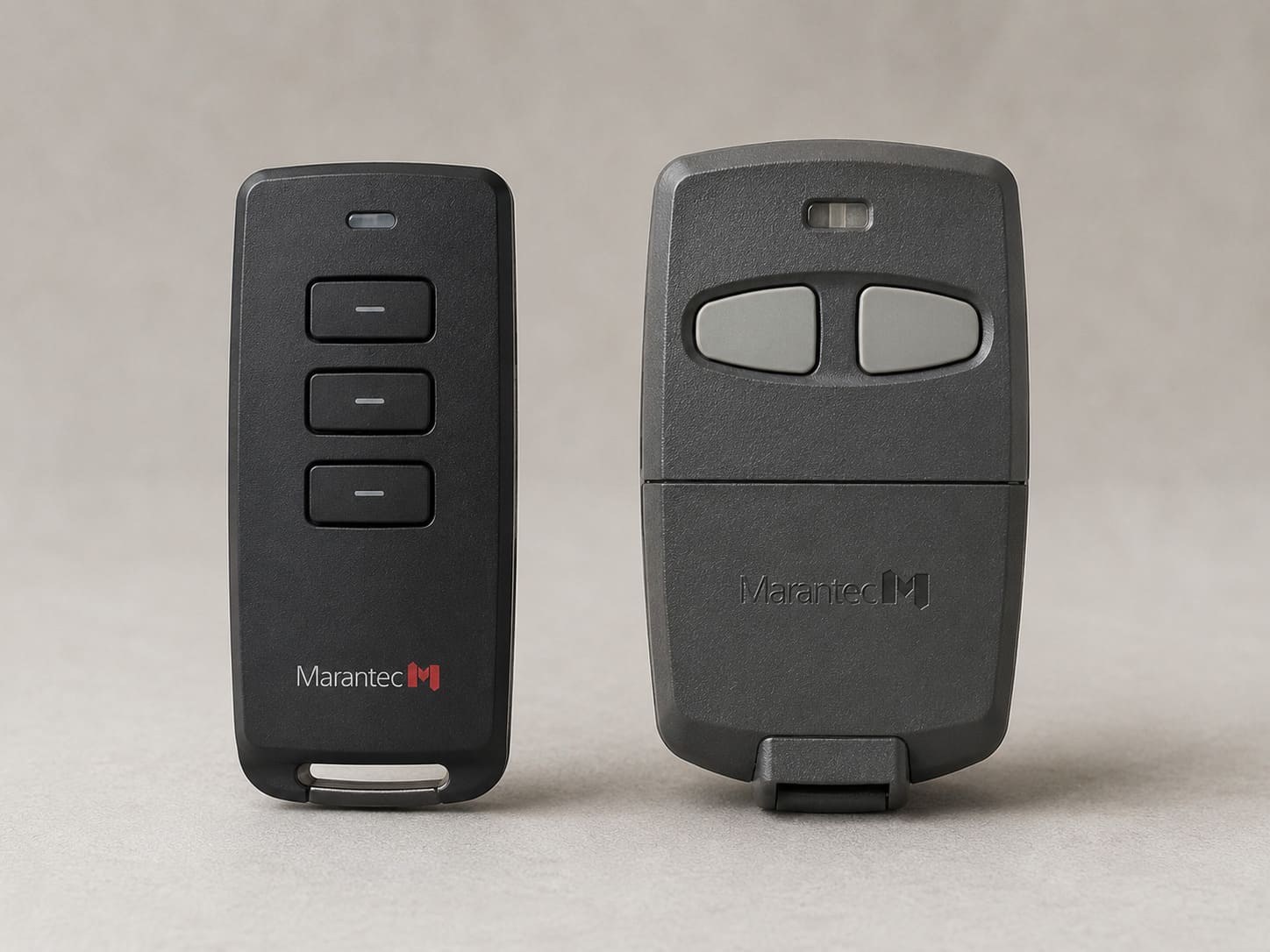
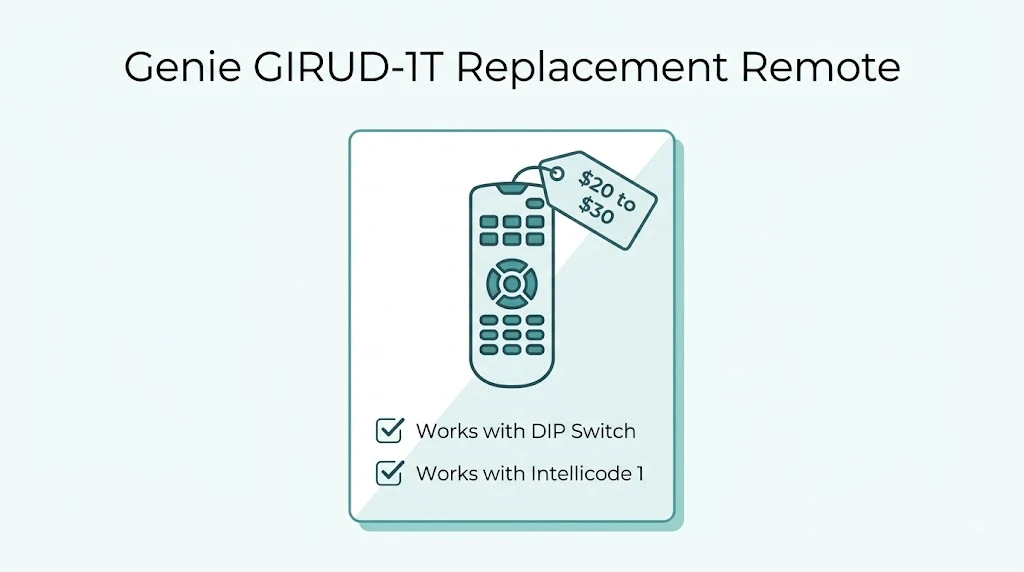
Not all universal remotes support DIP switch Genie openers. Before buying, confirm the remote explicitly lists compatibility with Genie fixed-code or DIP switch models. Genie’s own replacement remote GIRUD-1T is the safest choice — it supports DIP switch programming and also works with Intellicode 1 models. It costs around $20 to $30 at most hardware stores.
This post contains affiliate links. If you buy through our links, we may earn a small commission at no extra cost to you. We only recommend products we’d use ourselves.
Check current pricing and availability: Genie GIRUD-1T replacement remote on Amazon.
Avoid buying a standard Intellicode remote for a DIP switch opener — they are incompatible. The GIRUD-1T is the only current Genie remote that bridges both technologies.
Should You Repair or Replace a DIP Switch Opener?
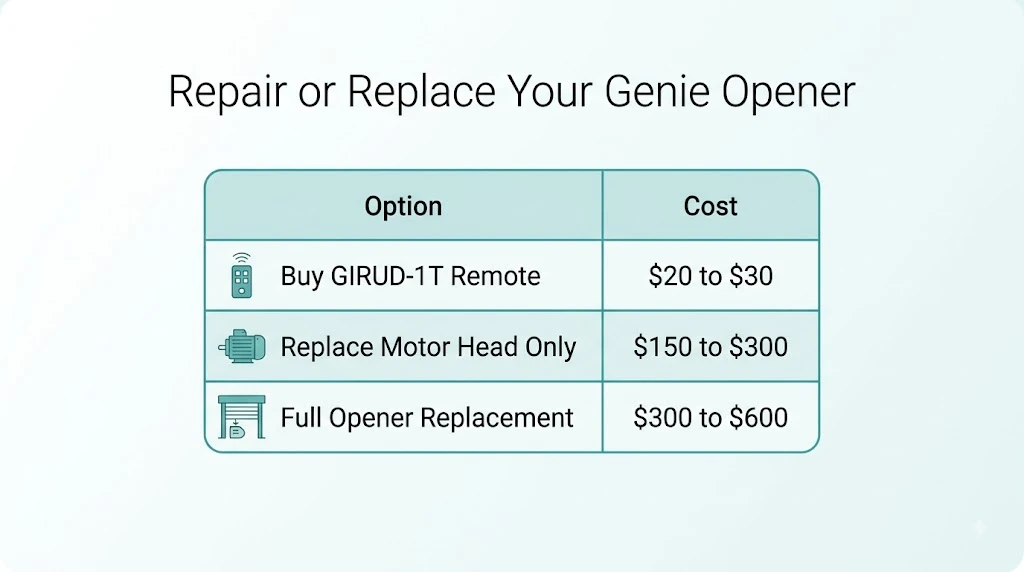
DIP switch openers are 25 to 30 years old. Parts are hard to find, compatible remotes are limited, and fixed-code security is genuinely weak — anyone with a code grabber from the 1990s can clone your remote. If the opener motor still works and you just need a remote, the GIRUD-1T buys you a few more years. But replacement is worth considering seriously.
| Option | Cost | DIY Suitability | Safety Risk | Best For |
|---|---|---|---|---|
| Buy GIRUD-1T remote | $20–$30 | Safe for DIY | Low | Motor still works, tight budget |
| Replace motor head only | $150–$300 | Safe for DIY | Low | Tracks and springs are good |
| Full opener replacement | $300–$600 installed | Professional recommended | Low | Best long-term solution |
A new Genie belt-drive opener costs $200 to $350 for the unit and includes Intellicode 2 security, myQ smartphone control, and battery backup. The security upgrade alone is worth the switch for most homeowners with an older DIP switch system. For programming a newer Genie opener after replacement, see our full guide on Genie sensor troubleshooting and how the Safe-T-Beam system works.
Related Guides
For other Genie opener guides, see Genie Garage Door Opener Won’t Close Unless Hold Button, Genie Garage Door Sensor Blinking Red, Genie Garage Door Opener Beeping, Genie Garage Door Limit Switch Problems, Genie Cryptar II Garage Door Opener, Genie Model 450 Garage Door Opener, Best Genie Garage Door Opener, Genie Garage Door Opener Humming Sound, Does Genie Garage Door Opener Work With LiftMaster? and Genie Garage Door Opener Amp Draw.
For official manufacturer guidance, see The Genie Company’s official product support page.
Frequently Asked Questions
How do I know if my Genie opener uses DIP switches or a Learn button?
If your opener was made before 1997 to 2000, it uses DIP switches. Look inside the remote battery compartment for a row of 9 or 12 small toggle switches. If you see those, your opener is a DIP switch model. If the remote has no internal switches and you see a single button on the motor unit, it is a Learn button model.
What remote works with an old Genie DIP switch opener?
The Genie GIRUD-1T is the best compatible replacement remote. It supports DIP switch programming and costs $20 to $30 at hardware stores. Most generic universal remotes will not work with DIP switch Genie openers, so confirm DIP switch compatibility before buying.
How many DIP switches does a Genie opener have?
Most older Genie openers use either 9 or 12 DIP switches. Count the switches in your remote to confirm — the motor unit will have the same number. Both remote and motor must have identical switch positions for the remote to work.
Can a Genie DIP switch opener work with HomeLink in my car?
No. HomeLink is not compatible with fixed-code DIP switch openers. It requires rolling-code technology, which Genie introduced with Intellicode around 1997. If you want HomeLink compatibility, you need to replace the opener with a modern Intellicode or Intellicode 2 model.
My Genie is from around 2005 but I still cannot find the Learn button. Where is it?
On Genie models from 2005 to 2011 such as the SilentMax and older StealthDrive, the Learn button is hidden behind the light lens. Gently squeeze the sides of the lens cover or remove one small screw to take it off. Behind the cover you will find a small unmarked button near the antenna wire. That is the Learn button.
Is it safe to keep using a 30-year-old Genie DIP switch opener?
The opener motor may still work fine mechanically, but fixed-code security is very weak by modern standards. Anyone with a code grabber can clone your remote and open your garage. If security is a concern, replacing the opener is the right move. A new Genie belt-drive opener starts around $200 and includes rolling-code Intellicode 2 security.