
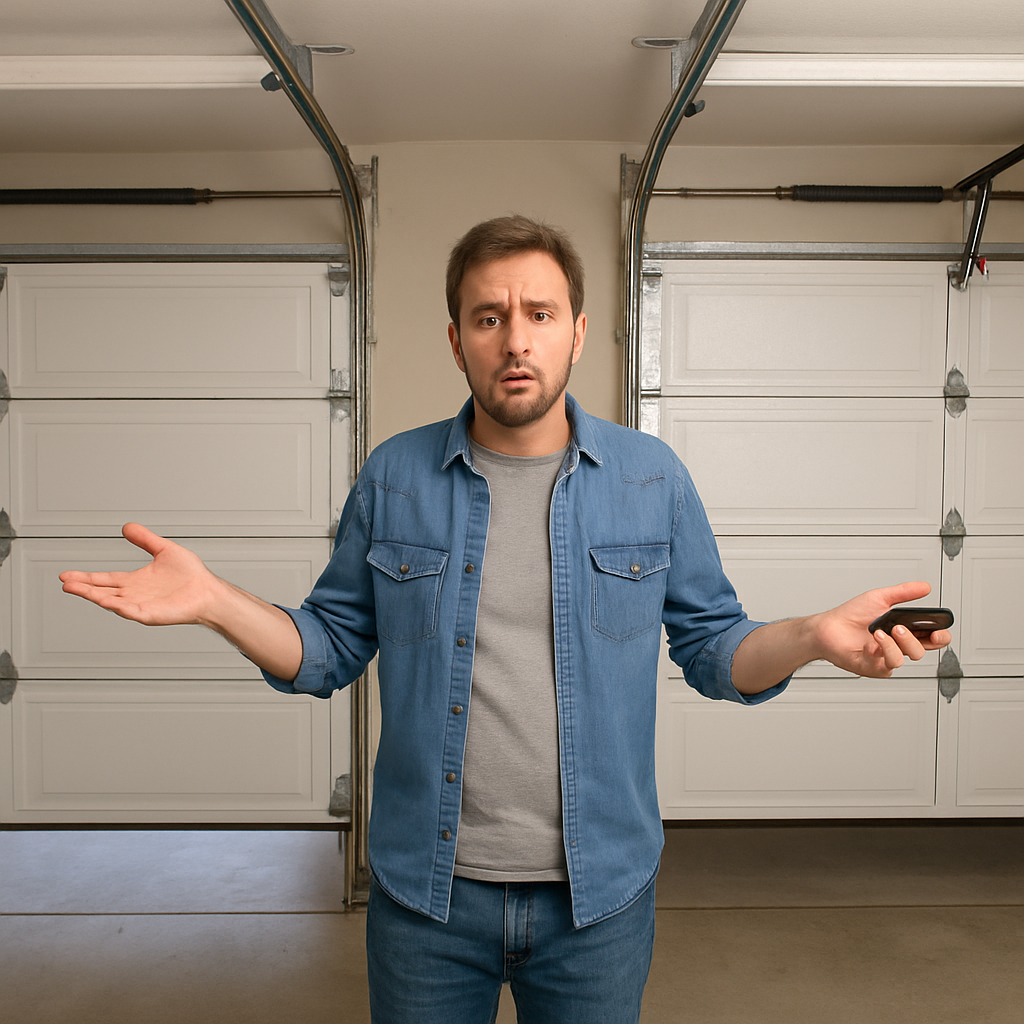
Your garage door remote is opening both doors at the same time — and you want it to stop. This almost always happens because both openers accidentally got programmed to the same remote, either during setup or after a reprogramming session. The fix is straightforward: erase both openers and reprogram each one separately. This guide explains exactly why it happens and walks through the fix for every scenario.
Why Your Garage Door Remote Opens Both Doors
There are three main reasons a single remote ends up controlling both doors:
1. Both Openers Were in Learn Mode at the Same Time
This is the most common cause. When you press the Learn button on an opener, it goes into a 30-second listening window. If you pressed the Learn button on both openers before pressing the remote button — or if someone else pressed the second opener while you were programming the first — both openers heard the same remote signal and stored it.
Now both openers respond to that remote. Every time you press the button, both doors open.
2. DIP Switch Openers With Matching Switch Patterns
Older garage door openers use DIP switches instead of rolling codes. If both openers happen to have their DIP switches set to the same pattern — which is common if they came from the same manufacturer and were never individually configured — any remote set to that pattern will trigger both doors.
3. Your Neighbor’s Remote Opens Your Door (or Vice Versa)
Less common but worth knowing: if your neighbor’s remote opens your garage door, your opener accidentally stored their remote’s code — usually during a simultaneous programming session in a new development where multiple families were setting up openers around the same time.
How to Fix a Garage Door Remote That Opens Both Doors
The fix is the same regardless of brand: erase both openers completely, then reprogram each remote to only one opener at a time.
Step 1: Erase Both Openers
You need to clear the memory of both openers so neither one remembers any remotes.
For LiftMaster and Chamberlain:
Press and hold the Learn button on the opener for 6-10 seconds until the LED goes out. This erases all stored remotes. Repeat on the second opener.
For Genie:
Press and hold the Program button for 10 seconds until the opener light flashes twice. Repeat on the second opener.
For older DIP switch openers:
Change the DIP switch pattern on one opener to a different combination. This gives each opener a unique code that a single remote cannot match.
Step 2: Unplug One Opener
This is the key step most people skip. Before programming any remote, unplug the second opener from the outlet. This ensures it cannot hear the programming signal, even if you accidentally take too long or press the wrong button.
Step 3: Program Remote to First Opener Only
- With the second opener still unplugged, press and release the Learn button on the first opener.
- Within 30 seconds, press the button on your remote that you want assigned to this door.
- Wait for the opener light to flash confirming the code was stored.
- Test. Only the first door should open.
Step 4: Plug In Second Opener and Program Separately
- Plug the second opener back in.
- If you have a 2-button or 3-button remote, press and release the Learn button on the second opener.
- Within 30 seconds, press a different button on your remote.
- Wait for the confirmation flash.
- Test both buttons. Each should open only its assigned door.
If you only have a 1-button remote and want to control both doors independently, you need either a 2-button remote or two separate 1-button remotes. Our guide on how to get a second garage door opener covers your options including using your smartphone as a second controller.
What If Both Doors Still Open After Reprogramming?
If you followed all the steps above and both doors still open from one button, check these additional causes:
Wireless Interference
In rare cases, wireless interference from nearby electronics can trigger multiple openers simultaneously. Sources include:
- LED lights in the garage (some emit RF interference on the same frequency as opener remotes)
- Baby monitors, wireless routers, or cordless phones operating on 315 MHz or 390 MHz
- Amateur radio equipment nearby
To test for interference: stand close to each opener (within 3 feet) and press the remote. If the door responds at close range but not from the driveway, interference is likely. Try switching off nearby electronics one at a time to identify the source.
The Wall Button Is Wired to Both Openers
Some garages are wired so one wall button controls both doors simultaneously — this is sometimes done intentionally for convenience. If the wall button opens both doors but the remote only opens one, that is a wiring choice, not a malfunction. Check whether the wall button wire runs to both openers or just one.
Older Openers With Non-Erasable Memory
Some very old LiftMaster and Chamberlain models (pre-1993) cannot erase their stored codes by holding the Learn button. The memory is permanent. If you have one of these older openers and the problem persists after reprogramming attempts, the solution is to change the DIP switches to a unique pattern that no other opener in the area shares.
How to Prevent It From Happening Again
- Always unplug the other opener before programming any remote to a specific door.
- Use a multi-button remote — assign each button to a specific opener. LiftMaster 893LM (3-button) lets you control up to 3 separate doors independently.
- Program one door at a time, test it fully, then move to the next.
- Label your remotes if you have multiple — a small piece of tape with “Left door” or “Right door” prevents future confusion.
Related Guides
For more general opener troubleshooting guides, see How to Fix Garage Door Jerks When Opening?, 5 Best Solutions for Garage Door Leaking Corners, How to Use A Garage Door Opener App Without Hardware?, What to do when Garage Door Opener Screws Pulled out of Door, Attaching Garage Door Opener Clip for Thick Visor, How to Fix Garage Door Opener Rail Bending Problems, The Problem with the Garage Door Shifted to One Side, Is a Solar Powered Garage Door Opener Worth It?, Best Position for Garage Door Lighting Placement and Can You Replace Garage Door With French Doors?.
For official manufacturer guidance, see the Door and Access Systems Manufacturers Association (DASMA).
Frequently Asked Questions
Why does my one-button remote open both garage doors?
Both openers were programmed to the same remote button, usually because both were in learn mode simultaneously during setup. Erase both openers, unplug one, program the remote to the first opener, then plug in the second opener and use a different button for it.
Can I program one remote to open two doors at the same time intentionally?
Yes. If you want both doors to open simultaneously with one button press, program both openers to the same button using the Learn button method. This is useful for pass-through garage setups or when you always open both doors together.
My neighbor’s remote opens my garage door. How do I fix it?
Hold the Learn button on your opener for 6-10 seconds until the LED goes out. This erases all stored codes including your neighbor’s remote. Then reprogram only your own remotes. Modern rolling-code openers make this extremely unlikely to happen again.
How many remotes can I program to one LiftMaster opener?
Most modern LiftMaster Elite series openers support up to 40 remotes. Older models support 8-12. See our LiftMaster remote limit guide for the full breakdown by model.
If reprogramming does not solve the issue, the problem may be in the opener itself — our guide on LiftMaster remote not working covers deeper diagnosis steps.
The Bottom Line
A garage door remote that opens both doors is almost always a programming error, not a hardware fault. Erase both openers, unplug one while you program the other, and use separate buttons for each door. The whole process takes 10 minutes and permanently solves the problem.