
Most modern LiftMaster openers support up to 40 remotes, keypads, and HomeLink devices combined — but the exact number depends on your model series. Elite Series models hold 40, Premium Series hold 24, Contractor Series hold 12, and older pre-2005 models hold just 5–8. This guide tells you exactly where your model falls and what to do when memory is full.
Short Answer: LiftMaster Elite Series (myQ-enabled) openers store up to 40 devices. Premium Series store 24. Contractor Series store 12. Older models store 5–8. Remotes, keypads, and HomeLink car buttons all count toward the same limit. If a new remote will not program, the memory is full — hold the Learn button 6–10 seconds to clear all devices and start fresh.
This post contains an affiliate link for a replacement remote mentioned below. If you buy through it, we may earn a small commission at no extra cost to you. We only recommend products we’d use ourselves.
How Many Remotes Can Each LiftMaster Model Store?
The exact limit depends on which LiftMaster series you own. Here is a breakdown by model generation — find your opener’s series on the label inside the light lens cover.
| LiftMaster Series | Max Remotes | Years |
|---|---|---|
| Elite Series (myQ-enabled) | 40 devices | 2011–present |
| Premium Series | 24 devices | 2005–present |
| Contractor Series | 12 devices | 2005–present |
| Security+ (red/orange button) | 8 devices | 1997–2005 |
| Pre-1997 models | 5 devices | Before 1997 |
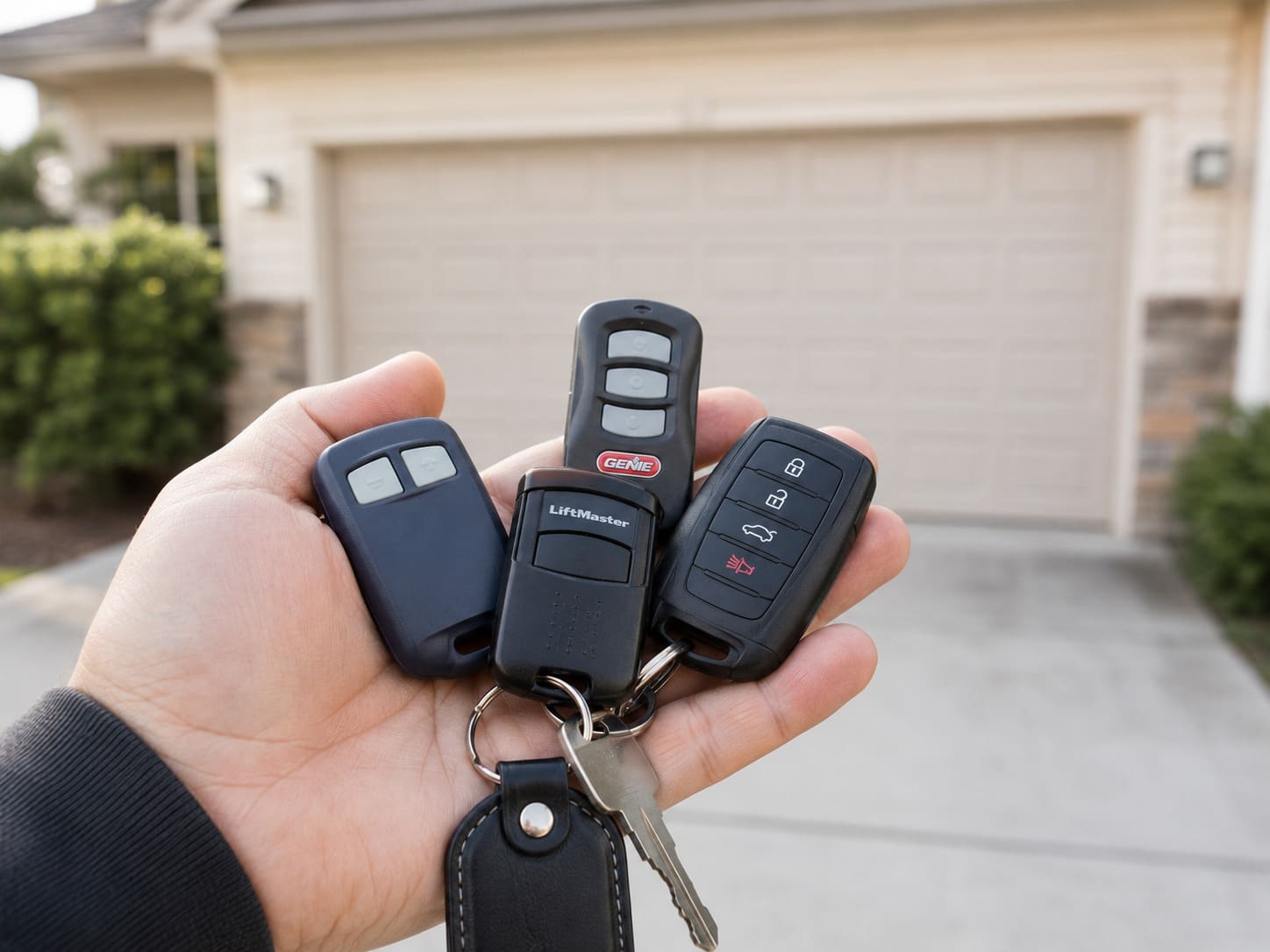
Remotes, keypads, and HomeLink systems all draw from the same memory pool. A household with three HomeLink-equipped cars, two handheld remotes, and one keypad uses six of those slots — no matter which category each device falls into.
How LiftMaster’s Rolling Code Technology Handles Multiple Remotes
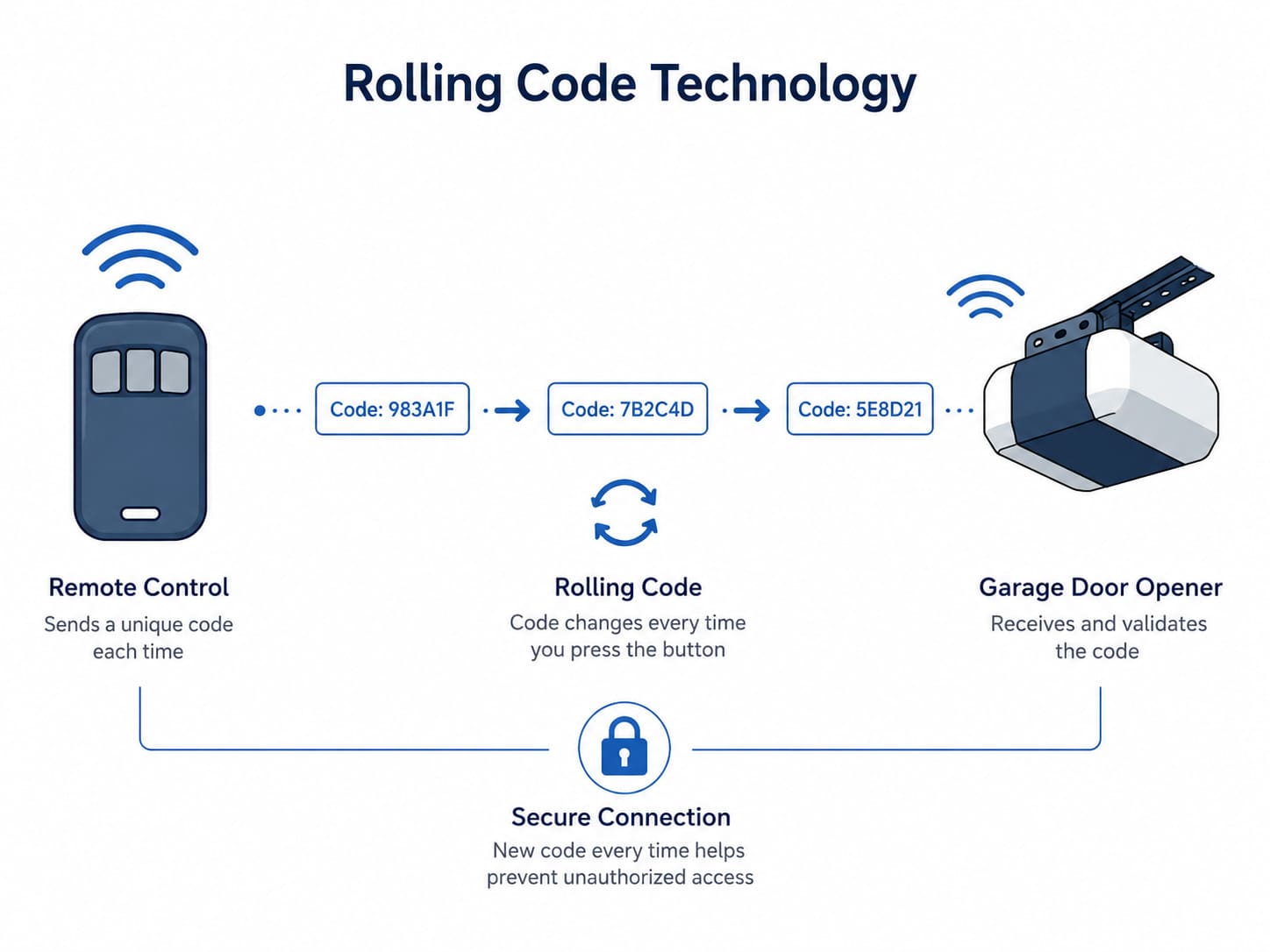
LiftMaster’s rolling code system assigns a unique, constantly-changing code to each remote. This means even with 40 devices connected, your security remains strong — no two remotes ever transmit the same signal twice. The opener’s memory stores each device individually, so losing one remote does not affect the others.
How to Program a LiftMaster Remote
Follow these quick steps to add a new remote to your opener’s memory. If you need to buy a new one first, note that LiftMaster has discontinued the old 893LM; the current equivalent is the LiftMaster 893MAX 3-button remote, which programs the same way as the one that came with your opener.
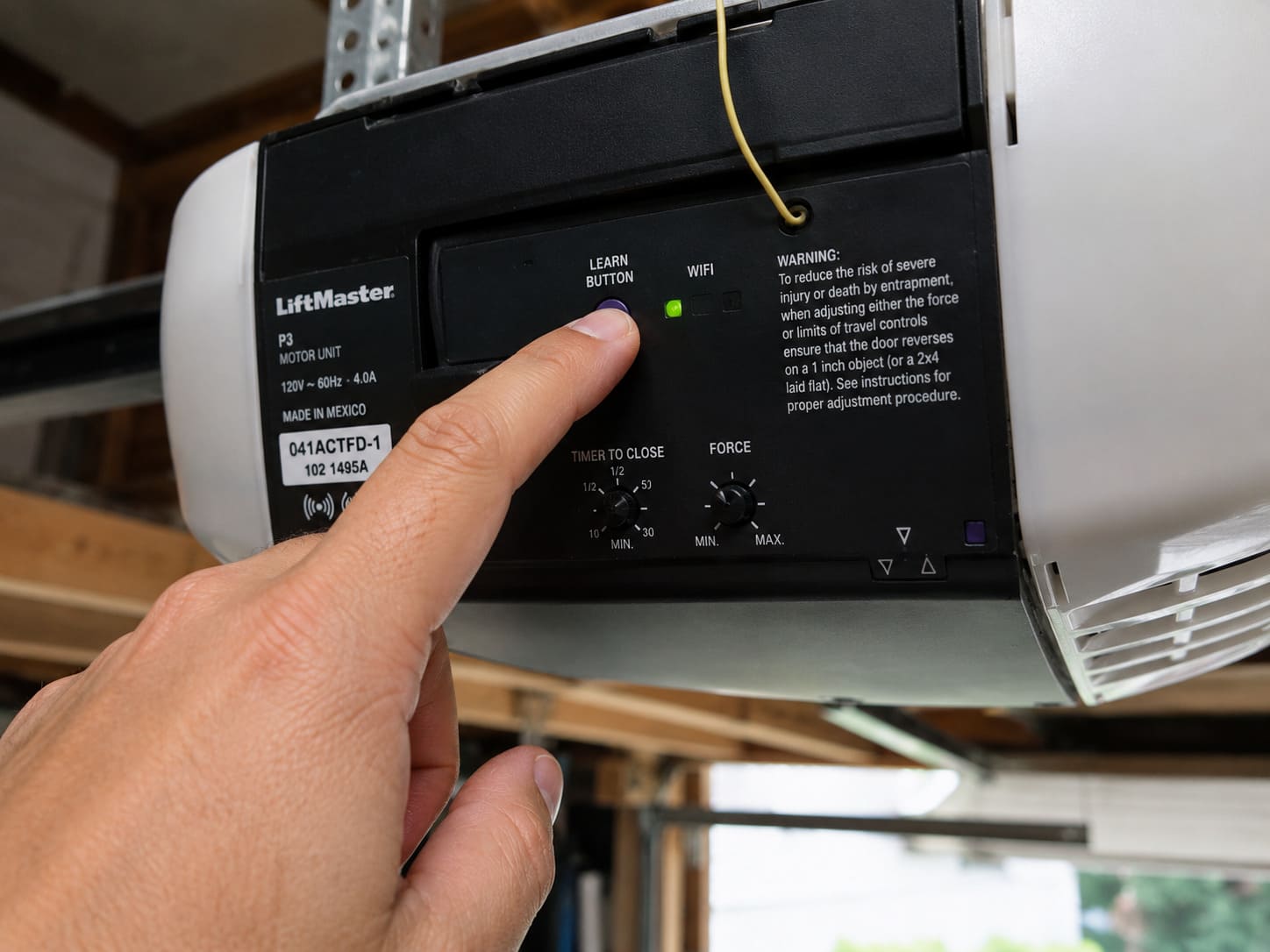
- Locate the Learn button on your opener unit — usually on the back near the antenna wire.
- Press and release the Learn button. The indicator light turns on for 30 seconds.
- Within that window, press and hold the button on your new remote.
- Release when the opener light flashes — programming is complete.
- Test the remote on the actual door before walking away.
How Many Doors Can One LiftMaster Remote Control?
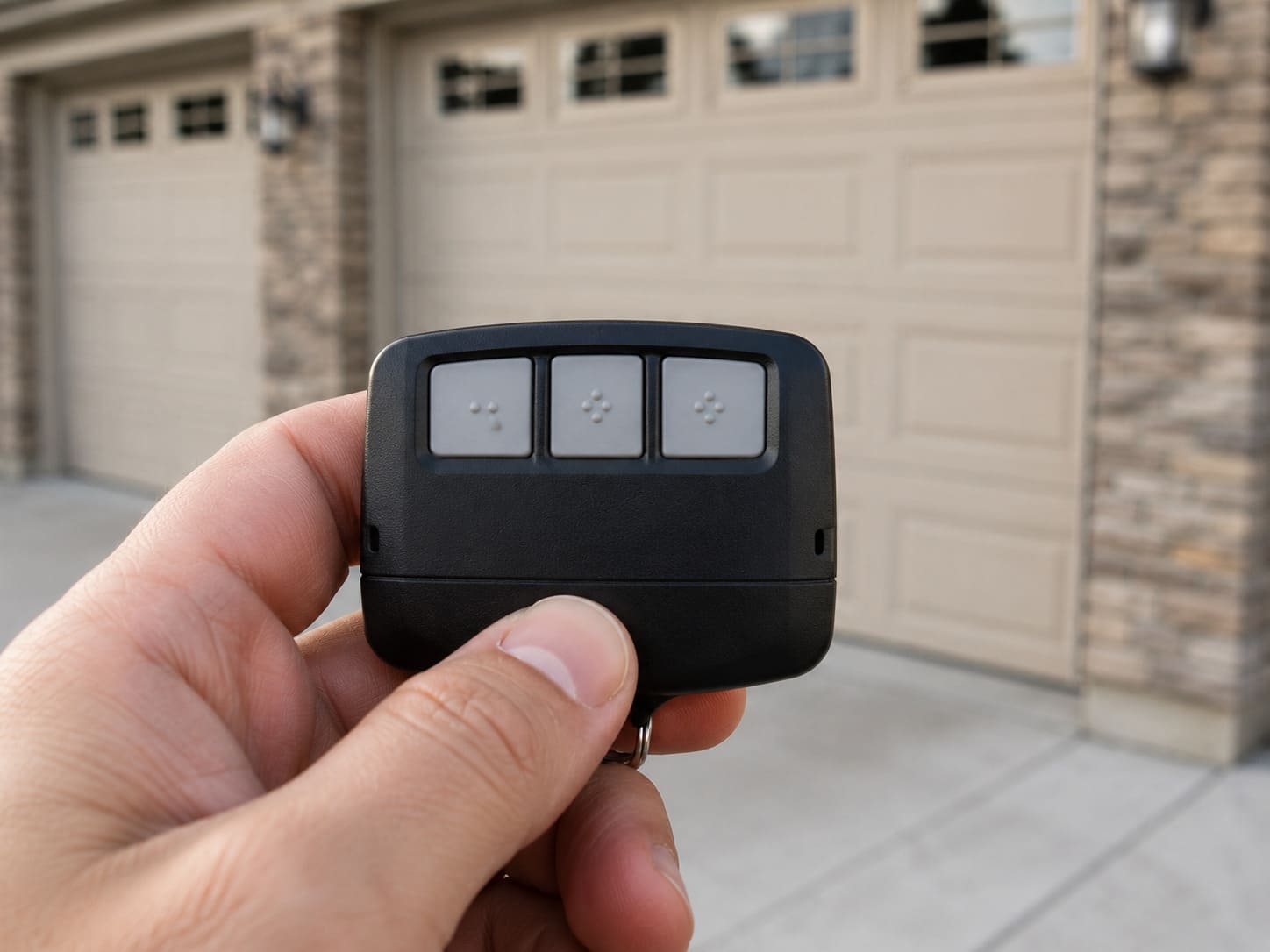
This is a different question from how many remotes your opener supports. A single LiftMaster remote can control multiple doors depending on how many buttons it has.
| Remote Type | Doors Controlled | Best For |
|---|---|---|
| 1-button remote | 1 door | Single-car garages |
| 2-button remote | 2 doors or 1 door + gate | Two-car garages |
| 3-button remote (893LM) | 3 doors or myQ accessories | Three-car garages |
| myQ smartphone app | Unlimited doors | Any household with WiFi opener |
Each button on a multi-button remote is programmed to a specific opener separately. If you have a three-car garage, the 893LM lets one remote run all three doors instead of carrying three separate clickers.
Can Multiple Family Members Use the Same Opener?
Yes, and this is one of LiftMaster’s strengths. Because Elite series openers support up to 40 devices, a family with multiple cars, a housekeeper, and a dog walker can each have their own remote without any conflict. If you need to add a second remote for a family member, our guide on how to get a second garage door opener walks through the exact steps.
What Happens When You Reach the Remote Limit?
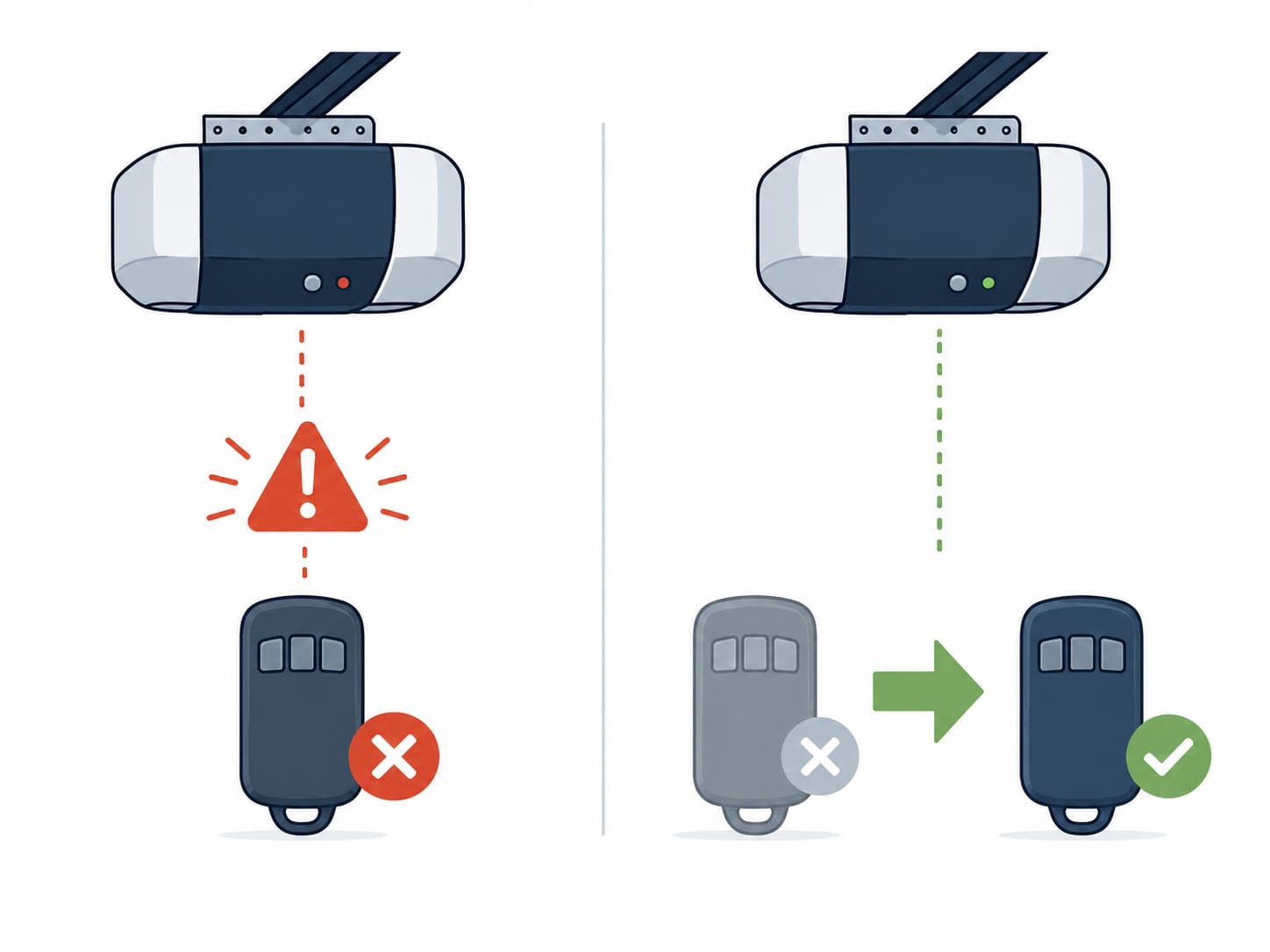
If your opener’s memory is full, new remotes simply will not program. The Learn button light flashes, but the opener does not accept the new device. You have two options.
| Option | Cost | Time | Best When |
|---|---|---|---|
| Erase all, reprogram needed ones | $0 | 10–15 minutes | You don’t need every old device back |
| Upgrade to Elite Series opener | $180–$350 | 2–4 hours install | You regularly exceed 8–12 devices |
DIY Suitability: Safe for DIY for clearing and reprogramming. Safety Risk Level: Low. To clear everything, hold the Learn button for 6–10 seconds until the light turns off, then reprogram only the remotes you want active. If you’re also dealing with a keypad that won’t respond after this reset, see our guide on LiftMaster keypad programming with no Enter button.
Does the Opener Overwrite the Oldest Remote or Just Refuse the New One?
This depends on your specific model, and it catches people off guard. On most Elite and Premium Series openers, the behavior matches what is described above — the Learn button light flashes but the new remote simply fails to program, leaving every existing device untouched.
Some older Contractor Series and pre-2005 units behave differently: once the memory is full, programming a new remote can silently overwrite the oldest stored slot instead of rejecting the new one. If a family member’s remote or a car’s HomeLink button suddenly stops working with no obvious cause, this silent overwrite is a likely explanation — check your model’s printed manual or the label inside the light lens cover to confirm which behavior your unit uses before assuming a device has failed.
Either way, the fix is the same: clear the memory with the Learn button and reprogram only the devices you actually use.
Does HomeLink Count Toward the Remote Limit?
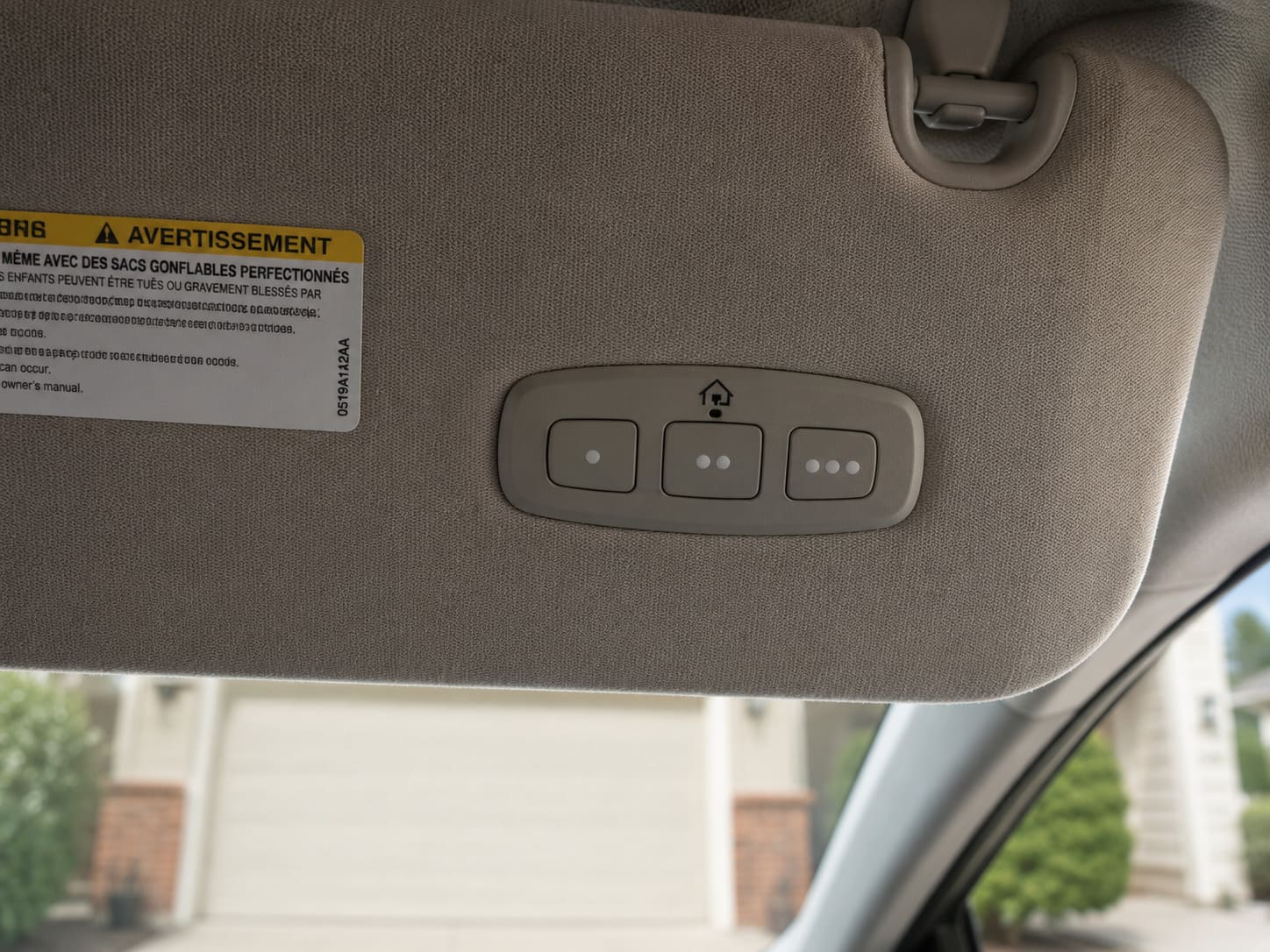
Yes. HomeLink buttons built into your car’s visor count as a remote in your opener’s memory, using one slot each. For Elite series openers with a 40-device limit, this rarely causes problems. For older 8-device models, three HomeLink cars plus a keypad and two handhelds can fill the memory faster than expected.
Related Guides
For other LiftMaster opener guides, see LiftMaster Garage Door Won’t Close Without Holding Button, LiftMaster Error Code 4-1, LiftMaster Garage Door Remote Not Working, LiftMaster Garage Light Won’t Turn On, LiftMaster 1/2 HP Troubleshooting, LiftMaster 1/3 HP Troubleshooting, How to Fix LiftMaster Error Code 1-5, LiftMaster 375UT Not Working, LiftMaster Garage Door 10 Blinks and LiftMaster Garage Door Chain Not Moving.
For official manufacturer guidance, see LiftMaster’s official support center.
Frequently Asked Questions
How many garage door openers can you program to a LiftMaster?
Elite Series models support up to 40 remotes, keypads, and HomeLink devices combined. Premium Series hold 24, Contractor Series hold 12, and pre-2005 models typically hold 5–8.
Can I add a keypad and remotes at the same time?
Yes. Keypads and remotes share the same memory pool on LiftMaster openers. A keypad uses one slot, exactly the same as a handheld remote.
How do I check how many remotes are programmed to my opener?
LiftMaster openers do not display a count of programmed devices. The only way to check is to test each remote individually or reset the opener and reprogram from scratch.
Do LiftMaster remotes work with Chamberlain openers?
Yes. LiftMaster and Chamberlain are both owned by the Chamberlain Group and share the same Security+ 2.0 technology. Most remotes are interchangeable between the two brands.
How many remotes can a LiftMaster 8550W support?
The 8550W is an Elite series opener and supports up to 40 remotes, keypads, and HomeLink devices combined, since it uses the same myQ-enabled memory system as other Elite models.