
Your garage door opener can control more than just your garage lights. If you want extra lights — a driveway fixture, a workbench lamp, or a string of shop lights — turned on automatically with your garage door opener, you have a few solid options. The built-in light socket, a smart plug, or a wireless relay kit can all get the job done.
Most homeowners hit this wall the first time they try. The stock light socket on a LiftMaster or Chamberlain opener only powers one bulb, and it’s not wired to control anything else in the garage. That’s where confusion starts.
This guide walks through every realistic way to add extra lights to your garage door opener setup, what each option costs, and which one fits your situation best.
Short Answer: You can control extra lights with your garage door opener using a smart plug tied to a MyQ or similar app, a wireless light-control relay kit, or by rewiring a light fixture into the opener’s accessory terminals. Smart plugs are the easiest DIY fix. Relay kits work best for shop lights on a separate circuit. Direct wiring needs an electrician if you’re not comfortable with low-voltage terminals.
Why the Built-In Light Socket Isn’t Enough
Every garage door opener has one light socket built into the motor housing. LiftMaster, Chamberlain, and Genie models all limit this socket to a single bulb, usually capped at 60 watts for older units or an LED-rated equivalent on newer ones.
If your factory bulb has stopped working altogether, that’s a separate issue — see our guide on why your LiftMaster garage light won’t turn on. Otherwise, that socket runs off the opener’s internal circuit board. You can’t legally or safely splice extra bulbs into it — overloading the socket can trip the opener’s circuit board or melt the socket housing. Homeowners who try daisy-chaining bulbs off the factory socket usually end up frying the light board within a few months.
If you want more light coverage, the fix isn’t the factory socket. It’s adding a separate, properly powered light circuit that syncs with your opener through smart controls instead of physical wiring.
Option 1: Smart Plugs Synced to Your Opener App
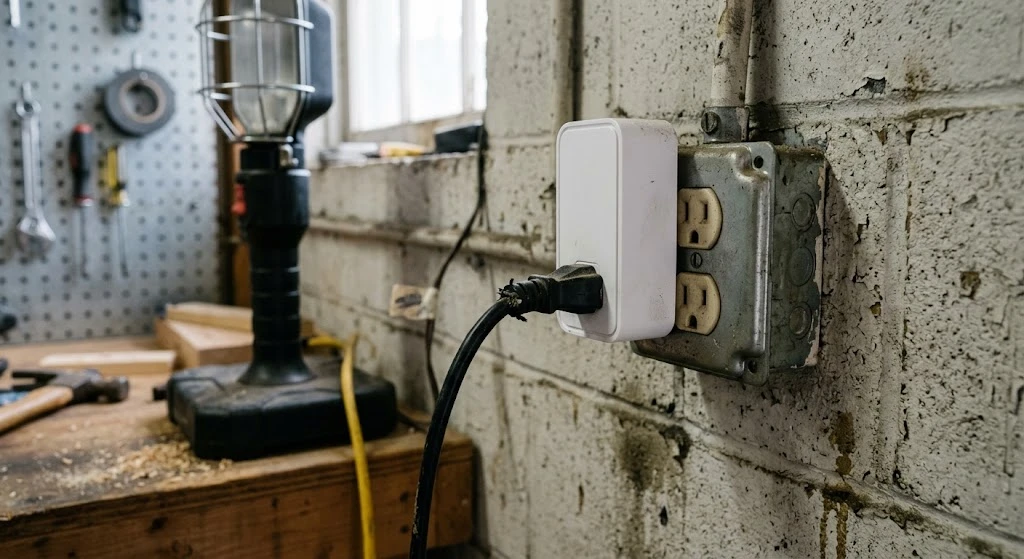
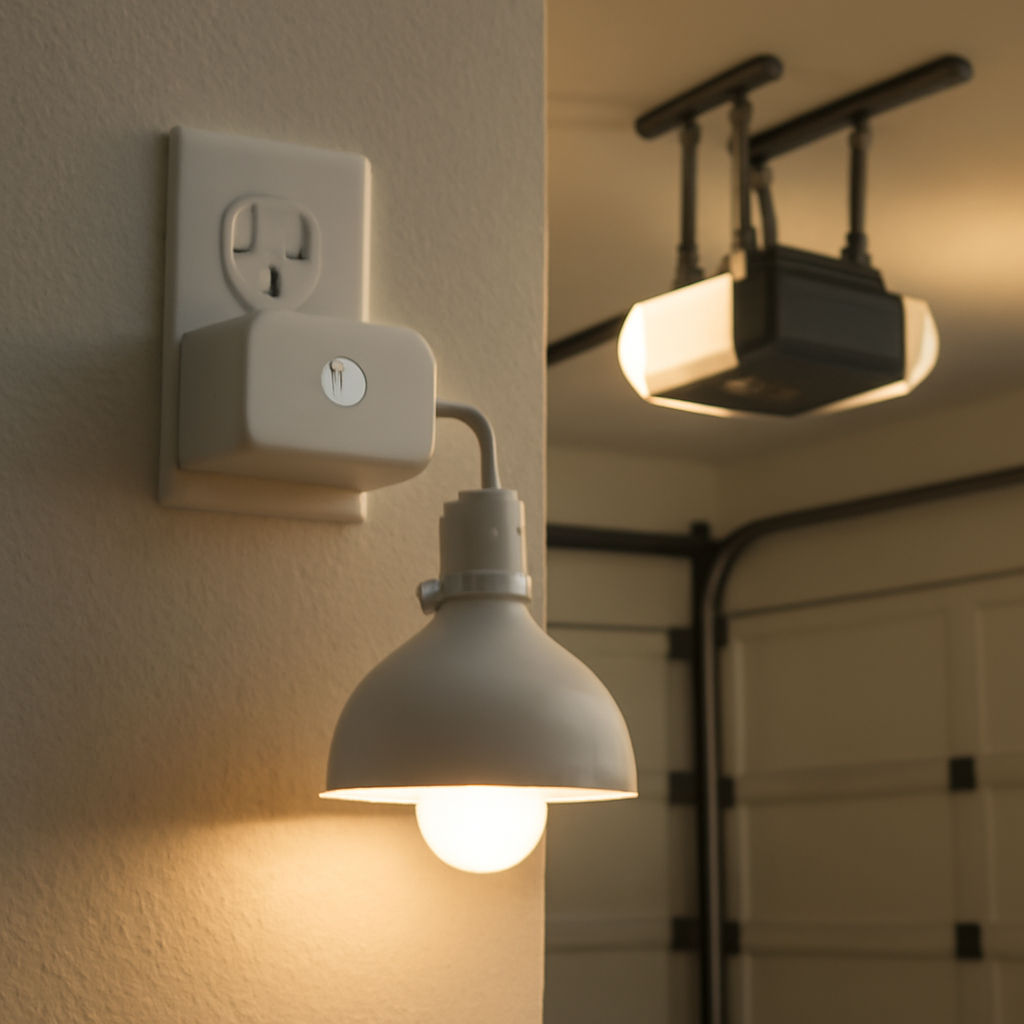
This is the easiest method for most homeowners. If your opener has MyQ (LiftMaster/Chamberlain) or the Genie Aladdin Connect app, you can pair a smart plug — like a Kasa or Wyze plug — to trigger whenever the door opens or closes.
If you’re already running multiple openers on one MyQ account, check our guide on adding a second garage door opener to MyQ first. You’ll need a smart home hub app like SmartThings, Google Home, or IFTTT to bridge the garage door app and the smart plug app together, since MyQ doesn’t natively support third-party plug integrations without a workaround.
| Field | Detail |
|---|---|
| DIY Suitability | Safe for DIY — no wiring involved |
| Safety Risk Level | Low |
| Setup Cost | $15–$35 per smart plug |
| Setup Time | 15–30 minutes |
Plug your extra light — a work lamp, driveway floodlight, or shop light strip — into the smart plug. Set an automation rule so it powers on when the garage door opens and off after a set delay. This works well for lights that don’t need to be on a dedicated switch.
Option 2: Wireless Relay Kits for Shop Lights
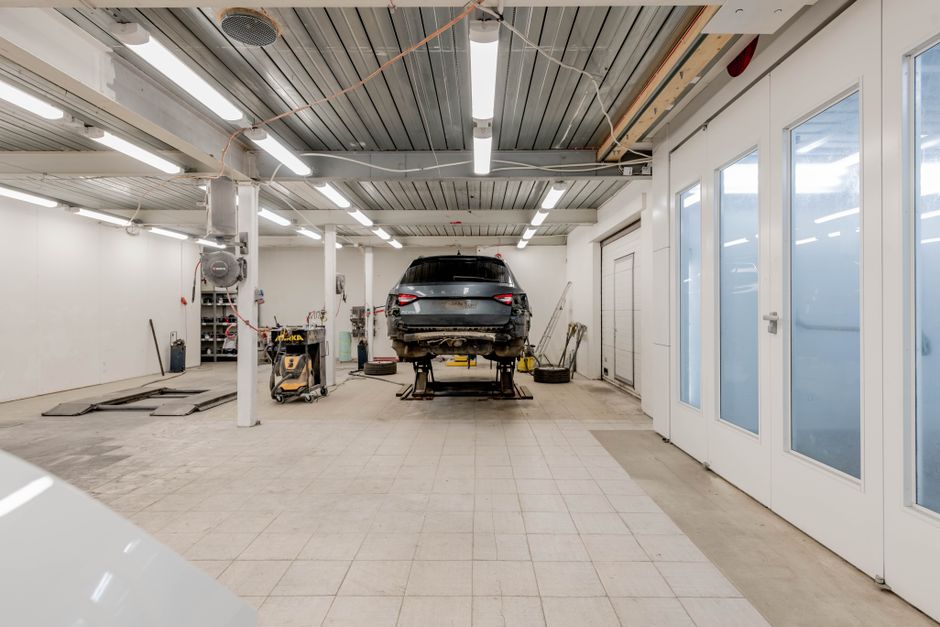
If you’re lighting up a whole workbench or a row of LED shop lights, a wireless relay kit is the better call. These kits use a small receiver wired into your light fixture and a transmitter that talks to your garage door opener’s remote signal or motion sensor.
Look for kits rated for garage use — most run on standard 120V household current and handle up to 15 amps, enough for several shop light fixtures on one circuit.
LiftMaster also sells a manufacturer-made version of this called the 825LM wireless light control. It pairs directly with LiftMaster and Chamberlain openers without the generic setup steps a third-party kit needs, though it usually costs more than an off-brand relay kit.
| Symptom | Cause | Fix |
|---|---|---|
| Lights don’t trigger with door | Relay out of transmitter range | Move receiver closer to opener, check line of sight |
| Lights flicker or dim | Overloaded relay circuit | Split lights across two relays |
| Delay before lights turn on | Normal signal lag | No fix needed — expect 1–2 second delay |
Repair Cost Range for a basic relay kit: $25–$60. Installation takes about 30–45 minutes if the light fixture is already wired and you’re just adding the relay inline.
Option 3: Wiring Into the Opener’s Accessory Terminals
Newer LiftMaster and Chamberlain openers include low-voltage accessory terminals on the motor unit — usually labeled for a wall control, sensor, or auxiliary relay. Some advanced users wire a relay module into these terminals to trigger a separate light circuit whenever the door motor activates.
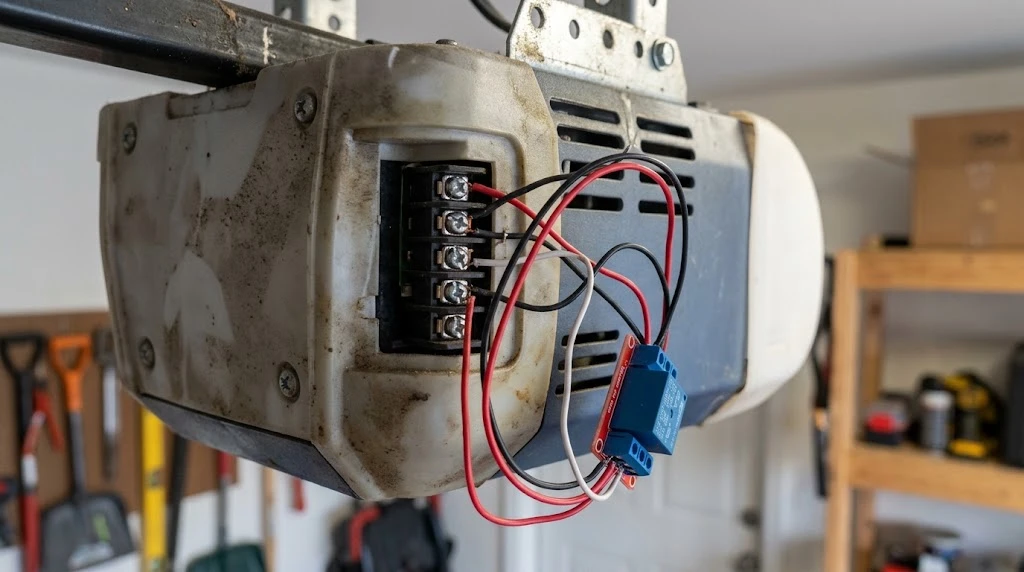
This is the most permanent, most reliable option, but it’s also the one where DIY mistakes get expensive. The accessory terminals carry low-voltage signal current, not household power, so you still need a properly rated relay to step that signal up to control a 120V light circuit.
| Field | Detail |
|---|---|
| DIY Suitability | Professional required unless you have electrical experience |
| Safety Risk Level | Medium — improper wiring can damage the opener’s logic board |
| Repair Cost Range | $80–$200 (electrician labor + relay hardware) |
| Repair Time Estimate | 1–2 hours |
Common mistake: homeowners wire directly into the accessory terminals without a relay, assuming the terminal can carry full household voltage. It can’t. This fries the logic board almost every time — a repair that often costs more than a whole new opener.
Comparing Your Three Options
| Method | Cost | DIY Friendly? | Best For |
|---|---|---|---|
| Smart plug | $15–$35 | Yes | Single lamp, driveway light, quick setup |
| Wireless relay kit | $25–$60 | Yes | Shop lights, workbench lighting |
| Hardwired accessory terminal | $80–$200 | No — hire electrician | Permanent, whole-garage lighting |
Safety Notes Before You Start
Always cut power to the opener at the breaker before touching any wiring, even low-voltage accessory terminals. LiftMaster and Chamberlain both specify UL 325 safety compliance on their opener logic boards — modifying wiring outside manufacturer instructions can void your warranty and create a fire risk if done wrong.
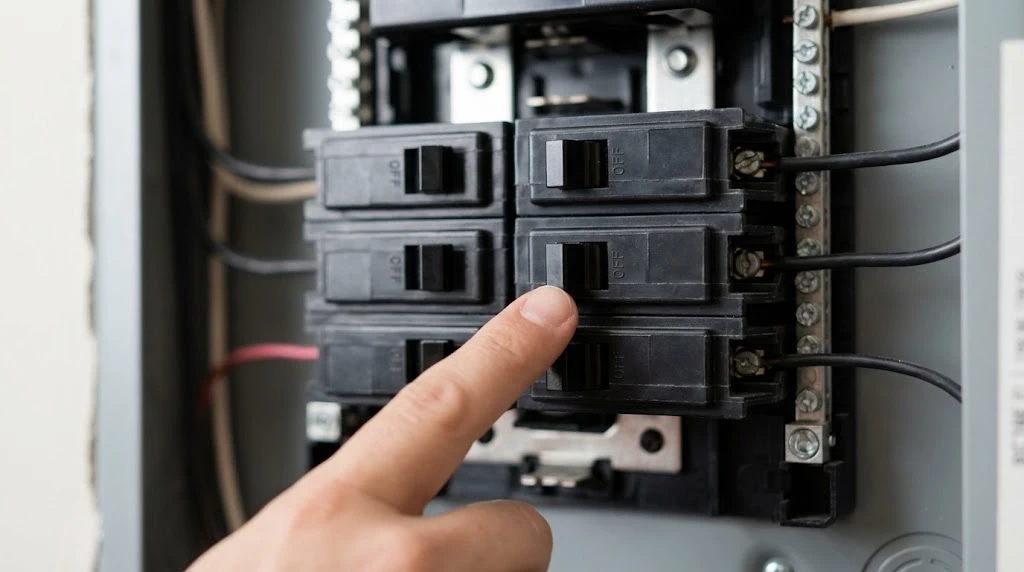
If your garage doesn’t have a dedicated circuit for extra lighting, don’t run multiple fixtures off a single extension cord. A licensed electrician can add a proper circuit for around $150–$300, which pays off if you’re planning permanent shop lighting.
In our experience answering questions about garage electrical add-ons, the smart plug route is almost always the right starting point, even for people who eventually want permanent wiring. It lets you test whether the extra light actually gets used before paying an electrician to make it permanent.
What to Do Next
Start with the smart plug if you just want one or two extra lights working automatically — it’s cheap, reversible, and takes less than half an hour. Move to a relay kit if you’re lighting a workbench. Only wire into the opener itself if you’re comfortable with electrical work or you’re hiring someone who is. And once your extra lights are in place, check our guide on the best position for garage door lighting placement to get the most coverage.
Frequently Asked Questions
Can I add a second light bulb to my garage door opener?
No, not directly. The factory socket is built for one bulb only. Adding a splitter or second bulb can overload the light board. Use a smart plug or relay kit instead to power additional lights without touching the opener’s internal circuit.
Does MyQ support third-party smart plugs?
MyQ doesn’t natively integrate with most third-party smart plugs. You’ll need a bridge app like IFTTT or SmartThings to link MyQ door events to a Kasa, Wyze, or similar smart plug’s automation rules.
Will extra lights drain my garage door opener’s power?
No, if you use a smart plug or relay kit, the extra lights run on their own power circuit, not the opener’s motor circuit. Only wiring directly into the opener’s accessory terminals draws from its system, and even then only a small trigger signal, not the light’s full power draw.
Is it safe to wire lights into the opener’s accessory terminals myself?
Only if you understand low-voltage wiring and use a properly rated relay module. Wiring household voltage directly into those terminals can destroy the opener’s logic board. If you’re unsure, hire an electrician — it’s a low-cost job that avoids an expensive mistake.
What’s the cheapest way to get extra garage lighting on my door opener?
A smart plug is the cheapest option, usually $15–$35. Pair it with your opener’s app or a smart home hub so the light turns on and off with the door automatically.
Related Guides
For our garage door electrical guides, see Does a Garage Door Opener Need a Dedicated Circuit? (NEC Rules), Problems with Garage Door Opener Extension Cord Explained, Why is my Garage Door Opener Tripping GFCI?, Garage Door Transformer Buzzing, How Much Electricity Does a Garage Door Opener Use?, Genie Garage Door Opener Amp Draw, Garage Door Keypad Not Working in Cold Weather and Best Surge Protector for Garage Door Opener.