
If you’ve found a small box labeled “Cryptar II” near your Genie garage door opener, you’re looking at one of the oldest Genie radio control systems still in service. It’s not the same as Genie’s modern Intellicode system, which is why new Genie remotes, keypads and learn-button instructions don’t work with it.
This guide explains how to identify a Cryptar II system, what you can and can’t do with it today, how to troubleshoot it, and when it’s time to replace the whole opener.
Short Answer: The Genie Cryptar II is an older radio control system made by Alliance Manufacturing, the company behind the Genie brand. It uses a separate receiver box (models such as AR-30, AR-50, AR-75, AR-79 and AR-85), has no learn button, and is not compatible with Genie Intellicode remotes, which date from 1995 onward. Original Cryptar II remotes are no longer made, and Genie’s universal receiver kits require safety sensors that most Cryptar II-era openers lack. For most owners, replacing the opener is the safest and cheapest long-term fix.
In our experience helping homeowners with older Genie openers, most people searching for a “Cryptar II remote” are really dealing with an opener that is decades old and missing modern safety features.
What Is the Genie Cryptar II?
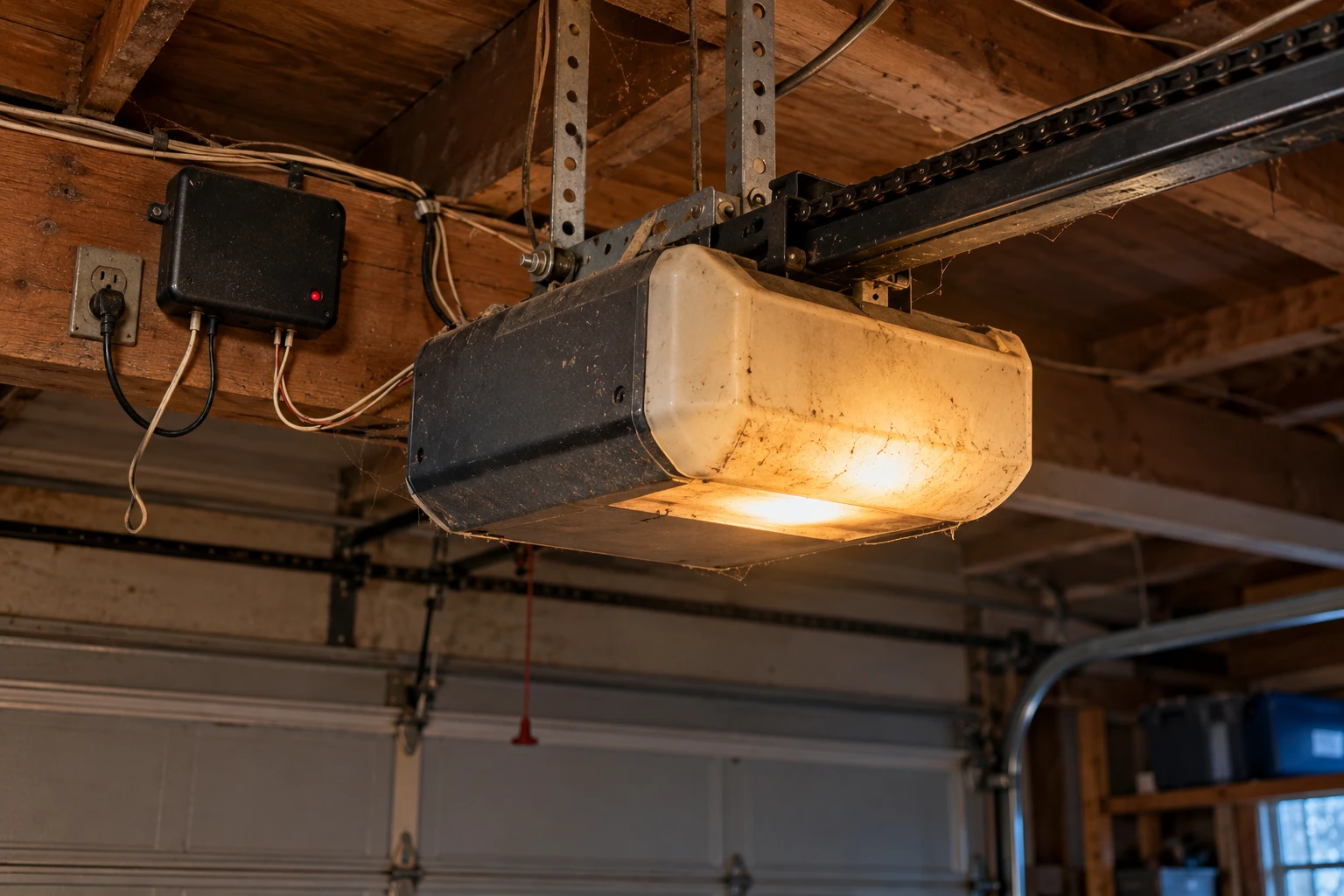
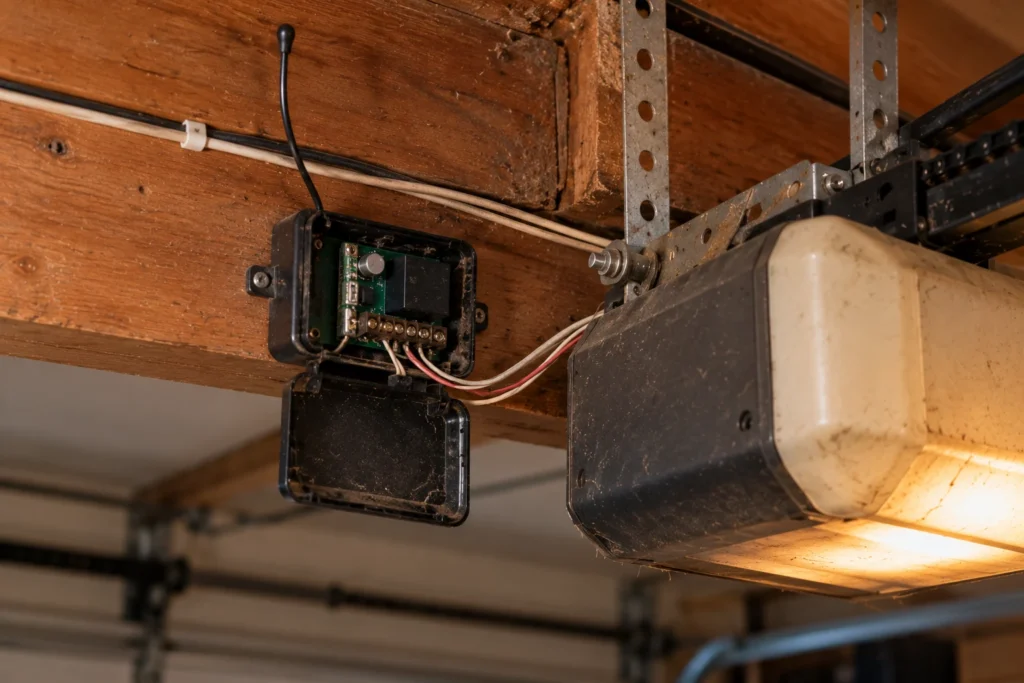
“Cryptar II” is the name of a Genie radio control system, not a specific opener model. The receiver is a separate unit, often a box with a removable black cover, labeled “Cryptar II Control” or “Cryptar II Digital Control” with an AR model number (AR-50, AR-75, AR-79, AR-85) and “Alliance Mfg.” The matching remotes carry AT model numbers, such as the AT-55 paired with an AR-75 receiver It was paired with older Genie chain and screw drive openers.
| Feature | Genie Cryptar II | Genie Intellicode |
|---|---|---|
| Era | Before Intellicode | 1995 to present |
| Receiver | Separate box (AR-xx models) | Built into the opener’s logic board |
| Programming | No learn button | Learn or program button |
| Frequency | Varies by unit; receiver labels seen include 290, 325 and 390 MHz | 315/390 MHz |
| Replacement remotes | Discontinued | Widely available (G3T-R, G3T-BX and others) |
| Safety sensors | Often none | Safe-T-Beam sensors standard |
If your Genie has a learn or program button on the motor head, it isn’t a Cryptar II system. Our guide to Genie openers with no learn button helps you tell the generations apart.
How to Identify a Cryptar II System
Check these four things before you buy any remote or part.
- Look for a separate receiver box mounted on or near the motor unit, labeled “Cryptar II Control” with a model such as AR-50 or AR-79.
- Check for a learn button. Cryptar II systems don’t have one. Intellicode openers do.
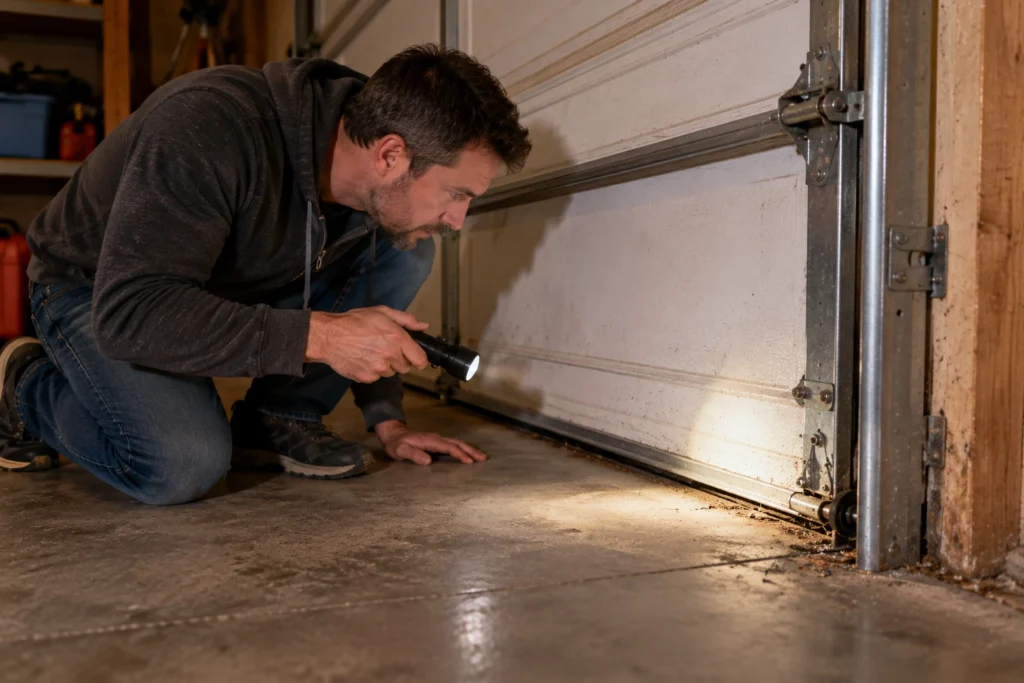
- Look for safety sensors near the bottom of the door tracks. Many Cryptar II-era openers have none.
- Read the opener’s model label. Owners report Cryptar II receivers on older Genie units such as the chain drive Model 200 and screw drive models from the same period, like the Genie Model 450.
If all four point to an older system, plan around what’s actually available, rather than modern Genie instructions.
Can You Still Get a Cryptar II Remote?
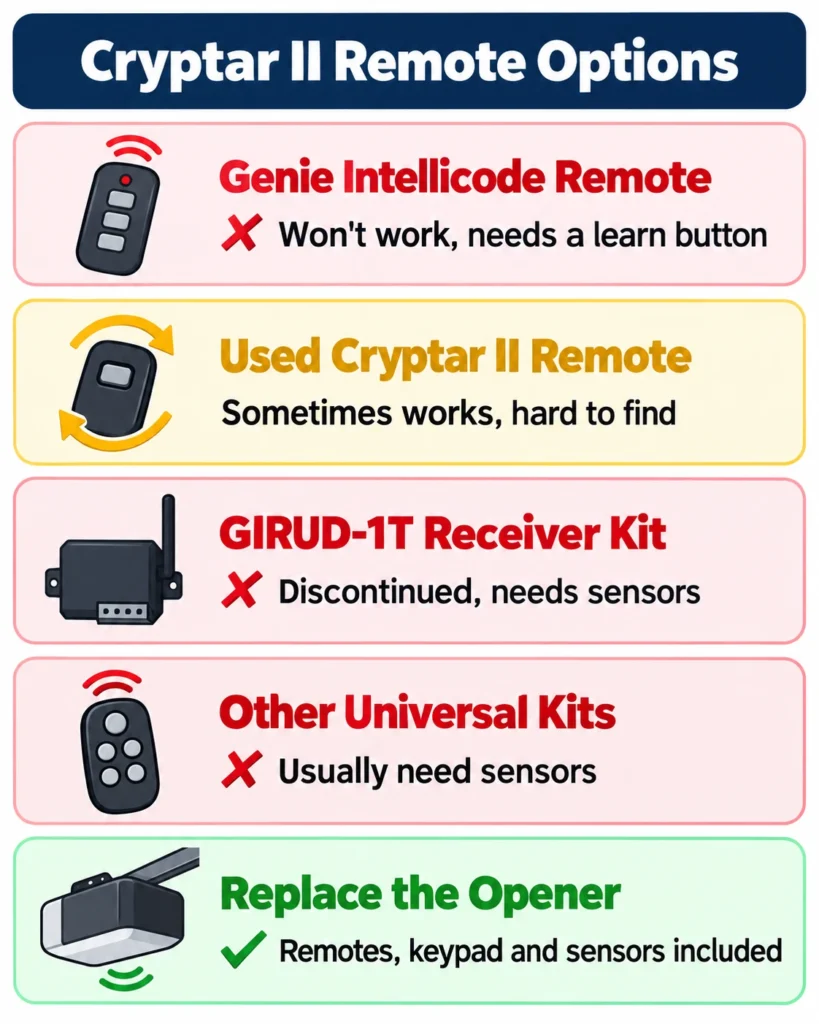
Original Cryptar II remotes are long discontinued. Here’s how the realistic options compare.
| Option | Works? | Notes |
|---|---|---|
| Genie Intellicode remote (G3T-R, G3T-BX) | No | Different system; needs a learn button |
| Used or new-old-stock Cryptar II remote | Sometimes | Match the AT/AR model pairing and the frequency on your receiver label; mostly sold used on eBay |
| Genie GIRUD-1T universal receiver kit | Usually no | Discontinued, and Genie lists safety sensors as a requirement |
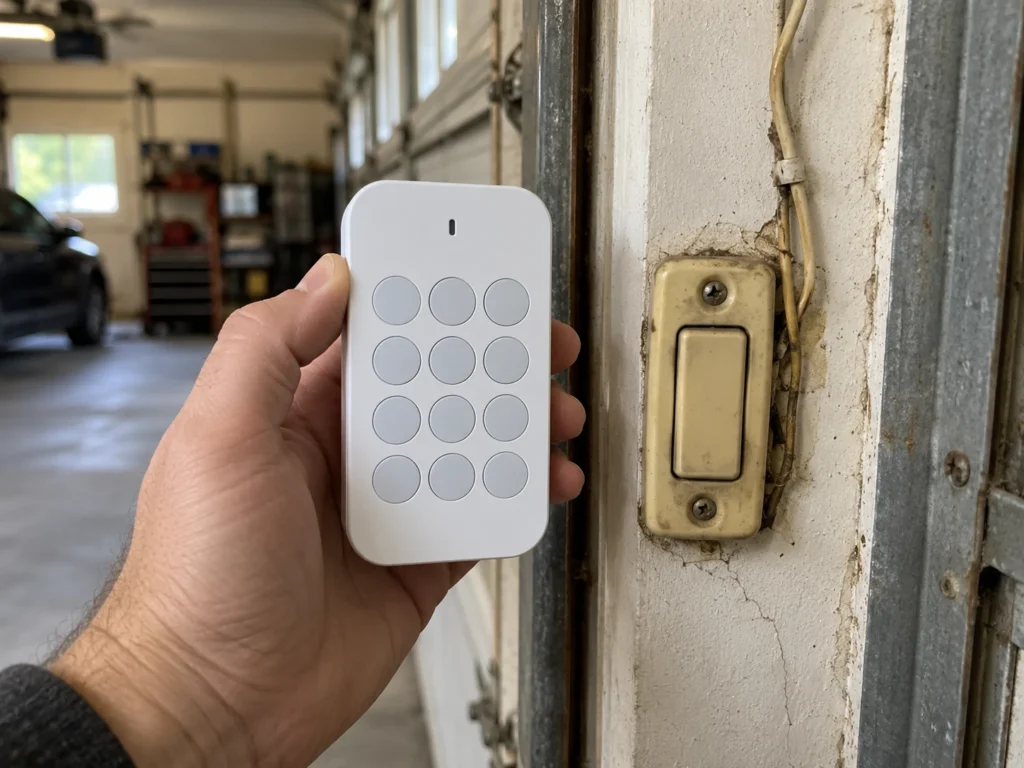
| Third-party universal receiver kits | Possible, with caveats | Some kits can wire to the push-button terminals, but need their own 12V power supply and don’t add safety sensors |
| Replace the opener | Yes | Modern remotes, keypad, sensors and smart control included |
Even if you find a working used remote, you’re still running an opener without modern safety protection, so treat it as a short-term fix.
The Universal Receiver Workaround
Some aftermarket wireless receiver kits can replace a dead Cryptar II receiver by wiring the kit’s relay to the opener’s push-button terminals, so a new remote simply “presses the button.” One kit maker’s support team pointed out the catch: Cryptar II-era openers can supply about 34 volts DC, which is too high for these 12-volt receivers, so the kit needs its own 12V power adapter. This is a job for an experienced DIYer, and it still leaves you with an opener that has no photo-eye sensors.
Why Modern Remotes and Upgrade Kits Don’t Work
Three things block the usual upgrade paths on Cryptar II systems.
- No rolling-code receiver: modern Genie remotes use Intellicode rolling codes that the Cryptar II receiver can’t read.
- No safety sensors: Genie’s universal receiver kit and most other retrofit kits are only supported on openers with photo-eye sensors.
- Old control wiring: at least some Cryptar II systems run a higher-voltage wall control circuit (one owner measured about 34 volts), so modern keypads and sensors can’t be added without adapters.
The same goes for smart control: retrofit hubs like myQ and Aladdin Connect are designed for openers with safety sensors, so they aren’t a practical option on a Cryptar II system.
Troubleshooting an Old Cryptar II Opener
If the opener still runs from the wall button, a few basic checks cover most problems.
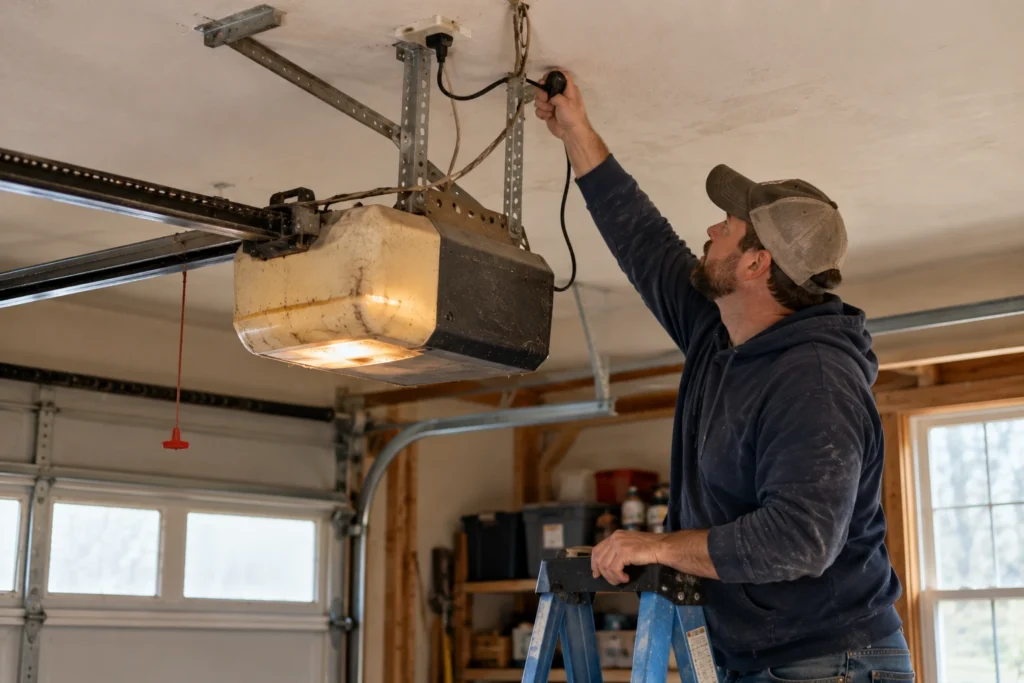
| Symptom | Likely Cause | What to Do | DIY Suitability | Safety Risk Level |
|---|---|---|---|---|
| Remote dead, wall button works | Remote battery or failed transmitter | Replace the battery; if still dead, the remote has likely failed | Safe for DIY | Low |
| Nothing works at all | No power or failed motor board | Check outlet, breaker and plug | Safe for DIY | Low |
| Grinding, door doesn’t move | Worn drive gear or carriage | Parts are scarce; consider replacement | Professional recommended | Medium |
| Door slams or reverses poorly | Spring wear or worn force settings | Stop using it and have the door inspected | Professional recommended | High |
| Short remote range | Aging receiver or antenna | Make sure the antenna wire hangs straight down | Safe for DIY | Low |
For common noises and failures on later Genie models, see Genie opener humming sound and Genie limit switch problems.
Safety: The Missing Sensor Problem
Since 1993, U.S. safety standards have required residential openers to include an external entrapment protection device, usually photo-eye sensors near the floor. An opener without them relies only on its force setting to stop on an obstruction, and on an old unit that setting may no longer react properly.
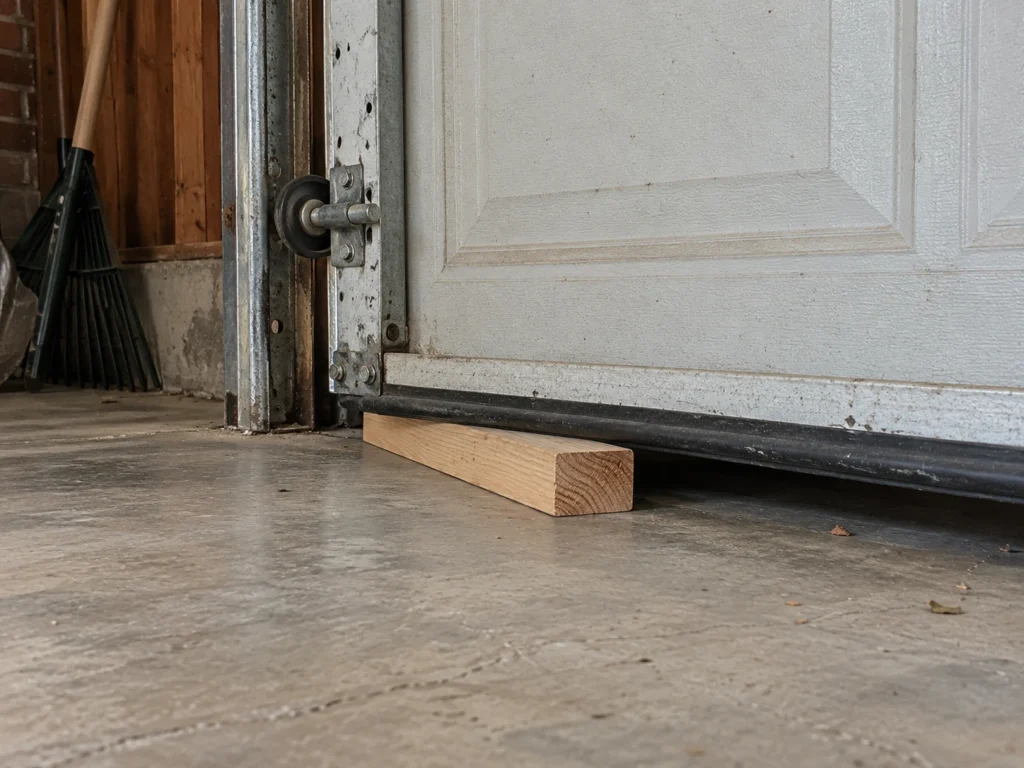
- Lay a 2×4 flat on the floor where the door closes.
- Close the door with the opener.
- The door should reverse as soon as it touches the board.
- If it doesn’t reverse, stop using the opener for closing and keep children and pets away from the door.
Even if it passes, an opener without photo-eye sensors can’t detect a person or pet in the doorway before contact. That alone is a strong reason to replace it.
Repair or Replace a Cryptar II Opener?
For most owners, replacement wins. Remotes and parts are scarce, upgrade kits aren’t supported, and a new opener adds photo-eye sensors, rolling-code remotes, a keypad and often battery backup and Wi-Fi.
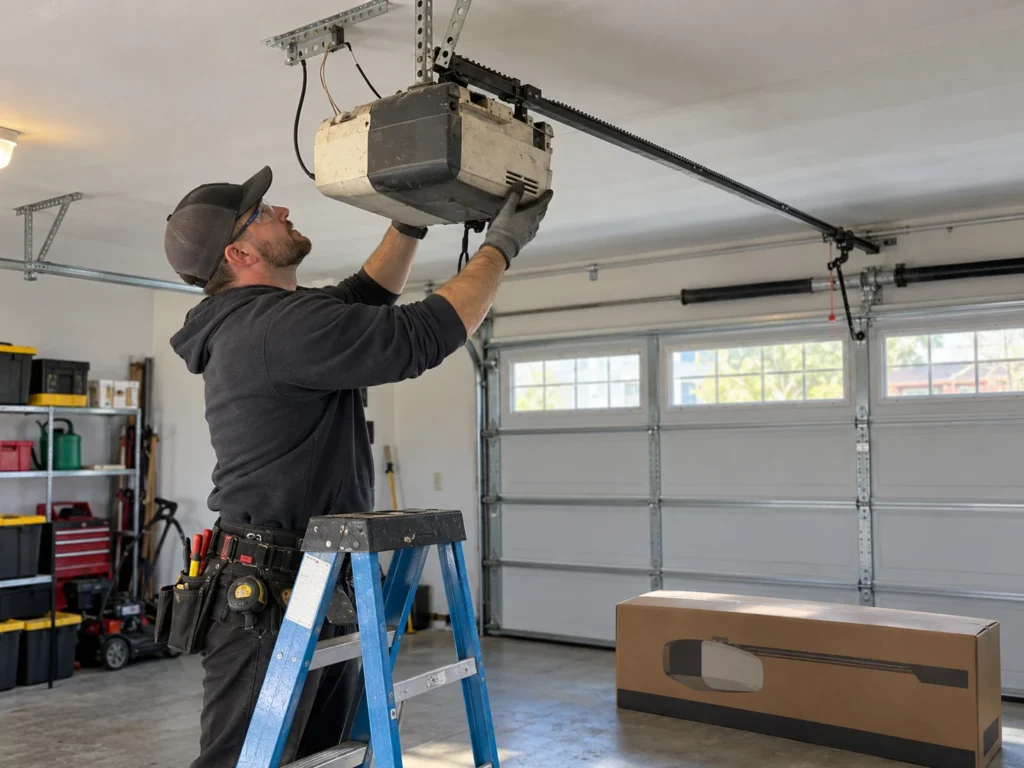
- Stay with Genie and add voice control: the Genie 7155-TKV is a quiet belt drive rated for doors up to 500 pounds, with Aladdin Connect (Alexa and Google), battery backup and a keypad.
- Budget Genie with Wi-Fi: the Genie 1135-VM is a 1/2 HPc chain drive with Aladdin Connect for doors up to 350 pounds (no battery backup).
- Quiet with battery backup: the Chamberlain B4613T adds myQ Wi-Fi, battery backup and a keypad.
Before installing, check the door’s springs and balance, since a new opener won’t fix a heavy, unbalanced door. Compare more models in our best Genie garage door opener and best 1/2 HP chain drive guides.
Affiliate disclosure: As an Amazon Associate, we earn from qualifying purchases. This doesn’t change our recommendations or your price.
Frequently Asked Questions
Is the Genie Cryptar II the same as Intellicode?
No. Cryptar II is an older Genie radio system with a separate receiver and no learn button. Intellicode is Genie’s rolling-code system, introduced in 1995 and built into the opener’s logic board.
Will a Genie G3T-R or G3T-BX remote work with a Cryptar II?
No. Those remotes work only with Intellicode openers that have a learn or program button.
How do I program a remote to a Cryptar II?
There’s no learn-button programming. Only a matching Cryptar II transmitter set up for your receiver will work, and those are discontinued.
Can I add a keypad or myQ to a Cryptar II opener?
Not practically. Modern keypads, receiver kits and smart hubs are designed for openers with safety sensors and modern low-voltage controls.
Can I add safety sensors to my Cryptar II?
Generally not without special adapters, and owners who tried were told replacement is more practical. A new opener includes sensors from the factory.
How old is my Cryptar II opener?
It predates Genie’s Intellicode system from 1995, and if it has no photo-eye sensors, it was likely built before the 1993 sensor requirement. Either way, it’s well past the typical 10 to 15 year lifespan of an opener.
Related Guides
For more Genie guides, see Genie Model 450 Garage Door Opener, Genie Garage Door Opener No Learn Button, Genie Opener Won’t Close Unless You Hold the Button, Genie Garage Door Sensor Blinking Red, Does Genie Work With LiftMaster? and How to Get a Second Garage Door Opener.
For official remote compatibility, see Genie’s remote programming guide.