
Your Genie garage door sensor is blinking red — and now your door won’t close. This is one of the most common Genie opener problems, and it almost always has a simple fix you can handle yourself in under 10 minutes. The red blink pattern is your opener’s way of telling you exactly what’s wrong.
Genie photo eye sensors (also called safety sensors or safety reversing sensors) use a blinking red light to signal a problem with the invisible beam between the two sensor units. When that beam is broken or misaligned, the opener refuses to close the door as a safety measure — exactly as it’s designed to do under UL 325 safety standards.
What Does a Blinking Red Sensor Mean on a Genie Opener?
Short Answer: A blinking red light on a Genie garage door sensor means the safety beam between the two sensors is interrupted. This is usually caused by misaligned sensors, a dirty lens, a blocked beam, or a wiring problem. The door won’t close until the beam is restored. Most fixes take under 10 minutes and require no tools.
Quick Diagnosis: What the Blink Pattern Tells You
Not all red blinks mean the same thing. Genie openers use different blink counts to indicate different faults. Check your opener’s motor unit light as well — it blinks in sync with the sensor to confirm the fault code.
| Red Blink Pattern | What It Means | Fix |
|---|---|---|
| Continuous slow blink | Beam interrupted — sensor misaligned or blocked | Realign sensors |
| 2 blinks | Sending sensor (white/clear LED) fault | Check wiring on sending unit |
| 3 blinks | Receiving sensor (green/amber LED) fault | Check wiring on receiving unit |
| 4 blinks | Both sensors have wiring issue | Inspect full wire run from motor to sensors |
| Solid red (no blink) | Sensor receiving beam correctly but door still won’t close | Check limit switch settings |
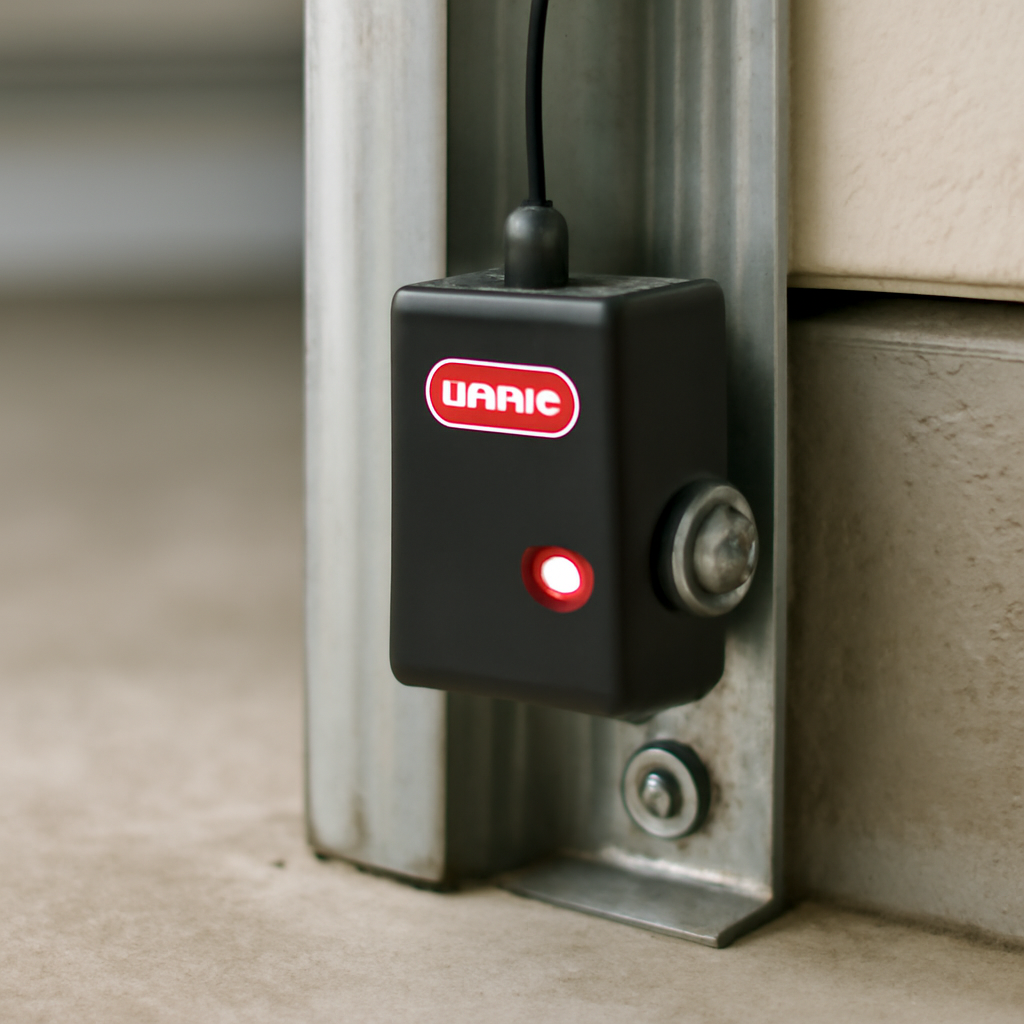
The sending sensor (usually the one with a white or amber LED) shoots the beam. The receiving sensor (with a green LED when aligned correctly) catches it. When the receiving sensor’s LED is solid green and steady, the beam is good. Red blinking on either unit means something’s wrong.
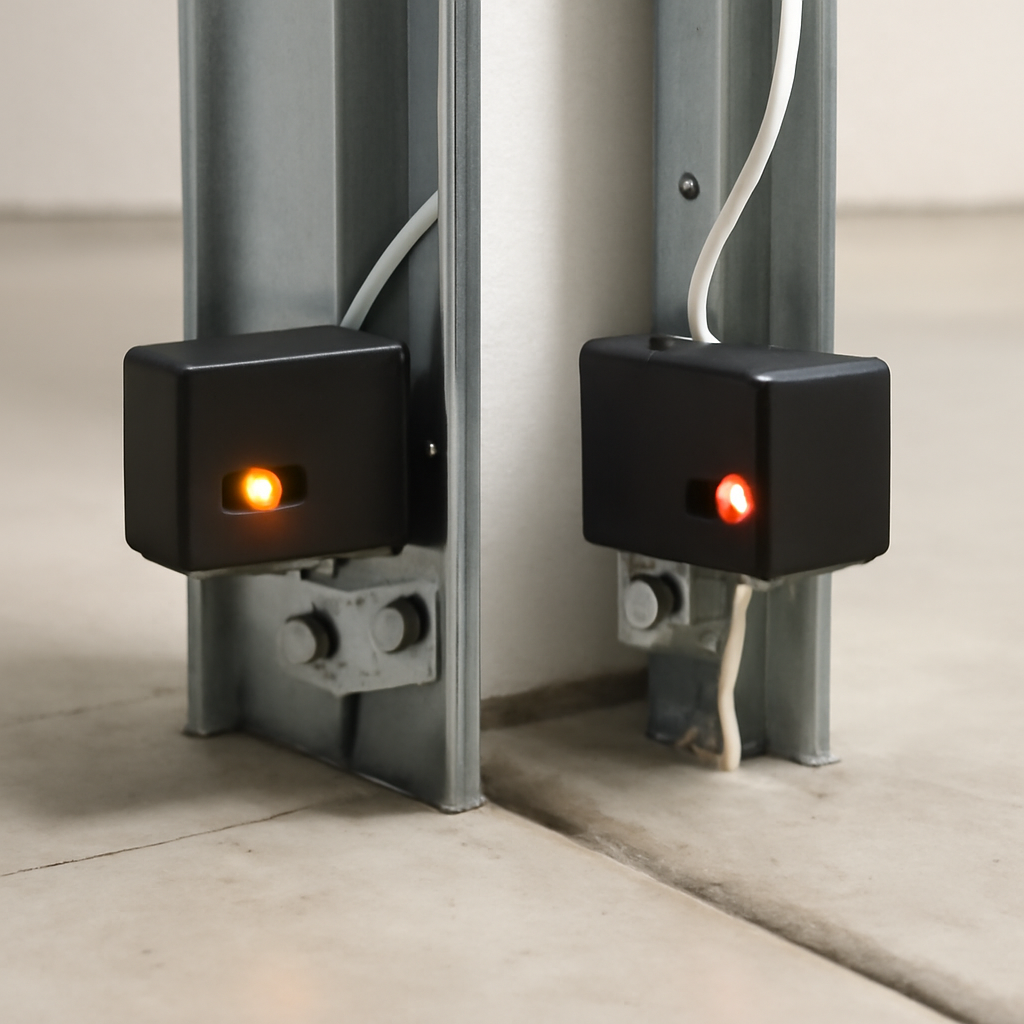
Genie Sensor Problem: Full Diagnosis Table
| Field | Detail |
|---|---|
| Symptoms | Door won’t close, red LED blinking on sensor, opener light flashes, door reverses immediately after closing attempt |
| Probable Causes | Sensor misalignment, dirty lens, blocked beam, loose wiring, damaged sensor unit |
| DIY Suitability | Safe for DIY in almost all cases |
| Safety Risk Level | Low — sensors are low-voltage (12V DC) |
| Repair Cost Range | $0 (realignment) to $20–$35 (replacement sensor pair) |
| Repair Time Estimate | 5–15 minutes for realignment; 30 minutes for replacement |
How to Fix a Genie Garage Door Sensor Blinking Red
Work through these steps in order. Most people fix it at step 1 or 2.
Step 1 — Clear the Path
Walk the full width of your garage door opening at sensor height (about 4–6 inches off the ground). Look for anything crossing the beam — a broom, a bag, a garden hose, even a spider web. Move it out of the way and test the door.
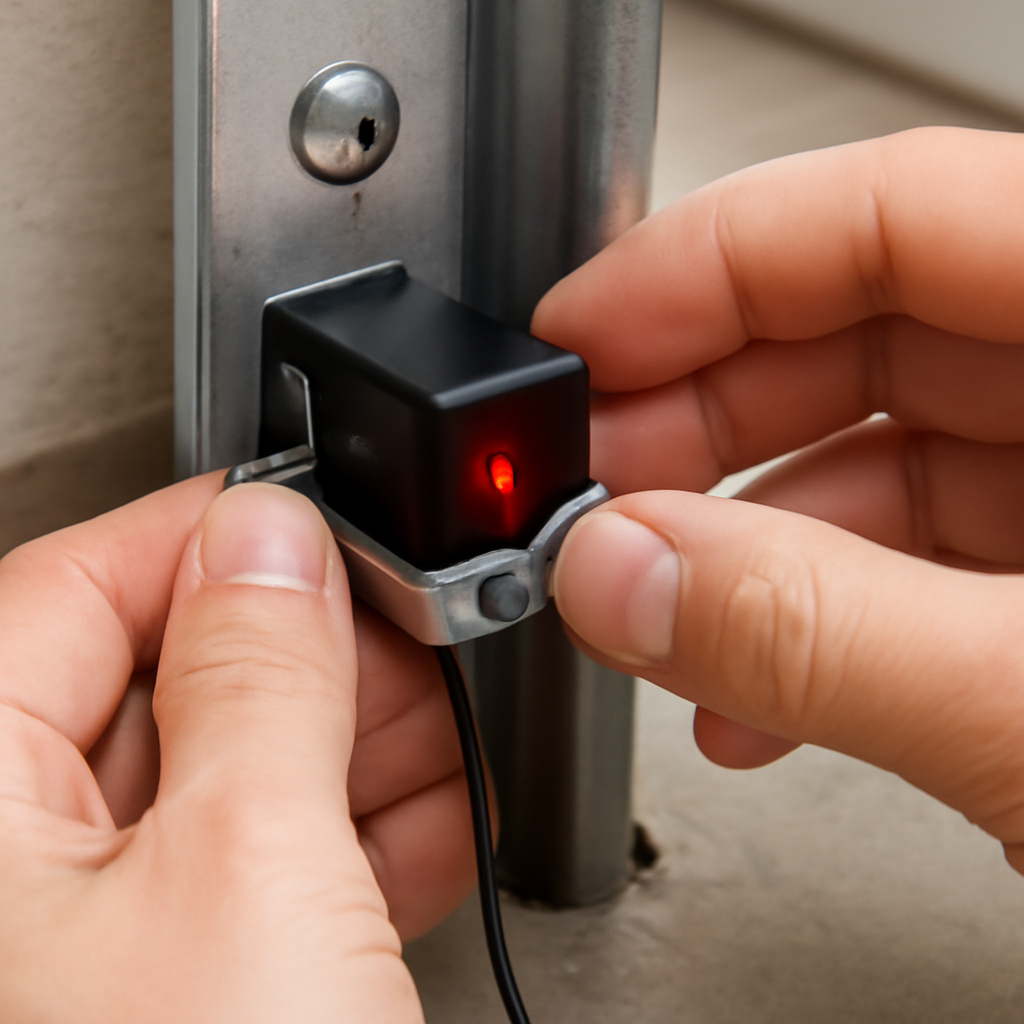
Step 2 — Realign the Sensors
This fixes the majority of blinking red sensor problems. The two sensors must point directly at each other.
- Loosen the wing nut or screw holding the blinking sensor bracket
- Slowly rotate the sensor head until the LED turns solid (green on the receiver, solid amber on the sender)
- Retighten the bracket — don’t overtighten or you’ll knock it out of alignment again
- Test by pressing your wall button to close the door
A common mistake: homeowners tighten the bracket too hard, which torques the sensor out of position. Snug is enough — you’re not installing a wheel bolt.
Step 3 — Clean the Sensor Lenses
Dust, cobwebs, and moisture on the plastic lens face can scatter the beam enough to trigger a fault. Wipe both sensor faces with a dry microfiber cloth or a soft tissue. Don’t use glass cleaner — it can leave a residue that makes things worse.
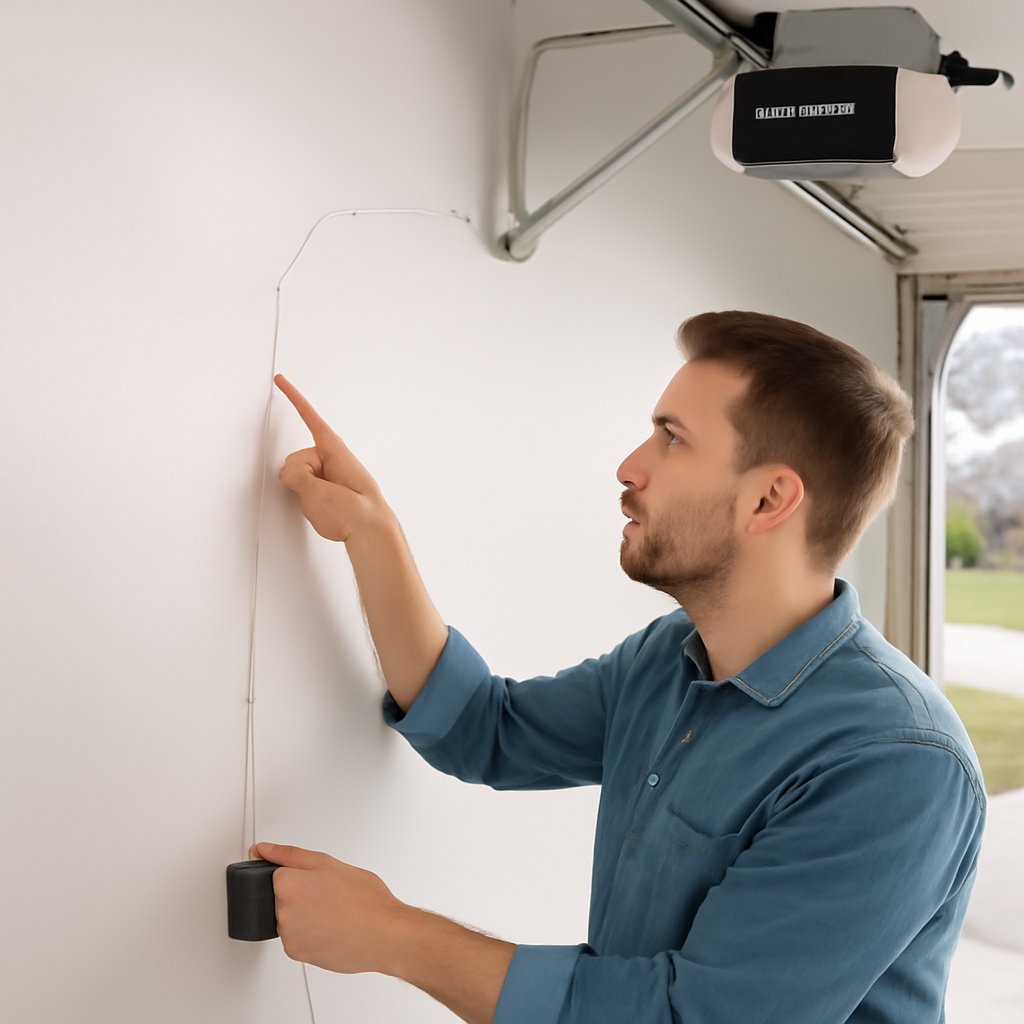
Step 4 — Check the Wiring
Follow the thin white wires from each sensor up to the motor unit. Look for:
- Loose terminal connections at the motor head (white and white/black wires)
- Pinched or kinked wire where it passes through a door hinge area
- Wire stapled too tightly to the wall — staples can cut through insulation over time
- Any visible cuts, frays, or rodent damage
Reseat any loose terminal connections firmly. If you find a damaged wire, a simple splice with a wire nut works fine — these are low-voltage signal wires, not power lines.
Step 5 — Bypass Test (to confirm sensor fault vs. other issue)
Hold the wall button down continuously without releasing it. If the door closes fully when you hold the button but reverses when you press and release, the sensor beam is the confirmed problem — not a limit switch or logic board issue. This tells you exactly where to focus your repair.
Step 6 — Replace the Sensors
If realignment and cleaning don’t fix it, and the wiring is intact, the sensor unit itself has likely failed. Genie sensors use a standard 2-wire connection and are inexpensive to replace. Look for the Genie GICT390 safety sensor kit or compatible aftermarket sensors rated for your model.
Replacement takes about 30 minutes: unplug the opener, disconnect the old sensor wires, mount the new sensors at the same height on both sides, reconnect the wires (polarity doesn’t matter on these low-voltage signal wires), and test alignment until both LEDs are solid.
Why Sunlight Can Cause Genie Sensors to Blink Red
Direct sunlight hitting the receiving sensor at certain times of day can overwhelm the photoelectric receiver and cause a false fault — exactly like a blocked beam. This is a known issue with east- or west-facing garages in late afternoon or early morning.
The fix: tape a small cardboard sun visor over the receiving sensor’s face (the one with the green LED) to shade it from direct sunlight. Some homeowners use a short section of black electrical tape folded into a hood. It sounds crude, but it works permanently and costs nothing.
If your sensor blinks red only at certain times of day and works fine otherwise, sunlight interference is almost certainly the cause.
When to Call a Professional
Most Genie sensor problems are straightforward DIY repairs. Call a garage door technician if:
- You’ve replaced the sensors and the problem persists — the issue may be the logic board inside the motor unit
- The wiring is damaged inside the door tracks or wall where you can’t safely access it
- Your opener is more than 15 years old and showing multiple faults at once
A technician visit typically costs $75–$150 for a sensor diagnosis and repair, including parts. If the logic board is faulty, repair cost often approaches the price of a full replacement opener.
If you’re also dealing with remote or wall button issues alongside the sensor problem, check our guide on garage door opener troubleshooting — many of the diagnostic steps apply across brands including Genie.
And if your opener is older and you’re considering an upgrade, our best garage door openers with battery backup guide covers the top-rated replacements that include updated sensor systems with better sunlight resistance.
If fixing the sensors does not stop the problem, the opener itself may need attention — our Genie limit switch troubleshooting guide covers the next steps.
Frequently Asked Questions
Why is my Genie garage door sensor blinking red but nothing is blocking it?
The most likely cause is sensor misalignment — even a slight bump can knock a sensor off-axis enough to break the beam. Loosen the sensor bracket, slowly rotate the sensor until the LED turns solid green, then retighten. A dirty lens is the second most common cause when nothing visible is blocking the path. Clean both sensor faces with a dry cloth and retest.
Can I bypass Genie safety sensors to close the door?
Yes — temporarily. Hold the wall button down continuously and the door will close even with a sensor fault. This overrides the automatic reversal but removes the safety protection. Only use this bypass to close the door once while you diagnose the problem. Never tape the button down or permanently defeat the sensors — this violates UL 325 safety standards and creates a real injury risk.
How do I know which Genie sensor is bad — the sending or receiving unit?
The receiving sensor has a green LED when working correctly — it turns red or blinks when the beam is lost. The sending sensor has an amber or white LED that stays solid as long as it has power. If the sending sensor’s LED is out entirely, check its wiring connection at the motor unit first. If the receiver blinks red but the sender is lit, the problem is alignment, obstruction, or a failed receiver unit.
What is the correct height for Genie garage door sensors?
Genie safety sensors should be mounted 4 to 6 inches above the garage floor on both sides of the door opening. They must be at exactly the same height on both sides so the beam travels horizontally. If one sensor sits higher than the other, the beam will miss the receiver entirely regardless of how well the sensors are aimed.
How much does it cost to replace Genie garage door sensors?
A replacement Genie sensor pair typically costs $15–$35 from Amazon or a hardware store. Labor for a professional installation adds $50–$100. The repair is straightforward enough that most homeowners handle it themselves in under 30 minutes. Make sure you buy a sensor pair that’s compatible with your specific Genie model — check your opener’s model number on the motor unit label.
Related Guides
For other Genie opener guides, see Genie Garage Door Opener Won’t Close Unless Hold Button, Genie Garage Door Opener No Learn Button: DIP Switch Fix, Genie Garage Door Opener Beeping, Genie Cryptar II Garage Door Opener, Genie Model 450 Garage Door Opener, Best Genie Garage Door Opener, Genie Garage Door Opener Humming Sound, Does Genie Garage Door Opener Work With LiftMaster? and Genie Garage Door Opener Amp Draw.
For official manufacturer guidance, see The Genie Company’s official product support page.