
Your LiftMaster garage door opener is working fine — the door opens and closes — but the light won’t turn on. If the door itself is also misbehaving, check our LiftMaster 1/2 HP troubleshooting guide for the full picture. It’s an annoying problem, and it has a handful of common causes that are almost always fixable without calling anyone. Most of the time, the fix takes under five minutes.
LiftMaster openers use either a screw-in bulb socket or an integrated LED light panel, depending on the model. The fix for a dead light is different depending on which type you have. This guide covers both.
LiftMaster Garage Light Won’t Turn On: What’s Causing It?
Short Answer: A LiftMaster garage light that won’t turn on is almost always caused by a burned-out bulb, the wrong bulb type, a faulty light socket, or a logic board issue. LED bulbs can interfere with radio frequency in some older LiftMaster models and should be replaced with incandescent or LiftMaster-approved LED bulbs. Most fixes cost under $10 and take less than 10 minutes.
Full Diagnosis Table
| Field | Detail |
|---|---|
| Symptoms | Garage light won’t come on when door operates or wall button pressed; opener works normally otherwise |
| Probable Causes | Burned-out bulb, LED interference, light socket failure, logic board fault, light disable setting turned on |
| DIY Suitability | Yes — safe for DIY in all cases except logic board replacement |
| Safety Risk Level | Low — unplug opener before touching socket |
| Repair Cost Range | $0 (settings fix) to $8 (bulb) to $40–80 (socket or logic board) |
| Repair Time Estimate | 2–15 minutes for most fixes |
Step-by-Step Fix: LiftMaster Light Not Working
Step 1 — Check the Bulb First
Unplug your opener from the ceiling outlet. Remove the light cover (usually a snap-off plastic lens or a twist-off globe). Take out the bulb and inspect it — look for a broken filament or darkened glass. Replace it with a standard A19 60-watt incandescent bulb and test.
LiftMaster recommends a maximum of 100 watts per socket. Don’t go over that — it can damage the socket over time.
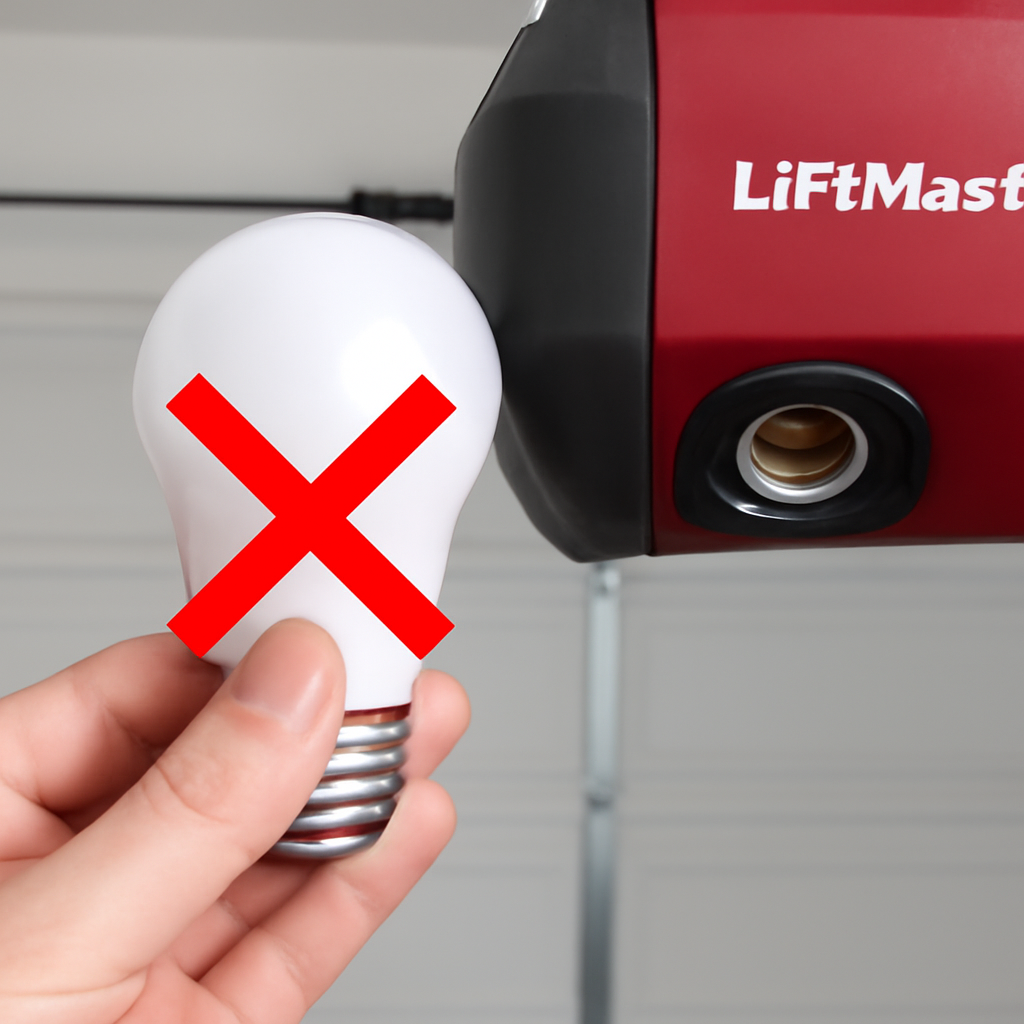
Step 2 — The LED Problem (Very Common)
This trips up a lot of homeowners. Standard LED bulbs emit radio frequency interference that can jam the receiver inside older LiftMaster openers — including the 8360W, 8355, and 3255 series. The opener may actually disable the light circuit automatically to protect its RF reception.
If you recently switched to LED bulbs and the light stopped working, this is almost certainly the cause. Your options:
- Switch back to a standard incandescent 60W bulb
- Use LiftMaster’s approved LED bulb (part #41A5034) — it’s shielded specifically to prevent RF interference
- Use any LED bulb labeled “garage door opener compatible” or “RF shielded”
This is the single most common reason a LiftMaster light stops working after a bulb change. It’s not a defect — it’s the opener protecting its own signal.
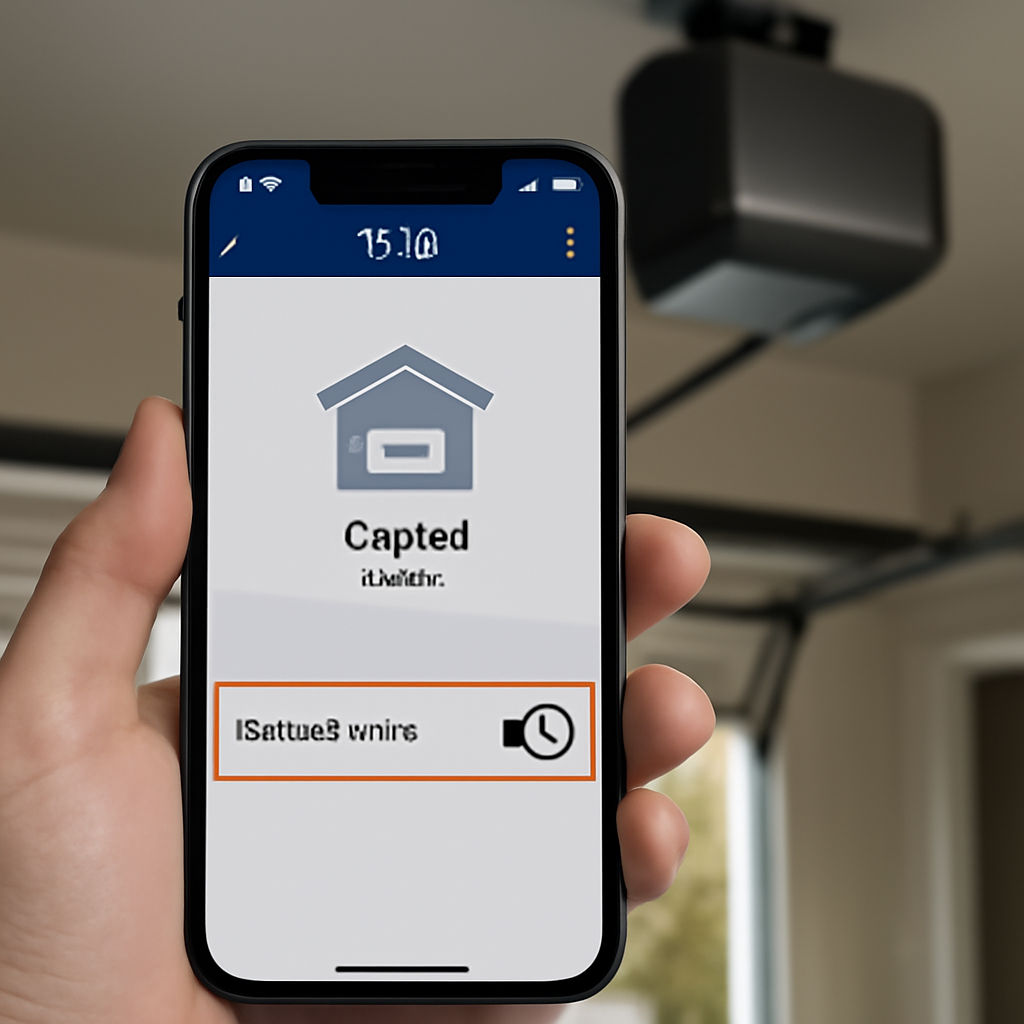
Step 3 — Check the Light Disable Setting
Some LiftMaster models have a light on/off feature that can be accidentally toggled. On models with a multi-function door control panel (like the 880LM), there may be a light disable button or a setting in the menu.
Check your wall control panel for a light button or icon. Press it once and test. On the MyQ app, check Settings — some models let you control the light remotely, and it may have been turned off there.
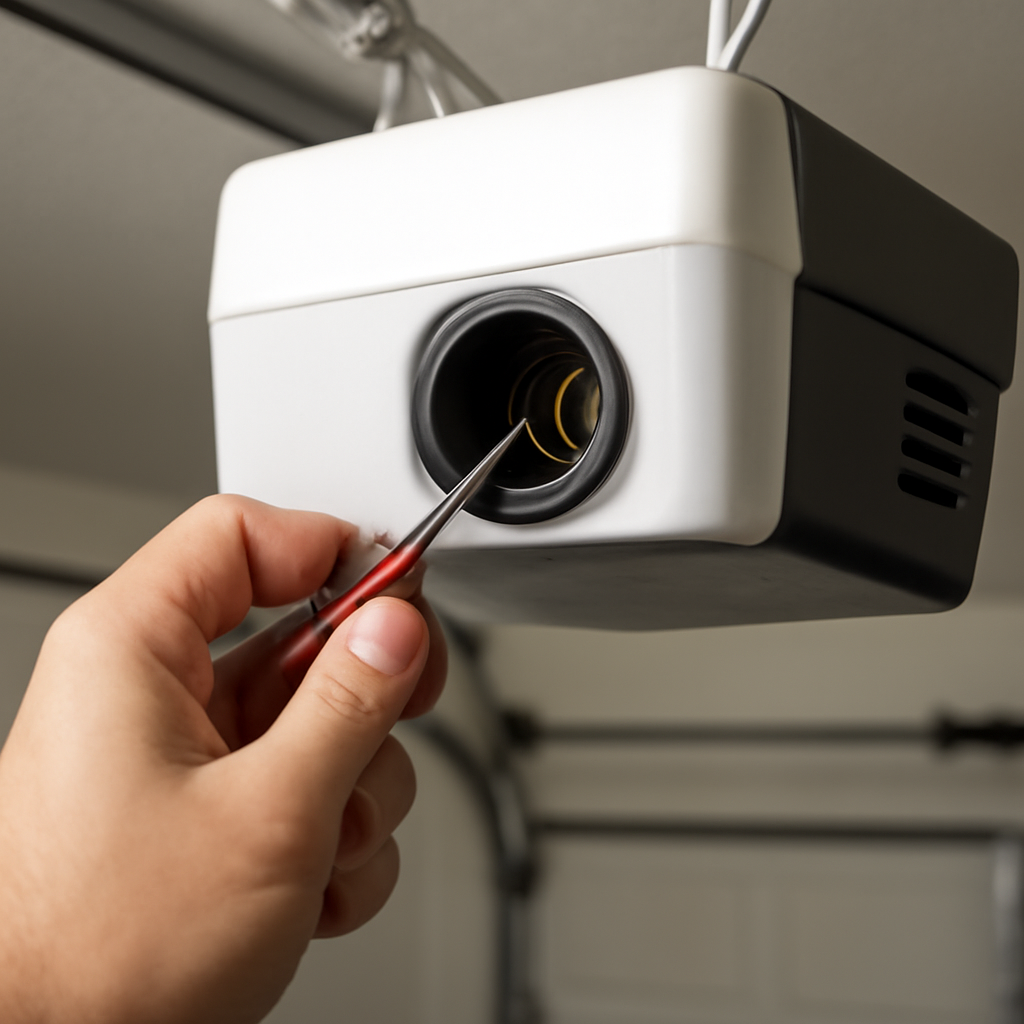
Step 4 — Inspect the Light Socket
With the opener unplugged, look inside the socket with a flashlight. Check for:
- Corrosion or burn marks on the metal contact tab at the bottom of the socket
- A flattened contact tab that’s no longer making contact with the bulb base
- Melted plastic around the socket from an over-wattage bulb
If the contact tab is flattened, you can carefully bend it back up with a small flathead screwdriver — with the opener unplugged. If there’s corrosion, a light scrape with fine sandpaper often restores contact. If the socket looks burned or melted, it needs replacement.
Step 5 — Check the Light Timer Setting
LiftMaster openers have a light timer that turns the light off automatically after a set period (usually 1–4.5 minutes). If the light works briefly and then immediately goes dark, the timer may be set to zero. Access this through the learn button sequence or your MyQ app settings depending on your model.
Step 6 — Logic Board Issue
If the bulb is good, the socket is good, and no settings are blocking the light, the light circuit on the logic board itself may have failed. This is less common but does happen — especially on openers more than 10 years old.
Signs pointing to a logic board issue: the opener works normally in every other way, you’ve tried multiple known-good bulbs, and the socket shows no visible damage. A logic board replacement costs $40–80 for the part and is a DIY-possible repair if you’re comfortable with basic electronics. Otherwise, a technician visit runs $100–$150 including diagnosis.
LiftMaster Light Troubleshooting by Model
| Model Series | Light Type | Common Issue | Fix |
|---|---|---|---|
| 8355 / 8360W | Single screw-in socket | LED interference | Use incandescent or approved LED |
| 8550W / 8587W | Single socket + camera light | Bulb or socket failure | Replace bulb; inspect socket tab |
| 3255 / 3280 | Single socket | LED interference | Switch to incandescent |
| 84501 / 84601 (DC) | Integrated LED panel | Panel failure | Panel replacement or logic board |
| WLED (wall-mount) | Integrated LED | LED driver failure | Professional repair or replacement |
Wall-mount models like the WLED use an integrated LED system with no replaceable bulb. If the light fails on these, it’s almost always an LED driver board issue — not a simple bulb swap. These models are best handled by a technician or replaced if the opener is older.
What Bulb Should You Use in a LiftMaster Opener?
LiftMaster officially recommends using their part #41A5034 LED bulb or a standard A19 incandescent up to 100W. The key requirement is that the bulb must not emit RF interference that disrupts the 315 MHz or 390 MHz receiver frequency used by most LiftMaster openers.
If you want to use a third-party LED, look specifically for bulbs rated “garage door opener safe” or “RF shielded.” Rough service LED bulbs designed for vibration resistance also tend to have better shielding. Standard household LEDs from any major brand — even quality ones — often fail this test in LiftMaster openers.
For more on LiftMaster opener issues, see our full guide on LiftMaster remote not working — many light circuit problems show up alongside remote range issues when RF interference is the cause.
If you’re considering upgrading your opener entirely, our best garage door openers with battery backup guide covers current models with integrated LED systems that don’t have this RF interference problem.
If the light issue comes with other errors, check our full guide on LiftMaster error code 4-1 causes and fixes.
Frequently Asked Questions
Why does my LiftMaster garage door light come on but then immediately go off?
This usually means the light timer is set to a very short duration, or the light disable feature was accidentally activated. Check your wall control panel for a light button and press it once to toggle. If your opener has MyQ, check the app settings under the light control menu. On older models, the light timer is adjusted via a sequence of learn button presses — check your model’s manual for the exact steps.
Can I use any LED bulb in my LiftMaster garage door opener?
No. Standard LED bulbs emit radio frequency interference that can disrupt your LiftMaster opener’s receiver, causing the remote to stop working or the light circuit to shut off. Use LiftMaster’s approved LED (part #41A5034), a bulb labeled “garage door opener compatible,” or a standard 60W incandescent. Avoid compact fluorescent (CFL) bulbs entirely — they cause the same interference problem.
My LiftMaster light worked this morning but not now — what happened?
Sudden failure like this is almost always a burned-out bulb or a loose bulb that vibrated slightly out of the socket from door operation. Unplug the opener, remove the light cover, and reseat or replace the bulb. If the bulb is fine and fully seated, check whether the light disable setting was toggled by a button press on the wall panel.
How do I replace the light socket on a LiftMaster opener?
Unplug the opener and remove the light cover. The socket assembly is usually held by two screws inside the motor housing. Disconnect the two wires connected to the socket (note which wire goes where), remove the old socket, and install the replacement. LiftMaster socket assemblies are available from authorized dealers or online for $15–30. The replacement takes about 20 minutes and requires a basic screwdriver.
Does the LiftMaster MyQ app control the garage light?
Yes, on MyQ-compatible models. The MyQ app lets you turn the garage light on and off remotely, set a light schedule, and adjust the auto-off timer. If your light stopped working after a MyQ update or after using the app, check the light settings in the app first — it may have been disabled remotely or had its timer set to zero.
Related Guides
For other LiftMaster opener guides, see How Many Openers Can You Program to a LiftMaster?, LiftMaster Garage Door Won’t Close Without Holding Button, LiftMaster Keypad Programming With No Enter Button, LiftMaster 1/3 HP Troubleshooting, How to Fix LiftMaster Error Code 1-5, LiftMaster 375UT Not Working, LiftMaster Garage Door 10 Blinks, LiftMaster Garage Door Chain Not Moving and LiftMaster Error Code 42.
For official manufacturer guidance, see LiftMaster’s official support center.